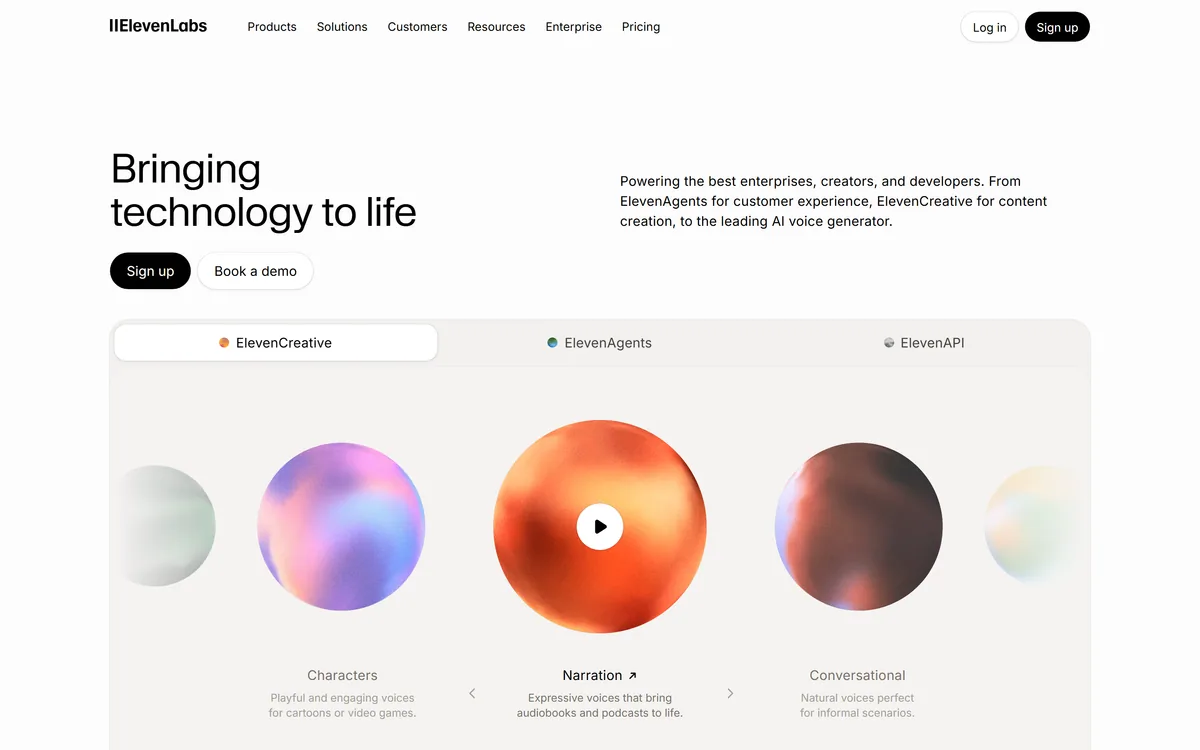

ElevenLabs is an AI audio platform covering text to speech, voice cloning, speech recognition, dubbing, music, and conversational voice agents, with a library of 5,000+ voices across more than 70 languages and an API behind every model.
Video & Audio Review
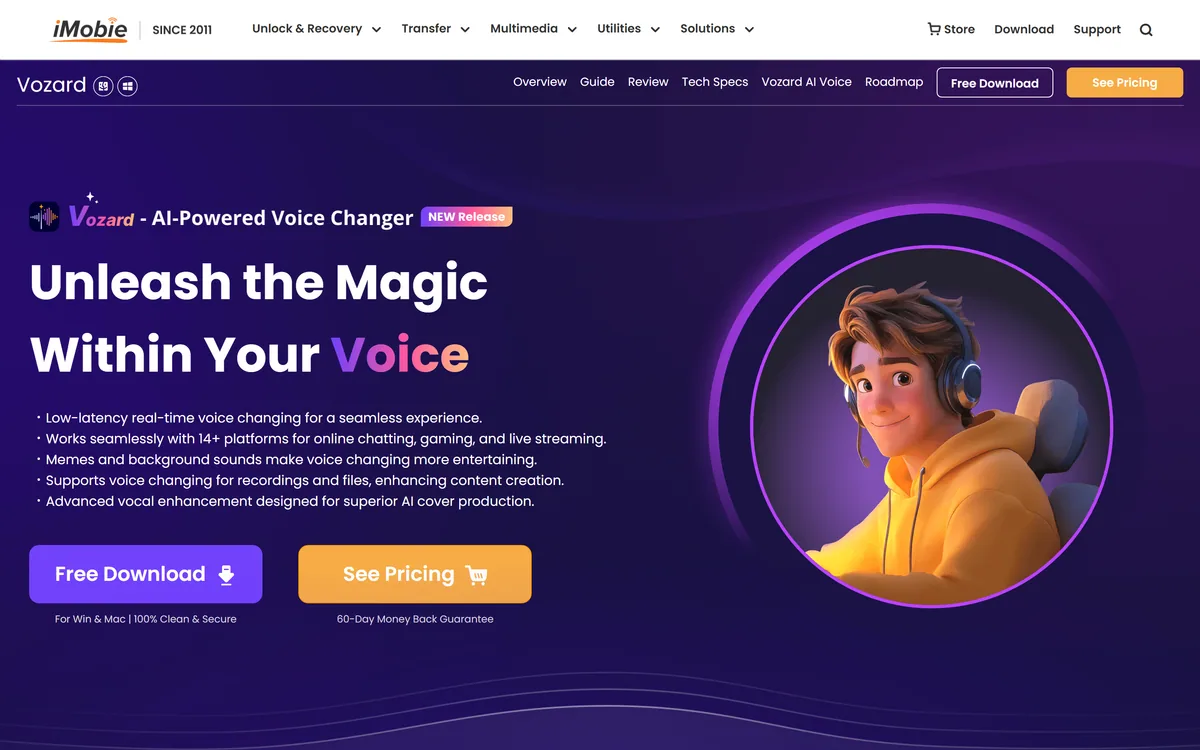
Vozard is a Windows and Mac voice changer from iMobie offering low-latency real-time conversion across more than 14 chat, gaming and streaming platforms, with over 200 sound effects, background sounds and memes, plus a recorded mode for modifying audio and video files.
Fair
As a piece of software Vozard is competent and comes from an established publisher — iMobie has shipped utilities since 2011, offers a two-month refund window and provides real support, which is more than most voice changers manage. The real-time routing across Discord, Twitch, OBS and games works the way this category needs to. What holds the score down is what it is marketed for: the headline library leans on protected characters and a named political figure, and the framing around pranking people in calls sidesteps the consent question entirely. Good software, and you have to supply the judgement yourself. AInexfinder Editor Score: 3.2/5.
Best for: Streamers performing a consistent character; Animators and audio drama producers who need a cast
The visit link goes to imobie.com, the official site. Paid placements on AInexfinder are always labelled. How we make money
Voice changers have been around since modems, and the reason the category keeps being rebuilt is that the hard part is not the effect. It is routing audio into another application convincingly enough that latency does not ruin a conversation.
Vozard is built around that problem: real-time conversion delivered as a virtual microphone into Discord, Zoom, Twitch, OBS and games.
It comes from iMobie, a long-established utility publisher, and that lineage explains both what works well here and where the marketing goes further than we would.
| Publisher | iMobie Inc., copyright range 2011–2026 per the footer |
|---|---|
| Platforms | Windows and Mac desktop software |
| Real-time mode | Low-latency live conversion via microphone input |
| Recorded mode | Voice modulation applied to uploaded audio and video files |
| Effects | 200-plus sound effects across cartoon, movie, celebrity and feature categories |
| Extras | Background sound effects and sound memes |
| Compatibility | Stated as 14-plus platforms including Discord, Zoom, Fortnite, Twitch and OBS |
| Additional feature | Vocal enhancement aimed at AI cover production |
| Guarantee | 60-day money-back guarantee stated |
| Support | 24/7 customer service stated |
| Sibling products | AnyUnlock, DroidKit, AnyTrans, PhoneRescue for iOS, AnyFix and FocuSee |
| Roadmap | A public roadmap page published alongside the product |
The compatibility claim covers Discord, Zoom, Fortnite, Twitch and streaming tools such as OBS, described as 14-plus platforms for chatting, gaming and live streaming.
Understanding how that works explains both the value and the limitations, because a voice changer does not integrate with these applications at all.
It installs a virtual audio device — a driver that presents itself as a microphone. Your real microphone feeds the software, the software processes it, and the result is offered to any application as an input you can select.
So platform support is mostly a question of whether an application lets you choose your microphone. Almost all do, which is why the list is long and why fourteen is a floor rather than a ceiling.
The genuine engineering is in latency. Processing audio and passing it on adds delay, and beyond roughly a hundred and fifty milliseconds a conversation becomes unusable — people talk over each other and neither knows why. Low latency is the claim to test in a real call, not in a preview.
A voice changer does not integrate with Discord. It installs a virtual microphone, and every app that lets you pick an input supports it.
Beneath the marketing there are real, unobjectionable reasons to want this software, and they are worth separating from the rest.
Character work is the largest. Anyone producing animation, audio drama, game dialogue or fan content needs several voices and usually has one, and a voice changer is the cheap route to a cast.
Streaming personas are the second. A streamer performing a character consistently is doing entertainment in front of an audience that knows it is a performance, which raises no consent question at all.
Privacy is the third and least discussed. Some people have legitimate reasons not to broadcast their real voice in public voice channels — harassment being the obvious one — and a changed voice is a reasonable protection.
The recorded mode supports a fourth: fixing or altering a voice in footage you already have, which is closer to Voicemaker's speech-to-speech territory than to live pranking, and is the most straightforwardly professional use on the list.
The effect library is the product's headline, and the examples named on the page are specific: SpongeBob, Darth Vader, Mickey Mouse, Squidward, and a named US political figure, alongside anime characters from current series and a category simply labelled celebrity.
This is where a review has to be direct rather than diplomatic.
Those characters are owned. Mickey Mouse, Darth Vader and SpongeBob belong to companies with active licensing programmes and equally active legal departments, and the rights to a character's voice sit with the rights holder rather than with whoever built an impression of it.
Using such a voice privately among friends is one thing. Publishing content with it, monetising a stream that features it, or releasing an AI cover using a recognisable performer's voice puts you in a position where the exposure is yours and not the software vendor's.
A real, identifiable person's voice raises a separate question again. Several jurisdictions recognise rights over a person's voice and likeness, and using a public figure's voice to say things they did not say is a category of content that platforms increasingly remove regardless of intent.
The site's own framing includes pranking gaming teammates and using different vocal identities in chats and meetings with friends, family or colleagues.
Among friends who are in on it, that is entertainment and nobody's business but yours. The framing deserves a caveat anyway, because two of those settings are not that.
A meeting is a working conversation where people assume they know who is speaking. Using a disguised voice there without saying so changes what the other participants believe they are agreeing to, and in some sectors recording and identity in meetings are regulated rather than merely awkward.
Calls with people who have not consented are the sharper case. A voice that sounds like someone else, used on someone who does not know, is the mechanism behind a well-documented class of telephone deception, and that is the reason to be thoughtful rather than any objection to the software.
The practical rule is simple and costs nothing: if the other person does not know your voice is modified, the situation needs re-examining. Everything on the legitimate list above passes that test easily. Localisation is the adjacent case with none of these questions attached, and Dubbing AI is built for it.
The footer carries a copyright range from 2011 to 2026 and lists a catalogue of sibling utilities — phone unlocking, data transfer, recovery and screen recording tools — alongside a support centre, EULA, privacy policy and a public roadmap for Vozard.
For desktop software that installs an audio driver, publisher provenance matters considerably more than it would for a web app.
A virtual audio device runs with elevated access to your system's sound stack. Installing one from an unidentifiable publisher is a genuine risk, and much of this category is exactly that — anonymous downloads with no company behind them.
Fifteen years of continuous operation, a named legal entity, a published EULA and a support organisation are meaningful mitigations. So is a sixty-day refund window, which is a longer commitment than consumer software usually offers.
The counterweight is that a large utility catalogue means Vozard competes internally for engineering attention, and the roadmap page is the right place to judge how much it is currently getting. Anything you produce still has to be edited somewhere, and Videoleap covers that end.
Most complaints about voice changers are audio routing problems rather than product faults, and they are all avoidable with a few minutes of setup.
This sequence gets it working and tests the things that actually matter.
Low-latency real-time voice conversion
Virtual microphone routed into other applications
Recorded mode for audio and video files
200-plus sound effects across four categories
Background sound effects and sound memes
Vocal enhancement for cover production
Windows and Mac desktop support
A published product roadmap
Voice tools split by whether they run live, render files, or build agents.
| Tool | Runs | Output | Best for |
|---|---|---|---|
| Vozard | Live on desktop, plus files | Virtual microphone | Streaming, gaming and character work |
| Voicemaker | Cloud, on text or recordings | Audio files | Narration and voiceover production |
| Dubbing AI | Cloud, on video | Dubbed video | Localising finished content |
| Videoleap | Web and mobile | Edited video | Editing rather than voice conversion |
| Vocode | Server-side | Live phone calls | Developers building voice agents |
Other voice tools across narration, dubbing, editing and agents.
Last checked . Read from the Vozard product pages on imobie.com in a browser session on the date above, including the full footer. The screenshot was captured at the same time.
What we could not confirm: actual measured latency, which is the claim that decides whether live use works; whether the software holds any licences for the characters and public figures named in its effect library; how the celebrity category is sourced; whether the vocal enhancement feature performs any rights checks for AI cover production; and how the 14-plus platform figure is counted, given that support depends on an application allowing microphone selection. Plan prices are on the site and are not reproduced here. We did not install or run the software.
AInexfinder does not list plan prices or billing details. For current pricing, plans, and trials, visit the official Vozard website.
Visit official website for pricingVendor pricing, credits, and billing policies change over time. Always confirm on the official site before you buy.
Vozard earns an AInexfinder Editor Score of 3.2/5 (fair). Best for: Streamers performing a consistent character; Animators and audio drama producers who need a cast; Game developers prototyping dialogue voices.
Visit VozardLog in to write a review.
No reviews yet. Be the first to share your experience with Vozard.
Assigned reviewer
Daniel ReedSenior AI Tools Reviewer
Daniel leads AInexfinder's tool reviews. He researches each tool from its own pricing, documentation and policies, checks its claims against independent sources, and writes up what it does well, where it falls short and who it genuinely suits.
Daniel and the AInexfinder editorial team research Vozard from its own website, pricing, documentation and policies, checked against independent sources. This review is research-based: unless its method note says otherwise, we have not bought a plan or run hands-on tests. The Editor Score is our editorial judgement, and payment never changes it.
Similar Tools
ElevenLabs is an AI audio platform covering text to speech, voice cloning, speech recognition, dubbing, music, and conversational voice agents, with a library of 5,000+ voices across more than 70 languages and an API behind every model.

PlayHT review on AInexfinder — freemium AI tool for Video & Audio. Features, pricing notes, and alternatives.
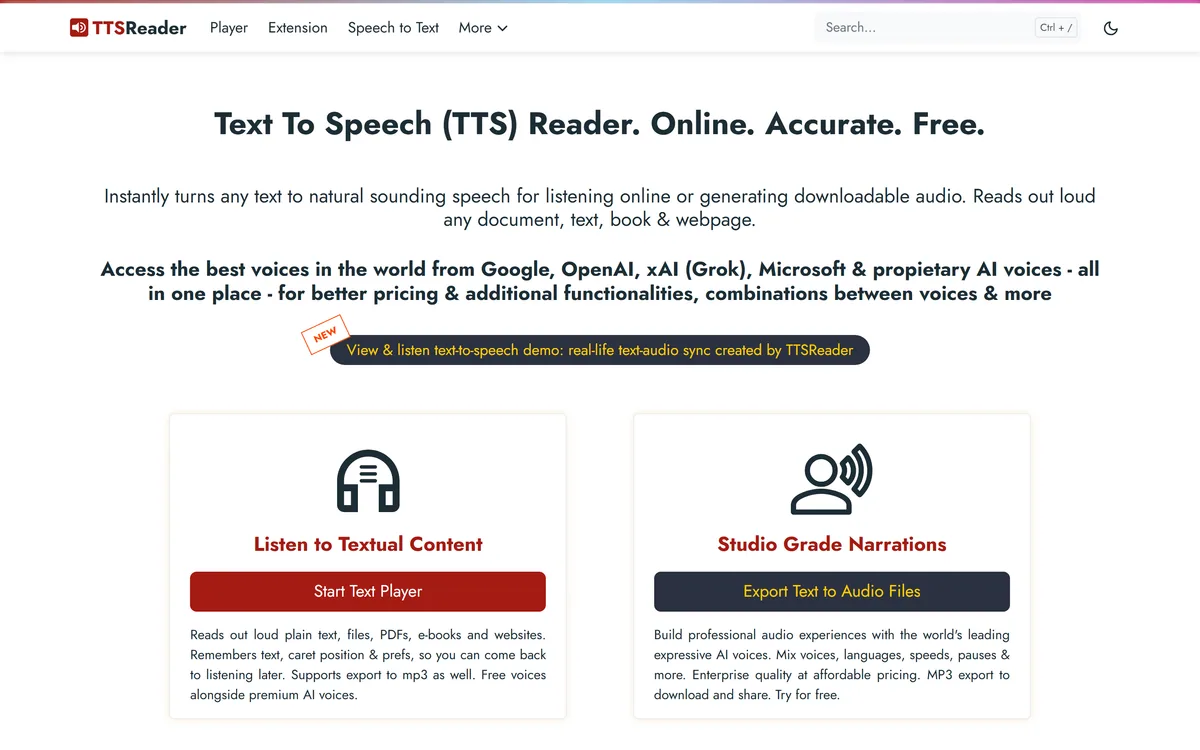
TTSReader turns text, PDFs, and EPUB files into speech in the browser, with voice and language selection, speed control, text highlighting, and MP3 export — the free tier runs on browser voices with no usage cap.
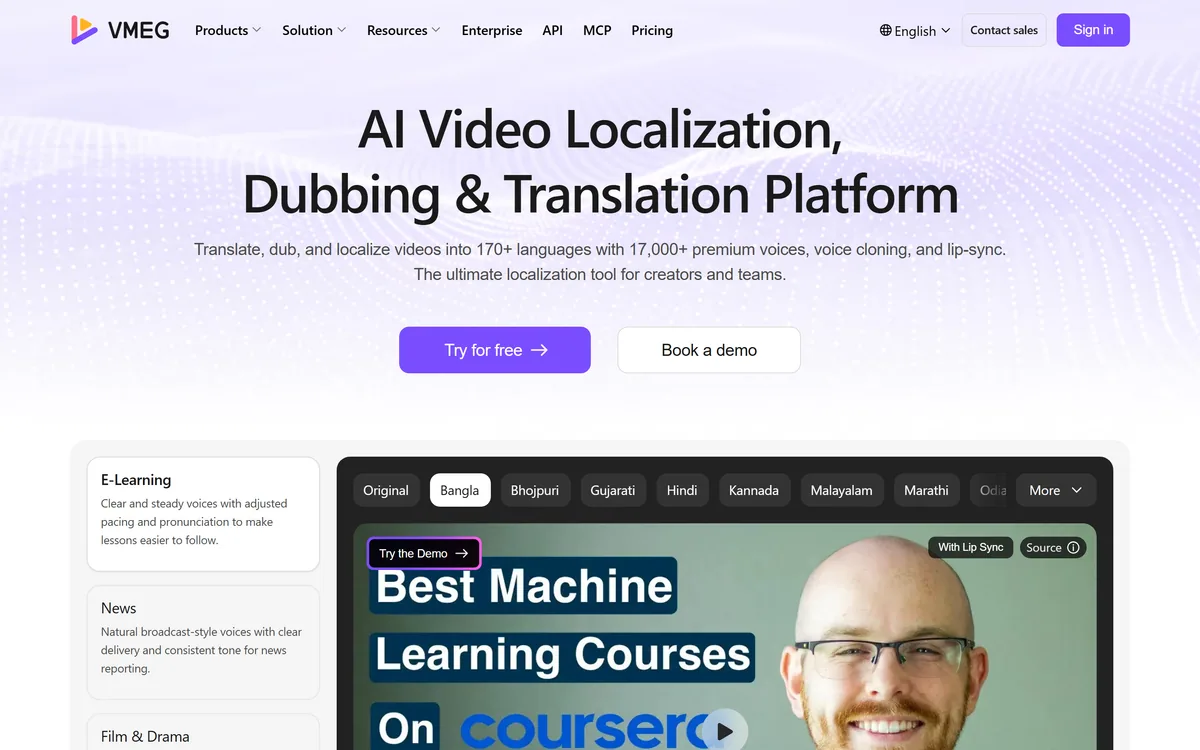
VMEG from PixRipple translates and dubs video into 170+ languages using 17,000+ voices, with voice cloning, lip-sync, subtitle generation, batch processing, and API and MCP access for automated localisation.

AI and human transcription and subtitles in 150+ languages

Runway is an AI video platform built around generative world models — Gen-4.5, Aleph 2.0, and Act-Two for performance capture — split across Runway Creative for filmmakers, Runway Dev for builders, and Runway Robotics.
Related Pages