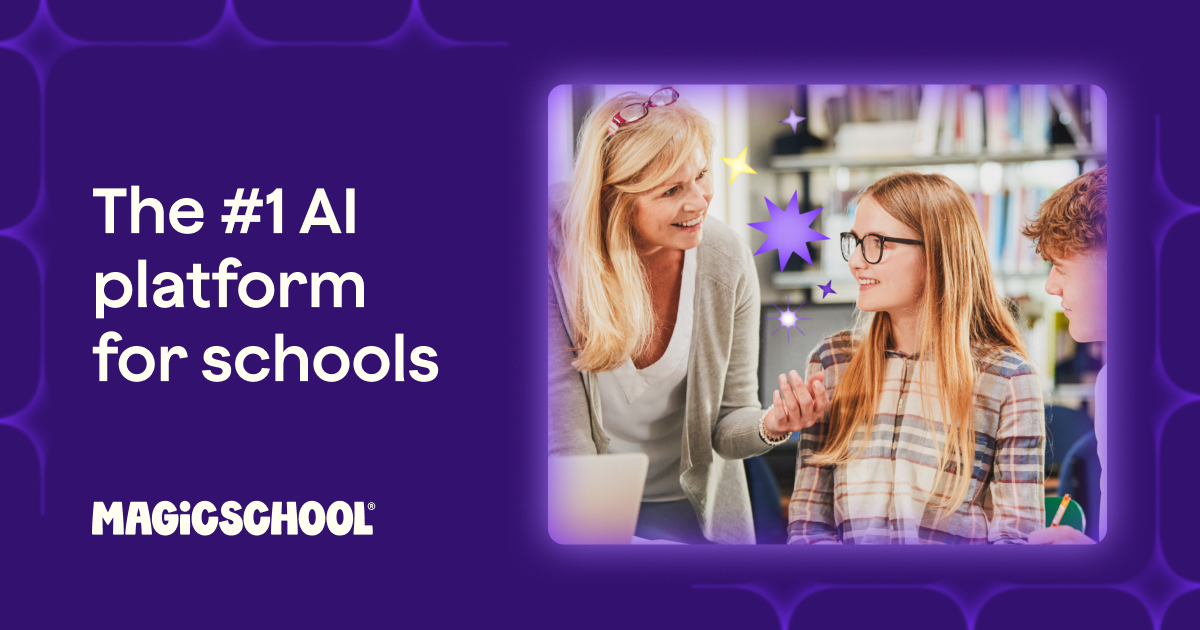
What is MagicSchool AI?
MagicSchool AI is an AI platform built specifically for educators and schools, positioning itself as an AI operating system for education that helps teachers save time on planning, grading, communication, and administrative work.
The platform offers a large collection of more than 80 specialized AI tools tailored to common classroom tasks, including a lesson plan generator, presentation and slide generator, quiz and rubric makers, writing feedback tools, report card comment generators, IEP (individualized education plan) drafting, and an AI tutor.
Beyond individual teacher tools, MagicSchool provides a separate student-facing environment with dozens of tools that operate inside safe, teacher-managed guardrails, allowing schools to introduce AI to learners responsibly.
It serves three main audiences: individual teachers looking to reduce planning and grading time, students learning within controlled settings, and school or district leaders managing broader adoption with administrative oversight, training, and data privacy controls.
Real features include the broad library of education-specific generators, standards-aligned lesson and assessment creation, differentiation and accommodation tools, student tools with safety controls, and admin and district management capabilities.
The main advantages are the breadth of purpose-built tools that map directly to teacher workflows, a generous free offering for individual educators, and a strong focus on student safety and responsible AI use.
The drawbacks are that AI-generated content still needs teacher review for accuracy and alignment, the sheer number of tools can be overwhelming at first, and full school or district features sit behind institutional licensing.
MagicSchool offers free access for individual teachers along with paid plus and enterprise or district plans for advanced and organization-wide use. Pricing changes often, so check the official site for current plans.
Who is MagicSchool AI for?
MagicSchool AI is best suited for ai platform that saves teachers time on planning and grading. Whether you are trying this kind of education & research tool for the first time or use one every day, it is a credible option to shortlist — compare it with the alternatives and head-to-head comparisons linked on this page to find the best fit for your workflow and budget.