Writing & ContentEmail Writing

Email Writing AI Tool Reviews

Write better emails faster with AI email assistants. Every tool here has its own review, so you can check what it does and how it is priced before you choose an email writing tool.

See the best Email Writing AI tools
5+ Reviews4 FreeRegularly updated

Email Writing Tool Reviews

SmartWriter screenshot

SmartWriter review on AInexfinder — subscription AI tool for Writing & Content. Features, pricing notes, and alternatives.

Est.4.3/5Paid
MailMaestro screenshot

MailMaestro is an AI email assistant from Maestro Labs that drafts replies, summarizes threads and triages your inbox directly inside Outlook and Gmail, offering three drafts per request in your tone across 20+ languages, with enterprise-grade security.

4.2/5Freemium
Lavender screenshot

Lavender review on AInexfinder — freemium AI tool for Writing & Content. Features, pricing notes, and alternatives.

Est.4.5/5Freemium
Shortwave screenshot

Shortwave review on AInexfinder — freemium AI tool for Writing & Content. Features, pricing notes, and alternatives.
Est.4.4/5Freemium
WriteMail.ai screenshot

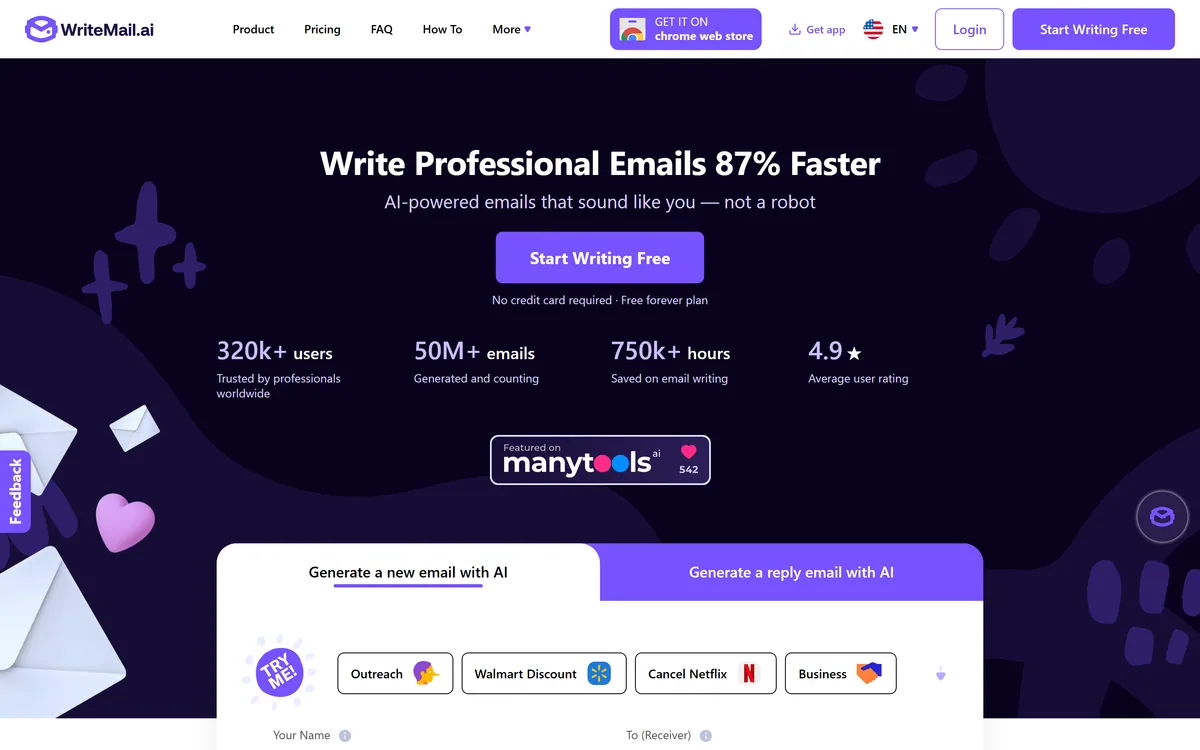
WriteMail.ai writes and replies to emails from a few key points, with controls for length, style, tone and mood across 30+ languages. It integrates directly into Gmail via a Chrome extension, and states that generated messages never touch its servers.

3.7/5Freemium

What Counts as an Email Writing AI Tool?

Email Writing AI tools are products whose core function applies AI to email writing. A tool belongs here when that is the job it is built for, rather than a side feature.

Because this is a focused slice of writing & content, the tools below do broadly the same job — so compare them on what they actually produce and how they are priced. Each review shows the tool's pricing model and whether it has a free tier.

Email Writing AI tools reviewed here include:

  • SmartWriter — SmartWriter review on AInexfinder — subscription AI tool for Writing & Content. Features, pricing notes, and alternatives.
  • MailMaestro — MailMaestro is an AI email assistant from Maestro Labs that drafts replies, summarizes threads and triages your inbox directly inside Outlook and Gmail, offering three drafts per request in your tone across 20+ languages, with enterprise-grade security.
  • Lavender — Lavender review on AInexfinder — freemium AI tool for Writing & Content. Features, pricing notes, and alternatives.
  • Shortwave — Shortwave review on AInexfinder — freemium AI tool for Writing & Content. Features, pricing notes, and alternatives.
  • WriteMail.ai — WriteMail.ai writes and replies to emails from a few key points, with controls for length, style, tone and mood across 30+ languages. It integrates directly into Gmail via a Chrome extension, and states that generated messages never touch its servers.

Reviews are re-checked on a rolling basis

Email Writing AI Tools — Frequently Asked Questions

What Does Email Writing Cover?
Email Writing covers AI tools built for email writing. Reviewed tools here include SmartWriter, MailMaestro, Lavender, each with its own review covering pricing, features and an Editor Score.
Are There Free Email Writing AI Tools?
Yes. MailMaestro, Lavender, Shortwave, WriteMail.ai all offer a free plan or free trial. Use the pricing filter above to see every email writing tool with a free option.
How Do I Choose the Right Email Writing AI Tool?
Start with your main use case and budget, shortlist two or three tools above, and compare their reviews, pricing and free plans. Where a free plan or trial exists, run a real task of your own through it before committing.
How Is Email Writing Different From Other Writing & Content Tools?
Email Writing tools focus specifically on write better emails faster with ai email assistants, so they usually go deeper on that job than a general writing & content tool.

Launching a New Email Writing Tool?

Submit it for an editorial review and a page in front of people comparing email writing tools before they buy.