Bad audio ruins more recordings than bad video does, and it is far less forgiving. Viewers will tolerate a soft picture for an hour and will abandon a clear one with hum on the voice inside a minute.
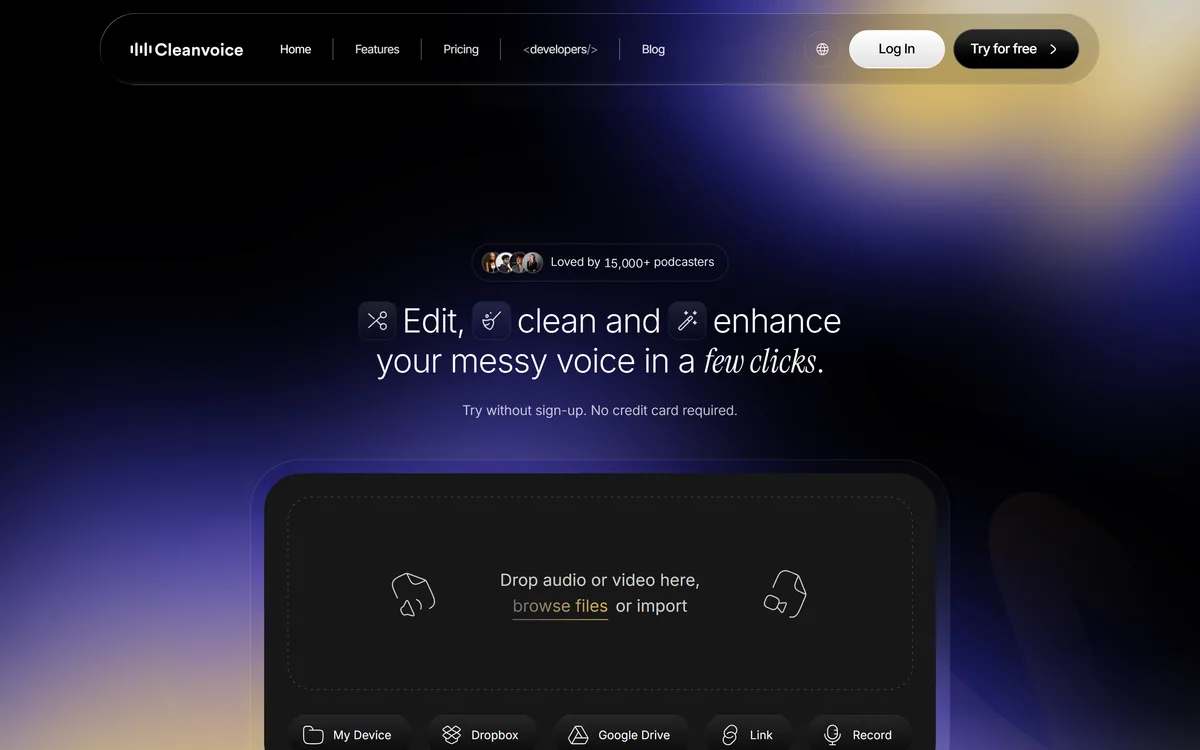
The recordings this matters for are usually the ones that cannot be redone, which is why podcast-specific tools such as Cleanvoice AI exist alongside general cleaners. An interview that will not happen again, a lecture recorded once, a call where the important thing was said over a bad line.
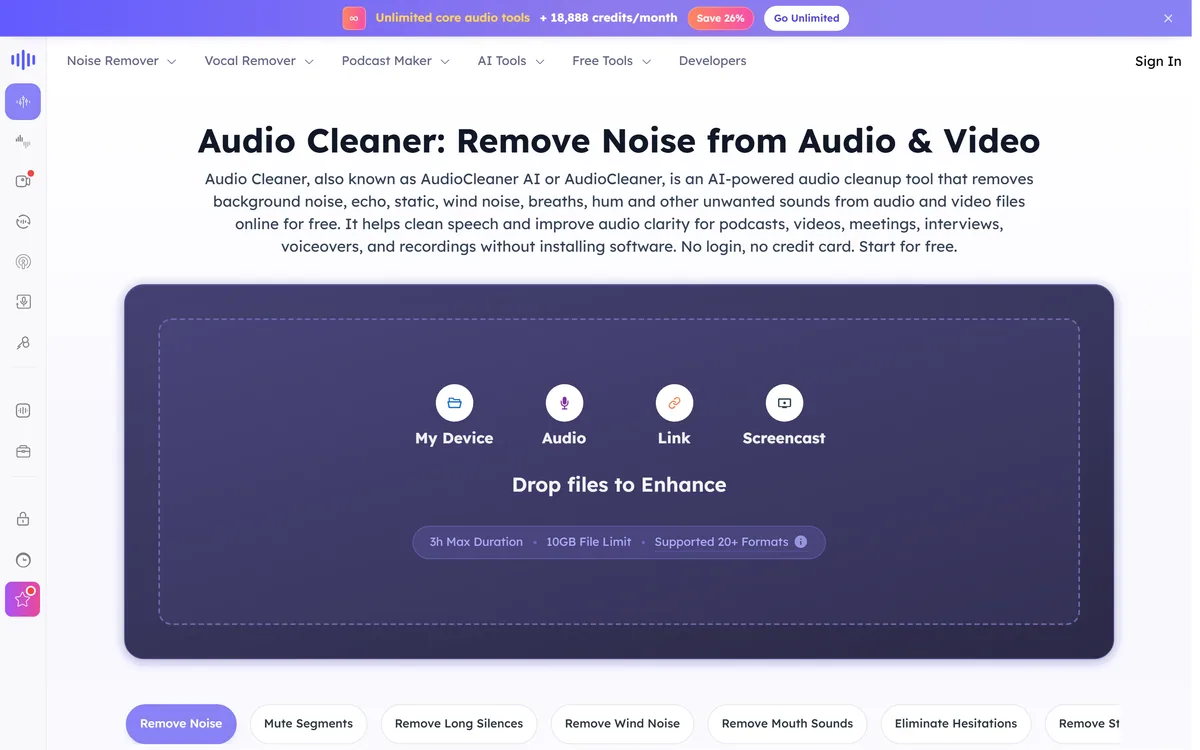
AudioCleaner AI addresses that, and it does something slightly unusual for a browser tool: it publishes its limits on the homepage rather than burying them in a plan comparison. Three hours, ten gigabytes, twenty-plus formats. That transparency is the right instinct, and it makes the tool easy to assess before uploading anything.
What Does AudioCleaner AI Fix?
- Two different jobs: removing unwanted sound — noise, echo, static, wind, breaths, hum, reverb — and separating a mix into individual stems.
- Generous limits for a browser tool: 3 hours maximum duration and a 10GB file limit, across 20+ formats including MP3, MP4, WAV, MOV, WMA and AAC.
- Files are deleted after one day — both originals and edited versions — which is a specific, checkable commitment.
- Free credits on registration, plus 10 more every 24 hours up to three times, so it can be tested properly before paying.
- Video is handled too, not just audio, which matters because most bad audio arrives attached to a video file.
| Product type | Browser-based audio cleanup and stem separation |
|---|
| Noise removal covers | Background noise, echo, static, wind, breaths, hum, mouth sounds, reverb |
|---|
| Separation | Vocal isolation and stem splitting across vocals, drums, guitar, bass and piano |
|---|
| Formats supported | 20+, including MP3, MP4, WAV, MOV, WMA and AAC |
|---|
| Maximum duration | 3 hours |
|---|
| Maximum file size | 10GB |
|---|
| Video support | Yes — video files are accepted alongside audio |
|---|
| Data retention | Original and edited files stored for 1 day, then permanently removed |
|---|
| Free allocation | 35 credits on registration, plus 10 credits every 24 hours up to three times |
|---|
| Adjacent tools | Podcast generation, audio translation, transcription, voice changing, cover generation, audio editing |
|---|
| Pricing model | Freemium with paid subscription plans; amounts not disclosed |
|---|
Noise Removal And Stem Splitting Are Different Problems
The site covers both, and they are worth separating because one is far more reliable than the other.
Noise removal is subtractive. Hum, hiss, air conditioning and wind occupy identifiable parts of the frequency spectrum, and a model trained to recognise them can attenuate them while leaving speech intact. When the noise is steady and distinct from the voice, results are frequently excellent.
Stem splitting is separative, and much harder. Pulling vocals, drums, bass and guitar out of a finished mix means undoing a sum — the instruments were combined into two channels and the information distinguishing them is genuinely entangled. Modern separation is remarkably good and it always leaves artefacts, usually audible as a watery quality on the isolated vocal.
The practical implication is about expectation rather than quality. Cleaned dialogue can be broadcast. Separated stems are excellent for practice, for a remix, for karaoke or for reference — and rarely good enough to present as a clean original recording.
Transcript editors such as Descript bundle some of this. Echo and reverb removal sits between the two and is the hardest of the common tasks, because reverb is the room repeating the voice rather than a separate sound. Expect improvement rather than elimination.
Noise removal takes away something that was added. Stem splitting tries to undo a sum — and something is always lost in the arithmetic.
What Cleanup Cannot Repair
It is worth being direct about the limits, because they are physical rather than a matter of model quality.
Clipping is unrecoverable. When a recording was too loud, the peaks were flattened at the point of capture and that waveform information no longer exists. Software can smooth the distortion; it cannot restore what was never recorded.
Speech buried under louder speech is close to unrecoverable too, because separation depends on the target being distinguishable, and a competing voice occupies the same frequencies as the one you want.
Very heavy compression from a bad phone line or a low-bitrate export has already discarded audio data permanently, and no cleanup restores it.
The one intervention that dwarfs all of these is prevention: a cheap external microphone placed close to the speaker beats any amount of post-processing on a laptop microphone across a room. Cleanup is for the recording you already have, not a substitute for making a better one.
Should You Remove Every Breath?
AudioCleaner AI lists breath removal alongside noise and hum, and this deserves a note because it is the setting most often overdone.
Speech contains breath. Removing it entirely produces audio that is technically cleaner and subtly wrong — listeners register the result as processed without being able to say why, and long-form content becomes oddly tiring to listen to.
The same applies to aggressive silence trimming. Natural pauses carry meaning, and a voice with every gap closed sounds rushed regardless of the actual speaking speed.
The judgement depends on format, and on whether a publishing tool such as Rebel Audio is already processing the file. For a short advertisement or a tightly cut explainer, heavy processing is fine and expected. For a long interview or a podcast, restraint is better — the goal is audio that sounds like a good recording rather than audio that sounds edited.
The reliable test is to process one minute at your chosen settings and listen to it uninterrupted before applying anything to a full recording. Problems that are inaudible in a ten-second sample become obvious across sixty seconds.
- Process one minute and listen to it fully before applying settings to an entire recording.
- Use lighter breath removal on long-form content than on short-form.
- Preserve natural pauses; closing every gap makes a voice sound rushed.
- Do noise removal before any loudness normalisation, or you amplify the noise first.
- Keep the original file, since every cleanup is a lossy decision you may want to revisit.
One-Day Deletion Is A Real Commitment
The site states plainly that it stores both your original and edited files for one day, after which they are permanently removed.
That is a specific, time-bound and checkable statement, and it is meaningfully better than the vague reassurance most file-processing tools offer. A retention policy with a number attached is one a company can be held to.
It matters here more than in many categories, because audio uploads are frequently confidential: recorded interviews with named sources, client calls, medical or legal discussions, and lectures with attendees who never agreed to anything.
There is a practical consequence to plan around as well as a privacy benefit. One day means download promptly — a file you leave until the weekend is gone. For a batch project, work in sessions rather than uploading everything and processing gradually.
The caveat is the usual one: a stated policy is a promise rather than an audited control, and no third-party attestation accompanies it. For genuinely sensitive material — privileged legal recordings, unpublished journalism with confidential sources — local processing on your own machine remains the more defensible choice regardless of what any cloud tool promises.
Testing It On Your Worst Recording
The free credits make this genuinely testable, and the right test uses your hardest file rather than a clean sample.
The bar is step three. A tool that cannot rescue your typical bad recording is not one you will reach for when it matters.
- Register for the free credits and pick the worst recording you actually need fixed, not a demonstration file.
- Process a one-minute excerpt first rather than the whole thing, so you spend one credit learning the settings rather than several.
- Listen to that minute on the device your audience will use — phone speakers and headphones expose completely different artefacts.
- Try one setting at a time. Noise removal, then echo, then breath, so you can hear which one caused any degradation.
- If stem splitting is what you need, test on a mix you know well and listen specifically for the watery quality on the isolated vocal.
- Download everything before the day is out, since files are deleted after 24 hours.
The Credit Model And What Is Missing
New users receive 35 free credits on registration plus 10 more every 24 hours, up to three times, with paid subscription plans above that; amounts are not disclosed on the pages we read.
That free allocation is generous enough to be a real evaluation rather than a teaser, and the daily top-up structure is well judged — it lets someone with one occasional recording use the tool indefinitely without paying, which builds the habit that eventually converts.
What is not published is more concerning than the pricing. No company name or legal entity appears on the pages we read, and no underlying AI model or provider is named. For a tool processing confidential audio, knowing who operates it is a reasonable thing to want.
The tool list is also very broad — noise removal, vocal removal, podcast generation, audio translation, transcription, voice changing, cover generation and editing. Breadth like that usually means depth in one or two and thin coverage elsewhere.
The sensible approach is to use it for the cleanup it does well and to evaluate any adjacent tool separately rather than assuming the whole suite is equally good.