Duplichecker review on AInexfinder — freemium AI tool for Writing & Content. Features, pricing notes, and alternatives.
Writing & Content Review
BeLikeNative is a Chrome extension for people who use English as a second language at work: select a sentence, press a shortcut, and get it back in clear, natural English, with tone options and translation, working inside Gmail, Outlook, Slack, LinkedIn, Docs and Teams.
Good
BeLikeNative earns 3.9 for doing one thing cleanly: turning a second-language professional's English into clear, natural wording in a single keyboard shortcut, in place, across Gmail, Slack, LinkedIn and more, with tone control and translation. It is deliberately narrow, not a full writing suite, and its rating figures are vendor-stated, but for people who second-guess every work email it removes a daily friction neatly. AInexfinder Editor Score: 3.9/5.
Best for: Second-language professionals; Heavy work-email writers
The visit link goes to belikenative.com, the official site. Paid placements on AInexfinder are always labelled. How we make money
For millions of people, English is a second language they use at work every day, and the friction is not grammar they do not know but second-guessing every email. BeLikeNative targets exactly that moment.
It is a Chrome extension that lets you select a sentence, press a shortcut, and get it back in clear, natural English, with tone options and translation, inside Gmail, Outlook, Slack, LinkedIn, Docs and Teams. It overlaps with broad writing assistants like Grammarly, but its narrow, one-shortcut focus on ESL rewriting is the point.
This review covers how BeLikeNative works in your apps, who it helps most, how it prices, and who should look elsewhere.
BeLikeNative's whole design is one gesture: highlight a sentence, press your shortcut, and it returns a clear, natural version you can paste. That tight loop is what makes it usable in the flow of writing an email rather than a tool you have to go to.
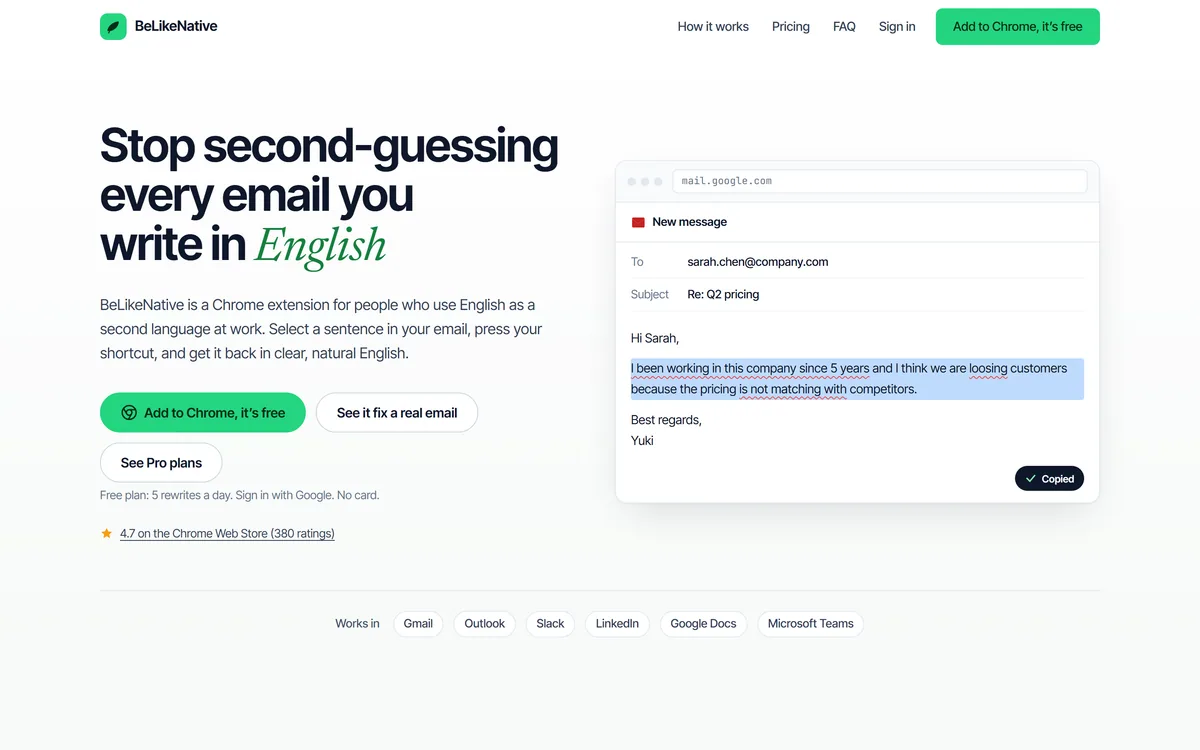
The target user is specific and well served: a professional who uses English as a second language and wants to stop doubting tense, prepositions and phrasing in work messages. The site's before-and-after examples, 'I been working since 5 years' becoming 'I have been working for 5 years', capture exactly the corrections it makes.
It is deliberately narrow. It does not try to be a full writing suite; it does one job, turning your English into natural English in place, which is why it fits a keyboard shortcut rather than a dashboard.
The friction for a second-language writer is not grammar they do not know but second-guessing every email. BeLikeNative targets exactly that moment, in one keystroke.
The value is the in-place workflow and the control you get over the rewrite.
You select text in whatever you are writing, press the shortcut, and get a corrected, natural rewrite, fixing tense, prepositions, spelling and awkward phrasing, without leaving the app. Because it works on a selection, it fits a reply box as easily as a document.
That in-place model is where it differs from going to a separate editor. A broad assistant like Grammarly also corrects inline, but BeLikeNative's single-purpose ESL focus and one-shortcut flow are leaner for the specific job of sounding natural.
Beyond a straight fix, it offers tone prompts, make formal, professional, fix grammar, so the same sentence can be adjusted for a manager, a client or a LinkedIn post, and it can translate. It runs in Gmail, Outlook, Slack, LinkedIn, Google Docs and Microsoft Teams.
That spread covers where work writing actually happens. For translation-heavy or localisation work a dedicated tool like Smartcat goes deeper; BeLikeNative keeps translation as one convenient option alongside its core rewrite.
BeLikeNative helps professionals who use English as a second language and write a lot of work messages, email, Slack, LinkedIn, where sounding clear and natural matters and the anxiety of getting it wrong is real.
It suits people who want speed and privacy of flow, fixing a sentence in place beats pasting into a chatbot, and who value tone control for adjusting the same message to different audiences. The broad app coverage means it works wherever they write. For longer-form drafting rather than in-place fixes, a writing document like Type.ai is the better companion, since BeLikeNative is built for sentences and short messages.
It helps less a native English writer who needs deep style and structure help across long documents, where a full writing suite does more, and anyone wanting a standalone drafting tool rather than an in-place fixer. Its rating and user figures are vendor-stated. The quiet benefit it delivers is confidence: for someone who hesitates before every message, knowing a clear version is one keystroke away changes how freely they communicate at work, which is harder to measure than grammar fixes but is often the real reason people keep it installed.
BeLikeNative is freemium: a free plan gives a handful of rewrites a day with a Google sign-in and no card, and paid plans lift the limit. We do not publish prices, which change; check the site.
The free allowance is enough to judge whether the rewrites genuinely sound natural in your own writing, which is the thing to test, since quality is everything for this kind of tool.
The value question is simple: for someone who writes work English all day, removing the daily second-guessing is worth a modest subscription; for occasional writers, the free tier may cover it.
Because it lives in your real apps, test BeLikeNative on the messages you actually struggle with.
| What it is | An ESL writing-assistant Chrome extension |
|---|---|
| Workflow | Select, press a shortcut, get a rewrite |
| Does | Fix, rewrite, change tone, translate |
| Works in | Gmail, Outlook, Slack, LinkedIn, Docs, Teams |
| Audience | People using English as a second language at work |
| Free tier | 5 rewrites a day, Google sign-in, no card |
| Rating | 4.7 on the Chrome Web Store (380 ratings, vendor) |
| Access | Freemium Chrome extension |
Select-and-shortcut rewriting
Fix grammar, tense and phrasing
Tone options (formal, professional)
Translation
Works across six-plus apps
Keyboard-driven, in-place
Free daily allowance
Chrome extension
The useful comparison is with broad writing assistants and translation tools.
| Tool | Tool | Focus | Best for |
|---|---|---|---|
| BeLikeNative | In-place ESL rewriting | One-shortcut natural English | Second-language professionals |
| Grammarly | Broad writing assistant | Grammar, style, tone | General writing help |
| Smartcat | Translation and localisation | Deep translation workflows | Localisation teams |
| Type.ai | AI writing document | Longer-form drafting | Document writing |
Last checked . Read from belikenative.com during this check, with the screenshot above captured at the same time.
BeLikeNative's rating and user figures are vendor-stated. It is a focused in-place rewriter, not a full writing suite; judge rewrite quality on your own writing.
A broad writing assistant, a translation tool and a writing document to weigh alongside BeLikeNative.
AInexfinder does not list plan prices or billing details. For current pricing, plans, and trials, visit the official BeLikeNative website.
Visit official website for pricingVendor pricing, credits, and billing policies change over time. Always confirm on the official site before you buy.
BeLikeNative earns an AInexfinder Editor Score of 3.9/5 (good). Best for: Second-language professionals; Heavy work-email writers; Slack and LinkedIn users.
Visit BeLikeNativeLog in to write a review.
No reviews yet. Be the first to share your experience with BeLikeNative.
Assigned reviewer
Daniel ReedSenior AI Tools Reviewer
Daniel leads AInexfinder's tool reviews. He researches each tool from its own pricing, documentation and policies, checks its claims against independent sources, and writes up what it does well, where it falls short and who it genuinely suits.
Daniel and the AInexfinder editorial team research BeLikeNative from its own website, pricing, documentation and policies, checked against independent sources. This review is research-based: unless its method note says otherwise, we have not bought a plan or run hands-on tests. The Editor Score is our editorial judgement, and payment never changes it.
Similar Tools
Duplichecker review on AInexfinder — freemium AI tool for Writing & Content. Features, pricing notes, and alternatives.
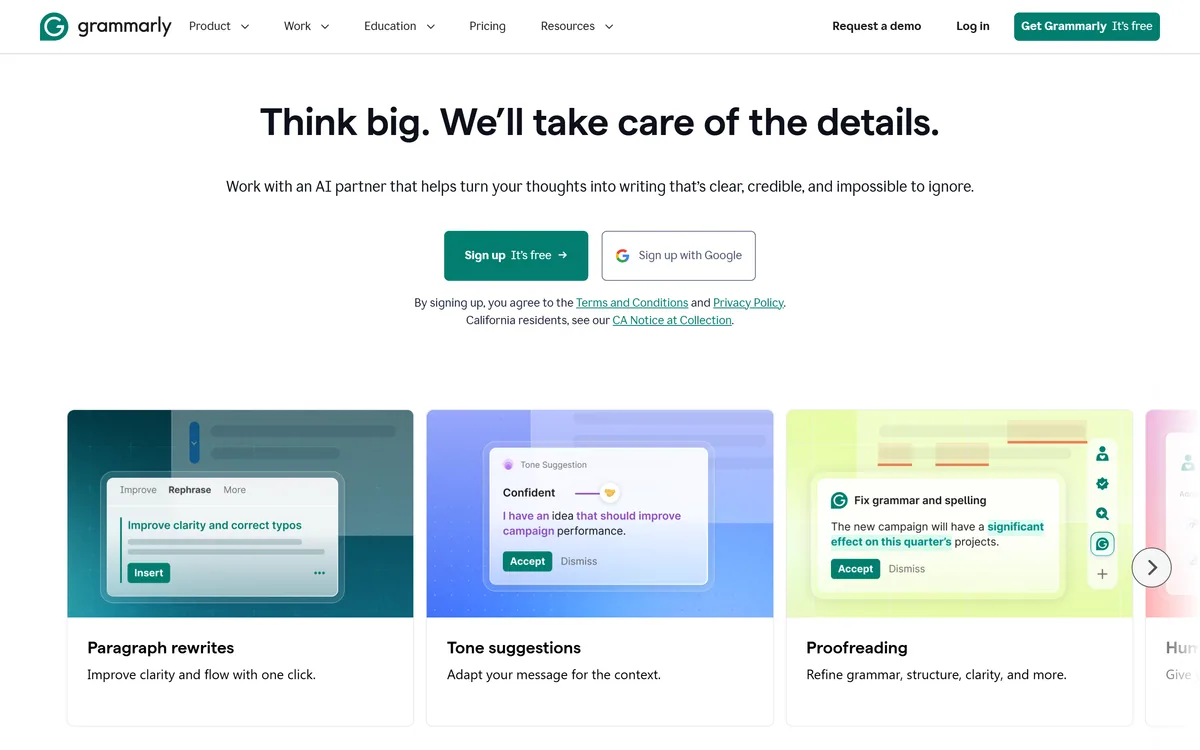

Grammarly is an AI writing assistant that checks grammar, clarity, and tone wherever you already write — browser, desktop, mobile keyboard, Google Docs, and Microsoft Office — and now ships AI agents for humanising, detecting, and grading text.
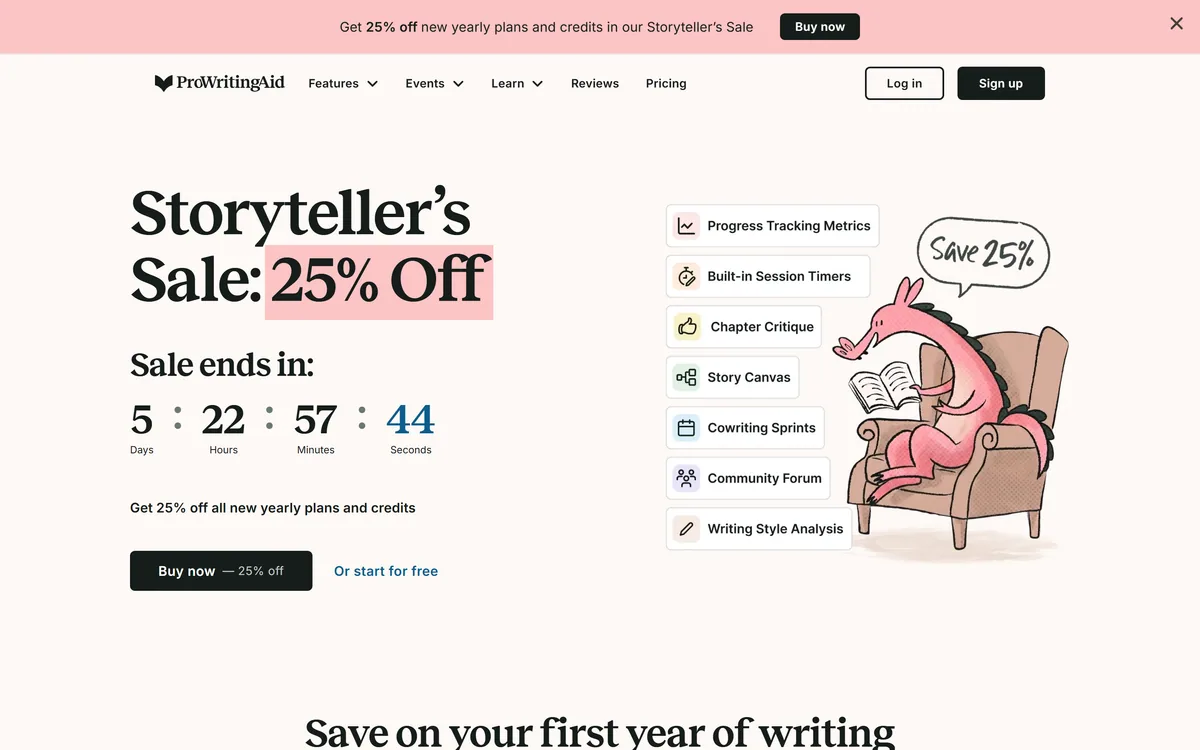
ProWritingAid is a writing platform for novelists from Orpheus Technology, combining grammar and style reports with manuscript-level critique — Chapter Critique, Character Analysis, Virtual Beta Reader and Marketability Analysis — across Word, Google Docs and Scrivener.
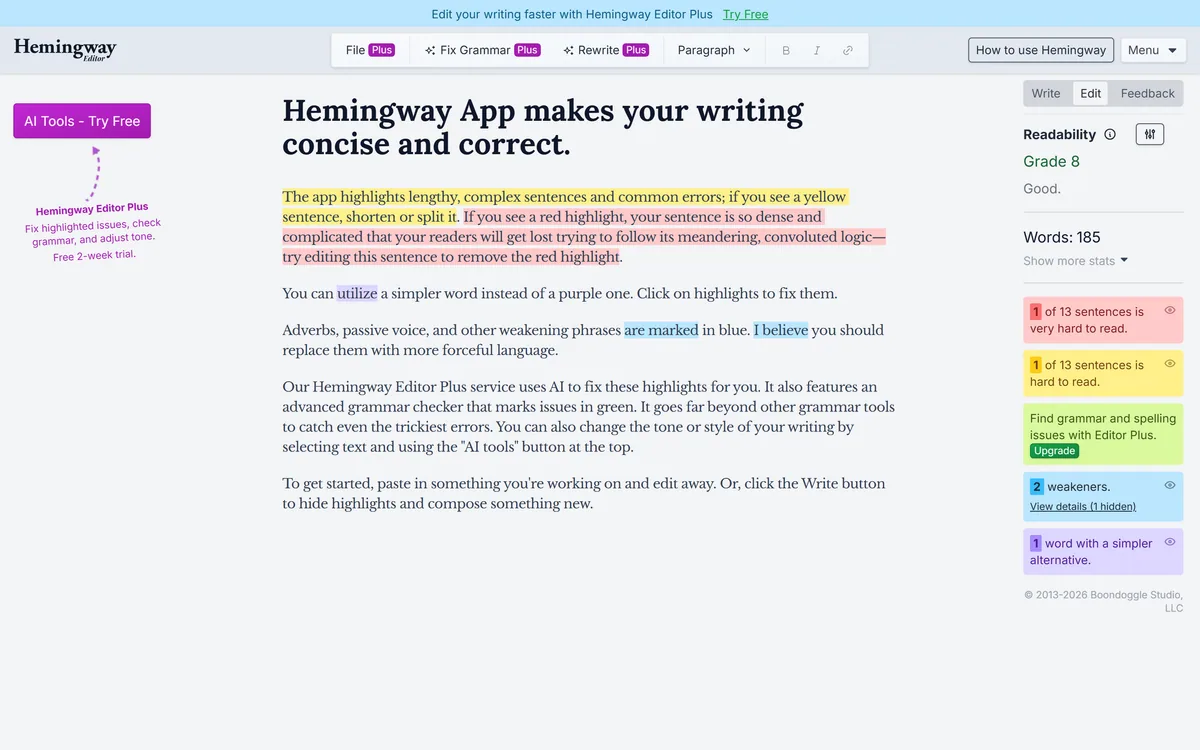
Hemingway Editor highlights writing problems by colour — long sentences in yellow, unreadable ones in red, complex words in purple, adverbs and passive voice in blue — and reports a readability grade. A paid tier adds AI fixes, an advanced grammar checker and tone adjustment.
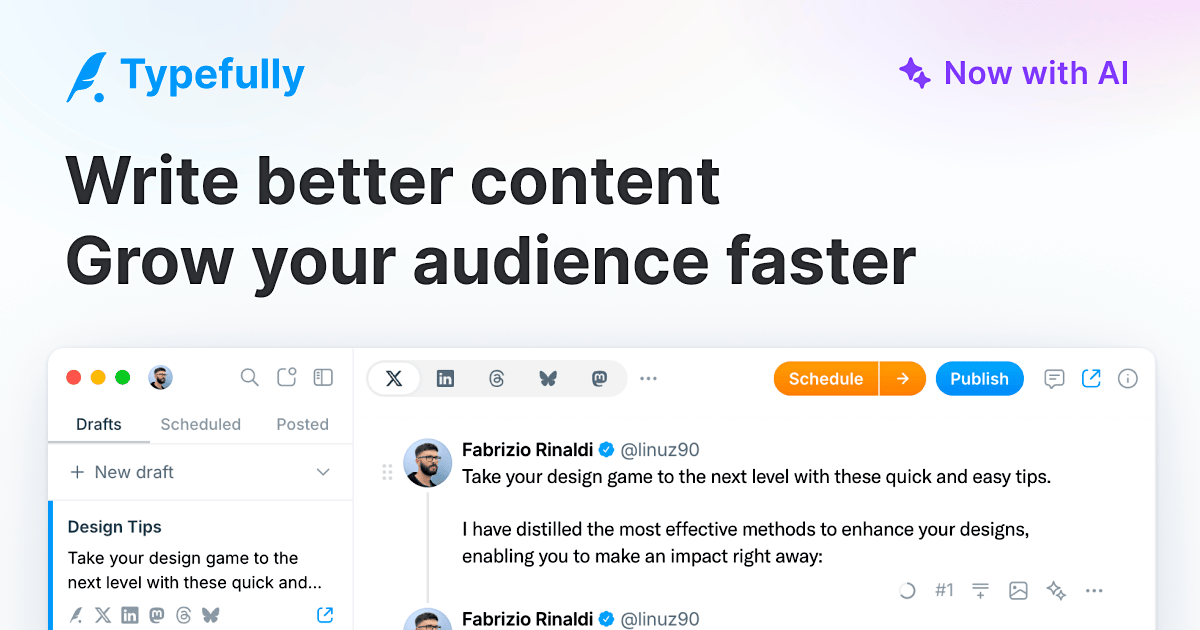
Typefully review on AInexfinder — freemium AI tool for Writing & Content. Features, pricing notes, and alternatives.

Wordtune review on AInexfinder — freemium AI tool for Writing & Content. Features, pricing notes, and alternatives.
Related Pages