Grammar & Proofreading Rankings

Best Grammar & Proofreading AI Tools in 2026: 12 Ranked

Fix grammar, spelling, and style with AI proofreading, ranked on Editor Score, pricing and fit — each linked to its full review.

Daniel ReedBy the AInexfinder Editorial Team·Overseen by Daniel ReedUpdated October 2026How we rank →

The Short Answer

ProWritingAid is our top-ranked grammar & proofreading tool, with an Editor Score of 4.5/5 — The only one of these that reads your whole manuscript, not just your sentences. Fix grammar, spelling, and style with AI proofreading. Across the 12 tools ranked here, 11 of the 12 offer a free or freemium plan.

How we rank: research-based. Every tool here has its own review, scored from the vendor's documentation, pricing and independent sources; this list orders them with one published formula led by that Editor Score. Last updated October 2026. How we rank

At a Glance: The 12 Best Grammar & Proofreading Picks

#ToolScorePricingFree planLinks
1
ProWritingAid logo
ProWritingAid

Top ranked

4.5FreemiumReview
24.6FreemiumReview
34.1FreemiumReview
44.0PaidReview
53.9FreemiumReview
63.9FreemiumReview
73.9FreemiumReview
83.9FreemiumReview
93.8FreemiumReview
103.7FreemiumReview
113.7FreemiumReview
123.2FreemiumReview
Scores: top 10 grammar & proofreading tools

Score out of 5 — each tool's Editor Score.

Our Top 12 Grammar & Proofreading Picks, Ranked

1

ProWritingAid

Top ranked
4.5/5

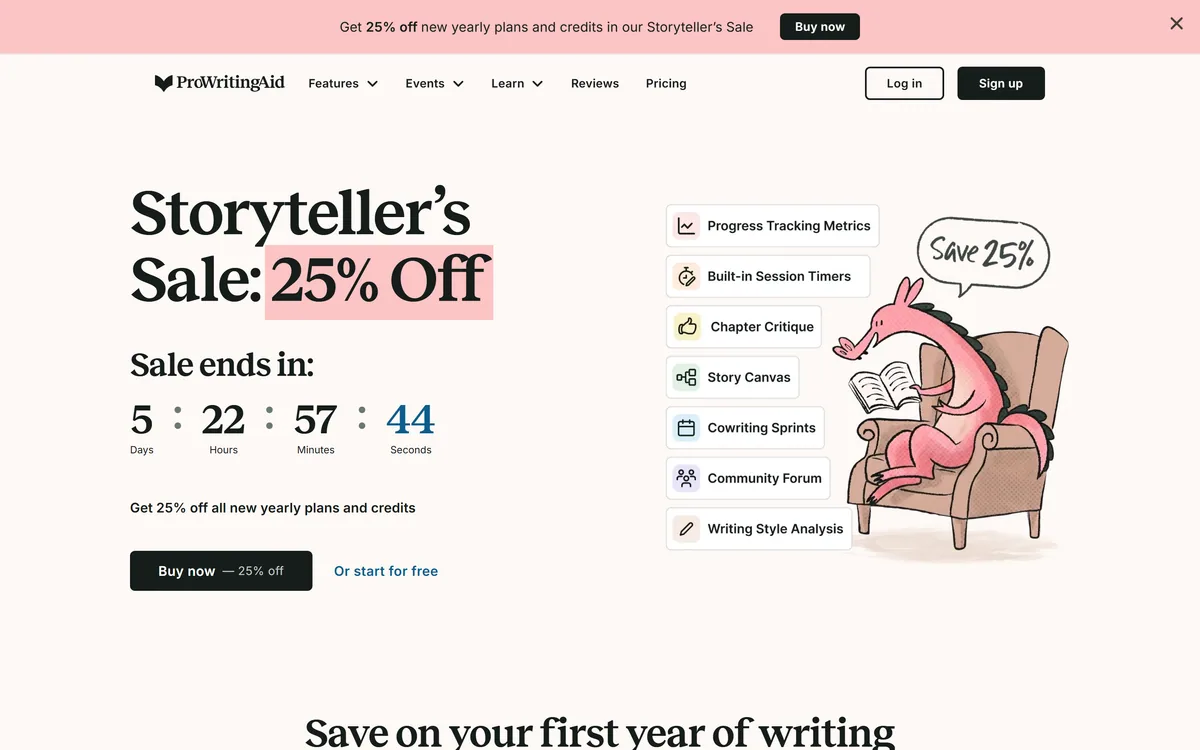
ProWritingAid is a writing platform for novelists from Orpheus Technology, combining grammar and style reports with manuscript-level critique — Chapter Critique, Character Analysis, Virtual Beta Reader and Marketability Analysis — across Word, Google Docs and Scrivener.

  • The only mainstream writing tool that works at both sentence and manuscript level
  • Character Analysis finds the problems writers are least able to see themselves
  • Scrivener and Atticus support means it reaches where novelists actually work
  • Premium Pro community may matter more than the software for isolated writers
  • The line-editing half alone is unremarkable against cheaper, simpler checkers
  • Marketability Analysis invites being read as a sales prediction, which it cannot be
  • Running every report on a first draft produces noise and discouragement
  • Report allowances vary by tier, which is easy to discover mid-revision

Best for: Novelists revising a completed first draft

Pricing: Freemium · Excellent
24.6/5

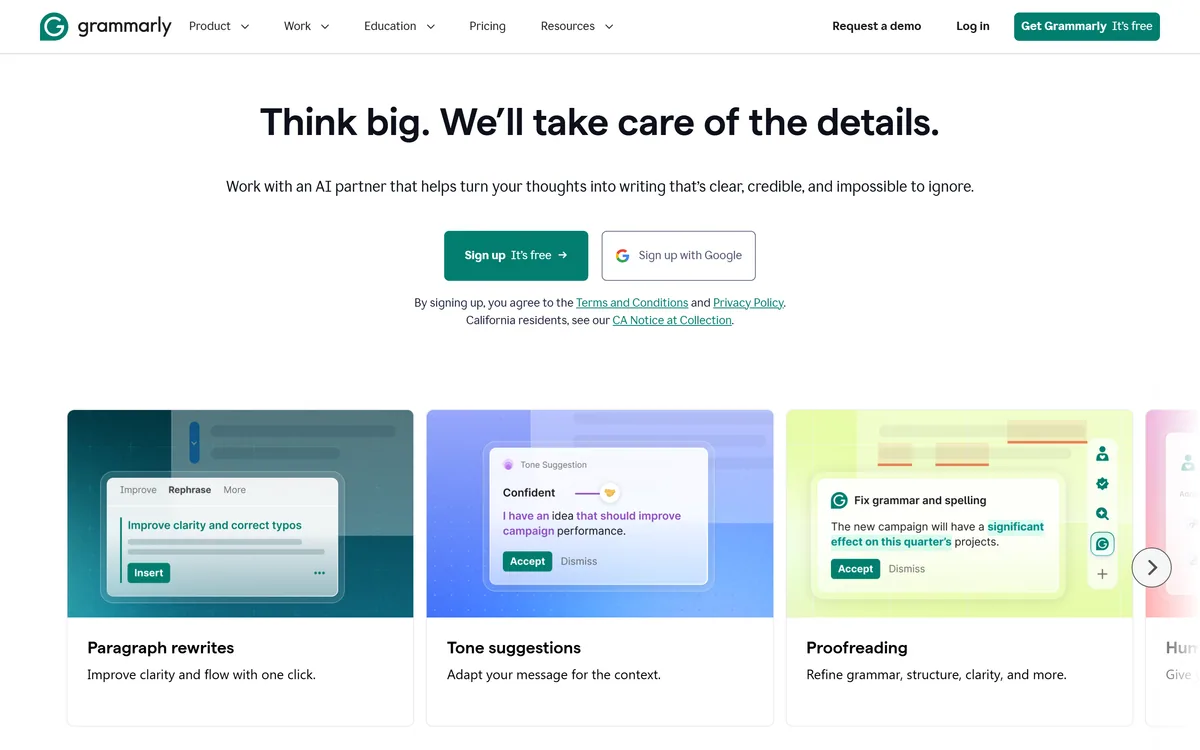
Grammarly is an AI writing assistant that checks grammar, clarity, and tone wherever you already write — browser, desktop, mobile keyboard, Google Docs, and Microsoft Office — and now ships AI agents for humanising, detecting, and grading text.

  • Follows you into almost every app instead of demanding its own editor
  • Correctness engine is reliable and fast in everyday writing
  • Strong team controls — style guides, brand tones, snippets, analytics
  • Especially valuable for non-native English speakers writing all day
  • Free plan withholds most of the agent features worth evaluating
  • AI detection scores are advisory at best and should not be treated as proof
  • Suggestions weaken on technical, legal, and heavily jargoned writing
  • Constant inline prompts can distract more than they help

Best for: Non-native English speakers writing in English all day

Pricing: Freemium · Excellent
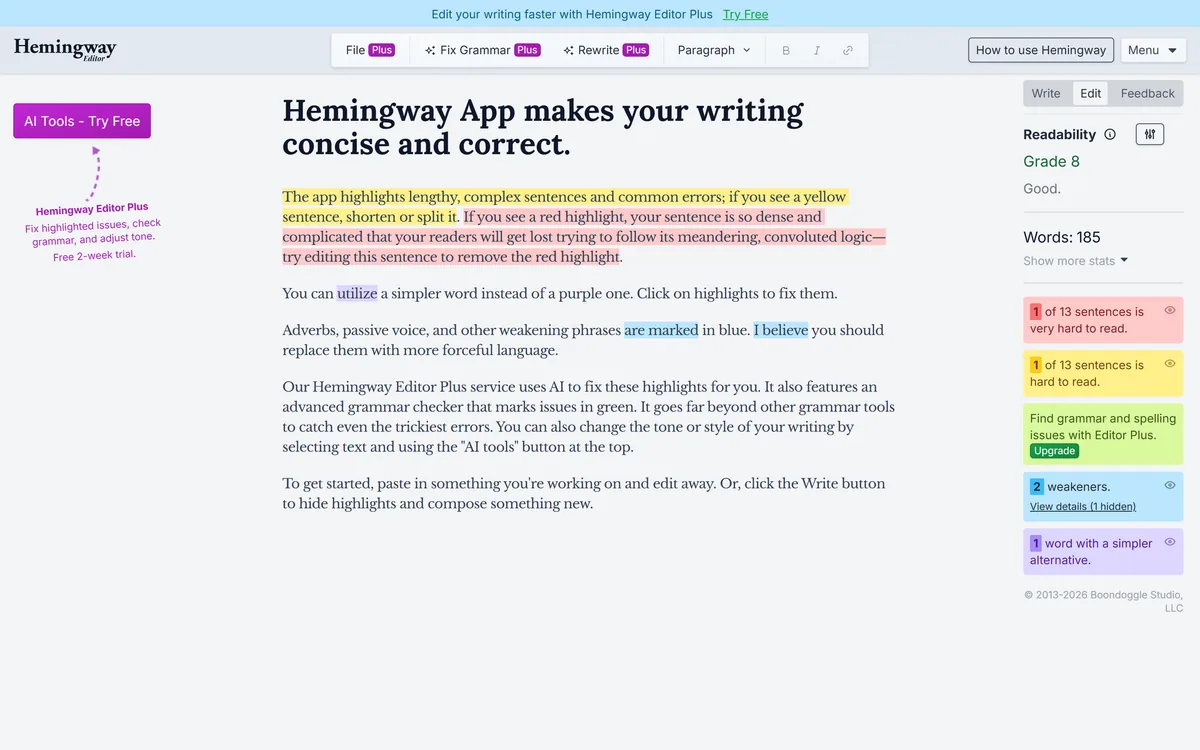
Hemingway Editor highlights writing problems by colour — long sentences in yellow, unreadable ones in red, complex words in purple, adverbs and passive voice in blue — and reports a readability grade. A paid tier adds AI fixes, an advanced grammar checker and tone adjustment.

  • Marks problems and leaves the fixing to you, which is where learning happens
  • The free version is genuinely complete rather than a crippled trial
  • Thirteen years of continuous operation in a category with heavy churn
  • A Classic edition maintained alongside implies real users who asked
  • Encodes a specific prose style as though it were neutral rules
  • Flags qualification and hedging that legal and academic writing require
  • Grade level is close to meaningless for technical audiences
  • The Plus AI fix undermines the mechanism that makes the free tool valuable

Best for: Anyone writing to be understood rather than admired

Pricing: Freemium · Very good

44.0/5

Originality.ai detects AI-generated text and checks for plagiarism, with fact checking, readability and grammar tools alongside. It runs on a patented modified BERT model, publishes its own false positive rates, and is built around team workflows for publishers and agencies rather than individual writers.

  • Publishes its own false positive rates, which is markedly more honest than the category norm
  • Fact checking addresses the real risk of generated content better than detection does
  • Deep Scan explains its reasoning rather than only returning a number
  • AI Allowance acknowledges that zero-tolerance policies are unenforceable
  • Detection is inherently probabilistic and cannot prove how text was produced
  • Non-native English writing is disproportionately misclassified across this whole category
  • The 2,000-word scan cap means long articles consume several scans
  • Credits expire two years from purchase, so bulk buying has a real cost

Best for: Publishers auditing content quality at scale

Pricing: Paid · Very good

LanguageTool is a multilingual grammar, spelling, punctuation and style checker with an AI paraphraser, covering 30+ languages, with browser, email and office add-ons, a proofreading API, and an open-source core. It handles academic and business writing, with GDPR-conformant options and a privacy-minded approach.

  • Strong across 30+ languages
  • Open-source core available
  • Privacy-minded, GDPR-conformant options
  • Works across browsers and apps
  • Suggestions need judgement
  • Less English-deep than a specialist
  • Best features on Premium
  • Paraphraser can be misused on others' work

Best for: Multilingual writing

Pricing: Freemium · Good

63.9/5

Sapling is an AI writing assistant aimed at customer-facing teams: grammar and spelling fixes, autocomplete, snippets and quality insights, available in-app and via an API, plus an AI-content detector. It suits support and sales teams that write a lot of replies, with the main considerations being that it overlaps tools you may already have and that it processes the text your team writes.

  • Speeds team writing
  • Shared snippets and consistency
  • Team-level quality insight
  • Developer API available
  • Overlaps tools you may have
  • Processes your team's text
  • Team pricing via contact-us
  • More than solo users need

Best for: Customer support replies

Pricing: Freemium · Good

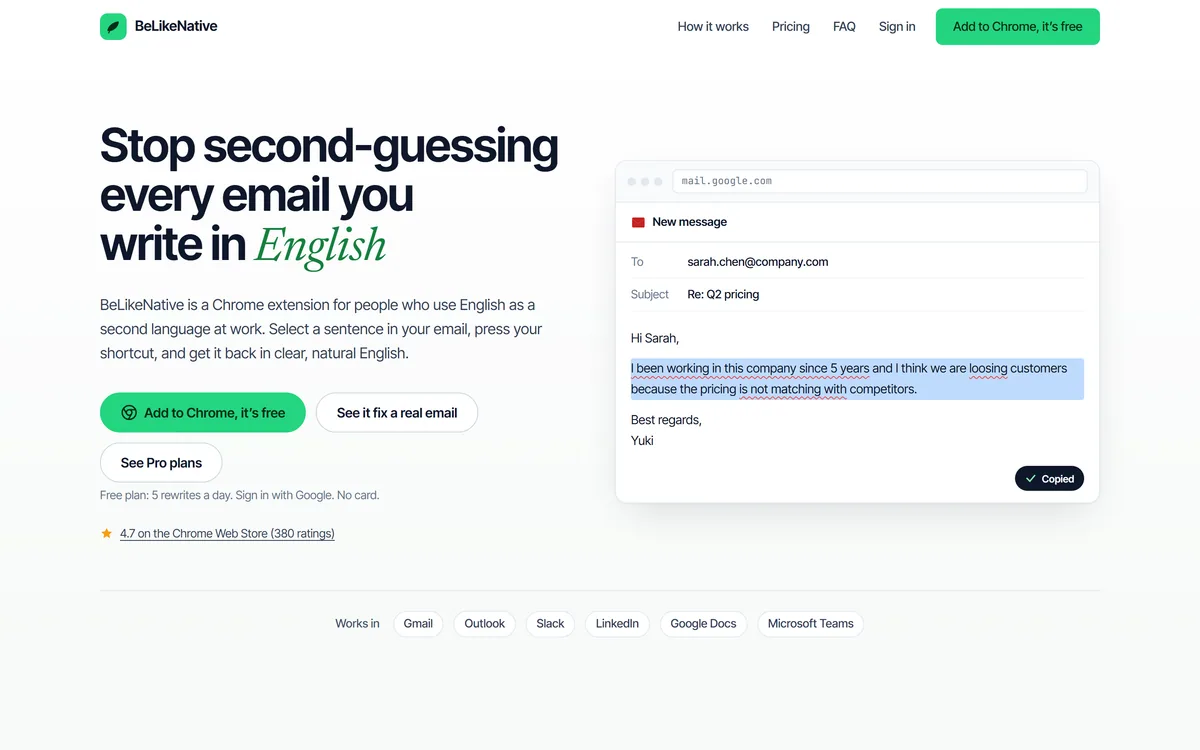
BeLikeNative is a Chrome extension for people who use English as a second language at work: select a sentence, press a shortcut, and get it back in clear, natural English, with tone options and translation, working inside Gmail, Outlook, Slack, LinkedIn, Docs and Teams.

  • Fixes writing in place, no tab-switching
  • One-shortcut flow fits real work writing
  • Focused ESL help that sounds natural
  • Tone control for different audiences
  • Narrow; not a full writing suite
  • Weaker for long-document structure
  • Browser-based, within supported apps
  • Rating and user figures are vendor-stated

Best for: Second-language professionals

Pricing: Freemium · Good

83.9/5

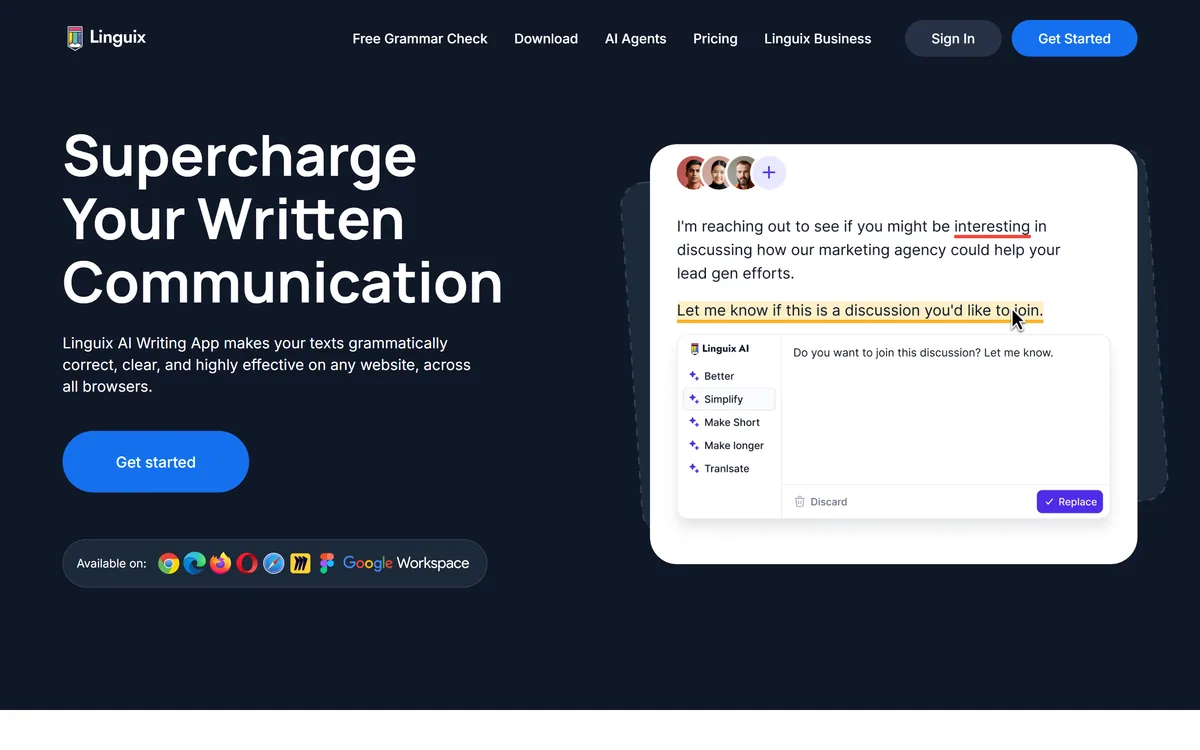
Linguix is a browser-based writing assistant checking grammar, spelling and style across seven languages on any website, with an AI rewriter, a content score, text shortcuts for repeated replies, a team style guide, and business features including role assignment and a grammar-check API.

  • Genuine multilingual checking rather than English with translation bolted on
  • Automatic detection suits teams switching languages mid-thread
  • Shortcuts save more measurable time than any other feature here
  • A style guide turns individual habits into a standard a company can stand behind
  • The site states six languages and lists seven
  • Category averages are displayed in a way that could be read as its own scores
  • The 450,000-user figure is undefined
  • Quality tracking on individuals is monitoring, however it is framed

Best for: Multilingual European teams writing daily across markets

Pricing: Freemium · Good

93.8/5

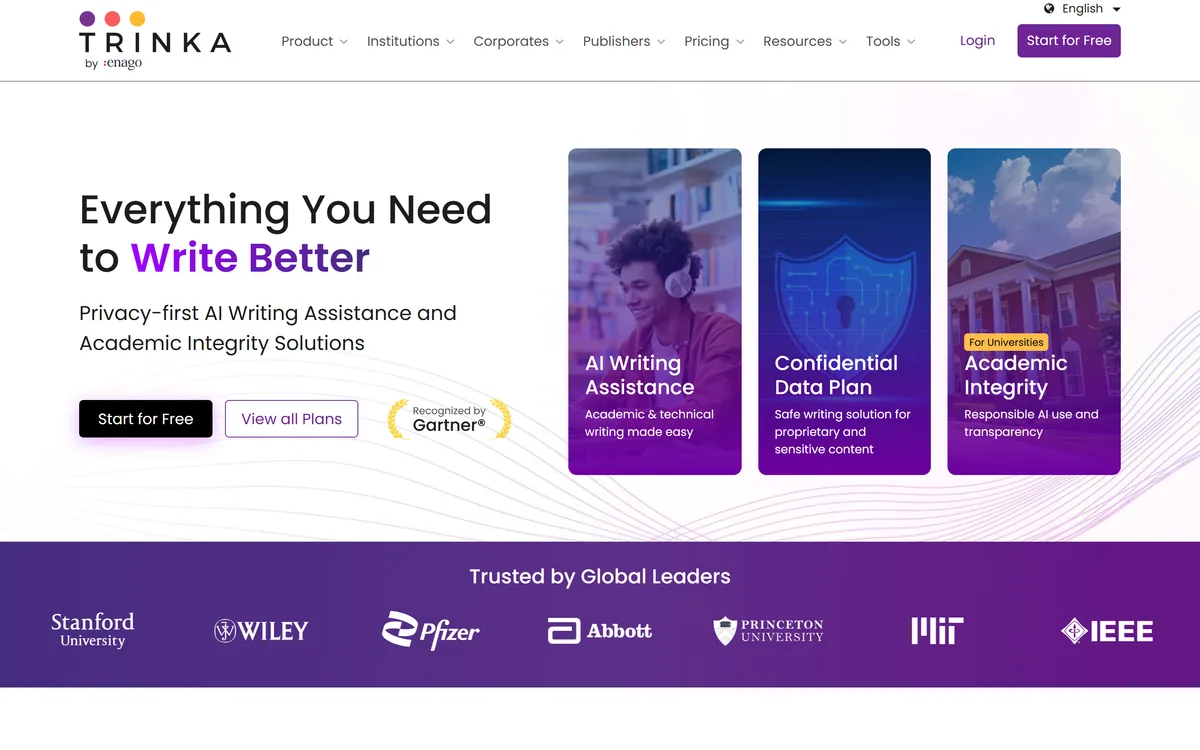
Trinka, by Crimson AI, is an AI grammar and writing assistant for academic and technical writing: grammar and style checks, paraphrasing, consistency and inclusive-language checks, LaTeX proofreading, an AI content detector, plagiarism check, citation tools, Word and browser plugins, and a confidential-data plan. Detectors are signals, not proof.

  • Tuned for academic and technical writing
  • Handles LaTeX and citations
  • Editable file proofreading
  • Confidential-data plan for sensitive work
  • AI detector results are unreliable
  • Less suited to casual or marketing writing
  • Best features need a paid tier
  • Compliance claims are vendor-stated

Best for: Academic papers

Pricing: Freemium · Good

103.7/5

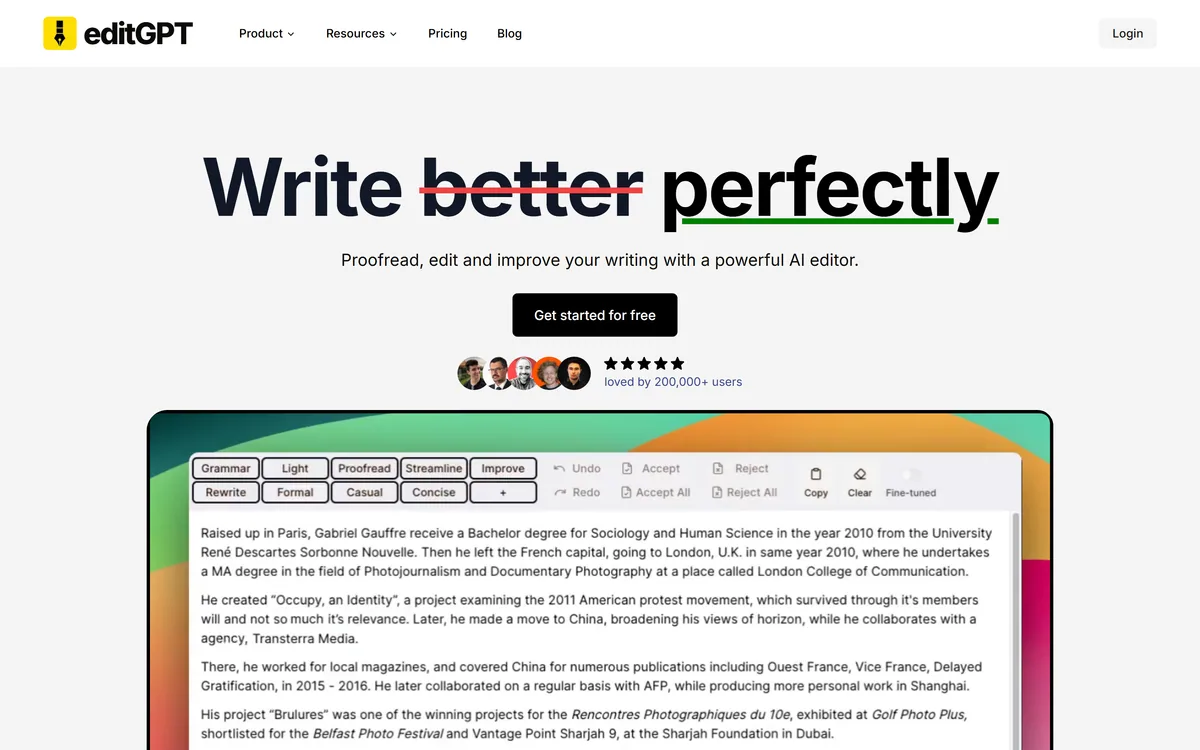
EditGPT is an AI proofreading and editing assistant that checks grammar, rewrites and improves text with tracked changes, working via a browser extension and Microsoft Word (.docx) import/export. It suits writers, students and professionals who want quick editing they can review, with the usual judgement-and-privacy caveats and vendor-stated claims.

  • Tracked changes keep you in control
  • Works in the browser and in Word
  • Fast everyday editing
  • Good for non-native speakers
  • AI edits need your judgement
  • Not deep, specialist editing
  • Privacy risk with sensitive text
  • Depends on suggestion quality

Best for: Everyday proofreading

Pricing: Freemium · Good

113.7/5

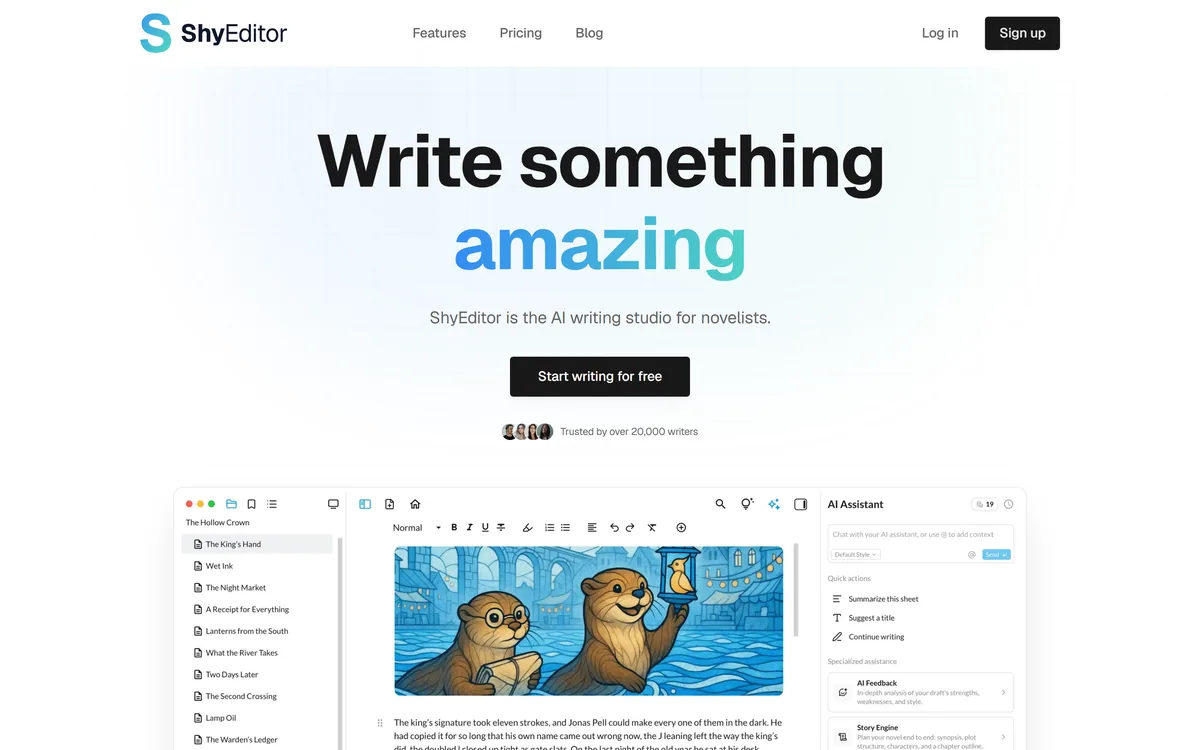
ShyEditor (Shy Systems) is an AI writing studio built for novelists and long-form fiction writers: a manuscript editor with character, plot and world-building tools plus AI assistance for drafting, editing and feedback, aiming to help without flattening your voice. It suits fiction writers wanting an organised studio, with the caveat that AI output needs your judgement and voice.

  • Built for long-form fiction
  • Organises manuscript, characters, plot
  • AI help tuned for novels
  • Studio, not a bare editor
  • AI can flatten your voice
  • Needs your judgement
  • Overkill for short-form/non-fiction
  • Any academic mode = integrity caveat

Best for: Writing a novel

Pricing: Freemium · Good

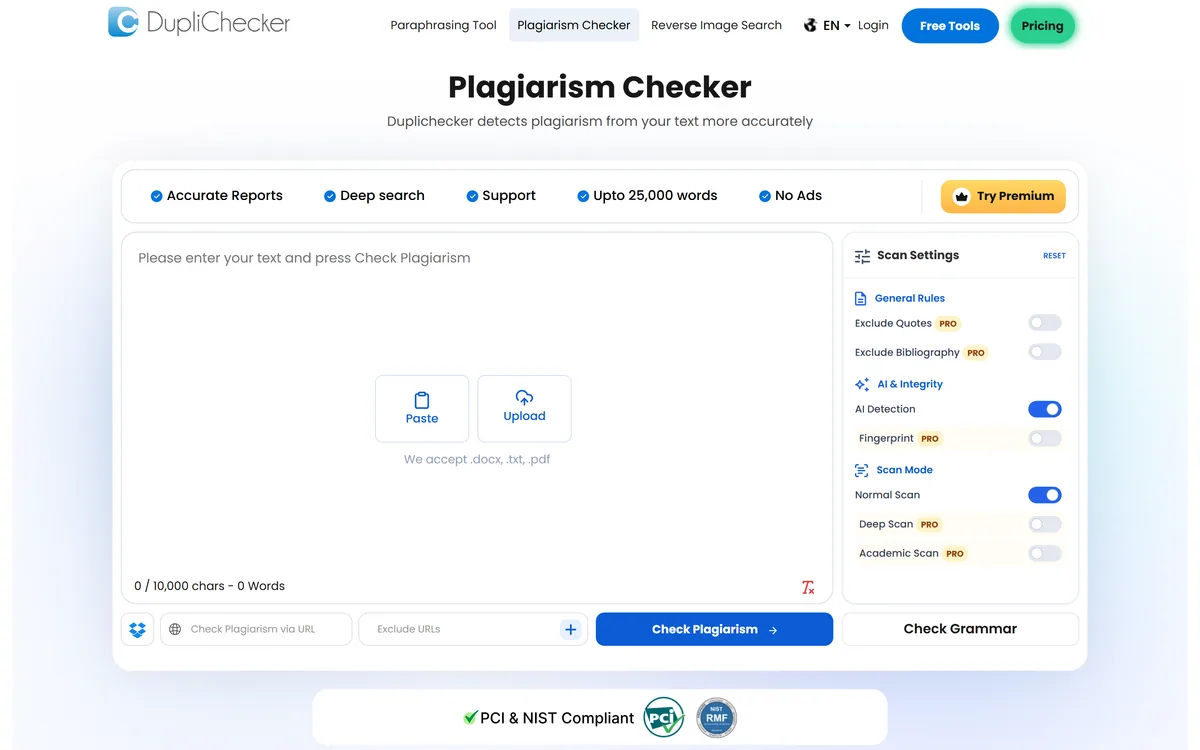
DupliChecker is a free online plagiarism checker and a broad SEO/writing utility site, offering similarity checks, an AI content detector, grammar checking and dozens of extra tools. It is useful for quick first-pass checks, but its accuracy claims are overstated and its AI detector is unreliable.

  • Free and needs no registration
  • Quick first-pass similarity checks
  • Large toolbox in one place
  • Highlighted matches and reports
  • AI detector is unreliable
  • Accuracy claims are overstated
  • Database coverage weaker than institutional tools
  • Free tier has ads and lower limits

Best for: Quick similarity checks

Pricing: Freemium · Fair

How We Ranked These Grammar & Proofreading Tools

Every tool here is a live grammar & proofreading product with its own review. The order comes from one published formula, applied the same way on every ranking:

CriterionWhat it measuresWeight
Editor ScoreThe score on each tool's own review, from our research into its official documentation, pricing and independent sources. Tools whose full review is still pending carry a provisional formula estimate, marked “Est.”.50%
User reviewsVerified user ratings on AInexfinder — counted only once a tool has at least three.25%
Feature depthHow many documented features the tool has.15%
FreshnessHow recently the review was last verified. Reviews still pending get a neutral value.10%

Featured listings, a paid placement, get a small boost inside the Editor Score criterion, always keep a place in their own category’s ranking, and are labelled Featured above; listings whose maker shows the AInexfinder badge on its own site get a smaller boost. Neither changes the Editor Score itself. Read the full methodology.

What to Look for in a Grammar & Proofreading Tool

Output Quality

The factor that decides everything else — can it produce grammar & proofreading results you'd actually ship? It's why ProWritingAid leads this list; judge each tool on output you can use without heavy rework.

Pricing & Free Tier

11 of these 12 tools have a free or freemium plan. Check the free tier's real limits and whether paid pricing scales fairly with your usage — watch for hidden caps on output or features.

Ease of Use

A clean interface and good onboarding mean you get value on day one, not after a week of learning the tool.

Integrations

Does it connect to the tools you already use — your editor, browser, Slack, Google Workspace or API?

Speed & Reliability

Fast, consistent results matter for daily work. Look at uptime and how the tool handles peak-time load.

Support & Updates

Active development, solid docs and responsive support signal a tool that will keep getting better over time.

Free vs Paid Grammar & Proofreading Tools

When Free Is Enough

11 of these 12 grammar & proofreading tools offer a free or freemium plan (ProWritingAid is the one we'd start with). Free tiers suit light or occasional use, testing a workflow, or personal projects — though they usually cap usage, features or output quality.

When to Go Paid

For heavy or professional grammar & proofreading work, a paid plan like Originality.ai's buys higher limits, team collaboration, priority support and advanced features. If a tool is core to your daily work, the subscription usually pays for itself in time saved.

Pricing breakdown
Pricing breakdown12tools

11 of 12 tools offer a free or freemium plan.

Which Grammar & Proofreading Tool Should You Choose?

Match the tool to the job. Each line below is the audience that tool's review found it suits best:

  • ProWritingAid (4.5/5) — Novelists revising a completed first draft
  • Grammarly (4.6/5) — Non-native English speakers writing in English all day
  • Hemingway Editor (4.1/5) — Anyone writing to be understood rather than admired
  • Originality.ai (4.0/5) — Publishers auditing content quality at scale
  • LanguageTool (3.9/5) — Multilingual writing
  • Sapling (3.9/5) — Customer support replies
4.5/5

AInexfinder’s Final Verdict on the Best Grammar & Proofreading Tools

Start with ProWritingAid if you want our top-ranked grammar & proofreading tool, and give Grammarly a look too — the two are within a fraction of each other. If none of these fits, our ProWritingAid alternatives list goes wider. This corner of AI rarely sits still, so each review shows the date it was last verified.

Frequently Asked Questions

What Are the Best Grammar & Proofreading AI Tools in 2026?

Our highest-ranked grammar & proofreading tools are ProWritingAid, Grammarly, Hemingway Editor. All 12 are ranked on Editor Score, user reviews, feature depth and freshness — see the full list above.

What Is the Best Free Grammar & Proofreading Tool?

ProWritingAid is the highest-ranked option with a free plan (freemium — a free tier plus paid upgrades). 11 of the 12 tools on this list offer a free or freemium plan — the At a Glance table marks each one.

How Are These Grammar & Proofreading Tools Ranked?

By a published formula: Editor Score 50%, verified user reviews 25%, feature depth 15% and freshness 10%. User reviews only count for tools that have approved ones; the rest are ranked on the other four factors, so the Editor Score carries most of the weight. The How We Ranked section above shows each criterion.

How Many Grammar & Proofreading AI Tools Are Compared Here?

This page ranks 12 grammar & proofreading tools, and 11 of them have a free tier. Every one links to its full review, and the category page lists the rest.

Is ProWritingAid the Best Grammar & Proofreading Tool?

ProWritingAid is our current top pick with an Editor Score of 4.5/5, though Grammarly has a slightly higher Editor Score (4.6/5), but the right choice depends on your needs and budget. The Which Tool Should You Choose section matches each top tool to the people it suits best.

Which Grammar & Proofreading Tool Is Best for Beginners?

ProWritingAid is the easiest place to start: it has a free plan, so you can learn on a real grammar & proofreading tool without paying. Once you outgrow it, the paid tools above add more power.

Are Grammar & Proofreading AI Tools Worth It?

Start with one of the 11 free options above to confirm a grammar & proofreading tool fits your workflow — for most people the right one earns back its cost in hours saved, but only once it clearly slots into how you already work.

How Often Is This List Updated?

The ranking recalculates whenever a review on it changes, and reviews are re-verified on a rolling basis — each one shows when it was last checked. This page was last updated in October 2026.

Keep Exploring

About the Author

Daniel Reed
Daniel Reed

Senior AI Tools Reviewer

Daniel leads AInexfinder's tool reviews. He researches each tool from its own pricing, documentation and policies, checks its claims against independent sources, and writes up what it does well, where it falls short and who it genuinely suits.

AI tool reviewsPricing researchAI software
More about Daniel →

Last updated October 2026. Ranked on Editor Score, user reviews, feature depth and freshness — see our methodology.