Duplichecker review on AInexfinder — freemium AI tool for Writing & Content. Features, pricing notes, and alternatives.
Writing & Content Review
AI writing assistant for business and customer-facing teams Category: Writing & Content.

Provisional score · full review pending
Sapling has an AInexfinder Editor Score of 4.5/5.
Best for: Users who need real-time grammar and spelling checking; Teams that need rephrase and autocomplete tools
The visit link goes to sapling.ai, the official site. Paid placements on AInexfinder are always labelled. How we make money
Sapling is a language-model toolkit and writing assistant designed to sit on top of enterprise workspaces and messaging platforms, providing real-time suggestions that improve professional communication.
Aimed largely at customer-facing teams, it offers grammar and spelling checking, punctuation detection, a rephrase tool for rewriting text, autocomplete for faster typing, and a Chat Assist feature that suggests replies. It also provides an AI content detector for assessing whether text is machine-generated.
Sapling integrates with tools such as Zendesk, ServiceNow, Salesforce, LinkedIn and Gmail, and exposes an API and SDK so developers can embed its capabilities into their own products.
For enterprises, it emphasizes security with TLS and AES-256 encryption, PII redaction, SSO, SCIM and MFA support, plus on-premises deployment options. The primary audience is support, sales and operations teams that need consistent, accurate writing at scale, as well as developers needing language APIs.
Strengths include deep business-app integrations, strong security posture and developer tooling; weaknesses are that it is more oriented to short professional messages than long-form creative writing, and the most useful capabilities sit behind paid and enterprise tiers. It runs on a freemium model with paid subscriptions.
Support and sales teams typically deploy it inside their helpdesk or CRM so agents get inline corrections and reply suggestions as they type, which improves response consistency and speed without forcing staff to switch tools. Pricing changes often, so check the official site for current plans.
Sapling's core capabilities include Real-time grammar and spelling checking, Rephrase and autocomplete tools, AI content detection, Chat Assist reply suggestions, Integrations with Zendesk, Salesforce, Gmail and more and Developer API and SDK.
Real-time grammar and spelling checking is built in, Rephrase and autocomplete tools is built in, AI content detection is built in, Chat Assist reply suggestions is built in, so you get a rounded toolkit rather than a single trick.
Each feature is designed to take the manual effort out of the task and help you reach a usable result faster, which is what makes Sapling worth a place on your shortlist.
As with any AI tool, the output still benefits from a quick human review, but Sapling gets you most of the way there with far less effort.
Sapling runs on a freemium pricing model, so you can start for free and only pay once you outgrow the free tier — handy for testing it on a real task before spending anything.
AI-tool pricing changes often, so always check the current plans, seats and add-ons on the official site for the latest details before you buy. Who is Sapling for? It's best suited for ai writing assistant for business and customer-facing teams.
Whether you're a beginner trying this kind of AI tool for the first time or a professional who'll use it every day, it's a credible option to consider.
Sapling is best suited for ai writing assistant for business and customer-facing teams. Whether you are trying this kind of writing & content tool for the first time or use one every day, it is a credible option to shortlist — compare it with the alternatives and head-to-head comparisons linked on this page to find the best fit for your workflow and budget.
Real-time grammar and spelling checking
Rephrase and autocomplete tools
AI content detection
Chat Assist reply suggestions
Integrations with Zendesk, Salesforce, Gmail and more
Developer API and SDK
AInexfinder does not list plan prices or billing details. For current pricing, plans, and trials, visit the official Sapling website.
Visit official website for pricingVendor pricing, credits, and billing policies change over time. Always confirm on the official site before you buy.
Sapling has a provisional score of 4.5/5: a formula estimate from this listing’s details, not yet an Editor Score. It is replaced once Sapling gets its full research-based review. Best for: Users who need real-time grammar and spelling checking; Teams that need rephrase and autocomplete tools; AI content detection workflows.
Visit SaplingLog in to write a review.
No reviews yet. Be the first to share your experience with Sapling.
Assigned to
Daniel ReedSenior AI Tools Reviewer
Daniel leads AInexfinder's tool reviews. He researches each tool from its own pricing, documentation and policies, checks its claims against independent sources, and writes up what it does well, where it falls short and who it genuinely suits.
This page is a summary of Sapling built from its own website and listing details. It has not had its full research-based review yet, so its score is a provisional formula estimate, not an Editor Score. Daniel will research and re-score it; payment never changes a score.
Similar Tools
Duplichecker review on AInexfinder — freemium AI tool for Writing & Content. Features, pricing notes, and alternatives.
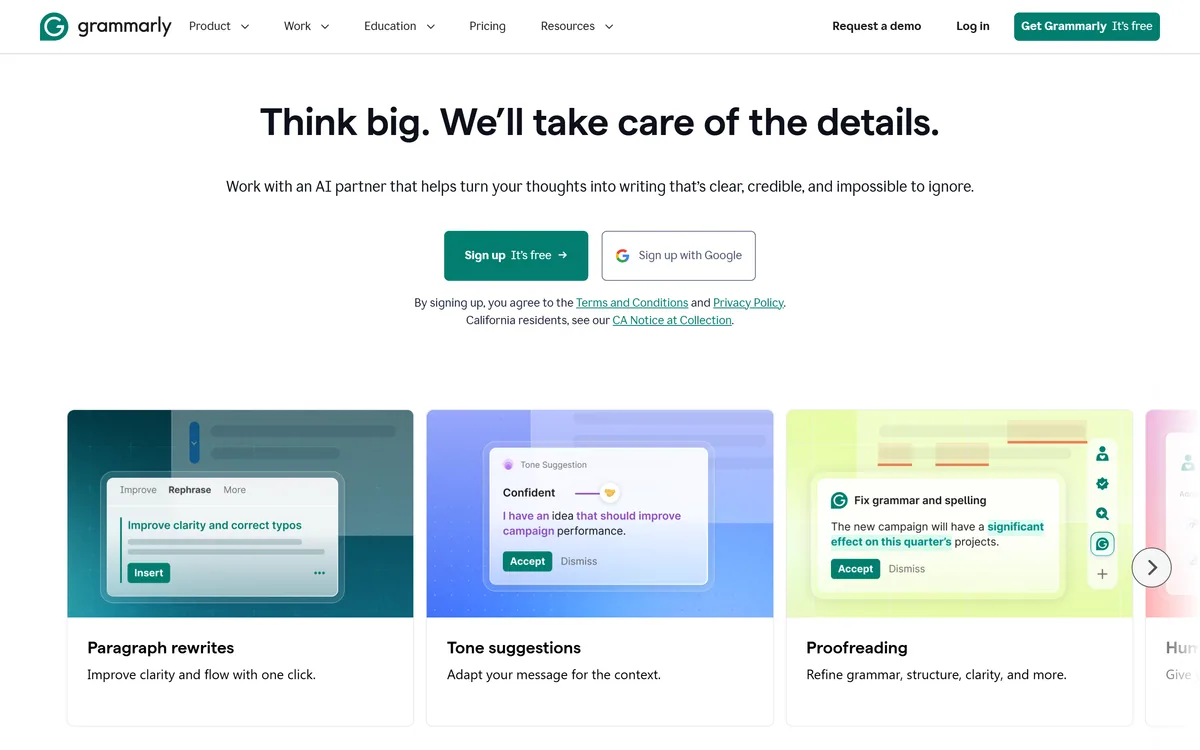

Grammarly is an AI writing assistant that checks grammar, clarity, and tone wherever you already write — browser, desktop, mobile keyboard, Google Docs, and Microsoft Office — and now ships AI agents for humanising, detecting, and grading text.
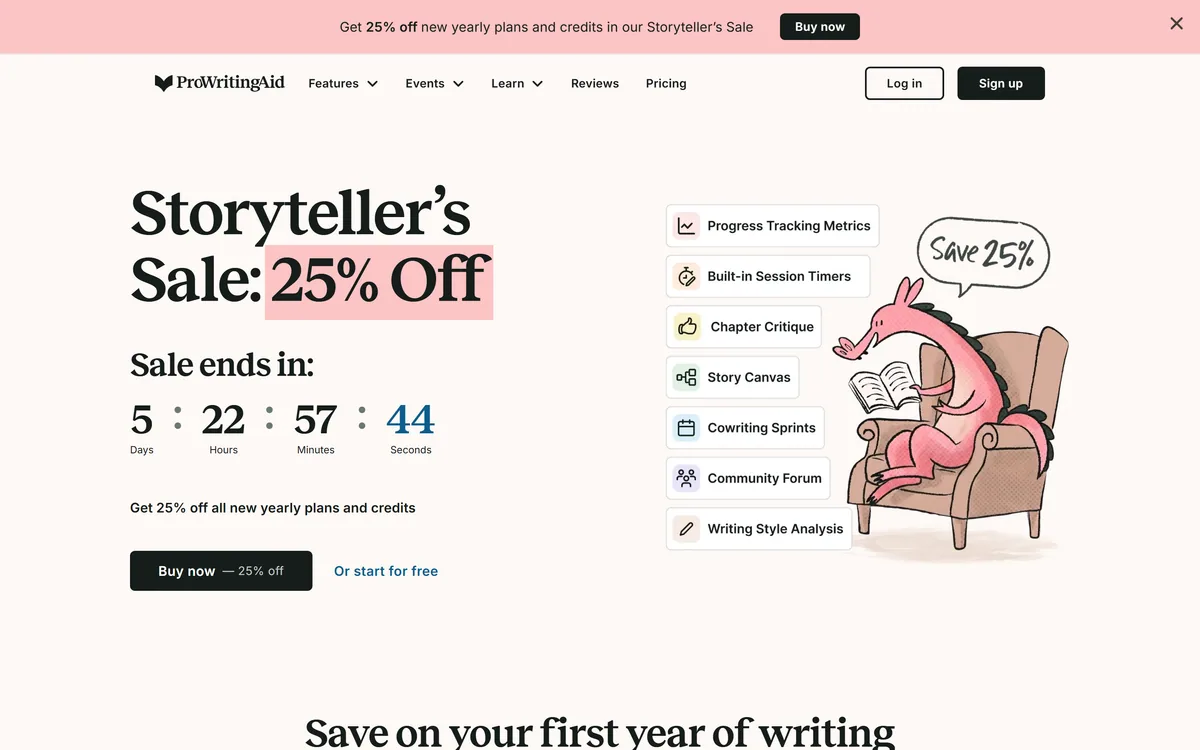
ProWritingAid is a writing platform for novelists from Orpheus Technology, combining grammar and style reports with manuscript-level critique — Chapter Critique, Character Analysis, Virtual Beta Reader and Marketability Analysis — across Word, Google Docs and Scrivener.
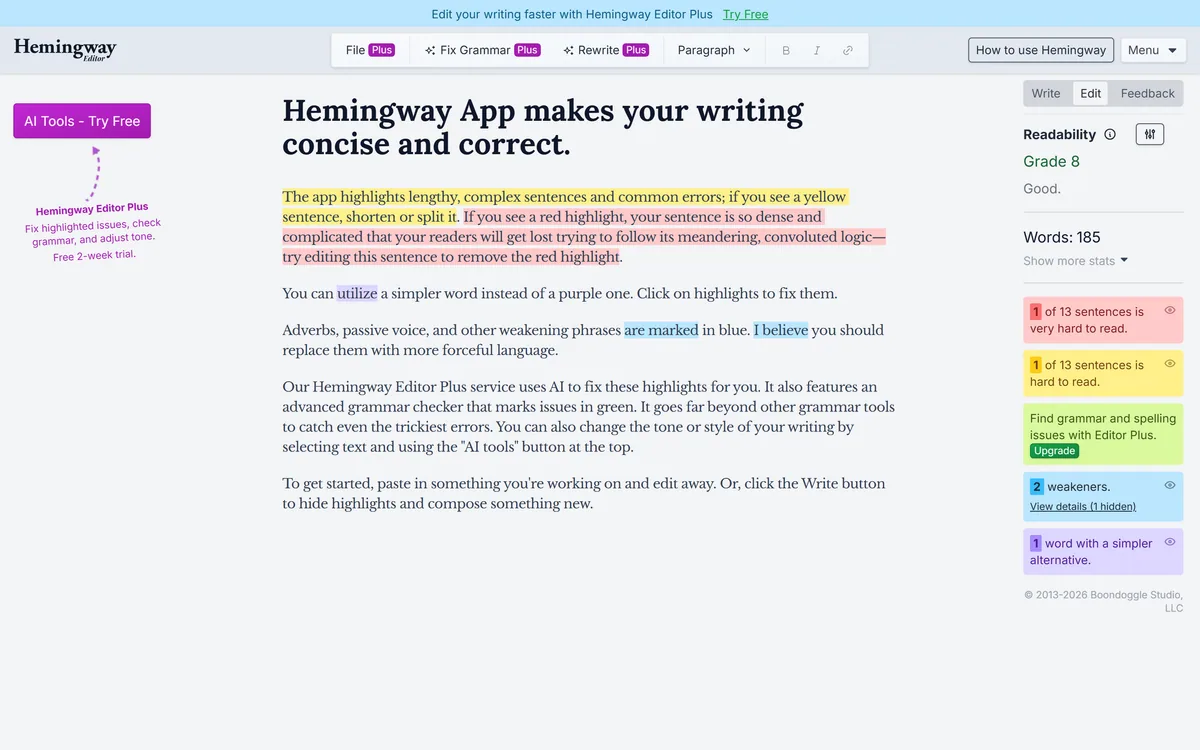
Hemingway Editor highlights writing problems by colour — long sentences in yellow, unreadable ones in red, complex words in purple, adverbs and passive voice in blue — and reports a readability grade. A paid tier adds AI fixes, an advanced grammar checker and tone adjustment.
Originality.ai detects AI-generated text and checks for plagiarism, with fact checking, readability and grammar tools alongside. It runs on a patented modified BERT model, publishes its own false positive rates, and is built around team workflows for publishers and agencies rather than individual writers.
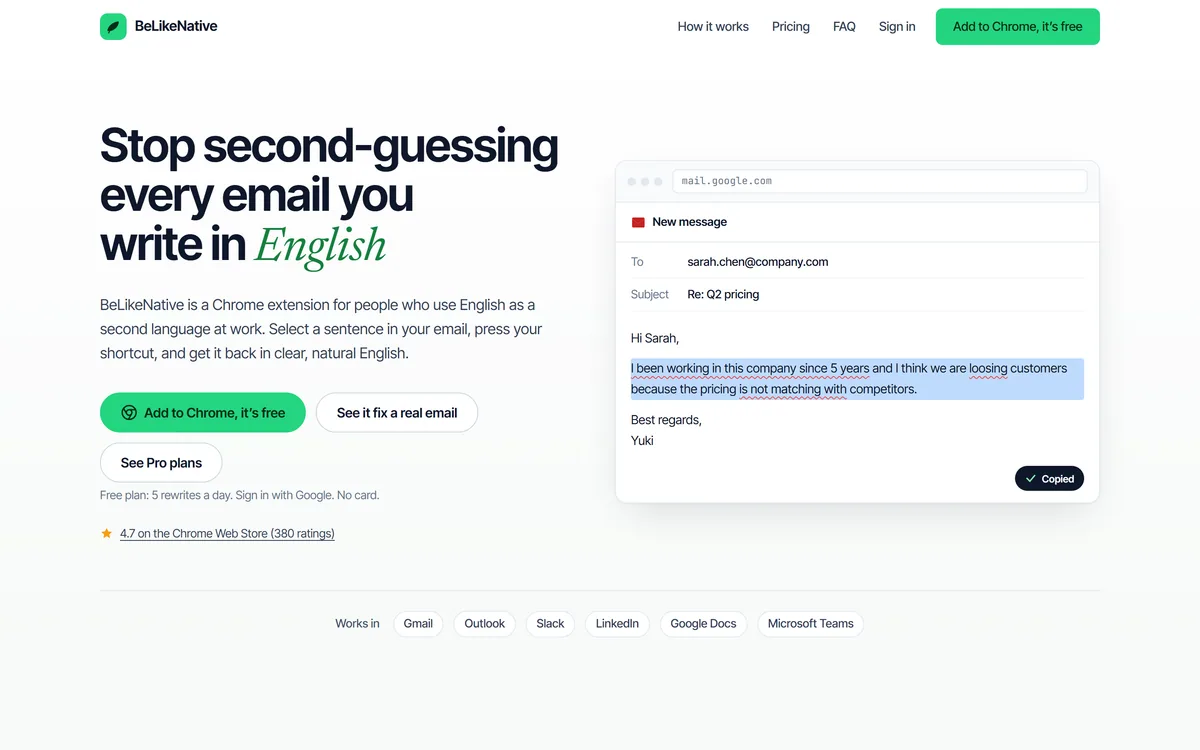
BeLikeNative is a Chrome extension for people who use English as a second language at work: select a sentence, press a shortcut, and get it back in clear, natural English, with tone options and translation, working inside Gmail, Outlook, Slack, LinkedIn, Docs and Teams.
Related Pages