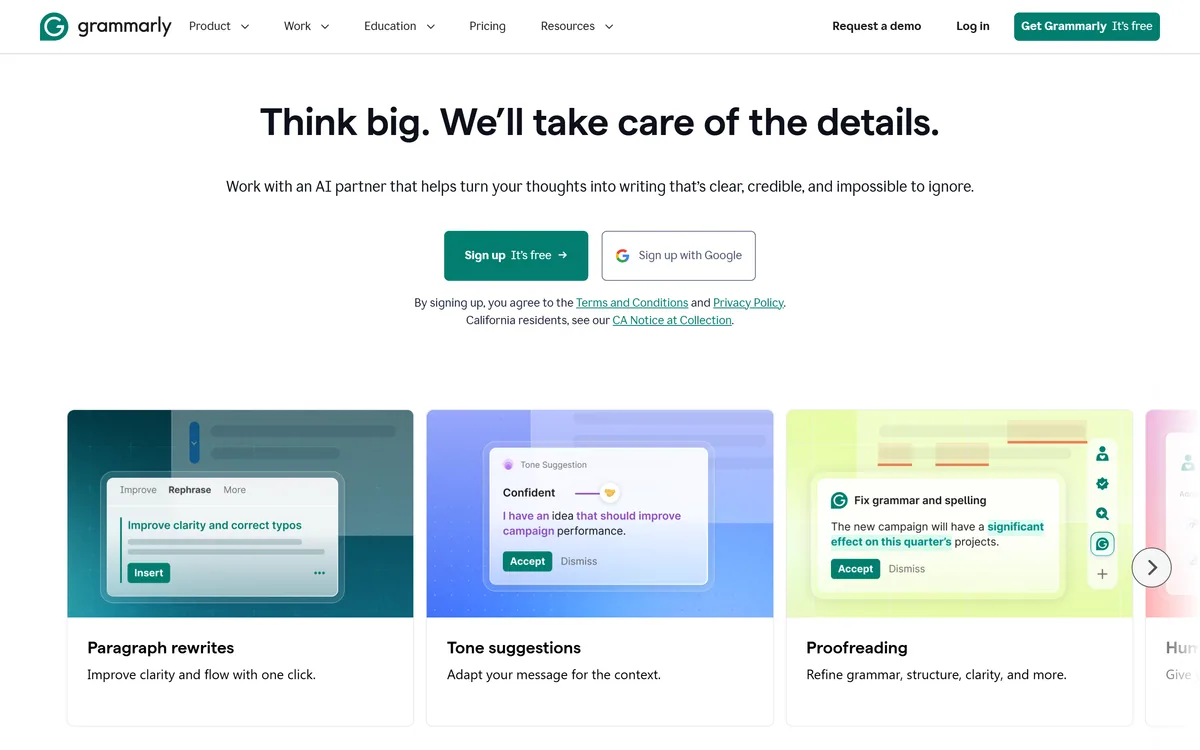

Grammarly is an AI writing assistant that checks grammar, clarity, and tone wherever you already write — browser, desktop, mobile keyboard, Google Docs, and Microsoft Office — and now ships AI agents for humanising, detecting, and grading text.
Writing & Content Review
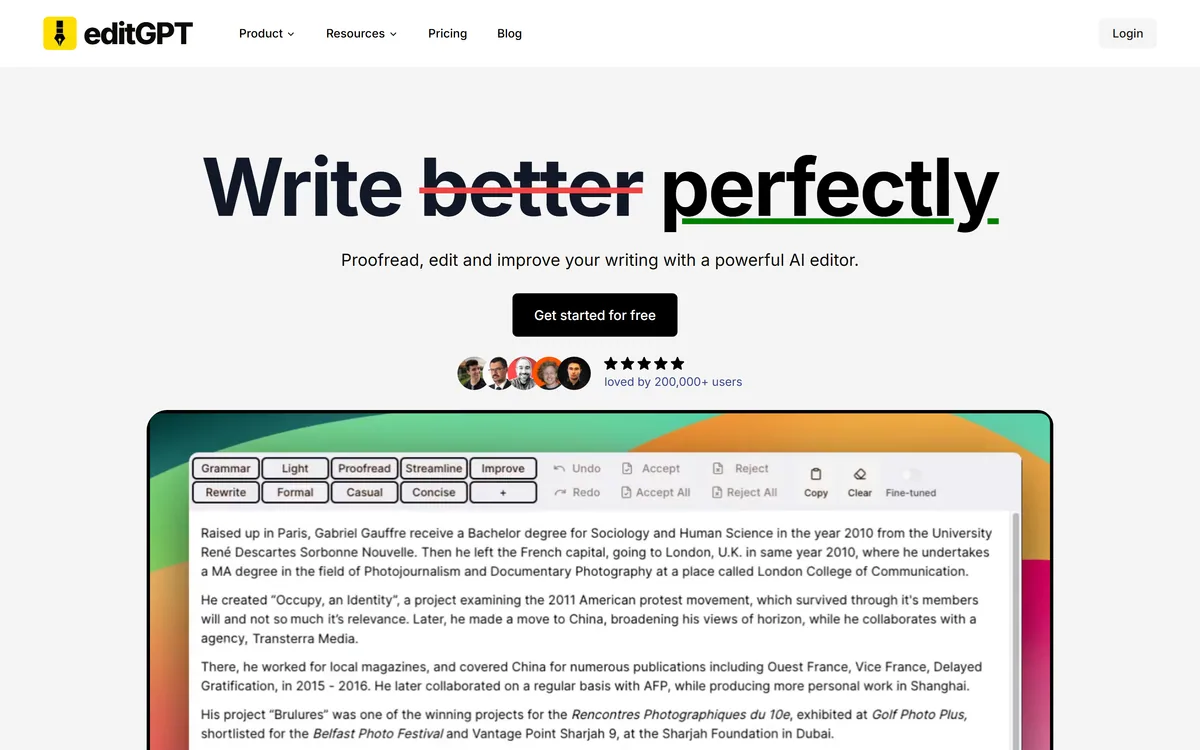
EditGPT is an AI proofreading and editing assistant that checks grammar, rewrites and improves text with tracked changes, working via a browser extension and Microsoft Word (.docx) import/export. It suits writers, students and professionals who want quick editing they can review, with the usual judgement-and-privacy caveats and vendor-stated claims.
Good
EditGPT earns 3.7 as a useful, review-friendly AI editing aid. Its tracked-changes workflow is the smart part: instead of handing back a mystery rewrite, it shows every edit so you accept or reject each one and keep your voice, and it works where you write, in the browser and in Word. The caveats are modest and honest: AI edits can be wrong or overzealous so your judgement has to stay in, and pasting sensitive text is a privacy consideration. For fast, scrutinable everyday editing it's a practical pick; for deep specialist editing, a human or a domain tool goes further. AInexfinder Editor Score: 3.7/5.
Best for: Everyday proofreading; Reviewable editing
The visit link goes to editgpt.app, the official site. Paid placements on AInexfinder are always labelled. How we make money
A good edit is invisible, but getting there is tedious, and most AI editors just hand back a rewritten blob you can't scrutinise. EditGPT's twist is tracked changes: it edits your text and shows you exactly what it changed.
It proofreads, rewrites and improves, working in the browser and with your Microsoft Word documents (via .docx import/export), so you edit where you already write. It competes with writing aids like Wordtune, on review-friendly editing.
This review covers how EditGPT edits your draft, which writers it suits, how it's priced, and where your own judgement still has to stay in.
EditGPT's core job is to edit your writing in a way you can actually review. It proofreads for grammar and clarity, rewrites for tone or concision, and, crucially, presents the result as tracked changes so you see every edit rather than a mystery rewrite.
That review-first design is the differentiator. Accepting or rejecting each change keeps you in control of your own voice, instead of surrendering it to whatever the model decided, which is how a lot of AI editing goes wrong.
It meets you where you write: a browser extension for editing text on the web, and Microsoft Word (.docx) import/export for documents, so you don't have to copy text into a separate app.
The honest framing is that EditGPT is a useful, review-friendly editing aid. The caveats are modest but real: AI edits can be wrong, overzealous or flatten your voice, so your judgement has to stay in; pasting sensitive or confidential text into any AI tool is a privacy consideration; and its quality and accuracy claims are vendor-stated. The track-changes design is doing real work here: it keeps you as the editor and the AI as the assistant, which is the right way round for anything you'll put your name to, and it's the main reason EditGPT is safer than a blind rewriter.
EditGPT is a useful, review-friendly editing aid; keep your judgement in, and mind privacy with sensitive text.
EditGPT pairs tracked-changes editing with the places you already write.
It proofreads, rewrites and improves text and shows the result as tracked changes, so you accept or reject each edit and keep control of your voice.
A rewriting tool like Scribbr emphasises academic correctness and citation; EditGPT's angle is general review-friendly editing with explicit tracked changes, which suits writers who want to see and approve every change.
A browser extension handles text on the web and Microsoft Word (.docx) import/export handles documents, so editing happens where you work.
An improvement tool like RewritePal focuses on rephrasing passages; EditGPT leans on the track-changes workflow, so match it to whether you want rephrasing or reviewable edits in place.
EditGPT suits writers, students, professionals and non-native English speakers who want quick, reviewable editing for everyday writing, emails, essays, reports and web content.
It suits people who value seeing and approving each change (the tracked-changes workflow), and who already work in the browser or in Word, where EditGPT lives.
It suits less well anyone needing deep, specialist editing (a human editor or a domain tool goes further), writers unwilling to review edits and keep their voice, and anyone pasting confidential text they shouldn't share with a third-party tool.
A fair way to place it: if you want fast editing you can scrutinise and approve, right where you write, EditGPT fits well; if you need expert-level editing or handle sensitive material, bring human judgement and mind the privacy of what you paste, because the tool assists your editing, it doesn't replace your responsibility for the final text. The honest test is whether its suggestions genuinely tighten your writing without stripping out what makes it yours, which you can only judge by reviewing each change rather than accepting them wholesale. Used that way it's a fast second pair of eyes; used as a one-click 'fix everything' button, it can smooth your prose into something flatter and blander than you wrote.
EditGPT is freemium: a free tier to try plus paid plans for more usage and features. We do not publish prices, which change; check the site and confirm the usage limits per tier.
The value question is time saved versus review effort: tracked changes make editing fast and safe to accept, so the value is high if the suggestions are good and you still review them.
The sensible approach is to use the free tier on your real writing, judge whether the edits improve your text without flattening your voice, and upgrade only if the editing genuinely saves you time.
Because AI edits need your judgement, test EditGPT on your real writing and review every change.
| What it is | An AI proofreading and editing assistant |
|---|---|
| Company | EditGPT (entity suffix suggests a private company) |
| Core | Proofread, rewrite and improve text with tracked changes |
| Review | Accept/reject each change (track-changes style) |
| Where | Browser extension and Microsoft Word (.docx) import/export |
| Tasks | Grammar, clarity, rewriting, tone |
| Access | Freemium (free tier plus paid) |
| Audience | Writers, students, professionals |
AI proofreading
Rewriting
Tracked changes
Browser extension
Word .docx import/export
Tone edits
Grammar checks
Accept/reject edits
The useful comparison is with other writing and editing aids.
| Tool | Tool | Approach | Best for |
|---|---|---|---|
| EditGPT | Tracked-changes AI editing | Review each edit | Reviewable everyday editing |
| Wordtune | Context-based rewriting | Polishing your words | ESL and everyday writing |
| Scribbr | Academic editing/integrity | Correctness and citation | Academic writing |
| RewritePal | Rewriting and improvement | Rephrasing passages | Improving writing |
Last checked . Read from editgpt.app during this check, with the screenshot above captured at the same time.
AI edits can be wrong, overzealous or flatten your voice, so keep your judgement in and review each tracked change. Pasting sensitive or confidential text into any AI tool is a privacy consideration. Accuracy and quality claims are vendor-stated.
A rewriting tool, an academic editor and an improvement tool to weigh beside EditGPT.
AInexfinder does not list plan prices or billing details. For current pricing, plans, and trials, visit the official editGPT website.
Visit official website for pricingVendor pricing, credits, and billing policies change over time. Always confirm on the official site before you buy.
editGPT earns an AInexfinder Editor Score of 3.7/5 (good). Best for: Everyday proofreading; Reviewable editing; Emails and reports.
Visit editGPTLog in to write a review.
No reviews yet. Be the first to share your experience with editGPT.
Assigned reviewer
Daniel ReedSenior AI Tools Reviewer
Daniel leads AInexfinder's tool reviews. He researches each tool from its own pricing, documentation and policies, checks its claims against independent sources, and writes up what it does well, where it falls short and who it genuinely suits.
Daniel and the AInexfinder editorial team research editGPT from its own website, pricing, documentation and policies, checked against independent sources. This review is research-based: unless its method note says otherwise, we have not bought a plan or run hands-on tests. The Editor Score is our editorial judgement, and payment never changes it.
Similar Tools
Grammarly is an AI writing assistant that checks grammar, clarity, and tone wherever you already write — browser, desktop, mobile keyboard, Google Docs, and Microsoft Office — and now ships AI agents for humanising, detecting, and grading text.
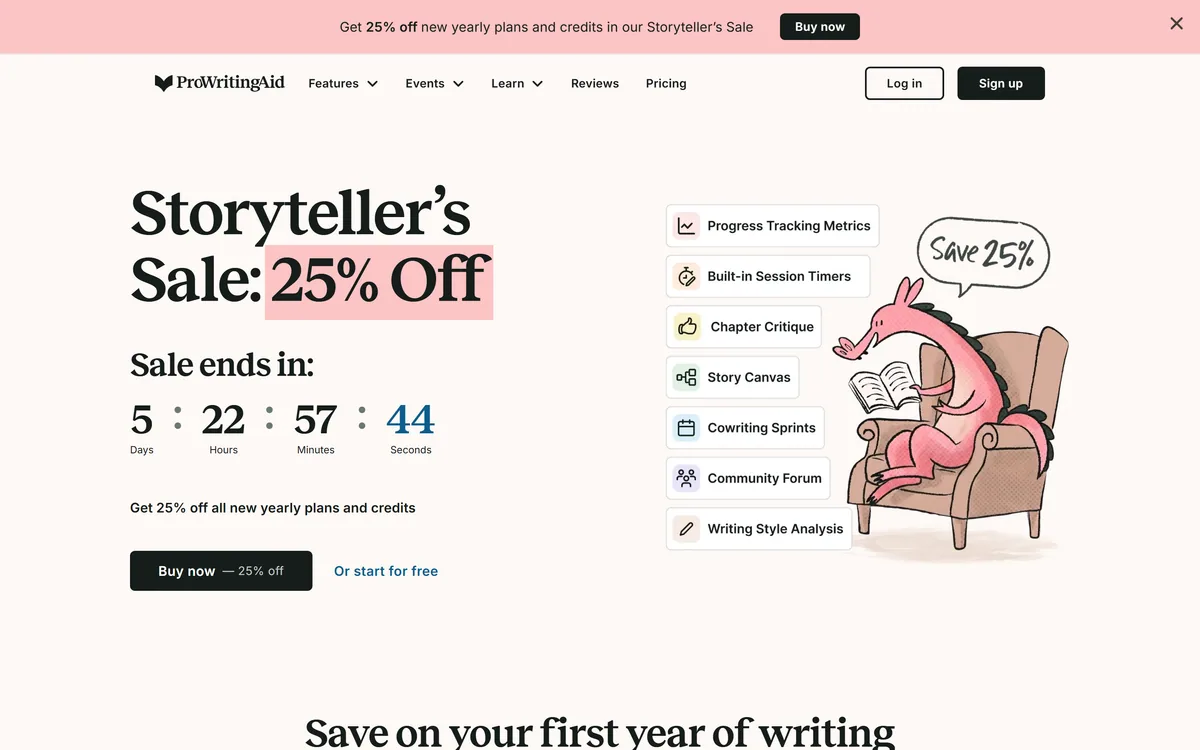
ProWritingAid is a writing platform for novelists from Orpheus Technology, combining grammar and style reports with manuscript-level critique — Chapter Critique, Character Analysis, Virtual Beta Reader and Marketability Analysis — across Word, Google Docs and Scrivener.
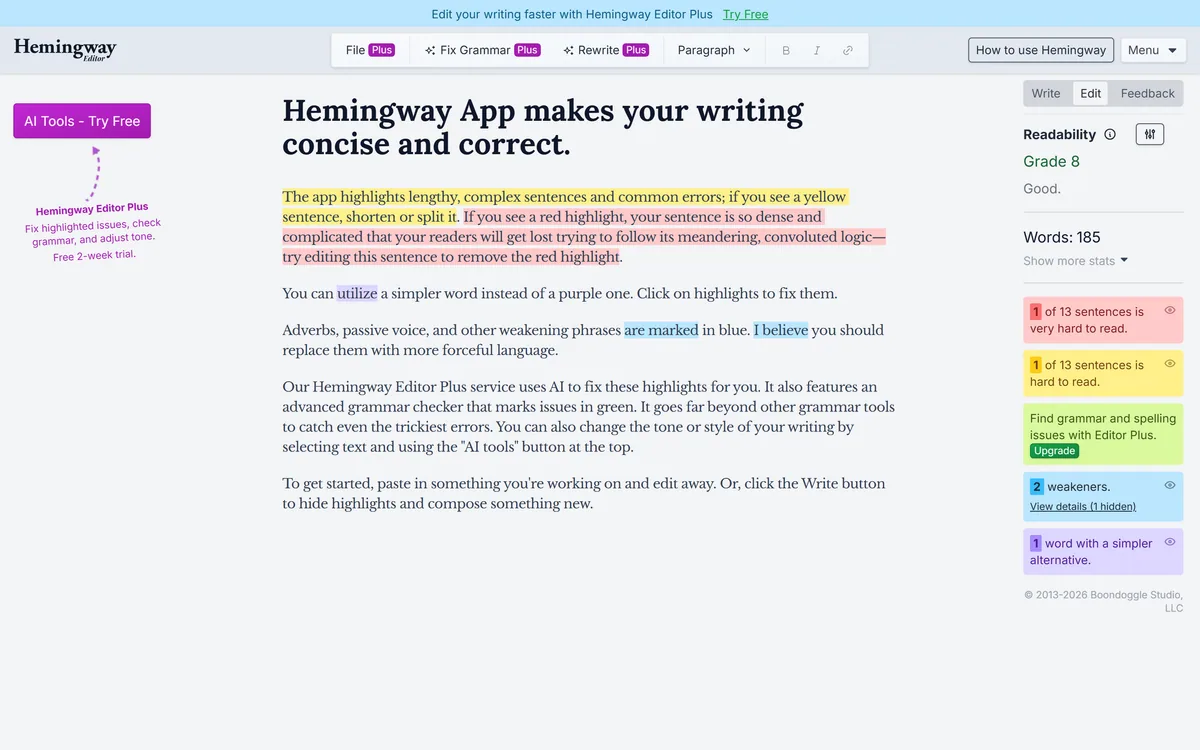
Hemingway Editor highlights writing problems by colour — long sentences in yellow, unreadable ones in red, complex words in purple, adverbs and passive voice in blue — and reports a readability grade. A paid tier adds AI fixes, an advanced grammar checker and tone adjustment.
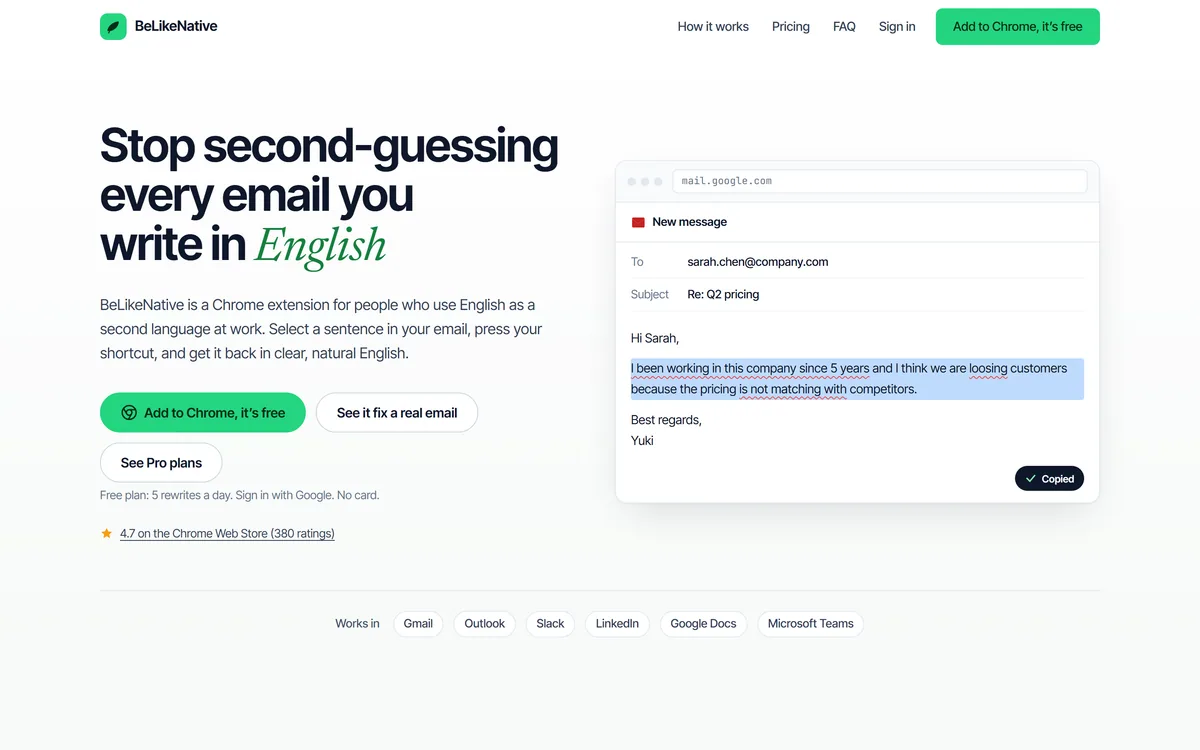
BeLikeNative is a Chrome extension for people who use English as a second language at work: select a sentence, press a shortcut, and get it back in clear, natural English, with tone options and translation, working inside Gmail, Outlook, Slack, LinkedIn, Docs and Teams.
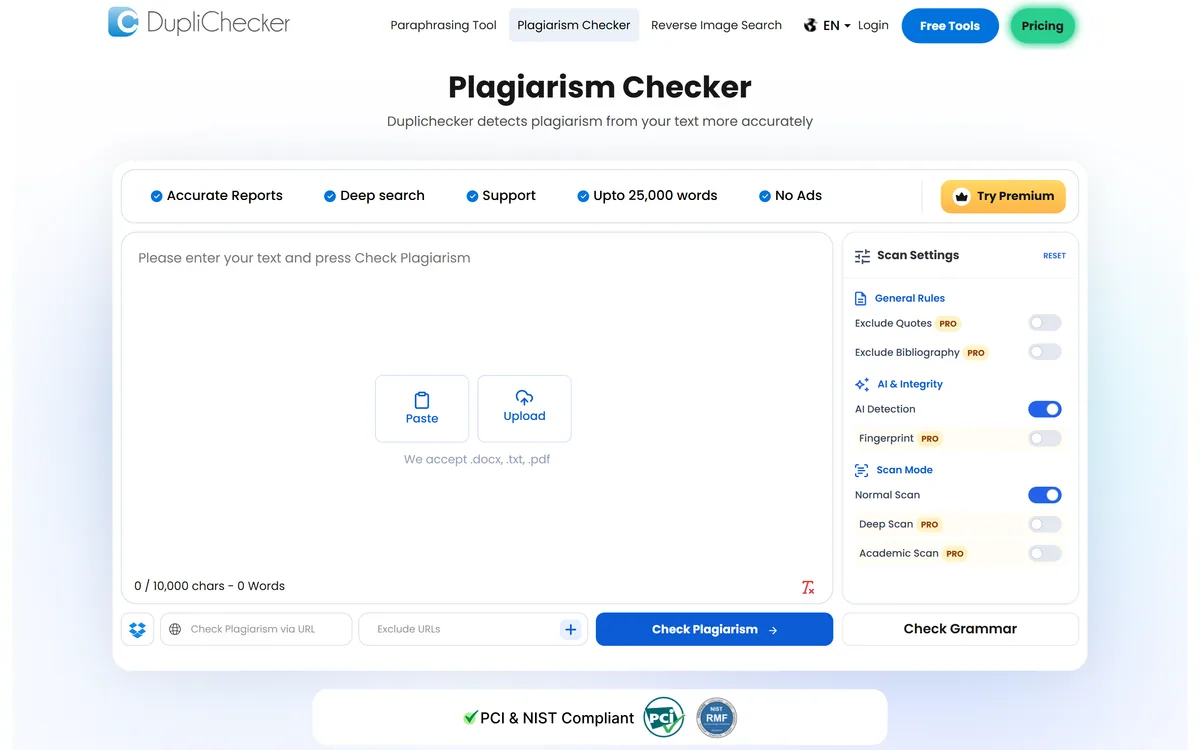
DupliChecker is a free online plagiarism checker and a broad SEO/writing utility site, offering similarity checks, an AI content detector, grammar checking and dozens of extra tools. It is useful for quick first-pass checks, but its accuracy claims are overstated and its AI detector is unreliable.
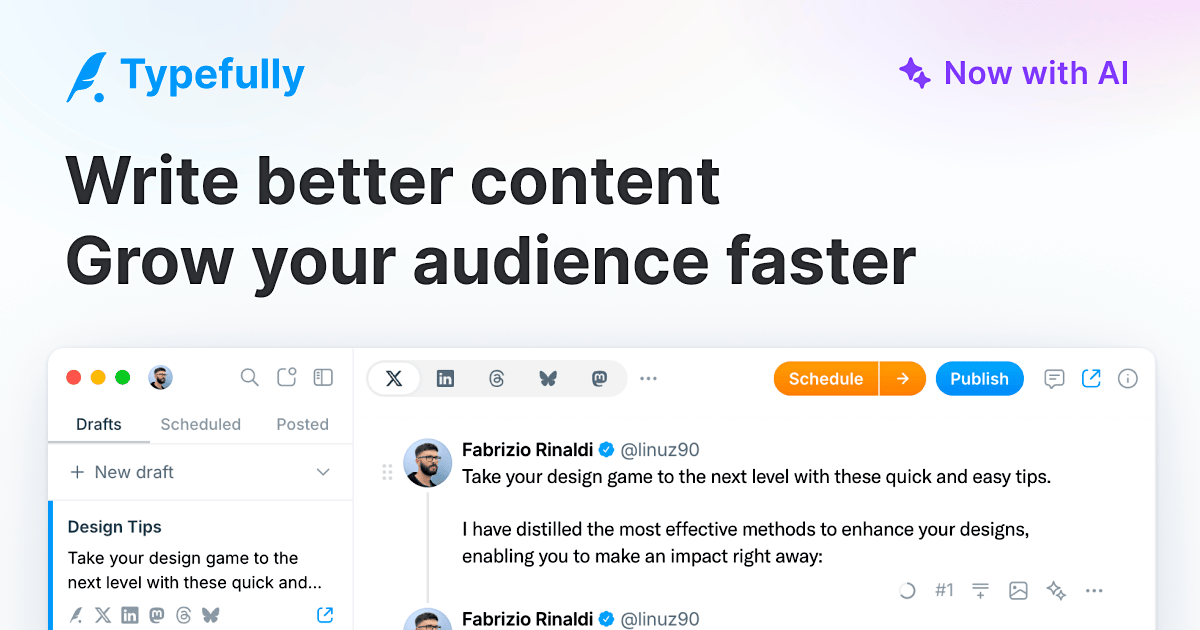
Typefully review on AInexfinder — freemium AI tool for Writing & Content. Features, pricing notes, and alternatives.
Related Pages