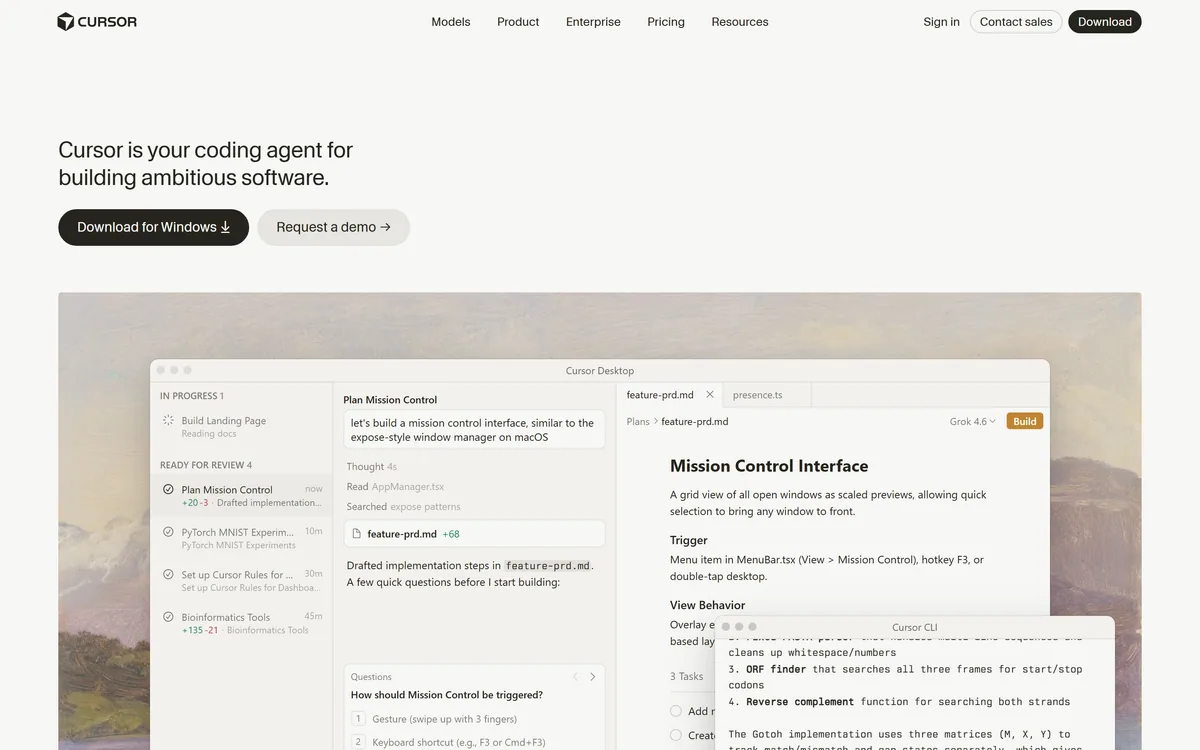

Cursor is an AI-first code editor and agent platform from Anysphere — now a SpaceX subsidiary — that plans, writes, tests, and reviews code across your repository from the desktop editor, a CLI, the web, and Slack.
Coding & Development Review
Bezi is an AI assistant and agentic workspace for game developers that works inside your Unity project, with Unreal Engine in early access, helping plan features, write and edit scripts and configure prefabs and effects, while developers stay in control of the craft.

Very good
Bezi earns 4.1 as a refreshingly grounded AI tool for game developers: an agentic workspace that works inside your Unity project, with Unreal in early access, planning mechanics, editing scripts and setting up prefabs and effects while keeping developers in control. Its plan-then-act workflow makes agent changes transparent and helps designers iterate. Agent edits still need review, game feel comes from testing in-engine, and Unreal support is early, but for Unity teams it is a genuinely useful accelerator. AInexfinder Editor Score: 4.1/5.
Best for: Unity feature work; Prototyping mechanics
The visit link goes to bezi.com, the official site. Paid placements on AInexfinder are always labelled. How we make money
Many AI game tools promise to generate a whole game from a prompt. Bezi takes the opposite stance: AI for building real games, not generating them, by helping developers inside the projects they already work on.
It is an agentic workspace that sits on top of your engine, Unity today with Unreal Engine in early access, helping plan mechanics, write and edit scripts, set up prefabs and effects, and track to-dos. Compared with 3D asset generators like Meshy, it works on game logic and project structure rather than assets.
This review covers how Bezi works inside a game project, which developers it suits, how its pricing works for studios, and when it is not the tool your game needs.
Bezi's guiding idea is respect for the craft. Instead of trying to replace game developers with a prompt, it aims to remove friction from the work they already do: planning features, wiring up scripts, configuring components and debugging.
It works as an agentic workspace on top of your engine, so it understands your actual project, its scripts, prefabs, scenes and animations, rather than generating isolated code snippets that do not fit.
The site's example shows the workflow: a developer asks for a fuel-based fire-breath attack for a dragon, and Bezi explores the existing controller, animations and effects, writes a plan and to-dos, then edits the movement controller and creates a fire-breath script and prefab setup.
That plan-then-act pattern is valuable for teams, because it makes the agent's intentions visible before code changes land, and lets designers and programmers discuss a mechanic in concrete terms.
The honest framing is that Bezi can speed up feature work significantly, but game feel, balance and performance still come from developers testing in-engine. Agent edits need review like any teammate's pull request, especially in larger codebases.
Bezi aims to remove friction from game development, not replace developers; game feel and balance still come from testing in-engine.
Bezi combines planning documents with an agent that changes the project.
Bezi supports Unity today and has opened early access for Unreal Engine, which matters for studios choosing tools that will follow them across engines. Early-access support is best treated as evolving rather than production-ready.
For AI-generated 3D models from images or text, Rodin is another option; combining asset tools with Bezi's project-aware assistance covers both content and code.
Bezi suits Unity developers and small to mid-sized studios who want to move faster on features, prototypes and debugging without handing creative control to a generator.
It suits designers who want to expand systems and iterate on mechanics with less dependence on programmers, which studio testimonials on the site highlight.
It also suits teams onboarding new hires, since a project-aware assistant can explain unfamiliar systems and speed up the first weeks in a large codebase.
It suits less well studios on engines it does not yet support, projects with strict code-ownership or security policies that limit third-party access, and teams expecting a finished game from prompts.
Experienced engineers will still want to review architecture and performance-sensitive code, since agent-written systems can work in a prototype yet need refactoring before they scale.
Solo developers and game-jam teams may see the most immediate benefit, because the plan-then-act loop turns a rough idea into a testable mechanic quickly, leaving more time for the polish that actually makes a game fun.
Bezi offers a free way to try it, with paid plans for individuals and studios. We do not publish prices, which change; check the site.
The value question is feature velocity: if Bezi cuts the time to prototype and implement mechanics, the subscription can pay for itself quickly for a working studio.
Studios should also consider seat counts and how many designers versus programmers will use it, since its appeal to designers can widen adoption beyond engineering.
The sensible approach is to prototype one real mechanic in your own project, review every change the agent makes, and compare the time against doing it by hand.
Indie developers working alone should weigh the subscription against evenings saved each month on prototyping and debugging, since even a few saved sessions can justify it for a serious project.
Because Bezi works on your real project, test it on a genuine mechanic with version control in place.
| What it is | An agentic AI workspace for game development |
|---|---|
| Engines | Unity; Unreal Engine in early access |
| Planning | Plans, specs, to-dos and brainstorms |
| Agent | Agent mode edits scripts, prefabs and effects |
| Context | Understands your project's code and assets |
| Philosophy | 'Build real games, not generate them' |
| Proof | Studio testimonials (vendor-presented) |
| Access | Free to try, with paid plans |
Agentic game-dev workspace
Unity integration
Unreal early access
Plans and to-dos
Script editing
Prefab and effects setup
Project-aware context
Restore and edit agent changes
The useful comparison is with other AI tools for games, by what they produce.
| Tool | Tool | Produces | Best for |
|---|---|---|---|
| Bezi | Project-aware code and setup | Building features in your engine | Unity developers and studios |
| Meshy | 3D models from text or images | Printable and game assets | Asset creation |
| Sloyd | Parametric 3D assets | Game-ready models | Asset pipelines |
| Rodin | AI 3D models | Detailed models | 3D creators |
Three AI asset generators to pair with Bezi's project-aware assistance.
Last checked . Read from bezi.com during this check, with the screenshot above captured at the same time.
Bezi edits real projects, so use version control and review every change. Unreal support is early access. Studio productivity claims are vendor-presented.
AInexfinder does not list plan prices or billing details. For current pricing, plans, and trials, visit the official Bezi website.
Visit official website for pricingVendor pricing, credits, and billing policies change over time. Always confirm on the official site before you buy.
Bezi earns an AInexfinder Editor Score of 4.1/5 (very good). Best for: Unity feature work; Prototyping mechanics; Small studios.
Visit BeziLog in to write a review.
No reviews yet. Be the first to share your experience with Bezi.
Assigned reviewer
Daniel ReedSenior AI Tools Reviewer
Daniel leads AInexfinder's tool reviews. He researches each tool from its own pricing, documentation and policies, checks its claims against independent sources, and writes up what it does well, where it falls short and who it genuinely suits.
Daniel and the AInexfinder editorial team research Bezi from its own website, pricing, documentation and policies, checked against independent sources. This review is research-based: unless its method note says otherwise, we have not bought a plan or run hands-on tests. The Editor Score is our editorial judgement, and payment never changes it.
Similar Tools
Cursor is an AI-first code editor and agent platform from Anysphere — now a SpaceX subsidiary — that plans, writes, tests, and reviews code across your repository from the desktop editor, a CLI, the web, and Slack.
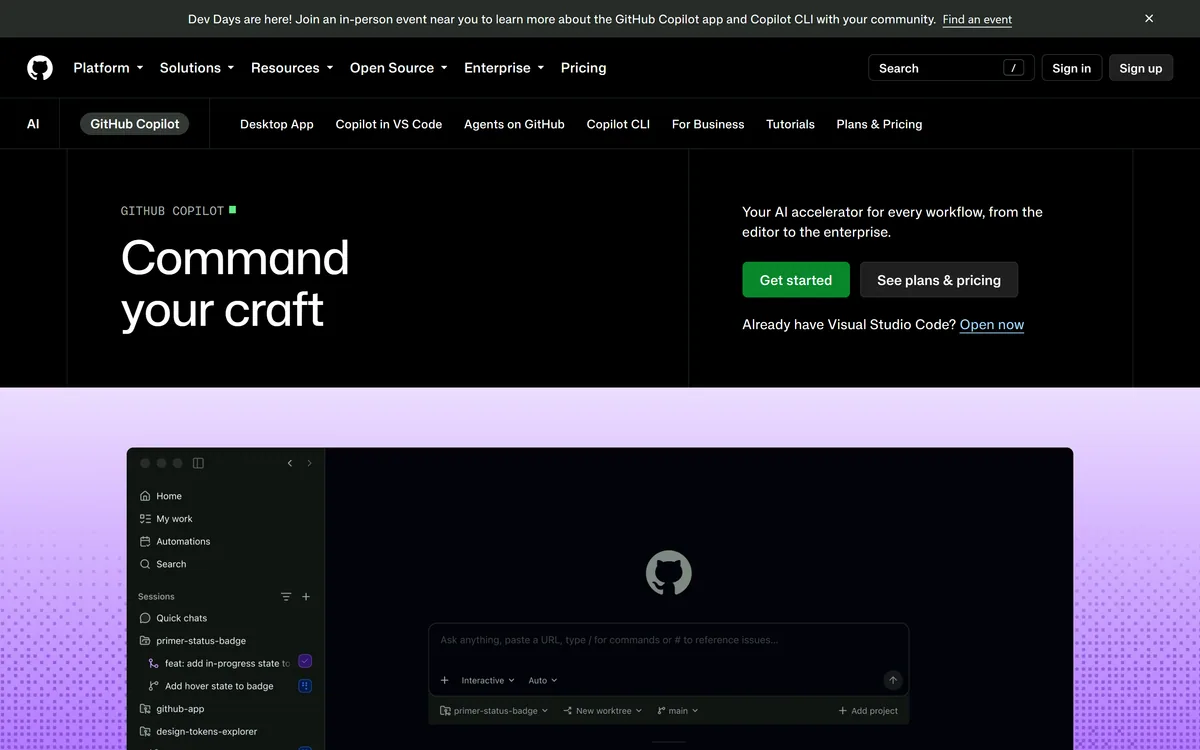

GitHub Copilot is an AI coding assistant that spans completion, chat, agent mode, automated code review, and a cloud agent that opens pull requests, working across VS Code, Visual Studio, JetBrains, Xcode, Neovim, Eclipse, the CLI, and github.com.
Goose review on AInexfinder — free AI tool for Coding & Development. Features, pricing notes, and alternatives.
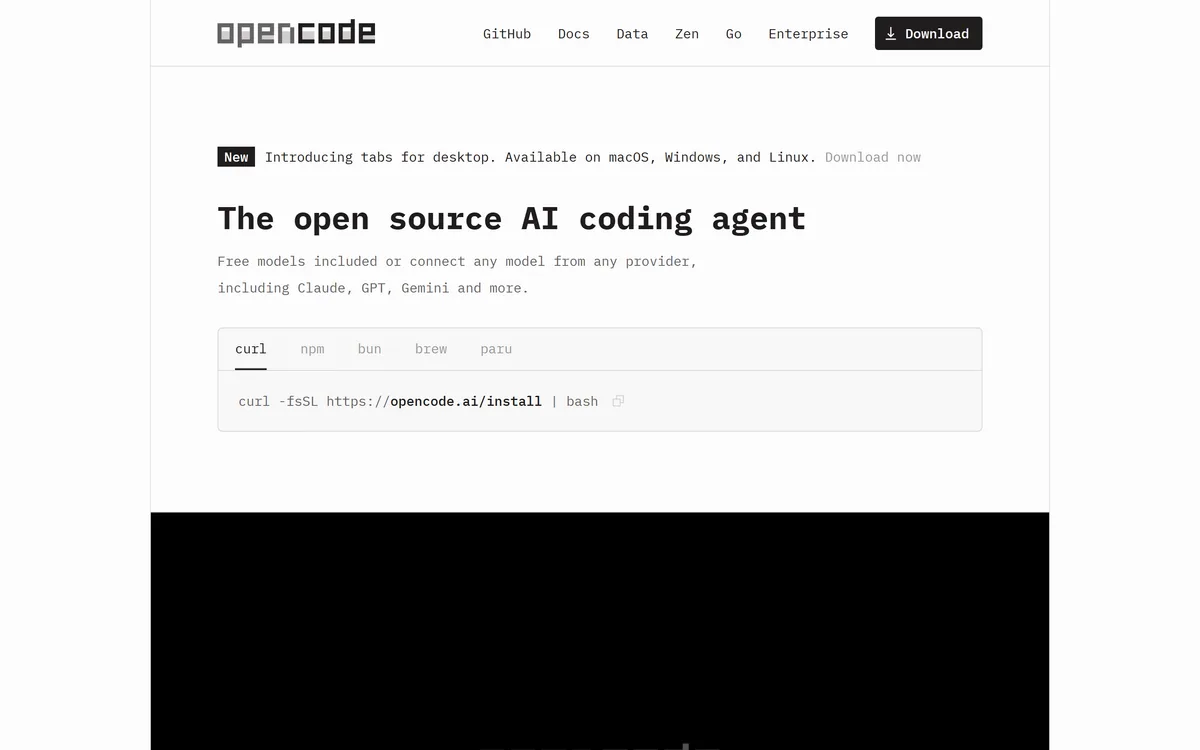
OpenCode is an open source AI coding agent built for the terminal, with desktop and IDE clients alongside. It connects to 75+ model providers, configures language servers automatically, runs parallel agent sessions, keeps conversations locally in SQLite, and is built by the team behind SST.
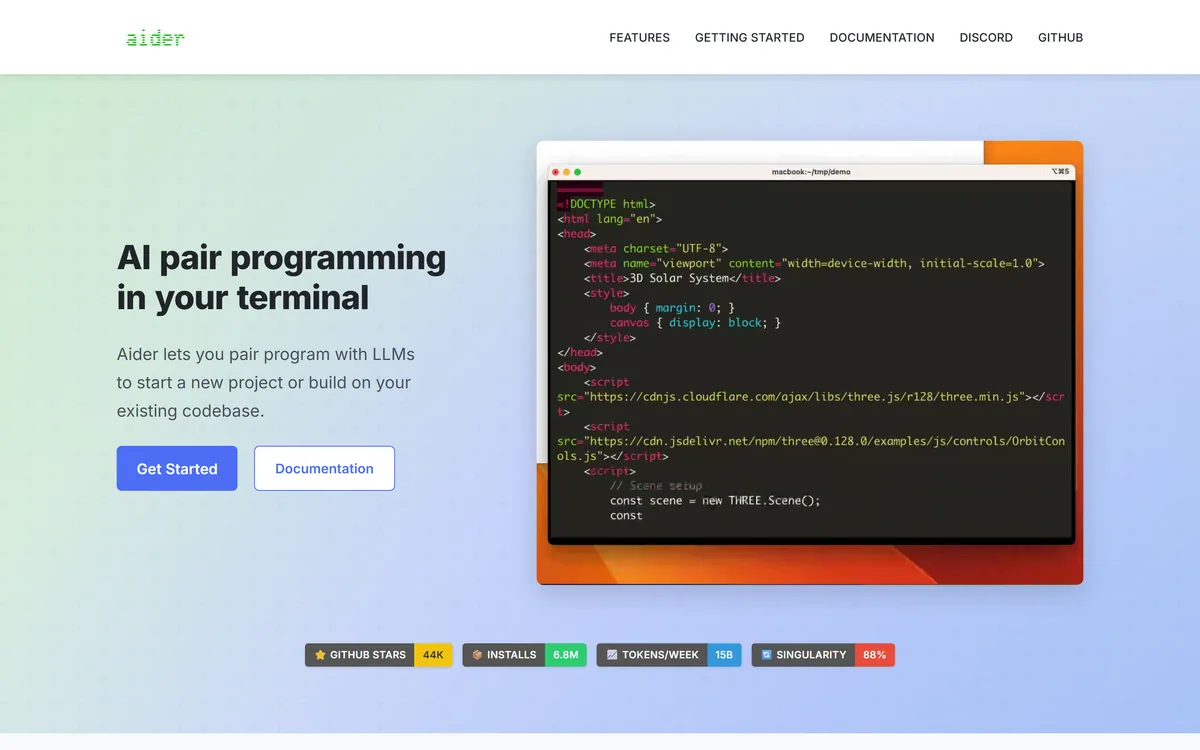
Aider is an open-source AI pair programming tool that runs in your terminal, builds a map of your whole repository for context, works with almost any LLM including local models, and commits each change to git with a written message so every edit can be diffed and undone.
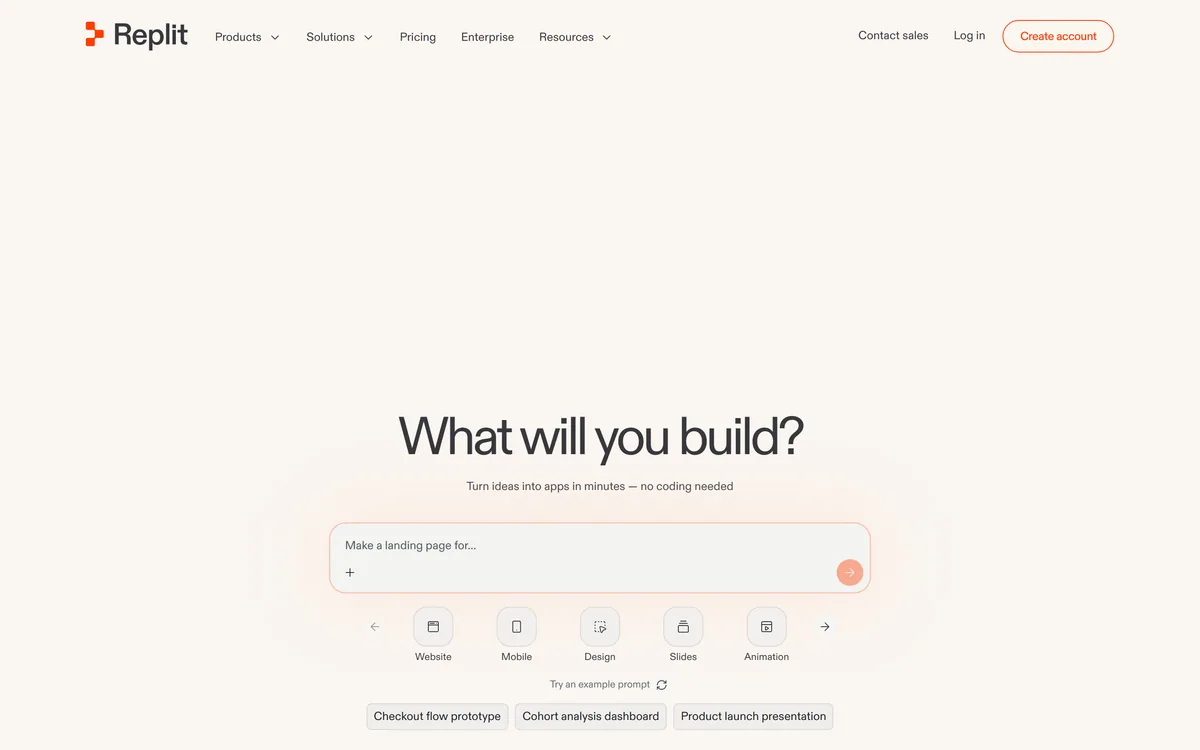

Replit AI turns a written description into a working application — the Agent writes the code, and Replit supplies the database, authentication, hosting, and monitoring, so a prototype goes live without a local setup or a deployment pipeline.
Related Pages