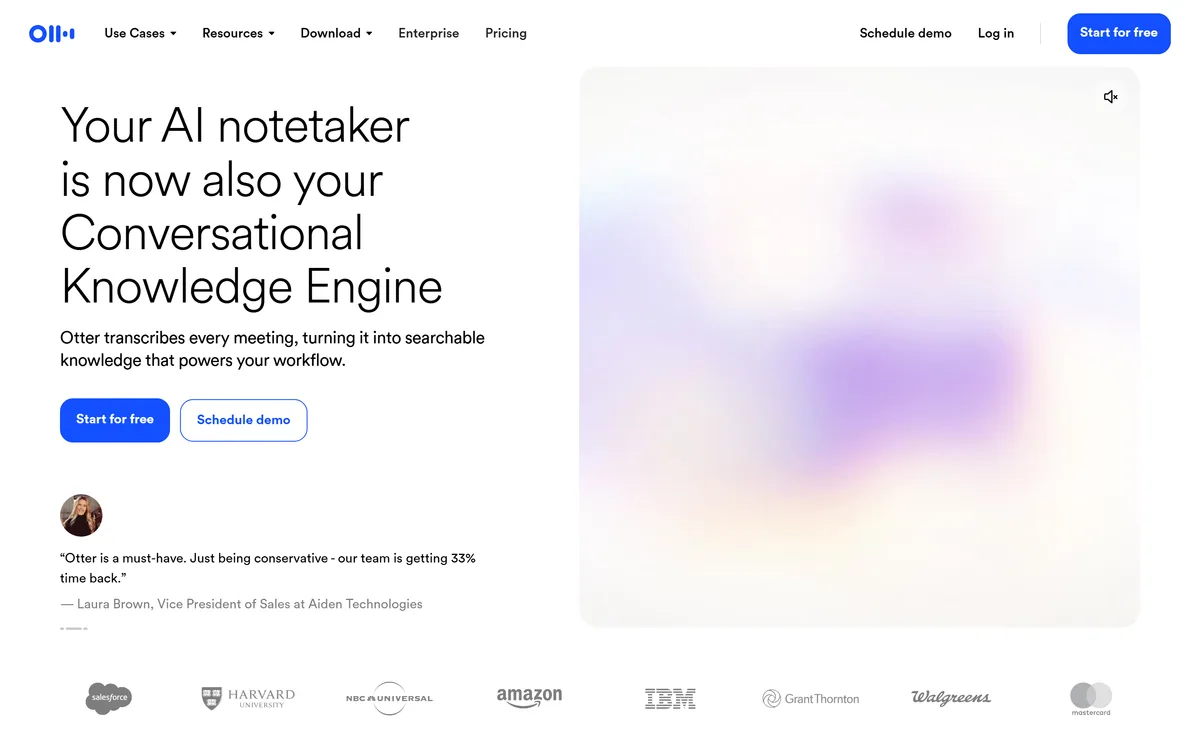

Otter.ai transcribes meetings live, writes summaries and action items, and organises everything into searchable Channels — with OtterPilot joining Zoom, Teams, and Google Meet, plus role-specific agents for sales, recruiting, and SDR work.
Productivity & Automation Review
Bot-free AI notetaker for Google Meet, Zoom, Teams Category: Productivity & Automation.

Provisional score · full review pending
Bluedot has an AInexfinder Editor Score of 4.7/5.
Best for: Teams that need bot-free meeting capture via Chrome extension; Users focused on transcripts across Meet, Zoom, and Teams
The visit link goes to bluedothq.com, the official site. Paid placements on AInexfinder are always labelled. How we make money
Bluedot is an AI meeting recorder and notetaker built primarily as a Chrome extension, with a focus on capturing meetings discreetly without sending a visible bot into the call.
It records and transcribes across Google Meet, Zoom, and Microsoft Teams as well as in-person conversations, then delivers AI-generated summaries that users praise as accurate, well structured, and immediately available after the meeting ends.
Because it is bot-free, it sidesteps the growing friction on platforms that flag or block third-party meeting bots, which makes it appealing as those restrictions tighten.
Bluedot can automatically push notes and outcomes into tools like CRMs and Notion, keeping records in sync where teams already work, and it is available beyond Chrome via web and app experiences. It targets sales teams, consultants, and professionals who want reliable, low-friction meeting notes.
Pros include the bot-free capture approach, fast and accurate transcription and summaries, and useful CRM and Notion automations.
Cons are that the heaviest reliance on a Chrome extension can limit users on other browsers, and meaningful usage beyond a small lifetime free allowance requires paid Basic, Pro, or Business plans.
It is especially appealing to Google Meet users and privacy-conscious teams who dislike a visible bot joining their calls but still want automatic, shareable notes afterward. Bluedot offers a limited free tier with paid subscriptions for higher volume and integrations.
Pricing changes often, so check the official site for current plans. Bluedot's core capabilities include Bot-free meeting capture via Chrome extension, Transcripts across Meet, Zoom, and Teams, AI-generated meeting summaries, In-person meeting recording, Automatic CRM and Notion updates and Web and app access.
Bot-free meeting capture via Chrome extension is built in, Transcripts across Meet, Zoom, and Teams is built in, AI-generated meeting summaries is built in, In-person meeting recording is built in, so you get a rounded toolkit rather than a single trick.
Each feature is designed to take the manual effort out of the task and help you reach a usable result faster, which is what makes Bluedot worth a place on your shortlist.
As with any AI tool, the output still benefits from a quick human review, but Bluedot gets you most of the way there with far less effort.
Bluedot runs on a freemium pricing model, so you can start for free and only pay once you outgrow the free tier — handy for testing it on a real task before spending anything.
AI-tool pricing changes often, so always check the current plans, seats and add-ons on the official site for the latest details before you buy. Who is Bluedot for? It's best suited for bot-free ai notetaker for google meet, zoom, teams.
Whether you're a beginner trying this kind of AI tool for the first time or a professional who'll use it every day, it's a credible option to consider.
Bluedot is best suited for bot-free ai notetaker for google meet, zoom, teams. Whether you are trying this kind of productivity & automation tool for the first time or use one every day, it is a credible option to shortlist — compare it with the alternatives and head-to-head comparisons linked on this page to find the best fit for your workflow and budget.
Bot-free meeting capture via Chrome extension
Transcripts across Meet, Zoom, and Teams
AI-generated meeting summaries
In-person meeting recording
Automatic CRM and Notion updates
Web and app access
AInexfinder does not list plan prices or billing details. For current pricing, plans, and trials, visit the official Bluedot website.
Visit official website for pricingVendor pricing, credits, and billing policies change over time. Always confirm on the official site before you buy.
Bluedot has a provisional score of 4.7/5: a formula estimate from this listing’s details, not yet an Editor Score. It is replaced once Bluedot gets its full research-based review. Best for: Teams that need bot-free meeting capture via Chrome extension; Users focused on transcripts across Meet, Zoom, and Teams; Creators focused on AI-generated meeting summaries.
Visit BluedotLog in to write a review.
No reviews yet. Be the first to share your experience with Bluedot.
Assigned to
Daniel ReedSenior AI Tools Reviewer
Daniel leads AInexfinder's tool reviews. He researches each tool from its own pricing, documentation and policies, checks its claims against independent sources, and writes up what it does well, where it falls short and who it genuinely suits.
This page is a summary of Bluedot built from its own website and listing details. It has not had its full research-based review yet, so its score is a provisional formula estimate, not an Editor Score. Daniel will research and re-score it; payment never changes a score.
Similar Tools
Otter.ai transcribes meetings live, writes summaries and action items, and organises everything into searchable Channels — with OtterPilot joining Zoom, Teams, and Google Meet, plus role-specific agents for sales, recruiting, and SDR work.
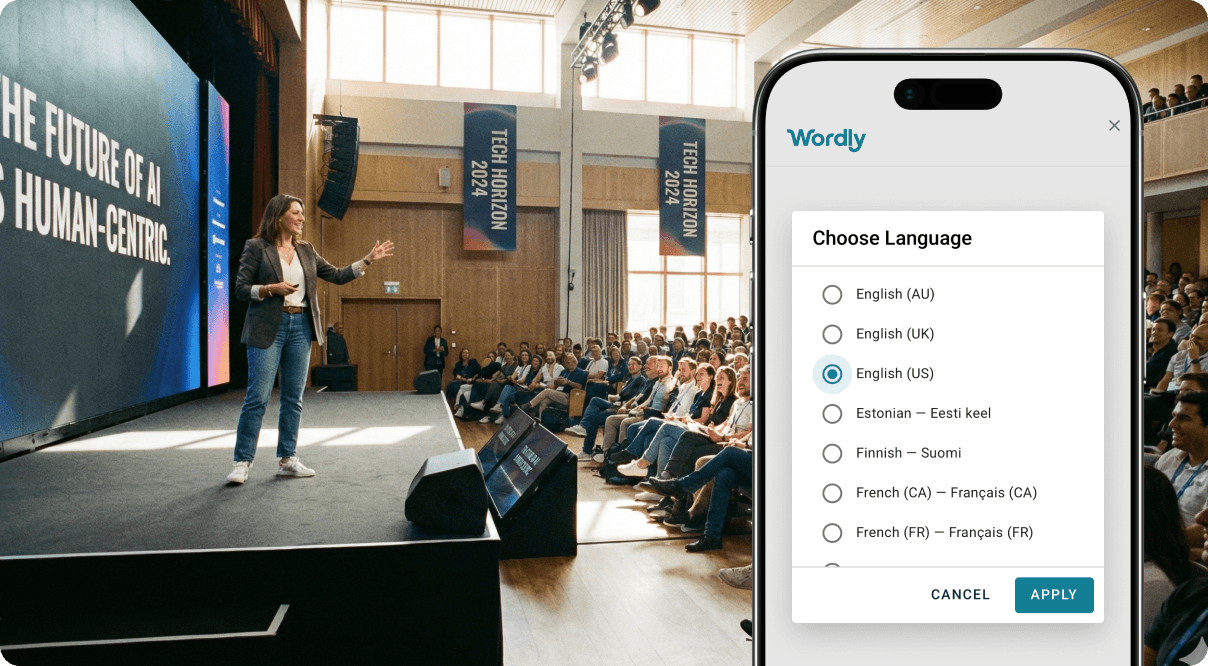
Real-time AI translation and captioning for events Category: Productivity & Automation.
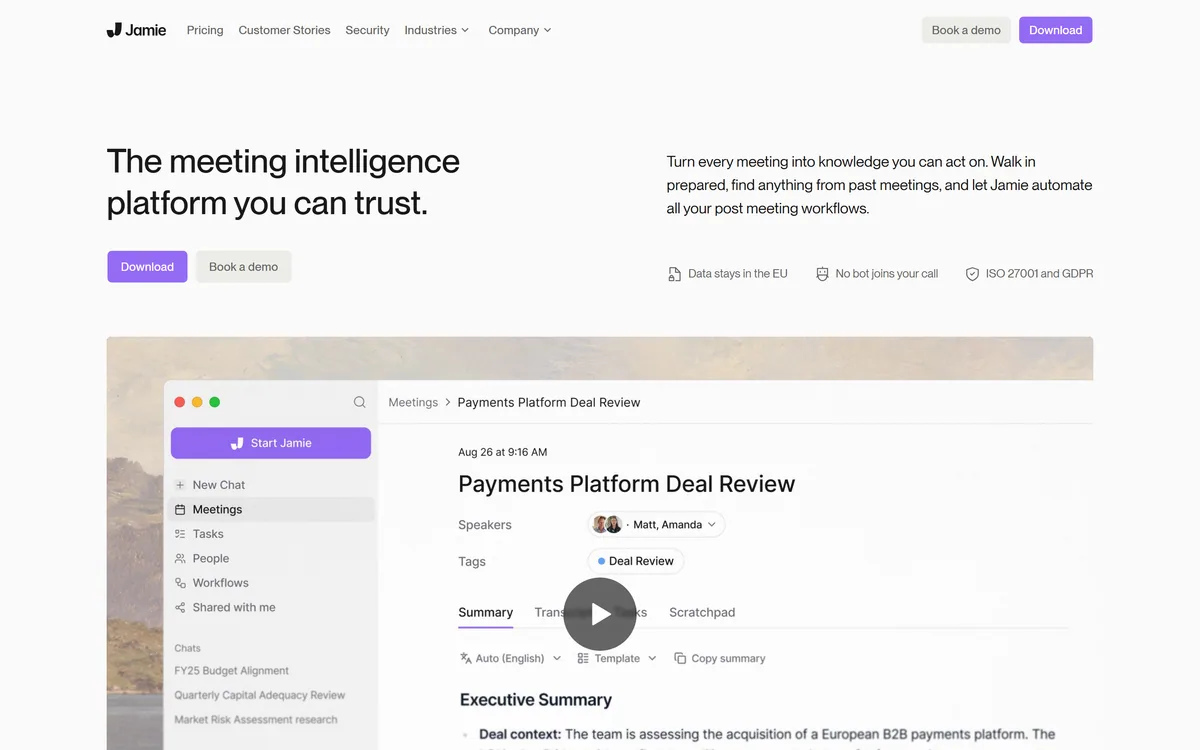
Jamie is an on-device AI meeting assistant that captures and summarizes meetings, online and in person, without a bot joining the call, then powers prep, search, chat and post-meeting workflows, aimed at regulated fields with an EU-data-residency, privacy-first posture.
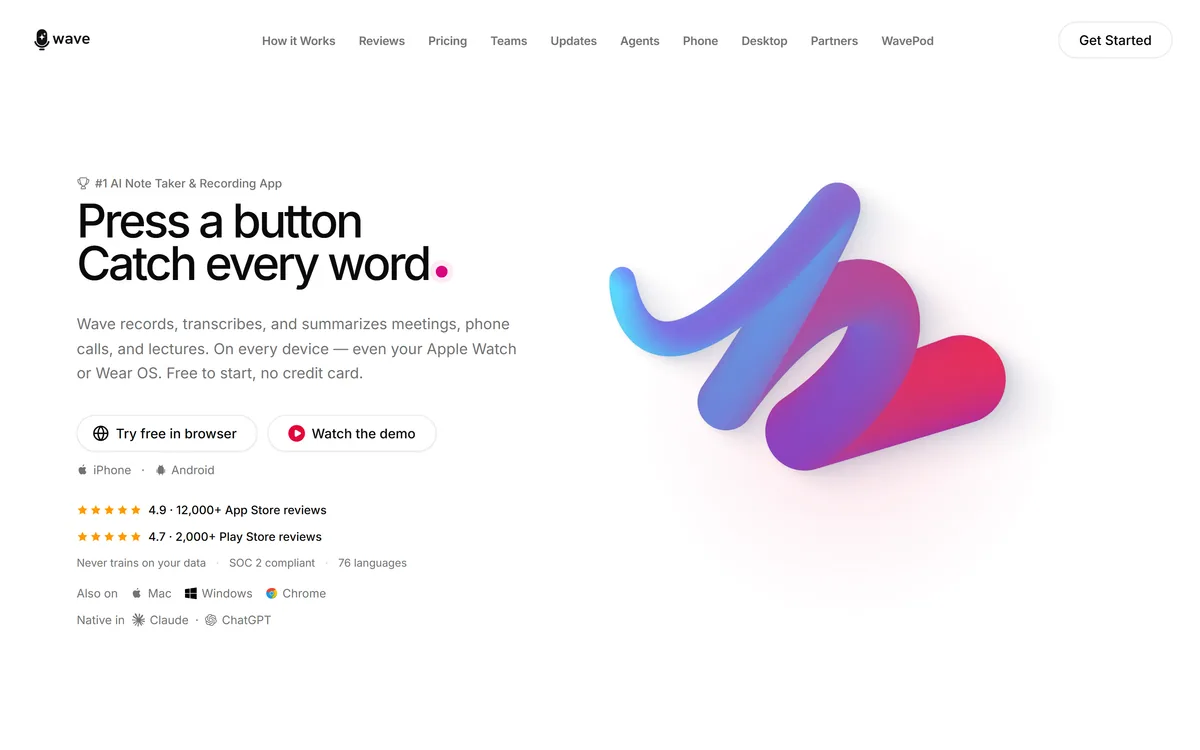
Wave records, transcribes and summarises meetings, calls and lectures across iPhone, Android, web, desktop, Apple Watch and Wear OS. It covers 76 languages, identifies speakers with Voice ID, and states that it never trains AI models on customer data.
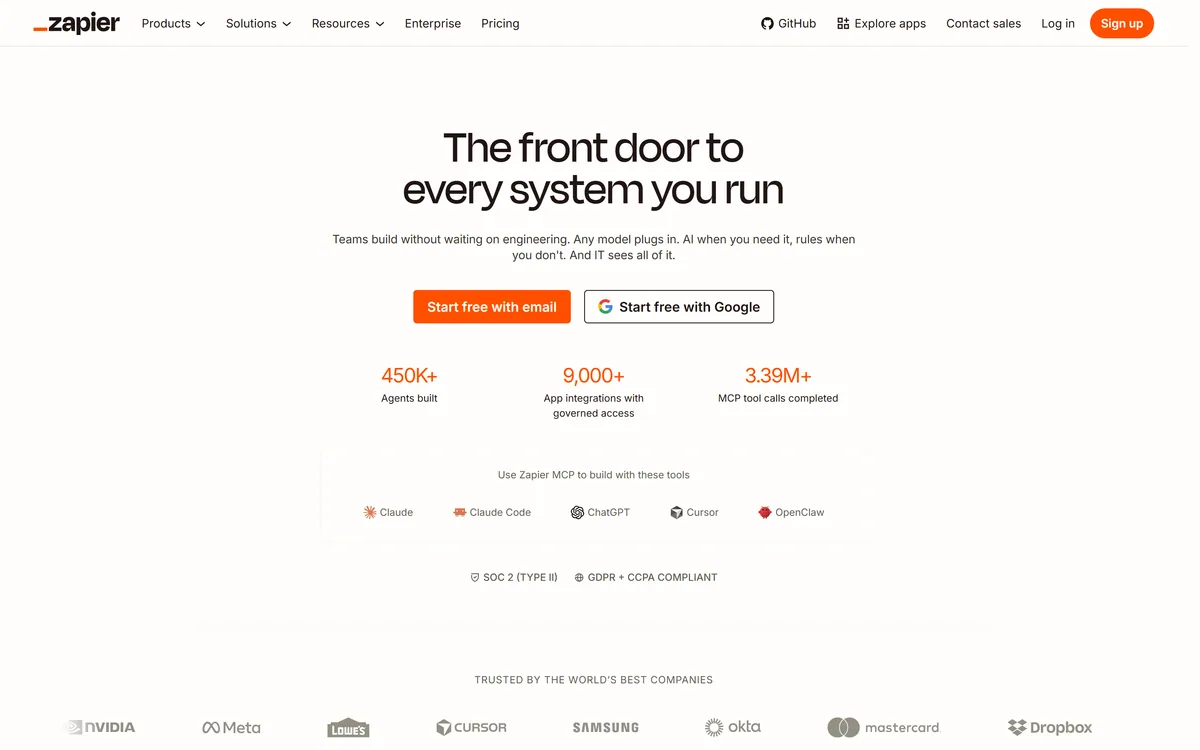

Zapier's AI layer adds agents and MCP tool access on top of its automation platform, connecting more than 9,000 apps with governed access so teams can mix AI decisions with deterministic rules under central oversight.
Self-maintaining AI knowledge base for teams Category: Productivity & Automation.
Related Pages