
Otter.ai transcribes meetings live, writes summaries and action items, and organises everything into searchable Channels — with OtterPilot joining Zoom, Teams, and Google Meet, plus role-specific agents for sales, recruiting, and SDR work.
Productivity & Automation Review
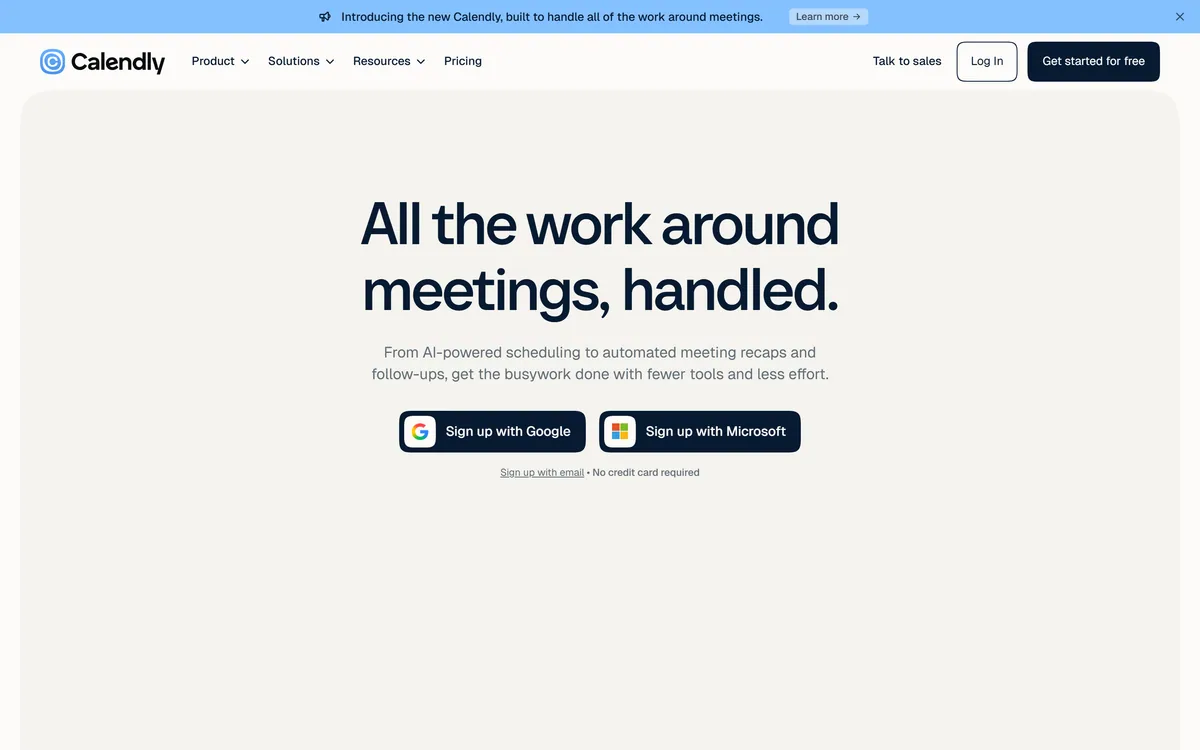
Calendly is the leading scheduling tool, now rebuilt to handle the whole job around meetings: AI-powered scheduling with the Callie assistant, automated Notetaker recaps and follow-ups, built-in payments, and 150+ integrations.
Very good
Calendly earns 4.4 for still owning the scheduling experience that made its name a verb, now sensibly broadened with Callie, Notetaker and payments that remove the busywork around meetings, backed by 150+ integrations; it is capped only in that those newer pieces sit behind paid tiers and are less deep than the dedicated tools they overlap. AInexfinder Editor Score: 4.4/5.
Best for: Frequent meeting-bookers ending the back-and-forth; Teams needing routing and shared availability
The visit link goes to calendly.com, the official site. Paid placements on AInexfinder are always labelled. How we make money
Calendly solved a small, universal annoyance so well that its name became a verb: stop the back-and-forth of finding a time, share a link, done. The question for 2026 is what it does now that it has rebuilt itself around the whole job of meetings.
The answer is that scheduling is now the centre of a wider platform. Alongside the booking link sit an AI assistant that coordinates times in an email thread, a Notetaker that captures recaps and follow-ups, and built-in payments to charge for meetings, all meant to remove the busywork before, during and after a call.
This review covers the scheduling core, what Callie, Notetaker and Payments add, how it fits your calendar and 150-plus other tools, how it is priced, and who it suits.
Calendly's foundation is still the thing it is famous for: complete control over your calendar, turned into a link other people can book against. Connect your calendars, set your hours, and invitees pick from times that actually work, with reminders that cut no-shows and reschedule links that end the email tennis.
What is new is everything stacked around that. Calendly now frames itself as handling all the work around meetings, before, during and after, rather than just the moment of booking. The booking link is the entry point to a wider workflow.
That expansion is the lens for this review: scheduling itself is mature and excellent, so the real questions are whether the new AI and payment pieces are worth adopting over the dedicated tools you might already use for them.
Calendly solved finding a time so well its name became a verb. The 2026 question is what it adds once the time is found.
Three newer capabilities extend Calendly from scheduling into the tasks that bracket a meeting.
Callie is a beta AI assistant you add to an email thread (callie@calendly.com) to coordinate scheduling on your behalf, finding times for everyone without you juggling links. For back-and-forth, multi-party scheduling, that conversational approach is genuinely less fiddly than sharing a link.
It handles the specific job of coordinating a time. For protecting and auto-arranging your broader schedule, dedicated time-management tools like Reclaim AI and Motion go deeper; Callie is about the booking conversation, not planning your week.
Notetaker captures each meeting with clear summaries and next steps, pre-drafts follow-up emails, and works with your tools, so nothing falls through after the call. Payments lets you charge upfront, sell meeting packages and send invoices, which also reduces no-shows.
Notetaker overlaps with dedicated transcribers; a tool like Otter.ai goes deeper on meeting transcription and archives. Calendly's advantage is having capture, scheduling and payment in one place rather than stitched together.
Calendly's quiet strength has always been that it sits politely on top of the tools you already use rather than asking you to switch. It connects to Google and Microsoft calendars and suites, video conferencing, CRMs, recruiting systems and more, over 150 integrations in all.
That matters because scheduling only works if it reflects your real, single source of truth for availability. Deep calendar integration, routing forms to qualify and direct bookers, and website embeds are what make it reliable rather than just convenient.
You can also reach it from a mobile app, a browser extension, and increasingly from AI tools, so booking happens wherever the conversation is. The breadth of integrations is a large part of why it scales from a solo freelancer to a large team.
Calendly has a genuinely useful free tier, no credit card required, that covers basic scheduling for an individual, with paid plans adding more event types, team features, integrations and the newer AI and payment capabilities.
AInexfinder does not publish plan prices, which change and are best read on the pricing page. The practical guidance is that the free tier is enough for simple personal scheduling, and the paid tiers earn their keep for teams and for anyone who will use the routing, Notetaker, payments or deeper integrations.
Check which tier includes the specific new features, Callie, Notetaker, Payments, since those are what distinguish current Calendly from the simple scheduler of a few years ago.
Because scheduling is mature, the useful test is whether the newer pieces earn adoption on your real meetings.
Booking links with full availability control
Meeting templates and event types
Automated email and text reminders
Website embeds and routing forms
Callie, the AI scheduling assistant (beta)
Notetaker recaps with next steps
Built-in payments and invoices
150+ integrations across your stack
Scheduling is Calendly's core; the newer pieces overlap with dedicated time and notes tools.
| Tool | Main job | Strength | Note |
|---|---|---|---|
| Calendly | Scheduling plus AI meeting tools | The scheduling standard, now broader | New AI and payments in one place |
| Reclaim AI | Automatic calendar scheduling | Protecting and arranging your week | Not a booking-link tool |
| Motion | AI task and time management | Planning your day automatically | Broader than booking |
| Otter.ai | Meeting transcription | Deep recaps and searchable archive | Notes, not scheduling |
| What it is | Meeting scheduling with AI meeting tools |
|---|---|
| Core | Booking links with full availability control |
| AI assistant | Callie, schedules from an email thread |
| Notetaker | Meeting recaps with next steps and follow-ups |
| Payments | Charge upfront, packages and invoices |
| Integrations | 150+, including Google and Microsoft |
| Access | Web, mobile app, browser extension |
| Free tier | Yes, with no credit card required |
| Company | Calendly |
Last checked . Read from calendly.com during this check, with the screenshot above captured at the same time.
Callie is described as beta; confirm which plan tier includes the newer AI and payment features before relying on them.
Time-management tools and a transcriber that overlap with Calendly's newer pieces.
AInexfinder does not list plan prices or billing details. For current pricing, plans, and trials, visit the official Calendly website.
Visit official website for pricingVendor pricing, credits, and billing policies change over time. Always confirm on the official site before you buy.
Calendly earns an AInexfinder Editor Score of 4.4/5 (very good). Best for: Frequent meeting-bookers ending the back-and-forth; Teams needing routing and shared availability; People who want automatic recaps and follow-ups.
Visit CalendlyLog in to write a review.
No reviews yet. Be the first to share your experience with Calendly.
Assigned reviewer
Daniel ReedSenior AI Tools Reviewer
Daniel leads AInexfinder's tool reviews. He researches each tool from its own pricing, documentation and policies, checks its claims against independent sources, and writes up what it does well, where it falls short and who it genuinely suits.
Daniel and the AInexfinder editorial team research Calendly from its own website, pricing, documentation and policies, checked against independent sources. This review is research-based: unless its method note says otherwise, we have not bought a plan or run hands-on tests. The Editor Score is our editorial judgement, and payment never changes it.
Similar Tools
Otter.ai transcribes meetings live, writes summaries and action items, and organises everything into searchable Channels — with OtterPilot joining Zoom, Teams, and Google Meet, plus role-specific agents for sales, recruiting, and SDR work.
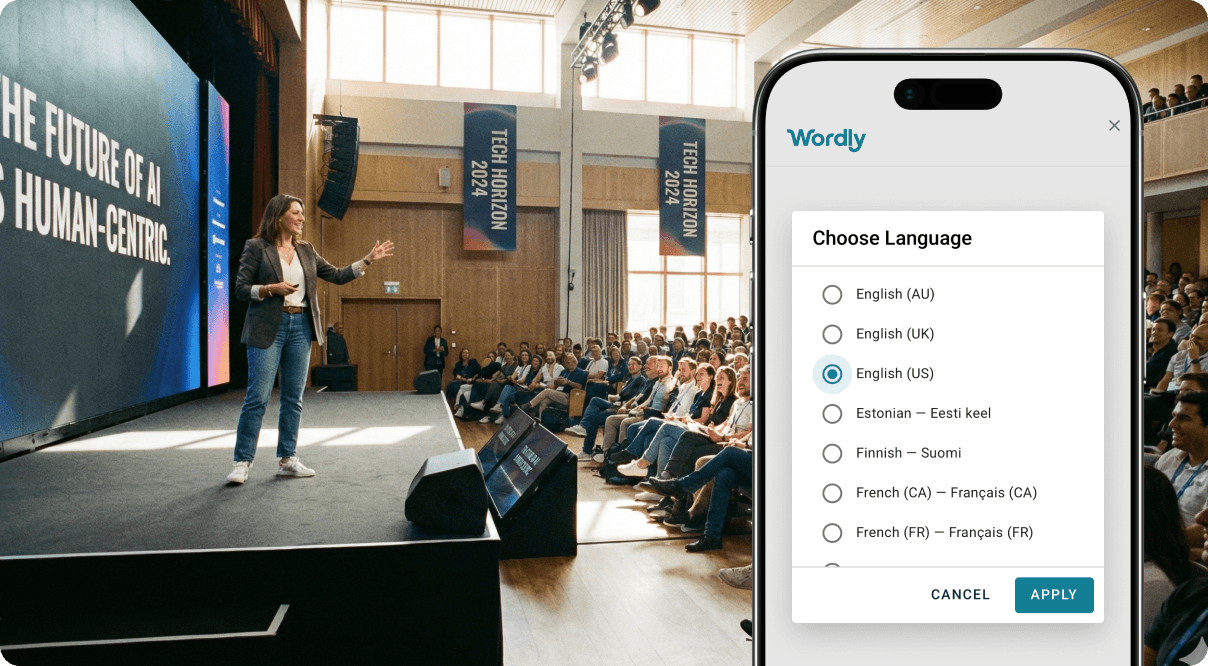
Real-time AI translation and captioning for events Category: Productivity & Automation.
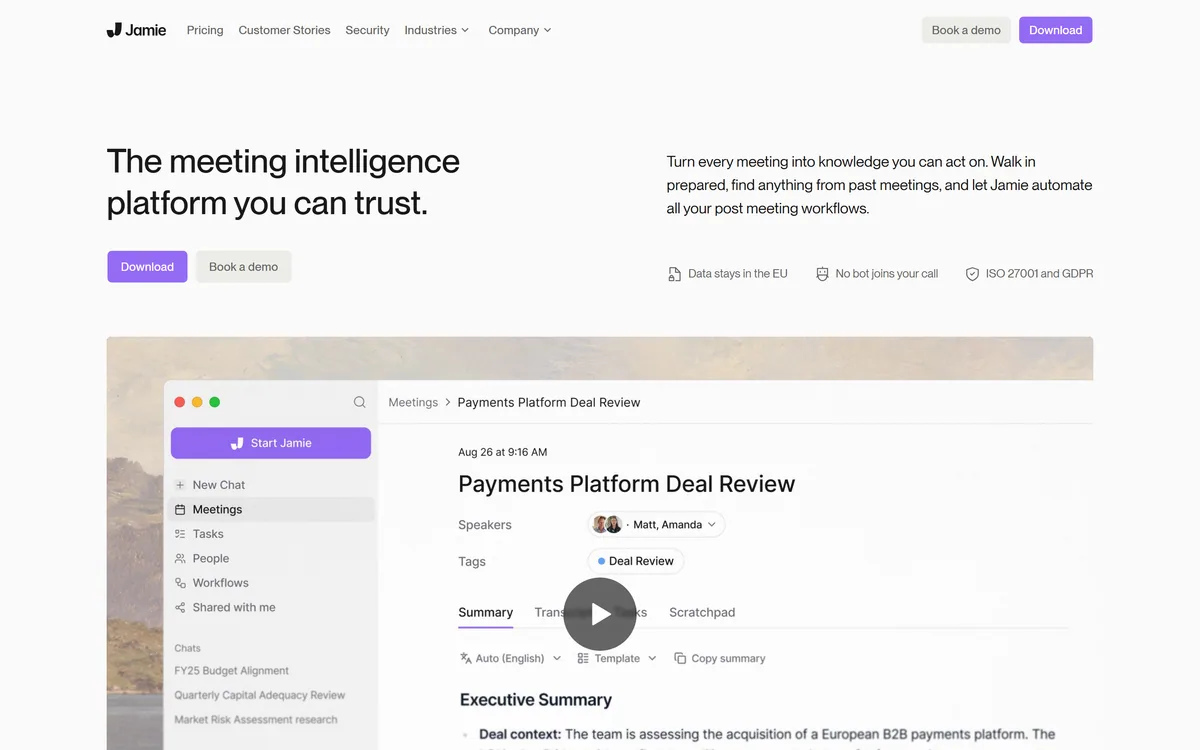
Jamie is an on-device AI meeting assistant that captures and summarizes meetings, online and in person, without a bot joining the call, then powers prep, search, chat and post-meeting workflows, aimed at regulated fields with an EU-data-residency, privacy-first posture.
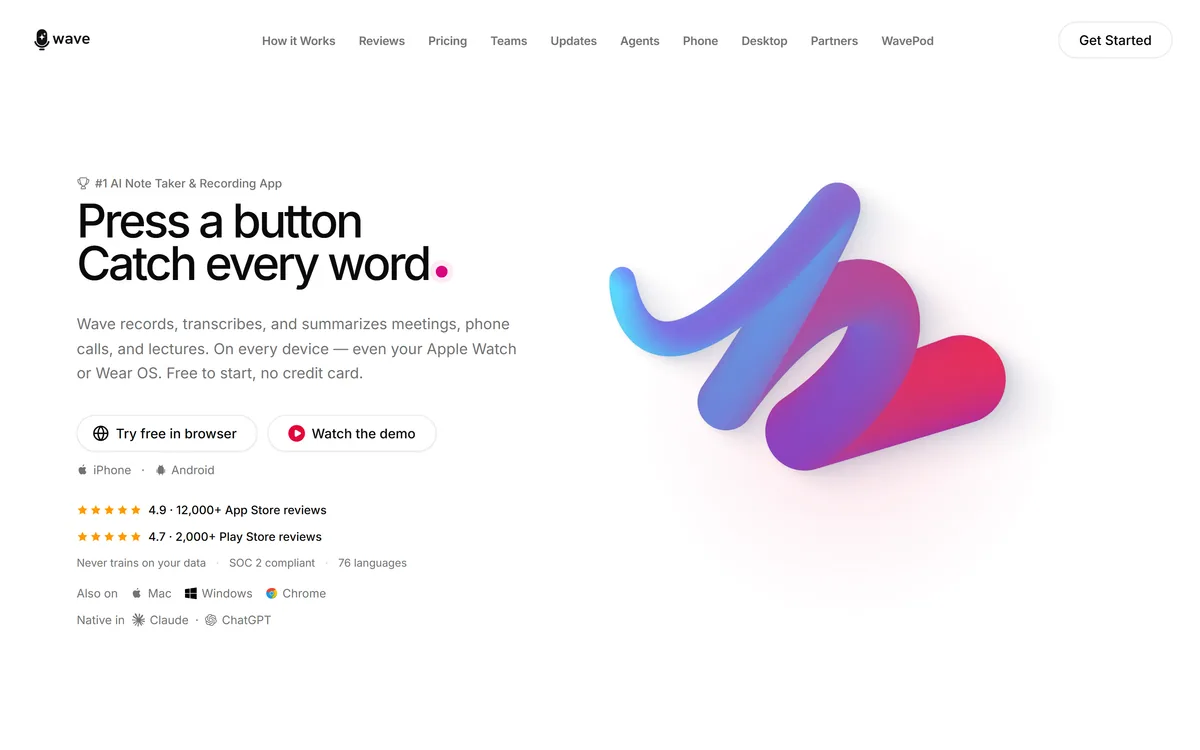
Wave records, transcribes and summarises meetings, calls and lectures across iPhone, Android, web, desktop, Apple Watch and Wear OS. It covers 76 languages, identifies speakers with Voice ID, and states that it never trains AI models on customer data.
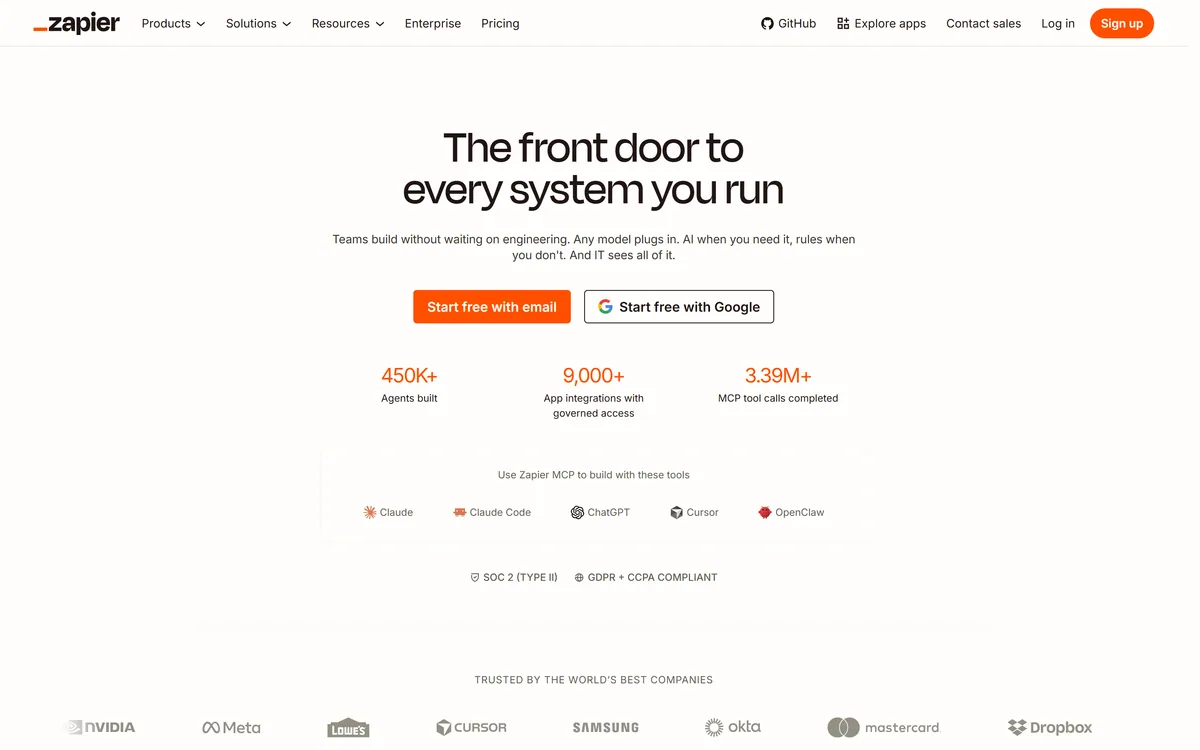

Zapier's AI layer adds agents and MCP tool access on top of its automation platform, connecting more than 9,000 apps with governed access so teams can mix AI decisions with deterministic rules under central oversight.
Self-maintaining AI knowledge base for teams Category: Productivity & Automation.
Related Pages