

Cursor is an AI-first code editor and agent platform from Anysphere — now a SpaceX subsidiary — that plans, writes, tests, and reviews code across your repository from the desktop editor, a CLI, the web, and Slack.
Coding & Development Review
Runcell is an AI agent that works inside JupyterLab, writing and running code, reading notebook outputs like tables and charts, and carrying an analysis forward across multi-step workflows, installable with pip and model-flexible. It suits data scientists, analysts and researchers who live in notebooks, with the caveats that it executes code in your environment and its generated code and analysis still need review.

Good
Runcell earns 3.7 as a thoughtfully targeted AI agent that does what generic coding assistants don't: it works inside JupyterLab, writing and running code, reading outputs like tables and charts, and carrying a multi-step analysis forward from a question to an executed result, installable with a simple pip command and model-flexible. For data scientists, analysts and researchers who live in notebooks, that output-awareness is genuinely more useful than copying code to and from a chatbot. The caveats are the category's: it executes code in your environment, so review what it's about to run on real data; and its generated code and analysis need validation, since plausible code can be subtly wrong or a conclusion unsound. Its '#1 Jupyter AI Agent' billing is a self-styled claim. For notebook-based data workers who review its work it's a practical choice; engineers in repos or anyone who won't validate it should weigh it carefully. AInexfinder Editor Score: 3.7/5.
Best for: Notebook data analysis; Quant and risk work
The visit link goes to runcell.dev, the official site. Paid placements on AInexfinder are always labelled. How we make money
Data work lives in notebooks, and most AI coding tools don't. Runcell's pitch is to be the agent inside Jupyter: it writes code, runs it, reads the result, and keeps the analysis moving.
It installs into JupyterLab with pip, works on your existing notebooks, auto-executes and debugs, and reads outputs like tables and charts. It sits among coding tools like Ellipsis, at the notebook-agent end.
This review covers how Runcell writes code, which developers it suits, how it's priced, and the code-execution and review caveats to weigh first.
| What it is | An AI agent that works inside JupyterLab |
|---|---|
| Company | Kanaries Data Inc. (runcell.dev, © 2024) |
| Core | Writes and runs notebook code; reads outputs; carries analysis forward |
| Works | Inside JupyterLab on existing .ipynb; auto-execute and debug |
| Aware | Reads tables, charts and images; cross-session memory |
| Setup | pip install runcell; no API key required; GPT/Claude/Gemini by plan |
| Access | Freemium / credits (free Hobby plan; paid adds credits/models) |
| Sensitive | Executes code in your environment; output needs review |
Runcell's core job is to be an AI agent that actually lives in Jupyter. Rather than copying code into a chatbot and back, it works inside JupyterLab on your existing .ipynb files: it writes code into cells, runs it, reads the outputs, tables, charts, images, and uses what it sees to decide the next step, carrying a multi-step analysis forward from a question to an executed result.
It's built for the data workflow: autonomous multi-step notebook runs, in-context cell assist, auto execution and debugging, a file tree, global search and git inside Jupyter, and cross-session memory. It installs with a simple pip install, needs no API key, and includes access to GPT, Claude and Gemini models depending on your plan.
It's aimed at analysts, data scientists and researchers, including risk and quantitative finance, who work primarily in notebooks.
The honest framing is that Runcell is a thoughtfully targeted tool, an agent that's output-aware and notebook-native is genuinely more useful for data work than a generic chat assistant. The caveats are the category's. It executes code in your environment, so treat it like any tool that can run commands: review what it's about to run, especially on real data or anything destructive, and work in an environment you're comfortable with. And its generated code and analysis need review, an agent can write plausible code that's subtly wrong, misread a chart, or draw an unsound conclusion, so you remain responsible for validating the analysis. Its '#1 Jupyter AI Agent' billing is a self-styled claim with no independent metric.
Runcell is a genuinely notebook-native AI agent that writes, runs and reads your Jupyter work; just review the code before it runs on real data, and validate the analysis, since plausible code can be subtly wrong.
Runcell pairs in-Jupyter code execution with output-awareness and memory.
It writes and runs cells, reads tables and charts, and carries a multi-step analysis forward.
A platform like Greptile reviews pull requests; Runcell's angle is doing data work inside the notebook itself, an analysis-first job.
Runcell suits data scientists, analysts and researchers who live in Jupyter notebooks and want an agent that can write, run and reason about code and outputs without leaving the notebook.
It suits people doing iterative, multi-step analysis, including quantitative and risk work, who value output-awareness (an agent that reads the chart it just made) and cross-session memory.
It suits less well software engineers who work in IDEs and repos rather than notebooks, anyone uncomfortable letting an agent execute code in their environment, and those who'd trust its analysis without validating it.
A fair way to place it: if you work in notebooks and want a notebook-native agent, and you'll review the code and validate the analysis, Runcell is a well-targeted, practical tool; if you work in repos not notebooks, or won't check what it runs and concludes, weigh it carefully. Install it on a real notebook, give it a genuine analysis task, review the code before it runs on real data, and check its conclusions against your own judgement.
Runcell is freemium with credits: a free Hobby plan with monthly credits, and paid plans that add credits and advanced models. We do not publish prices, which change; check the site and confirm the credit model and which models each plan includes.
The value question is analysis time saved versus cost: for someone doing heavy notebook work, an output-aware agent can save real time, with cost scaling by credits and models used.
The sensible approach is to use the free Hobby plan on real analysis, judge whether the agent genuinely speeds up your work and how reliable its code is, confirm the credit and model terms, and only upgrade once it's earning its keep.
Because it runs code in your environment, install Runcell on a real notebook and review its work.
In-Jupyter agent
Writes and runs code
Output-aware
Multi-step workflows
Auto-debug
Cross-session memory
pip install
Multi-model
The useful comparison is with other coding and agent tools.
| Tool | Tool | Approach | Best for |
|---|---|---|---|
| Runcell | Jupyter AI agent | Notebook code + analysis | Data scientists |
| Ellipsis | Managed agent platform | Run agents on infra | Engineering orgs |
| Greptile | AI code reviewer | PR review in context | Code review |
| Bolt.new | Vibe-coding apps | Build web apps | App prototyping |
Last checked . Read from runcell.dev during this check, with the screenshot above captured at the same time.
Runcell executes code in your environment, so review what it's about to run, especially on real or sensitive data, and work in an environment you're comfortable with. Its generated code and analysis need review: plausible code can be subtly wrong, a chart can be misread, or a conclusion unsound, so you remain responsible for validating the analysis. The '#1 Jupyter AI Agent' billing is a self-styled claim with no independent metric.
A managed agent platform, an AI code reviewer and a vibe-coding builder to weigh beside Runcell.
AInexfinder does not list plan prices or billing details. For current pricing, plans, and trials, visit the official Runcell website.
Visit official website for pricingVendor pricing, credits, and billing policies change over time. Always confirm on the official site before you buy.
Runcell earns an AInexfinder Editor Score of 3.7/5 (good). Best for: Notebook data analysis; Quant and risk work; Multi-step data workflows.
Visit RuncellLog in to write a review.
No reviews yet. Be the first to share your experience with Runcell.
Assigned reviewer
Daniel ReedSenior AI Tools Reviewer
Daniel leads AInexfinder's tool reviews. He researches each tool from its own pricing, documentation and policies, checks its claims against independent sources, and writes up what it does well, where it falls short and who it genuinely suits.
Daniel and the AInexfinder editorial team research Runcell from its own website, pricing, documentation and policies, checked against independent sources. This review is research-based: unless its method note says otherwise, we have not bought a plan or run hands-on tests. The Editor Score is our editorial judgement, and payment never changes it.
Similar Tools
Cursor is an AI-first code editor and agent platform from Anysphere — now a SpaceX subsidiary — that plans, writes, tests, and reviews code across your repository from the desktop editor, a CLI, the web, and Slack.
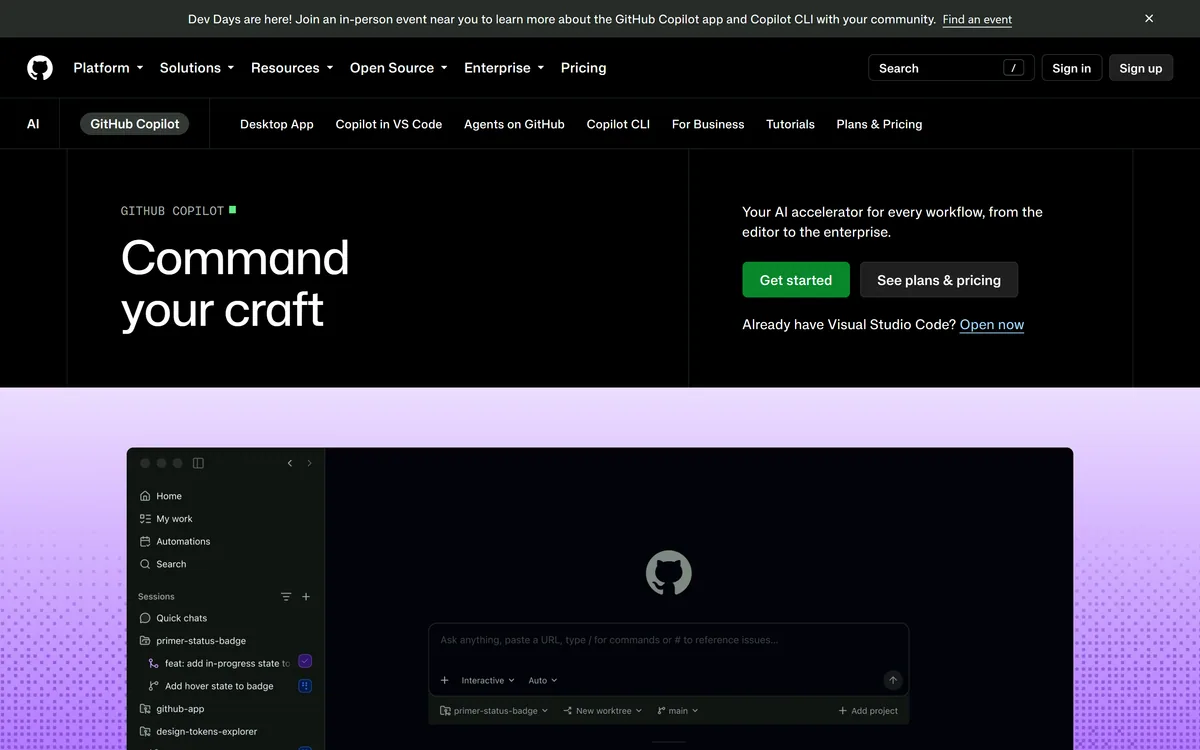

GitHub Copilot is an AI coding assistant that spans completion, chat, agent mode, automated code review, and a cloud agent that opens pull requests, working across VS Code, Visual Studio, JetBrains, Xcode, Neovim, Eclipse, the CLI, and github.com.
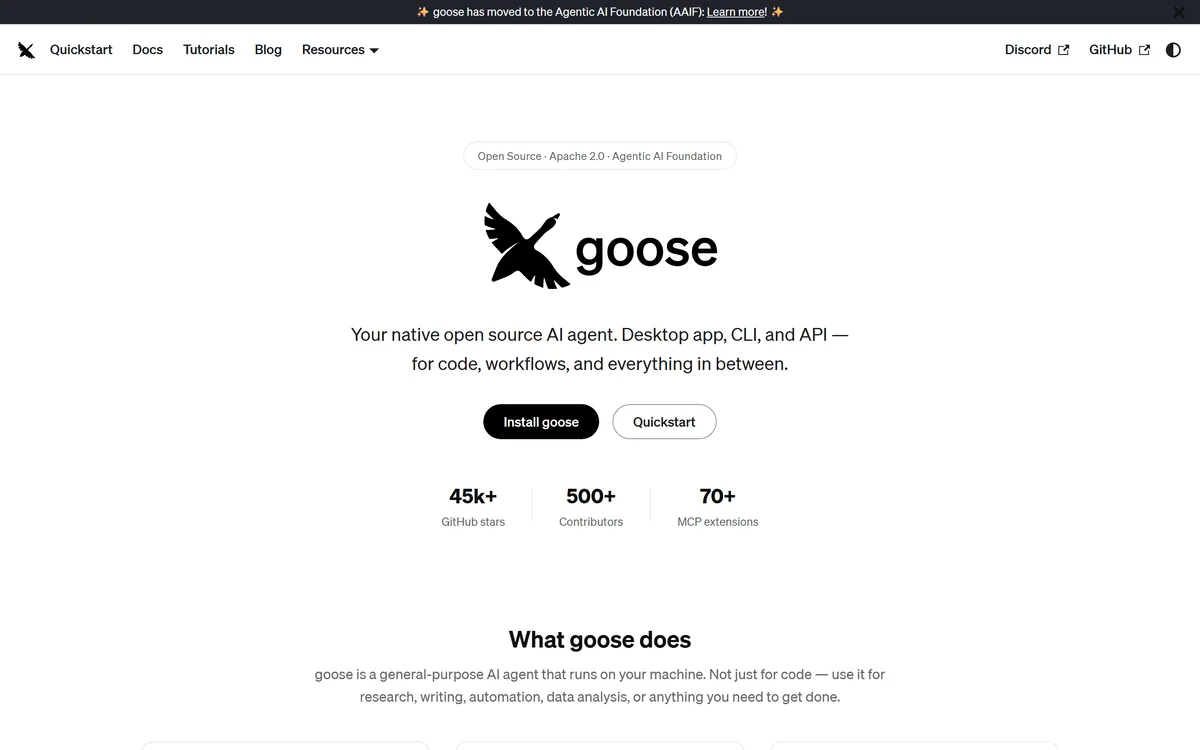
Goose review on AInexfinder — free AI tool for Coding & Development. Features, pricing notes, and alternatives.
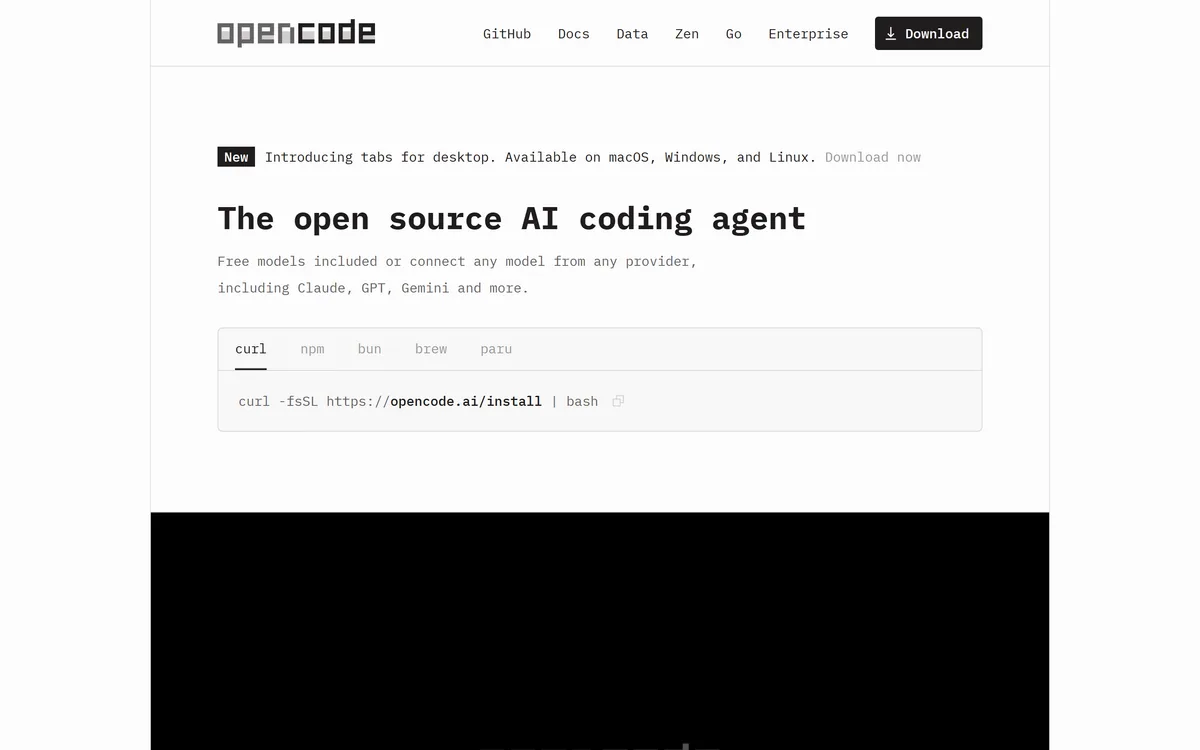
OpenCode is an open source AI coding agent built for the terminal, with desktop and IDE clients alongside. It connects to 75+ model providers, configures language servers automatically, runs parallel agent sessions, keeps conversations locally in SQLite, and is built by the team behind SST.
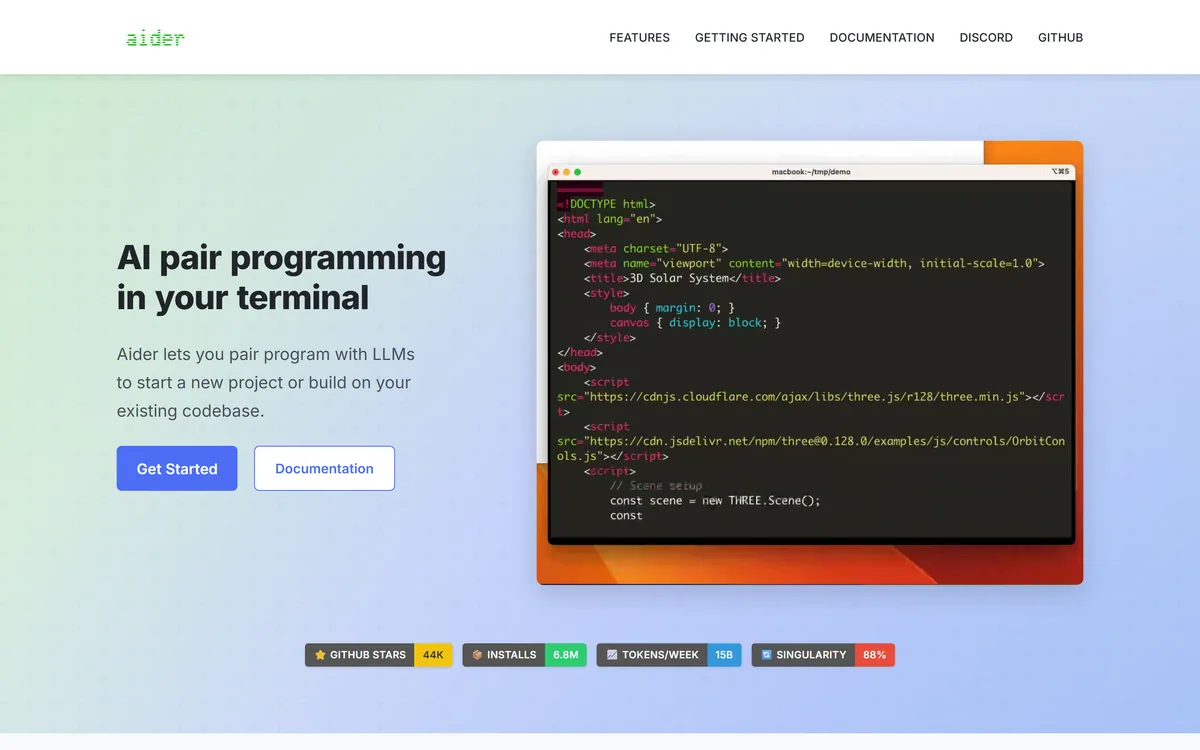
Aider is an open-source AI pair programming tool that runs in your terminal, builds a map of your whole repository for context, works with almost any LLM including local models, and commits each change to git with a written message so every edit can be diffed and undone.

Open-source AI code assistant for VS Code and JetBrains Category: Coding & Development.
Related Pages