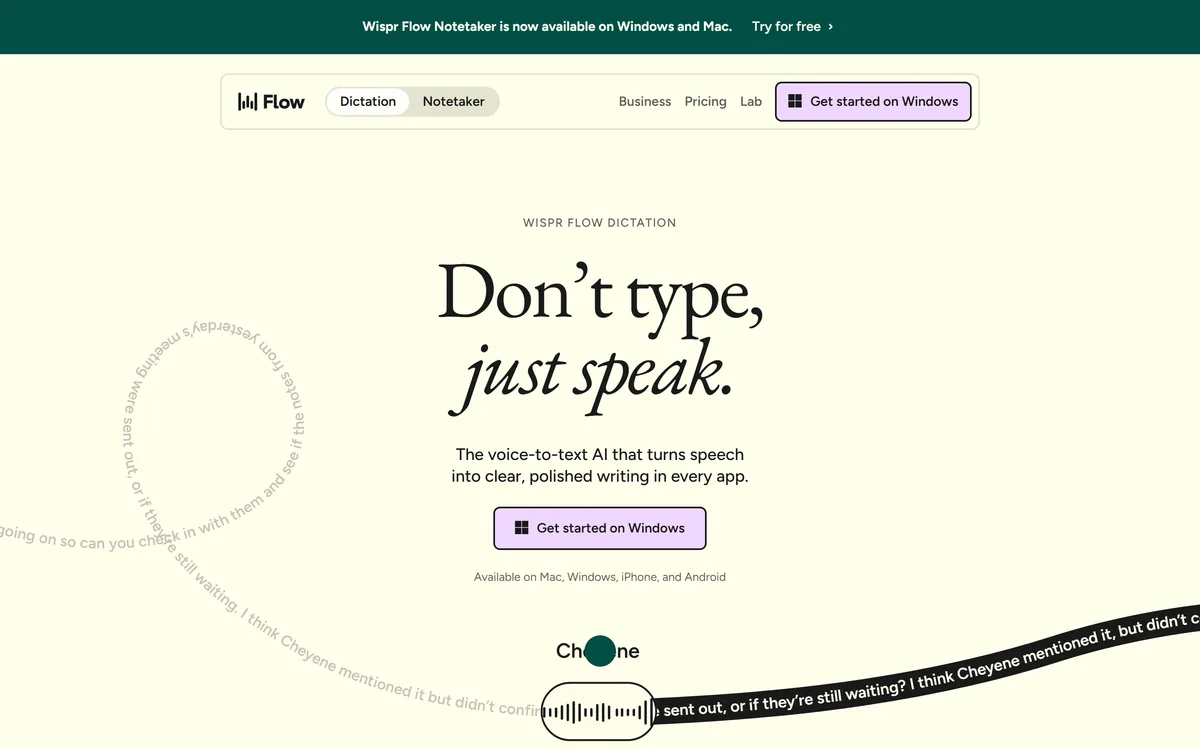
Wispr Flow is a voice-to-text tool that types polished writing wherever your cursor is, across Mac, Windows, iPhone and Android, and now bundles an AI meeting notetaker into the same subscription.
Productivity & Automation Review
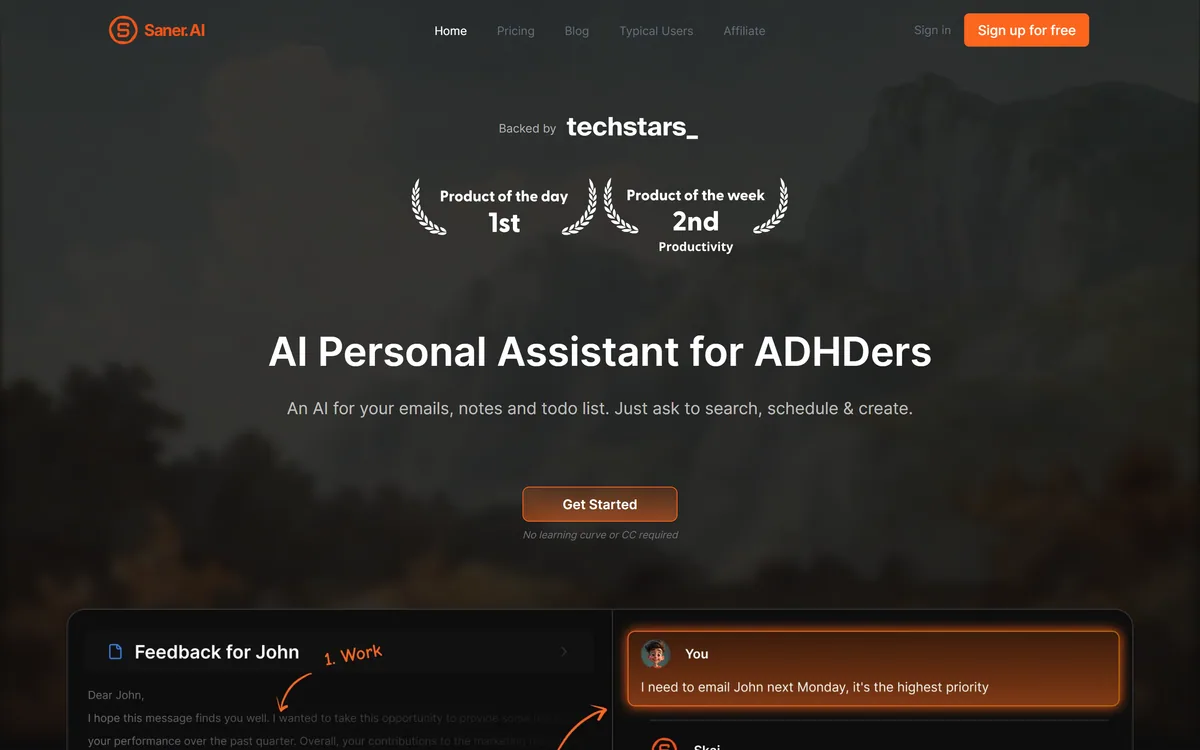
Saner.AI is an AI personal assistant that consolidates notes, tasks, emails and documents into one workspace. Its Skai assistant turns emails and brain dumps into scheduled tasks, and it is explicitly designed around ADHD, with a co-founder who has it.
Very good
Saner.ai has an AInexfinder Editor Score of 4.1/5.
Best for: People with ADHD looking for a tool designed around how they actually work; Anyone whose notes, tasks and email live in four unsynchronised places
The visit link goes to saner.ai, the official site. Paid placements on AInexfinder are always labelled. How we make money
Productivity software usually assumes the hard part is organising your work. For a lot of people the hard part is earlier than that: the thought arrives, there is no obvious place to put it, and by the time you have opened the right app it is gone.
Saner.AI is built around that specific failure rather than around task management generally. It consolidates notes, tasks, emails and documents into one place, and its assistant, Skai, converts unstructured input — an email, a voice note, a brain dump — into tasks that are prioritised and on a calendar.
This review covers what the ADHD framing actually changes in the design, why consolidation beats features for this problem, where the integrations matter, and how it differs from a conventional task manager or a note tool like Mindsera.
"Built for ADHD" is a phrase that can mean nothing. Here it maps onto specific design choices, and they are worth naming because they explain why the product looks the way it does.
Context-switching is the enemy. Every app you open to file a thought is a chance to lose it, and for someone with ADHD that cost is much higher than average. Consolidating notes, tasks, email and documents into one surface is not a convenience feature, it is the core intervention.
Capture has to be frictionless. Voice-to-text exists in many tools; here it is load-bearing, because the gap between having a thought and recording it is where things are lost.
Organisation should happen afterwards, not first. Conventional systems ask you to categorise at the moment of capture — pick a project, pick a tag, pick a due date — which is precisely the executive-function task being avoided. Skai's tag and folder suggestions invert that: dump it now, sort it later, and let the tool propose the sorting.
Prioritising is a decision, and decisions are expensive. One-click prioritisation and scheduling removes a step that sounds trivial and is where a lot of task lists go to die.
Most task managers ask you to organise a thought at the exact moment you are least able to. This one lets you dump it and sorts it after.
The email-to-task path is the feature most people will use daily, and it addresses something genuinely awkward.
An inbox is a list of other people's requests in no particular order, mixed with things that are not requests at all. Turning that into a plan means reading each one, deciding whether it contains work, extracting the work, deciding when to do it, and putting it somewhere — and most people do a version of this badly, in their head, several times a day.
Skai doing that conversion in one action is the difference between an inbox that generates anxiety and one that generates a list. The Smart Inbox surfacing new notes for faster completion serves the same loop from the other end.
Where to be realistic: an AI deciding what is important is guessing at your priorities from limited signal. Expect to correct it, particularly early. The value is that correcting a proposed priority is far easier than generating one from nothing — which is the same trick the tag suggestions use.
Gmail, Google Calendar, Google Drive, Slack and an Outlook connector. This list is short and it is the right short list.
A note-first tool like Notion AI can hold everything and still leave the inbox untouched. A consolidation tool that does not reach your actual email and calendar has not consolidated anything — it has added a fifth place to look, which is the opposite of the product's entire premise.
Calendar in particular matters. Scheduling a task without it landing in the calendar you already check means maintaining two views of your time, and the one you do not check will drift out of date within a week.
The Slack connection covers the other major source of incoming requests for anyone working in a team. Between email and Slack you have most of where work arrives from other people.
The gap worth noting: this is a Google-and-Microsoft-shaped integration set. If your working life runs through Notion, Linear, Jira or Asana, those tasks stay outside it.
Tools in this category fail in a specific way: enthusiastic setup, two good weeks, then a slow return to the old scattered habits.
If you already have a working system — a well-tended task manager, a notes app you trust, a reflective journal like Rosebud, an inbox at zero — this will feel like a downgrade with extra AI. Consolidation only helps people for whom scattering is the problem.
If your work lives in project management tooling shared with a team, this is a personal assistant rather than a team system. It will sit alongside Jira or Linear rather than replacing them, and running two systems is exactly the fragmentation you were trying to escape.
If you need heavy structure — nested projects, dependencies, custom fields, reporting — a conventional task manager will do more. Saner.AI is deliberately lighter, and the lightness is a feature for its intended user and a limitation for a project manager.
And a note on the ADHD framing: designing for ADHD produces a tool that is good for a lot of people, in the way that curb cuts help more than wheelchair users. You do not need a diagnosis to benefit — but if scattering is not your problem, the design is solving something you do not have.
| Company | Saner.AI |
|---|---|
| Category | AI personal assistant for notes, tasks and email |
| Assistant | Skai — converts emails and brain dumps into prioritised, scheduled tasks |
| Capture | Voice to text, plus typed notes |
| Organisation | AI-suggested tags and folders based on content and your history |
| Views | Smart Inbox, Timeline view, folder system |
| Integrations | Gmail, Google Calendar, Google Drive, Slack, Outlook connector |
| Stated design intent | Built for ADHD; the company states a co-founder has ADHD |
| Other audiences | Entrepreneurs, learners, content creators |
| Security | Encrypted data protection |
| Community | Discord, plus a help centre and product updates |
| Resources | Guides for entrepreneurs, managers, researchers and content creators |
Skai — turns emails and brain dumps into prioritised, scheduled tasks
One workspace for notes, tasks, emails and documents
Voice-to-text capture for getting thoughts down quickly
AI-suggested tags and folders based on content and history
Smart Inbox surfacing new notes for faster completion
Timeline view showing tasks against a calendar
Gmail and Outlook email integration
Google Calendar and Google Drive integration
Slack integration for team-sourced requests
Encrypted data protection
These solve overlapping problems from very different starting assumptions.
| Tool | Core idea | Handles email | Suits |
|---|---|---|---|
| Saner.AI | One surface for notes, tasks, email and docs | Yes — email to task is a core flow | People whose problem is scattering |
| Mindsera | Structured journalling with analysis | No | Reflection rather than task execution |
| Rosebud | AI-prompted journalling | No | Thinking things through in writing |
| Notion AI | A flexible workspace you configure | No | People who enjoy building a system |
| Recall | Capturing and connecting what you read | No | Knowledge collection rather than task flow |
Capture, reflection and workspace building are neighbouring problems people often confuse.
Last checked . Read from saner.ai during this check, with the screenshot above captured at the same time.
Observations about executive function, capture friction and context-switching describe how these tools are generally designed and experienced; they are not clinical claims and nothing here is medical advice.
AInexfinder does not list plan prices or billing details. For current pricing, plans, and trials, visit the official Saner.ai website.
Visit official website for pricingVendor pricing, credits, and billing policies change over time. Always confirm on the official site before you buy.
Saner.ai earns an AInexfinder Editor Score of 4.1/5 (very good). Best for: People with ADHD looking for a tool designed around how they actually work; Anyone whose notes, tasks and email live in four unsynchronised places; Founders and solo operators without a project management system.
Visit Saner.aiLog in to write a review.
No reviews yet. Be the first to share your experience with Saner.ai.
Assigned reviewer
Daniel ReedSenior AI Tools Reviewer
Daniel leads AInexfinder's tool reviews. He researches each tool from its own pricing, documentation and policies, checks its claims against independent sources, and writes up what it does well, where it falls short and who it genuinely suits.
Daniel and the AInexfinder editorial team research Saner.ai from its own website, pricing, documentation and policies, checked against independent sources. This review is research-based: unless its method note says otherwise, we have not bought a plan or run hands-on tests. The Editor Score is our editorial judgement, and payment never changes it.
Similar Tools
Wispr Flow is a voice-to-text tool that types polished writing wherever your cursor is, across Mac, Windows, iPhone and Android, and now bundles an AI meeting notetaker into the same subscription.

AI scheduling that books meetings inside email Category: Productivity & Automation.
Autonomous AI agents trained on your company knowledge Category: Productivity & Automation.
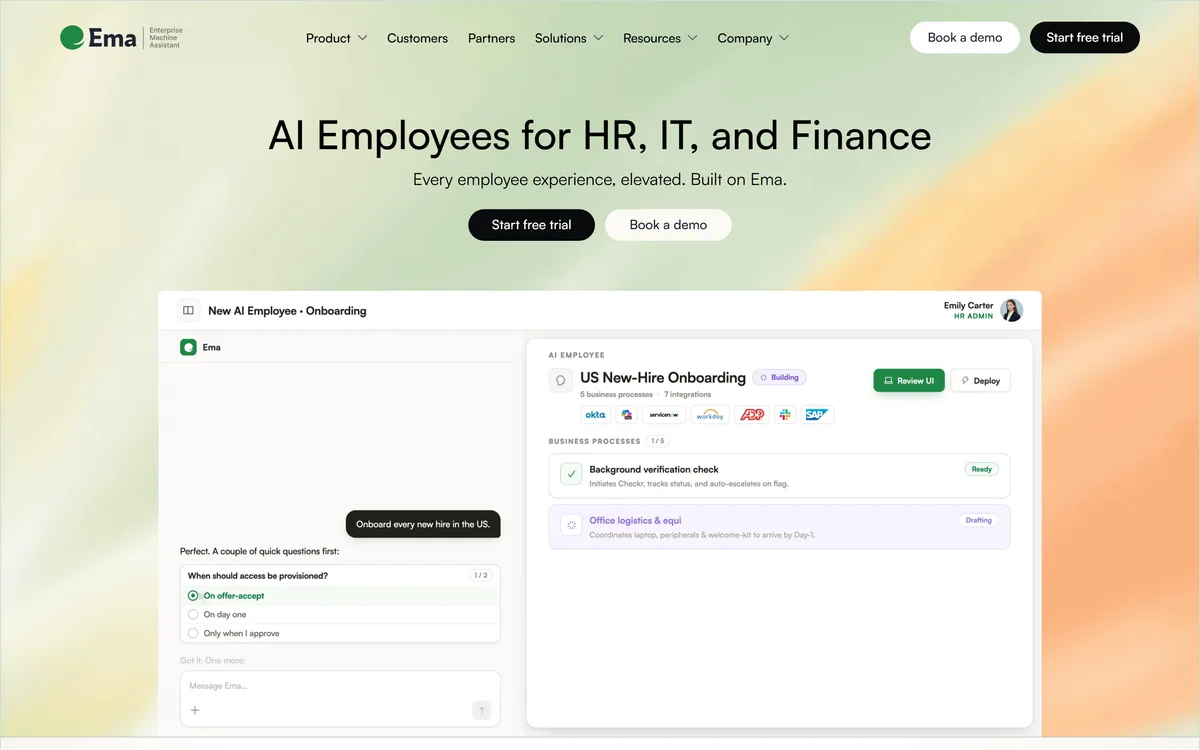
Ema builds what it calls Universal AI Employees for HR, IT and finance, covering recruiting, onboarding, benefits and performance. EmaFusion combines 100+ models with automatic failover, 1,000+ prebuilt connectors reach existing systems, and the compliance list runs to eight certifications including ISO 42001.
Simular Inc. builds Sai, an AI agent that operates a private cloud-based virtual desktop — clicking, typing and using interfaces the way a person does, while also able to call APIs, use a terminal and write code. Its research line is the Agent S series.

Zapier's AI layer adds agents and MCP tool access on top of its automation platform, connecting more than 9,000 apps with governed access so teams can mix AI decisions with deterministic rules under central oversight.
Related Pages