
AI-powered CRM for relationship-driven teams Category: Productivity & Automation.
Productivity & Automation Review
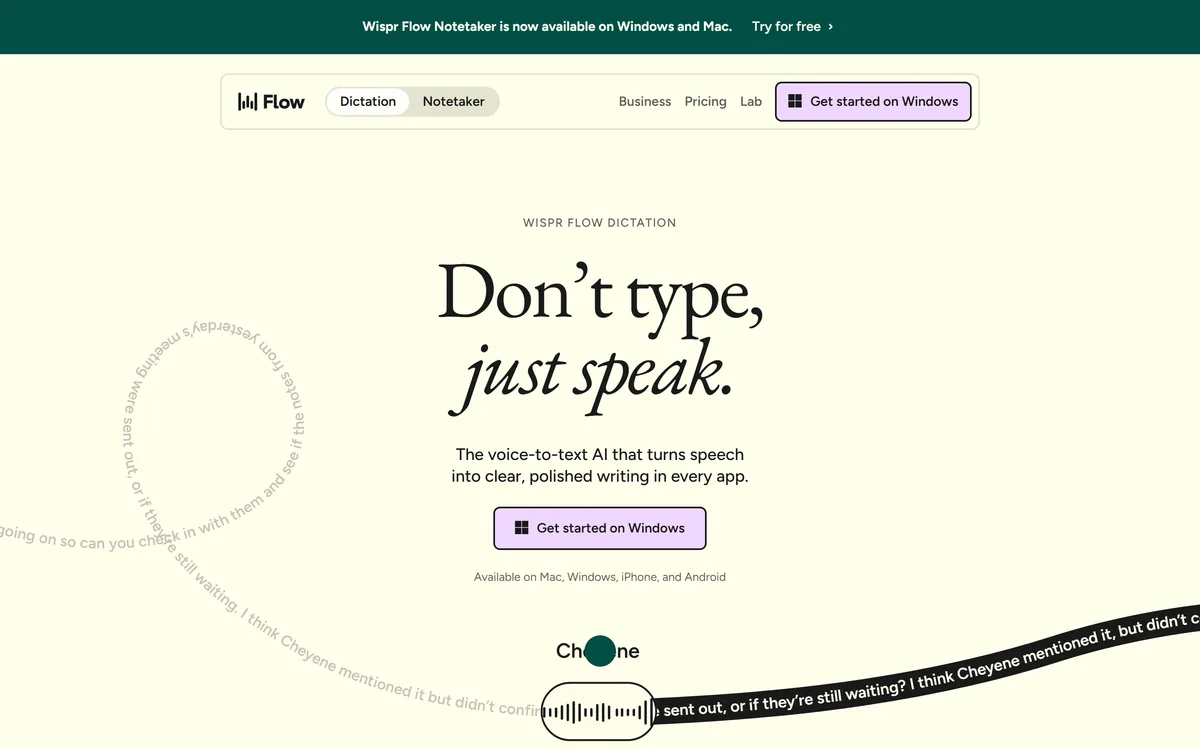
Wispr Flow is a voice-to-text tool that types polished writing wherever your cursor is, across Mac, Windows, iPhone and Android, and now bundles an AI meeting notetaker into the same subscription.
Very good
Wispr Flow scores 4.4 because it solves the real problem of voice typing — the cleanup, not the transcription — works in every app, and backs it with serious privacy certifications; the half-point held back reflects a Notetaker that is handy but not yet a match for a dedicated meeting platform. AInexfinder Editor Score: 4.4/5.
Best for: High-volume writers working across many apps; People who think faster than they type
The visit link goes to wisprflow.ai, the official site. Paid placements on AInexfinder are always labelled. How we make money
Voice typing has a long history of being almost good enough. The transcription was close, but you still had to clean up the filler, the false starts and the 'the the' stutters, and the editing often cost more than the typing would have.
Wispr Flow's bet is that the cleanup is the product. You talk the way you think, and it hands back the email, message or note you meant to write — filler gone, repetition fixed, tone matched to the app you are in. It runs wherever your cursor sits, from Gmail to a code editor, and syncs across Mac, Windows, iPhone and Android.
This review covers how the dictation differs from built-in voice typing, what the new Notetaker adds, where your voice data actually goes, how the plans are shaped, and who will genuinely feel it pay off.
| What it is | Voice-to-text dictation plus an AI meeting notetaker |
|---|---|
| Platforms | Mac, Windows, iPhone, Android |
| Works in | Any app with a text field — no plugins required |
| Languages | 100+, auto-detected |
| Speed claim | Around 4x faster than typing, roughly 220 wpm |
| Personalisation | Learns your vocabulary, snippets, and per-app tone |
| Added product | Wispr Flow Notetaker, included in the subscription |
| Security | SOC 2 Type II, HIPAA and ISO 27001 certified; data not sold |
| Account type | Subscription with a free tier |
The core product does the opposite job from a voice generator like WellSaid, which turns written text into speech. Wispr Flow turns speech into written text — and crucially, into text you would actually send.
Where ordinary voice typing captures every 'umm', repeated word and self-correction, Flow identifies filler, repetition and corrections and resolves them, so a chaotic spoken paragraph lands as a clean one. It also adapts to how you write in different apps, keeping a casual tone in chat and a formal one in email, which is the kind of judgement that usually forces a manual edit.
It types wherever your cursor is with no integrations to set up, which is the quiet reason it sticks: there is no separate window to paste out of, no app it does not work in. If you can type there, you can talk there.
The transcription was never the hard part. The cleanup was, and that is exactly the part Wispr Flow treats as the product.
The newer half of the product is Notetaker, an AI meeting-notes tool now bundled into the same subscription as dictation. It is Wispr's move from personal writing into shared output.
Flow learns the words and names specific to you — client names, company jargon, product spellings — either automatically or by your adding them, so it stops mangling the terms that matter. You can also save snippets for text you type constantly, like a bio or an address, and expand them by speaking a shortcut.
This is where a general dictation tool and a thought-shaper diverge. A tool like AudioPen is built to turn one spoken monologue into a clean note; Flow aims to do that cleanup live, everywhere you already type, which is a broader and harder target.
Notetaker produces meeting notes accurate enough to act on, and both products now sit under one plan rather than being sold separately. For anyone who already dictates all day, getting meeting capture in the same subscription is a real convenience.
It is not a dedicated meeting platform, though. If recording, speaker-labelled transcripts and a searchable meeting archive are your central need, a purpose-built transcriber like Otter.ai still goes deeper on that specific job.
Voice tools ask for an unusually intimate stream of data — everything you say into your devices — so the privacy position is not a footnote. Wispr states that your data is never sold and that you choose whether it is used to help improve Flow.
It also publishes the certifications procurement teams look for: SOC 2 Type II, HIPAA and ISO 27001. HIPAA in particular signals that regulated users have been considered, which matters if you work anywhere near health data.
As with any cloud voice tool, the sensible posture is to read the current data-controls page yourself and set the training preference the way you want it before you dictate anything confidential. The controls are there; use them deliberately.
Wispr Flow runs on a subscription with a free tier, and the notable recent change is that dictation and Notetaker are now included together rather than priced as two products. There is no perpetual-licence option; this is ongoing software.
AInexfinder does not publish plan prices because they shift and the vendor states them best. What to weigh is usage: if you will dictate across your whole day and also want meeting notes, one bundled subscription is straightforward value. If you would only ever use one half, judge the plan against that narrower use.
Check the free tier's limits before deciding — for many people the free version is enough to prove whether the cleanup actually changes how they work.
Dictation lives or dies on your own voice, accent and environment, so test it where you actually work rather than trusting a demo.
Voice-to-text dictation that types clean writing in any app
Live removal of filler, repetition and self-corrections
Per-app tone adaptation, from casual chat to formal email
100+ languages with automatic detection
Vocabulary learning for names and jargon, plus saved snippets
Wispr Flow Notetaker for meeting notes in the same subscription
Cross-device sync across Mac, Windows, iPhone and Android
Published SOC 2 Type II, HIPAA and ISO 27001 certifications
Voice tools split by whether they shape one note, capture meetings, or type everywhere you work.
| Tool | Main job | Scope | Notable strength |
|---|---|---|---|
| Wispr Flow | Dictation that types clean text anywhere | Any app, all devices, plus a notetaker | Live cleanup and per-app tone |
| AudioPen | Turns a spoken ramble into a polished note | Its own app and keyboard | Rewrite styles and length control |
| Otter.ai | Meeting transcription and summaries | Meetings and recordings | Speaker-labelled searchable archive |
Last checked . Read from wisprflow.ai during this check, with the screenshot above captured at the same time.
Speed figures such as 4x faster and 220 wpm are the vendor's own claims; real-world results depend on your voice, accent and environment.
A note-shaper, a meeting transcriber, and the inverse job of turning text back into speech.
AInexfinder does not list plan prices or billing details. For current pricing, plans, and trials, visit the official Wispr Flow website.
Visit official website for pricingVendor pricing, credits, and billing policies change over time. Always confirm on the official site before you buy.
Wispr Flow earns an AInexfinder Editor Score of 4.4/5 (very good). Best for: High-volume writers working across many apps; People who think faster than they type; Multilingual users who switch languages mid-sentence.
Visit Wispr FlowLog in to write a review.
No reviews yet. Be the first to share your experience with Wispr Flow.
Assigned reviewer
Daniel ReedSenior AI Tools Reviewer
Daniel leads AInexfinder's tool reviews. He researches each tool from its own pricing, documentation and policies, checks its claims against independent sources, and writes up what it does well, where it falls short and who it genuinely suits.
Daniel and the AInexfinder editorial team research Wispr Flow from its own website, pricing, documentation and policies, checked against independent sources. This review is research-based: unless its method note says otherwise, we have not bought a plan or run hands-on tests. The Editor Score is our editorial judgement, and payment never changes it.
Similar Tools
AI-powered CRM for relationship-driven teams Category: Productivity & Automation.
AI scheduling that books meetings inside email Category: Productivity & Automation.
Autonomous AI agents trained on your company knowledge Category: Productivity & Automation.
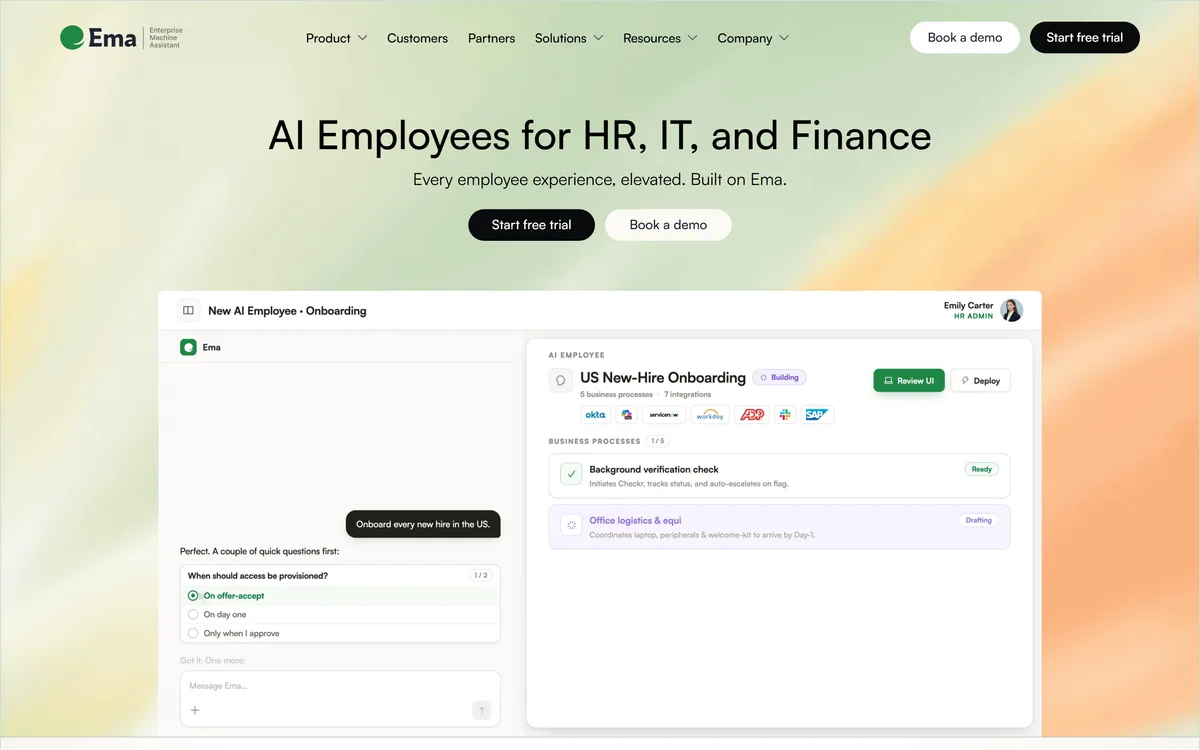
Ema builds what it calls Universal AI Employees for HR, IT and finance, covering recruiting, onboarding, benefits and performance. EmaFusion combines 100+ models with automatic failover, 1,000+ prebuilt connectors reach existing systems, and the compliance list runs to eight certifications including ISO 42001.
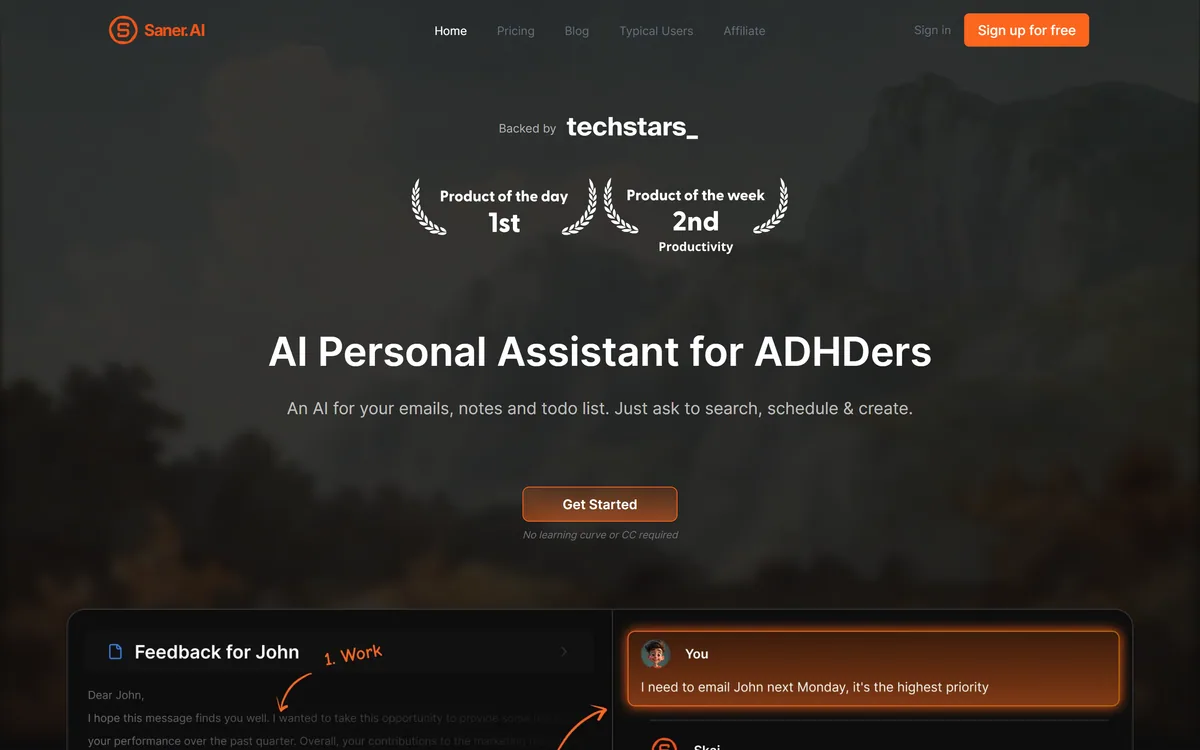
Saner.AI is an AI personal assistant that consolidates notes, tasks, emails and documents into one workspace. Its Skai assistant turns emails and brain dumps into scheduled tasks, and it is explicitly designed around ADHD, with a co-founder who has it.
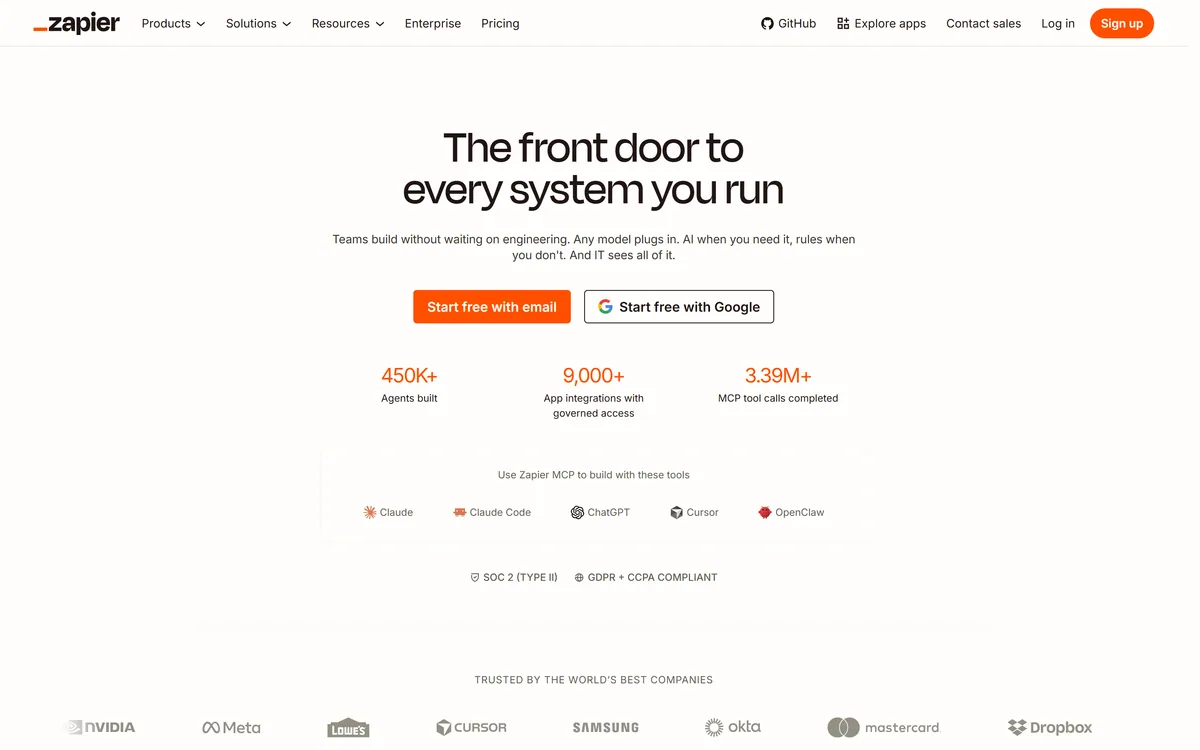

Zapier's AI layer adds agents and MCP tool access on top of its automation platform, connecting more than 9,000 apps with governed access so teams can mix AI decisions with deterministic rules under central oversight.
Related Pages