
Lightrun review on AInexfinder — freemium AI tool for Coding & Development. Features, pricing notes, and alternatives.
Coding & Development Review
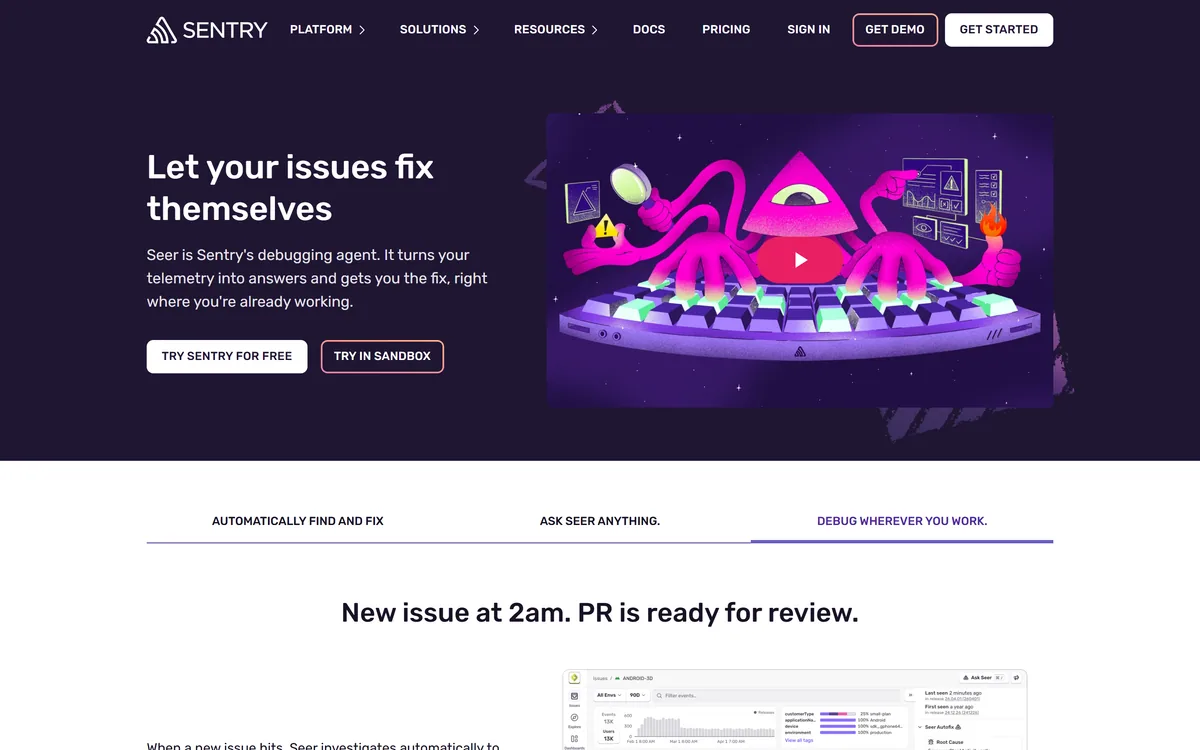
Seer is Sentry's AI debugging agent. It investigates new issues to find root cause, generates pull requests with proposed fixes, answers plain-language questions against production data, and reviews pull requests against real failure patterns — working from the telemetry Sentry already collects.
Very good
Seer earns a high score for one structural reason: it starts from your actual stack traces, traces and logs rather than from a description of the problem, which is a real advantage over general coding agents. It loses ground for being useful only if Sentry is already your error platform, and for opening pull requests that still need the same review as any other patch. AInexfinder Editor Score: 4.4/5.
Best for: Engineering teams already standardised on Sentry; On-call engineers reconstructing unfamiliar stack traces under pressure
The visit link goes to sentry.io, the official site. Paid placements on AInexfinder are always labelled. How we make money
Debugging a production error has two halves, and only one of them is hard. Knowing that something threw is easy — a monitoring tool has told you within seconds for a decade.
The hard half is the reconstruction: what state was the application in, which recent change is implicated, why does this only affect some users, and what does the stack trace mean in the context of code you may not have written.
Seer's whole proposition is that the evidence for that reconstruction is already sitting in Sentry. This review covers why that data proximity matters more than model quality, what to make of automatically generated fix PRs, how the contributor-based charging behaves, and where a general coding agent like OpenCode does a different job.
This is the entire argument for Seer over a general-purpose coding assistant, and it is a strong one.
When you ask a general model to debug something, you describe the problem. You paste a stack trace, you explain what you expected, you supply whatever context you remember to include. The model reasons from your account of the situation, which is filtered through your existing assumptions about what went wrong — and those assumptions are frequently the reason you are stuck.
Seer skips that step. It reads the actual error, the actual stack trace, the actual trace spanning services, the logs around the moment of failure, and the breadcrumbs describing what the user did beforehand.
That is a meaningfully different starting position. The most valuable thing in a hard bug is usually a detail nobody thought to mention, and a system reading the raw telemetry has no reason to omit it.
It also explains why this product could only really be built by an error monitoring company. The model is a commodity; the ten years of instrumentation feeding it is not.
The natural-language querying against production data follows from the same foundation. Asking a question in plain English and getting an answer grounded in your own telemetry is more useful than the same question asked of a model with no access to it.
Ask a general model to debug and it reasons from your account of the problem — which is filtered by exactly the assumptions keeping you stuck.
Seer reads a stack trace and opens a pull request proposing a fix. That is the headline capability and it deserves a calibrated reading rather than either enthusiasm or dismissal.
Where it genuinely works is the large category of unglamorous bugs: a null check that was never added, an unhandled error case, a type mismatch, an off-by-one, a missing await. These are most production errors by volume, they are tedious rather than difficult, and they are exactly what a system with the stack trace in hand can propose correctly.
Where it will not work is anything where the fix depends on intent. If the error reveals that a business rule was implemented wrong, the correct change is a product decision, and no amount of telemetry contains it.
The risk to name is the specific one for automated fixes: a change that makes the error stop without addressing why it occurred. Wrapping a failing call in a try/catch removes the alert and preserves the bug, and a PR that does this looks superficially like a fix.
So the discipline is unchanged from any other patch. Read the diff, understand why the change works, and reject anything that only silences a symptom. A generated PR is a starting point that saves the reconstruction time, not a change you merge because a machine wrote it.
The pull request review feature is arguably the better half. Checking a proposed change against failure patterns your application has actually produced is something no reviewer can do from memory.
Seer runs inside Sentry's UI, in Slack alerts, and inside editors including Claude, Copilot and Cursor. That distribution decision matters more than it looks.
Debugging tools fail on adoption rather than capability. A tool that requires opening a separate dashboard, at the moment an engineer is already context-switching under pressure, gets used twice and then forgotten.
Appearing in the Slack alert means the analysis arrives with the notification — at exactly the moment attention is on the problem. Appearing in the editor means it is available where the fix will actually be written.
The editor integrations are also a quiet strategic statement. Rather than competing with Cursor and Copilot, Seer supplies them with production context they cannot otherwise reach. That is the right posture: an error monitoring company's advantage is the data, not the coding interface.
For teams already running an AI SRE platform, the distinction is worth drawing. Tools like Traversal reason about infrastructure dependencies and incidents across services; Seer is focused on the error and the code that threw it. They overlap at the edges and answer different questions.
This site does not publish plan prices. Seer's charging structure is unusual enough to be worth understanding, because it is not the seat model you would expect.
Seer is an add-on for paid Sentry plans — Team, Business or Enterprise — charged per active contributor per month. An active contributor is defined as anyone who commits two or more pull requests to a connected repository.
That definition is doing real work. It is not counting everyone with a Sentry login, which in most organisations is far more people than the ones writing code. Product managers, support staff and designers who look at error dashboards do not become billable.
The practical consequence is that cost tracks your engineering headcount rather than your monitoring footprint, and it flexes automatically as contributors come and go. For an organisation where many people watch errors and few people fix them, that is a favourable shape.
Two things to establish before enabling it: that you are on a qualifying paid plan, and how the two-PR threshold behaves across a month with contractors or occasional contributors. Ask specifically whether someone who commits twice in one month and never again is billed once or continuously.
The wider point for budgeting is that this is an add-on to a platform you are already paying for. The honest comparison is Seer's incremental cost against the engineering hours currently spent reconstructing what a stack trace means.
Everything above assumes something that is worth making explicit: Seer is only useful if Sentry is already your error monitoring platform.
That is not a criticism, it is a scoping fact. If you run a different error platform, adopting Seer means migrating your instrumentation — which is a real project across every service you operate, and one that should be justified on its own merits rather than on a debugging feature.
There is a related dependency worth checking honestly: Seer is only as good as your instrumentation. An application with sparse error capture, missing traces or no breadcrumbs gives the agent little to reason over, and it will produce correspondingly thin analyses. Teams whose Sentry setup is a default install from three years ago should expect less than teams who have invested in it.
On data handling, Sentry states that AI-generated output is shown only to the requesting user, that customer data is not used for model training without explicit consent — disabled by default — and that processing runs through vetted subprocessors prohibited from using data for their own training.
That last set of statements matters more than usual here, because the data in question is production telemetry, which routinely contains more than teams realise. Confirm the terms with your own security review rather than the marketing page.
| Publisher | Sentry |
|---|---|
| Category | AI debugging and error root cause analysis |
| Core capabilities | Automatic root cause analysis on new issues, automated fix generation as pull requests, natural-language querying of production data, pull request review against real failure patterns |
| Data it reasons over | Sentry telemetry — errors, traces and logs |
| Surfaces | Sentry UI, Slack alerts, and editors including Claude, Copilot and Cursor |
| Language coverage | All languages and frameworks Sentry supports, spanning web frontend and backend, mobile and desktop |
| Output visibility | AI-generated output shown only to the requesting user |
| Training on customer data | Not used without explicit consent; disabled by default |
| Subprocessors | Vetted and prohibited from using customer data for their own training |
| Requires | A paid Sentry plan — Team, Business or Enterprise |
| Charging model | Add-on, billed per active contributor per month; an active contributor is anyone committing two or more pull requests to a connected repository. No prices published here |
Automatic root cause analysis on new issues
Fix generation delivered as pull requests
Natural-language querying against production data
Pull request review against real production failure patterns
Integration into Sentry's own UI
Analysis delivered inside Slack alerts
Editor integrations including Claude, Copilot and Cursor
Coverage across all Sentry-supported languages and frameworks
The dividing line is what each one can actually see when you ask it a question.
| Tool | What it reasons over | Where it acts | Best at |
|---|---|---|---|
| Sentry Seer | Your Sentry errors, traces and logs | Sentry, Slack, your editor | Explaining a specific production error |
| Traversal | An infrastructure dependency graph | Incident response and remediation | Which service caused an outage |
| Resolve.ai | Production signals across the estate | On-call rotations and incidents | Delegating on-call triage |
| GitHub Copilot | Your code, and what you tell it | The editor | Writing the fix once you know it |
| OpenCode | Your repository | The terminal | Autonomous multi-file changes |
These split between diagnosing infrastructure, debugging code and writing the fix.
Last checked . Read from sentry.io during this check, with the screenshot above captured at the same time.
Capability claims are the vendor's own and were not independently benchmarked. Seer requires Sentry as your error platform, and analysis quality depends directly on how well your application is instrumented. Production telemetry frequently contains more sensitive data than teams assume — put the data handling terms through your own security review rather than relying on a product page.
AInexfinder does not list plan prices or billing details. For current pricing, plans, and trials, visit the official Sentry Seer website.
Visit official website for pricingVendor pricing, credits, and billing policies change over time. Always confirm on the official site before you buy.
Sentry Seer earns an AInexfinder Editor Score of 4.4/5 (very good). Best for: Engineering teams already standardised on Sentry; On-call engineers reconstructing unfamiliar stack traces under pressure; Teams with high volumes of routine, repetitive production errors.
Visit Sentry SeerLog in to write a review.
No reviews yet. Be the first to share your experience with Sentry Seer.
Assigned reviewer
Daniel ReedSenior AI Tools Reviewer
Daniel leads AInexfinder's tool reviews. He researches each tool from its own pricing, documentation and policies, checks its claims against independent sources, and writes up what it does well, where it falls short and who it genuinely suits.
Daniel and the AInexfinder editorial team research Sentry Seer from its own website, pricing, documentation and policies, checked against independent sources. This review is research-based: unless its method note says otherwise, we have not bought a plan or run hands-on tests. The Editor Score is our editorial judgement, and payment never changes it.
Similar Tools
Lightrun review on AInexfinder — freemium AI tool for Coding & Development. Features, pricing notes, and alternatives.
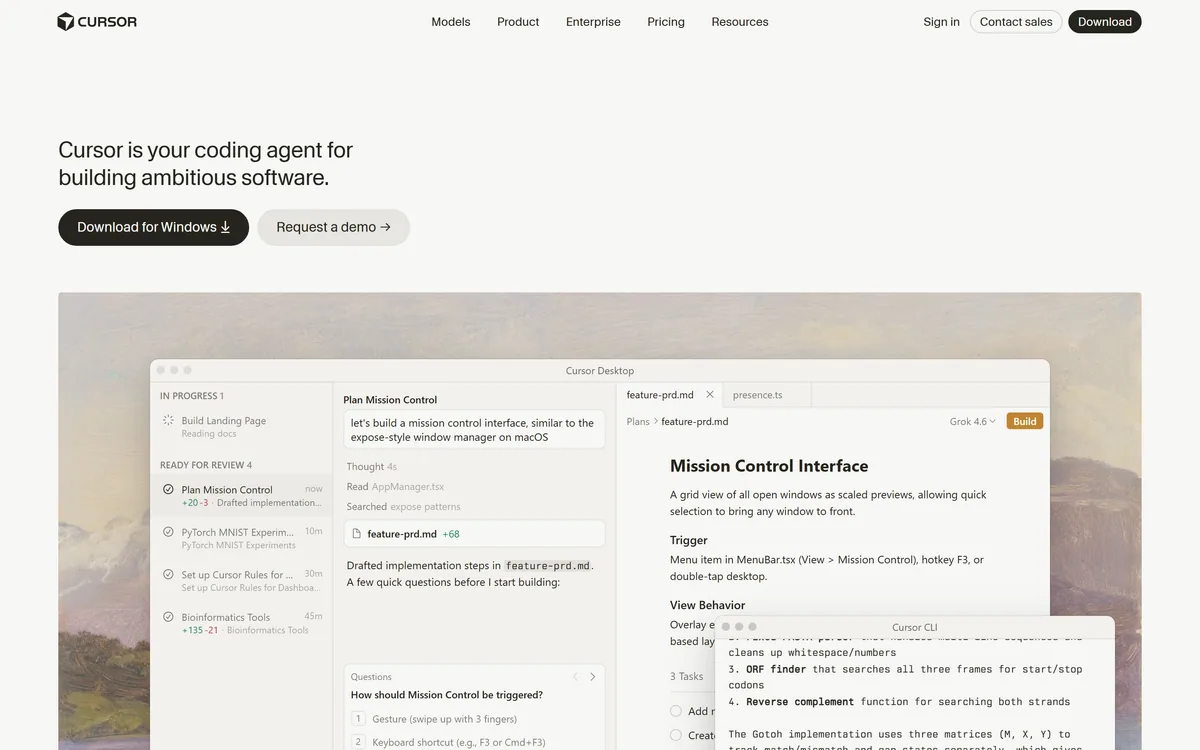

Cursor is an AI-first code editor and agent platform from Anysphere — now a SpaceX subsidiary — that plans, writes, tests, and reviews code across your repository from the desktop editor, a CLI, the web, and Slack.
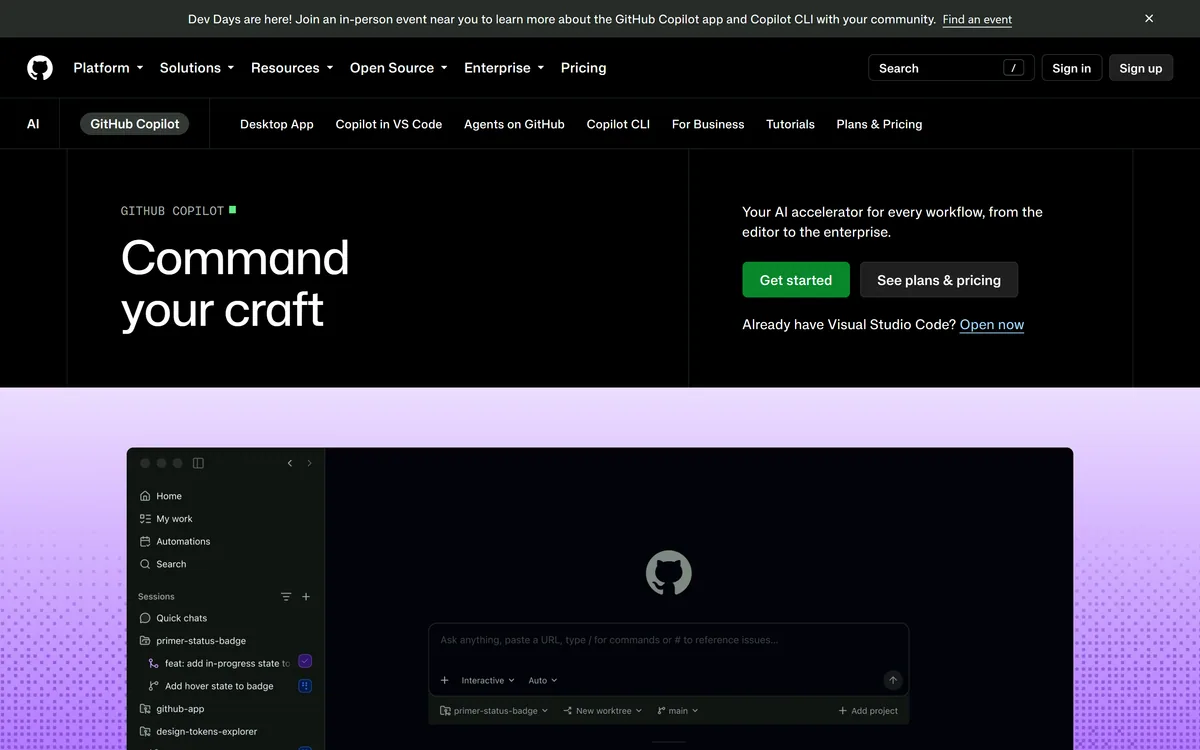

GitHub Copilot is an AI coding assistant that spans completion, chat, agent mode, automated code review, and a cloud agent that opens pull requests, working across VS Code, Visual Studio, JetBrains, Xcode, Neovim, Eclipse, the CLI, and github.com.
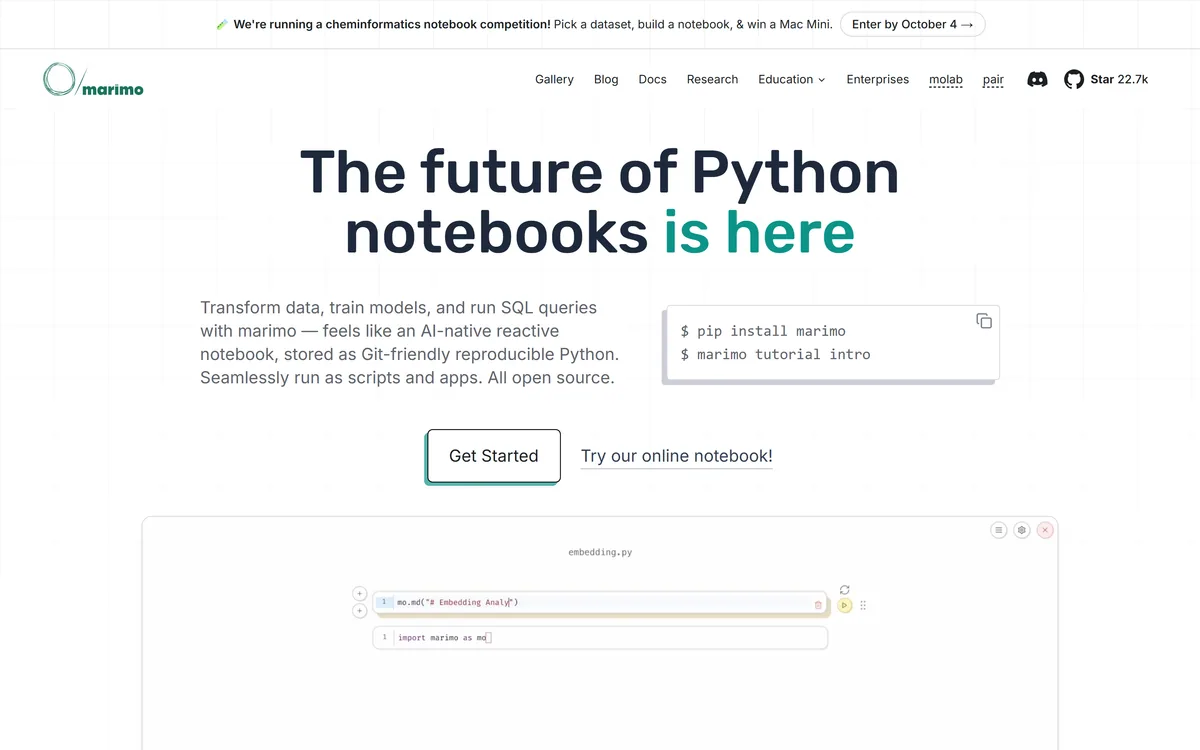
marimo is an open-source reactive Python notebook. Cells re-run automatically when their dependencies change, notebooks are stored as ordinary Python files that diff cleanly in git, and the same file runs as a script or serves as a web app. SQL cells, WASM export and AI agent pairing are built in.
Developer-first AI security from code to runtime Category: Coding & Development.
Snyk Code is a static application security testing tool built for developers, using DeepCode AI to find vulnerabilities in the IDE in real time and Snyk Agent Fix to propose pre-validated fixes, including coverage for AI-generated code.
Related Pages