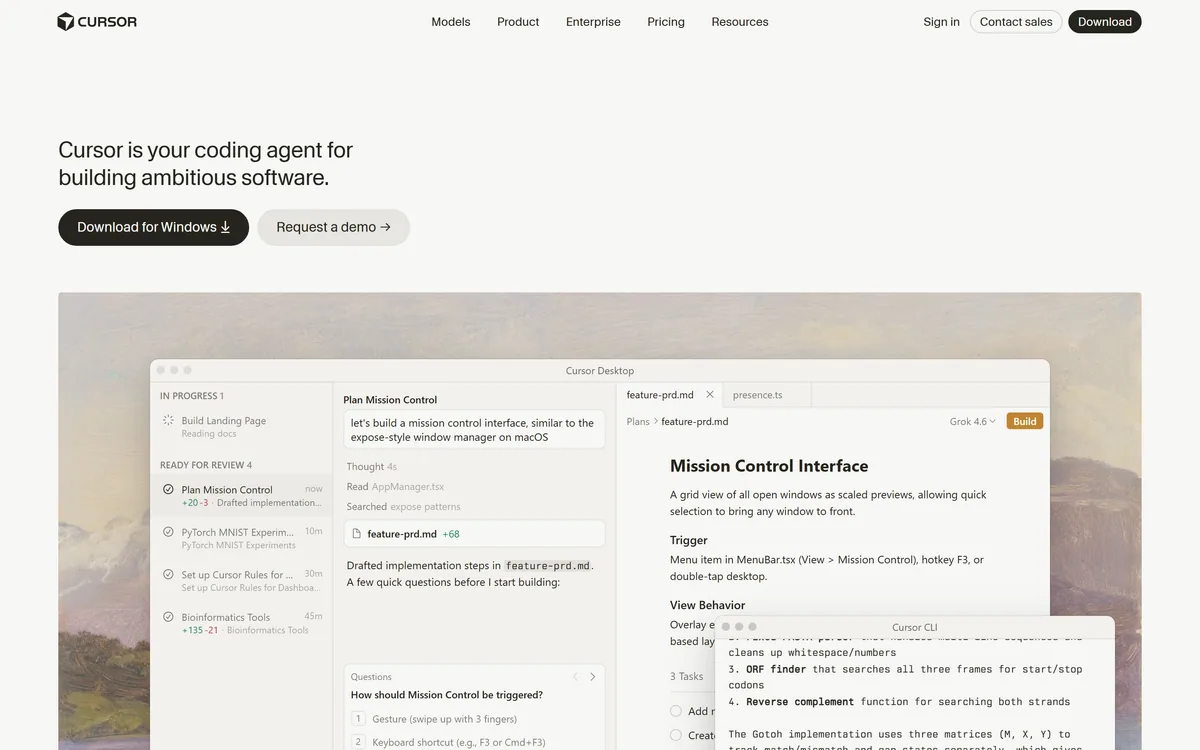

Cursor is an AI-first code editor and agent platform from Anysphere — now a SpaceX subsidiary — that plans, writes, tests, and reviews code across your repository from the desktop editor, a CLI, the web, and Slack.
Coding & Development Review
marimo is an open-source reactive Python notebook. Cells re-run automatically when their dependencies change, notebooks are stored as ordinary Python files that diff cleanly in git, and the same file runs as a script or serves as a web app. SQL cells, WASM export and AI agent pairing are built in.
Excellent
marimo earns a very high score because it fixes two structural defects that have cost data teams years of quiet pain: hidden state, where a notebook only runs because of cells you have since deleted, and the JSON storage format that makes notebooks impossible to review in git. Reactive execution and plain .py files are not features bolted on — they are the architecture, and everything else follows from them. Open source, running the same file as notebook, script and app, with SQL cells and WASM export, makes it a genuinely serious tool. It loses ground only because reactivity forbids redefining a variable across cells, which is a real adjustment, and because the ecosystem around Jupyter remains far larger. AInexfinder Editor Score: 4.6/5.
Best for: Data scientists who have lost time to notebooks that only run on one machine; Teams that want notebooks included in code review
The visit link goes to marimo.io, the official site. Paid placements on AInexfinder are always labelled. How we make money
Every experienced Python user has met the same failure. A notebook works perfectly, you restart the kernel and run all, and it collapses — because it only ever worked thanks to a cell you edited, ran, and then changed, or one you deleted an hour ago whose variables are still sitting in memory.
The second failure is quieter and arguably worse. You open a pull request containing a notebook and see thousands of lines of JSON with base64-encoded image output. Nobody reviews that. Notebooks became the one part of a data codebase that escapes code review entirely.
marimo's argument is that both problems come from the same root: a notebook that stores its own output and lets you run cells in any order is not a program, it is a transcript. Its answer is to make the notebook a program — a real Python file, with an execution order derived from the code rather than from your clicking. This review covers what that buys, what it costs, and where Jupyter is still the right answer.
Four terms that explain why marimo is structured the way it is.
A marimo notebook is a .py file. Not Python embedded in JSON, not a format that converts to Python on export — an actual Python module you can open in any editor.
The consequences run further than tidiness. Diffs become readable, so a change to a notebook can be reviewed like any other code change. Merge conflicts become resolvable rather than a reason to pick one version and discard the other. Notebooks can be imported as modules, so a function you wrote in exploration can be used elsewhere without copying it out.
It also means your linter, your formatter, your type checker and your CI all work on notebooks without a conversion step, and an assistant such as GitHub Copilot reads them as ordinary source. That sounds mundane and it removes an entire category of tooling gap that data teams have lived with for a decade.
The design decision underneath is that output does not belong in the file. A Jupyter notebook stores its results, which is why the file grows, why diffs are unreadable, and why a repository accumulates megabytes of stale charts. marimo stores the program and regenerates the output — which is only safe because reactive execution guarantees the output matches the code.
A notebook that stores its own output is a transcript. A notebook stored as a program is code you can review.
Reactive execution imposes a rule that catches every newcomer: a variable can be defined in only one cell.
In Jupyter, redefining df cell after cell as you clean data is the normal working style. marimo forbids it, because if two cells both define df the dependency graph has no single answer for what df means.
The adjustment is real and takes a few days. In practice it pushes you toward naming intermediate results — raw, cleaned, filtered — or toward wrapping steps in functions. Both are better practice, and both feel like friction while you are learning them.
This is the honest cost of the model. The benefit is that when you hand the notebook to someone else it runs, and that is not a small thing to trade a naming habit for.
marimo has a built-in SQL engine, and it treats SQL as a first-class cell type rather than as a string passed to a library.
Queries can run against dataframes as well as databases and warehouses, with support spanning Polars, pandas, PyArrow, DuckDB, SQLite, Postgres and MySQL. Results come back as dataframes, and — the important part — SQL cells participate in the reactive graph exactly like Python cells.
That last detail is what makes it more than syntactic sugar. A SQL query that depends on a Python variable re-runs when that variable changes. A Python cell that consumes a query result re-runs when the query does. The two languages become one dependency graph rather than two worlds joined by copy and paste.
For anyone whose work genuinely alternates between the two — which is most analytics work — this removes a persistent friction. The alternative in a conventional notebook is f-string interpolation into query text, which is both unpleasant to read and an easy way to write something you did not mean.
Because a marimo notebook is a Python module with a dependency graph, the same file supports three modes without conversion.
As a notebook it is an interactive editing environment. As a script it runs from the command line, in a scheduler or in CI, executing cells in dependency order. As an app, served with a single command, the code hides and the interactive elements remain — sliders, dropdowns, tables and plots become a small web application.
The third mode deserves attention because it collapses a workflow that normally spans two tools. The usual path from exploration to a shareable dashboard involves rewriting the analysis in a separate framework, which is enough work that it frequently does not happen and stakeholders receive a screenshot instead.
WASM export goes further still, producing a static HTML file that runs Python in the browser with no server at all. For teaching material, documentation and reproducible examples, a notebook someone can run by opening a link removes the environment setup that is usually the barrier.
Package handling closes the loop. marimo can serialise a notebook's requirements into the file itself and install them into an isolated sandbox on run, so a shared notebook carries its own dependencies rather than a hopeful README.
marimo is free and installs with pip, so evaluation costs nothing but time. The sequence below surfaces both the benefit and the constraint quickly, which is what you want before adopting anything.
The bar is step four. If the reactive re-run behaviour does not feel like a relief within the first few edits, the model is not going to suit how you work.
An honest assessment has to account for why most people will keep using Jupyter, and the reasons are good ones.
Ecosystem is the largest, and hosted environments such as Deepnote have built collaboration on top of it. Fifteen years of extensions, integrations, teaching material and institutional muscle memory sit behind Jupyter. Every cloud provider supports its format natively, every data platform imports it, and every colleague already knows it.
Sequential execution also genuinely suits some work. A long-running training loop or an expensive query is something you want to run once and then build on, and reactivity means care is needed to avoid re-executing costly cells — marimo provides controls for this, but it is a thing you must now think about.
There is a collaboration consideration too. If your colleagues and your reviewers all work in Jupyter, a marimo notebook is an outlier in the repository, and the file-format advantage is partly a team benefit that only lands when the team adopts it.
The pragmatic position is that these are not mutually exclusive. Plenty of people explore in Jupyter and rebuild in marimo when something needs to become reliable, shareable or scheduled — then move the result into an editor such as Cursor when it graduates into a real codebase. The .py format makes that transition cheap in a way the reverse never was.
The notebook itself is open source and free. You install it with pip, run it locally, and no account is required at any point.
Alongside it sits molab, a hosted service for creating and sharing notebooks in the browser, comparable in shape to other cloud notebook offerings. The site also has a page addressed to enterprises, which is the usual signal that support and deployment arrangements are available commercially.
This is a healthy structure for a developer tool. The thing you depend on runs on your own machine and does not stop working if commercial priorities change, while the hosted convenience is optional.
The practical implication is that there is no reason not to try it. There is no trial to start, no card to enter and no account to create — the cost of evaluation is the ten minutes described above. We do not publish amounts for the hosted or commercial options; check the site for current terms.
| Product type | Open-source reactive Python notebook |
|---|---|
| File format | Plain .py — git-friendly, importable as a module, runnable as a script |
| Execution model | Reactive, with the dependency graph derived by static analysis |
| State handling | Deleting a cell removes its variables and updates affected cells |
| SQL support | Built-in SQL cells over Polars, pandas, PyArrow, DuckDB, SQLite, Postgres and MySQL |
| Interactive elements | Sliders, dropdowns, dataframe tables and selectable plots, bound to Python values |
| Deployment | marimo run serves a notebook as an interactive web app; WASM export produces static HTML |
| Package handling | Requirements serialised into the notebook and auto-installed into isolated sandboxes |
| Developer tooling | CLI, VS Code extension, vim keybindings, formatting, debugging panels, Copilot-style completion |
| AI integration | marimo pair, for connecting AI coding agents to a notebook session |
| Hosted option | molab, a free online notebook service |
| Adoption | 22.7k GitHub stars at the time of checking |
| Named users | Stanford, Johns Hopkins, UC Berkeley, Princeton, Columbia, SLAC, Mozilla AI, OpenAI, BlackRock, Pfizer, Merck |
| Company | Marimo Inc. |
| Install | pip install marimo |
Reactive execution, re-running dependent cells automatically from a code-derived dependency graph
Notebooks stored as plain Python files that diff, merge and review in git
Deleting a cell removes its variables, eliminating hidden state
Built-in SQL cells over dataframes, databases and warehouses, participating in the same reactive graph
Interactive UI elements bound to Python values — sliders, dropdowns, tables and selectable plots
The same file runs as a notebook, executes as a script, and serves as a web app
WASM export to static HTML that runs Python in the browser with no server
Requirements serialised into the notebook and auto-installed into isolated sandboxes
Notebook tools differ on two axes that matter: how execution order is decided, and what the file on disk actually is.
| Tool | Execution model | Storage format | Best at |
|---|---|---|---|
| marimo | Reactive, from a dependency graph | Plain .py | Reproducibility, code review, and turning analysis into an app |
| Deepnote | Sequential, with collaborative editing | Proprietary hosted format | Real-time team collaboration in a managed environment |
| Cursor | Not a notebook — an AI-first code editor | Ordinary source files | Writing and refactoring code with heavy AI assistance |
| GitHub Copilot | Not a notebook — an assistant inside your editor | Whatever your editor uses | Completion and suggestion, including inside Jupyter |
| Replit AI | Hosted development environment | Ordinary source files | Building and deploying small applications from the browser |
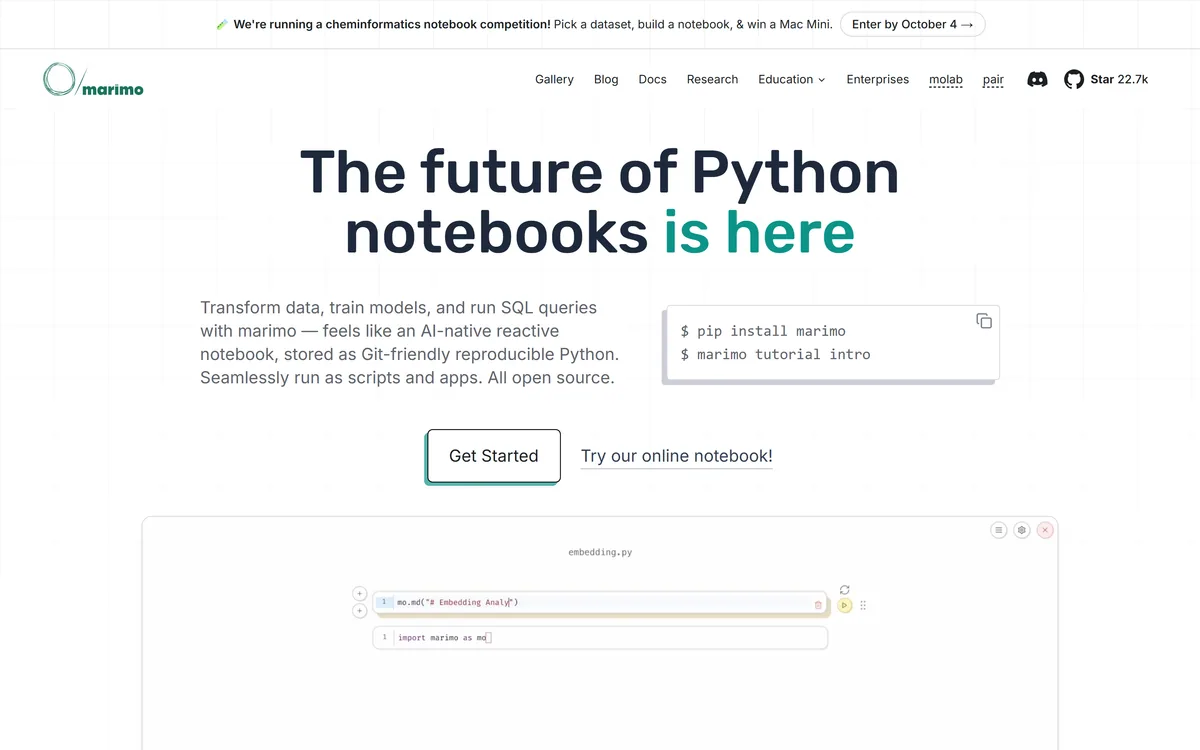
Last checked . Read from marimo.io and docs.marimo.io, with the homepage screenshot above captured in the same session.
What we could not confirm: the specific open-source licence is not identified on the homepage or the documentation pages we read, so check the repository directly if the licence terms matter to you; supported Python versions are not stated on those pages either; and no pricing or tier structure is published for molab or for the enterprise offering, so the commercial terms are unknown from outside.
Adjacent rather than competing — most of these sit alongside a notebook rather than replacing one.
AInexfinder does not list plan prices or billing details. For current pricing, plans, and trials, visit the official marimo website.
Visit official website for pricingVendor pricing, credits, and billing policies change over time. Always confirm on the official site before you buy.
marimo earns an AInexfinder Editor Score of 4.6/5 (excellent). Best for: Data scientists who have lost time to notebooks that only run on one machine; Teams that want notebooks included in code review; Analysts who regularly turn exploration into shareable dashboards.
Visit marimoLog in to write a review.
No reviews yet. Be the first to share your experience with marimo.
Assigned reviewer
Daniel ReedSenior AI Tools Reviewer
Daniel leads AInexfinder's tool reviews. He researches each tool from its own pricing, documentation and policies, checks its claims against independent sources, and writes up what it does well, where it falls short and who it genuinely suits.
Daniel and the AInexfinder editorial team research marimo from its own website, pricing, documentation and policies, checked against independent sources. This review is research-based: unless its method note says otherwise, we have not bought a plan or run hands-on tests. The Editor Score is our editorial judgement, and payment never changes it.
Similar Tools
Cursor is an AI-first code editor and agent platform from Anysphere — now a SpaceX subsidiary — that plans, writes, tests, and reviews code across your repository from the desktop editor, a CLI, the web, and Slack.
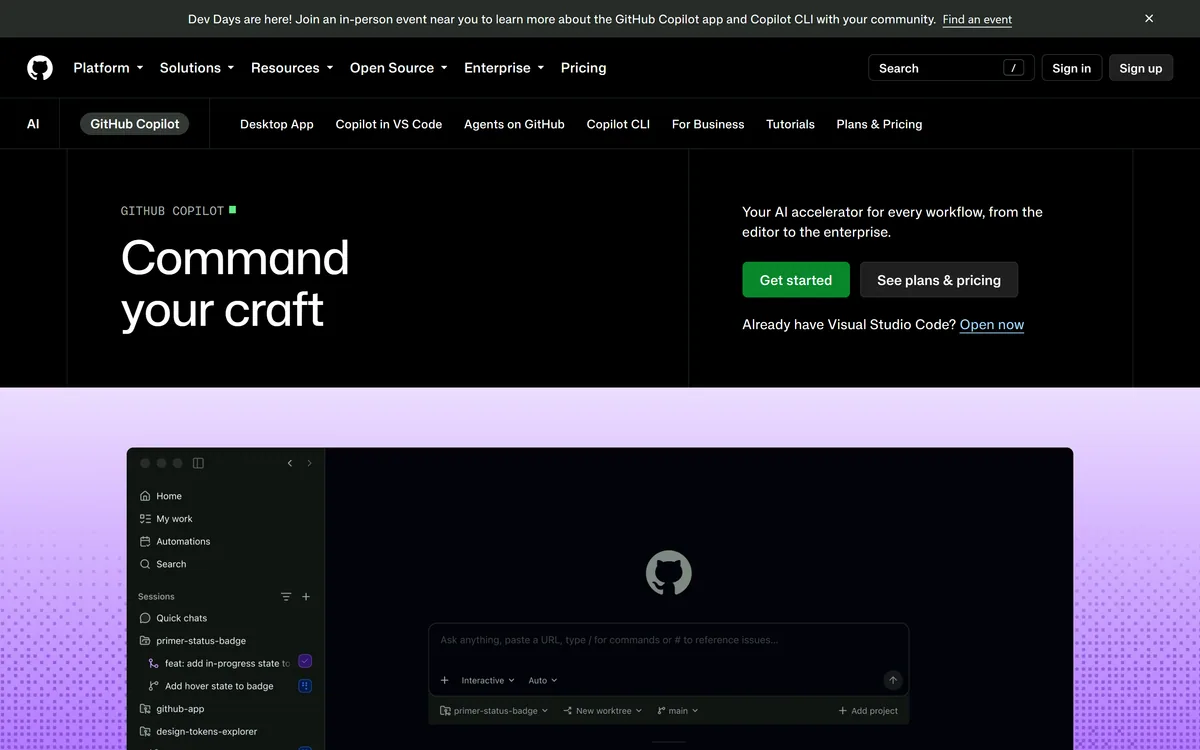

GitHub Copilot is an AI coding assistant that spans completion, chat, agent mode, automated code review, and a cloud agent that opens pull requests, working across VS Code, Visual Studio, JetBrains, Xcode, Neovim, Eclipse, the CLI, and github.com.

Developer-first AI security from code to runtime Category: Coding & Development.
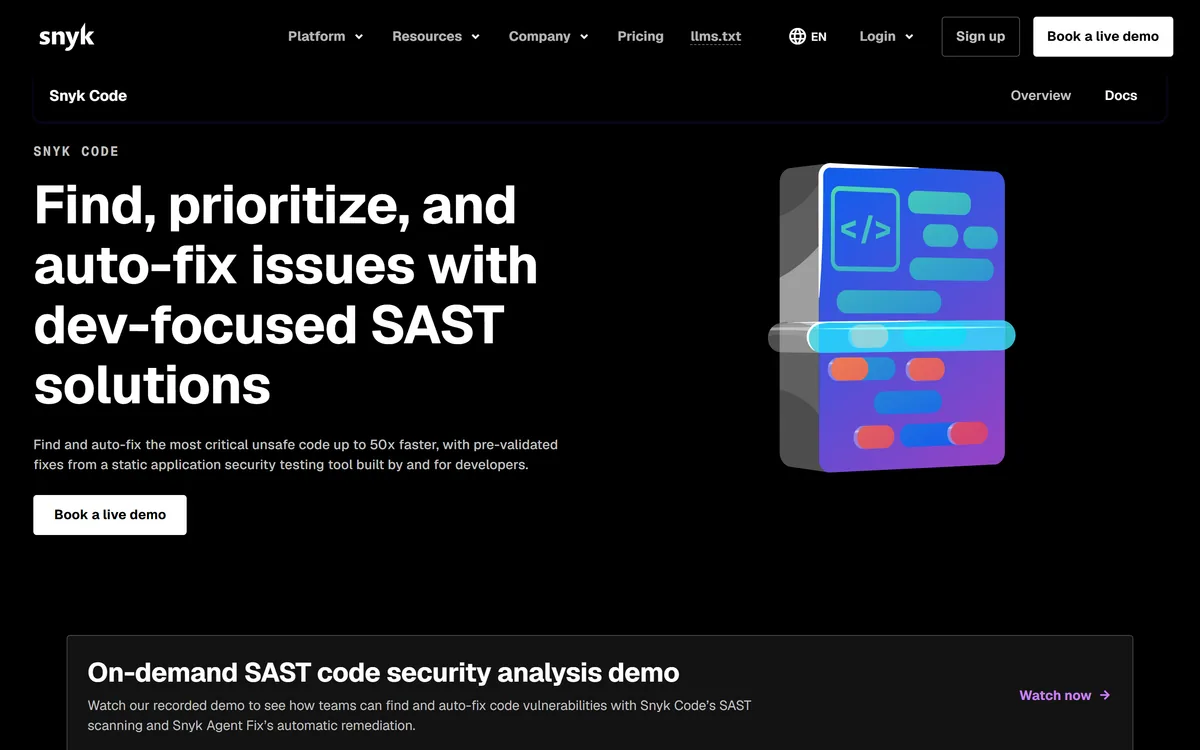
Snyk Code is a static application security testing tool built for developers, using DeepCode AI to find vulnerabilities in the IDE in real time and Snyk Agent Fix to propose pre-validated fixes, including coverage for AI-generated code.
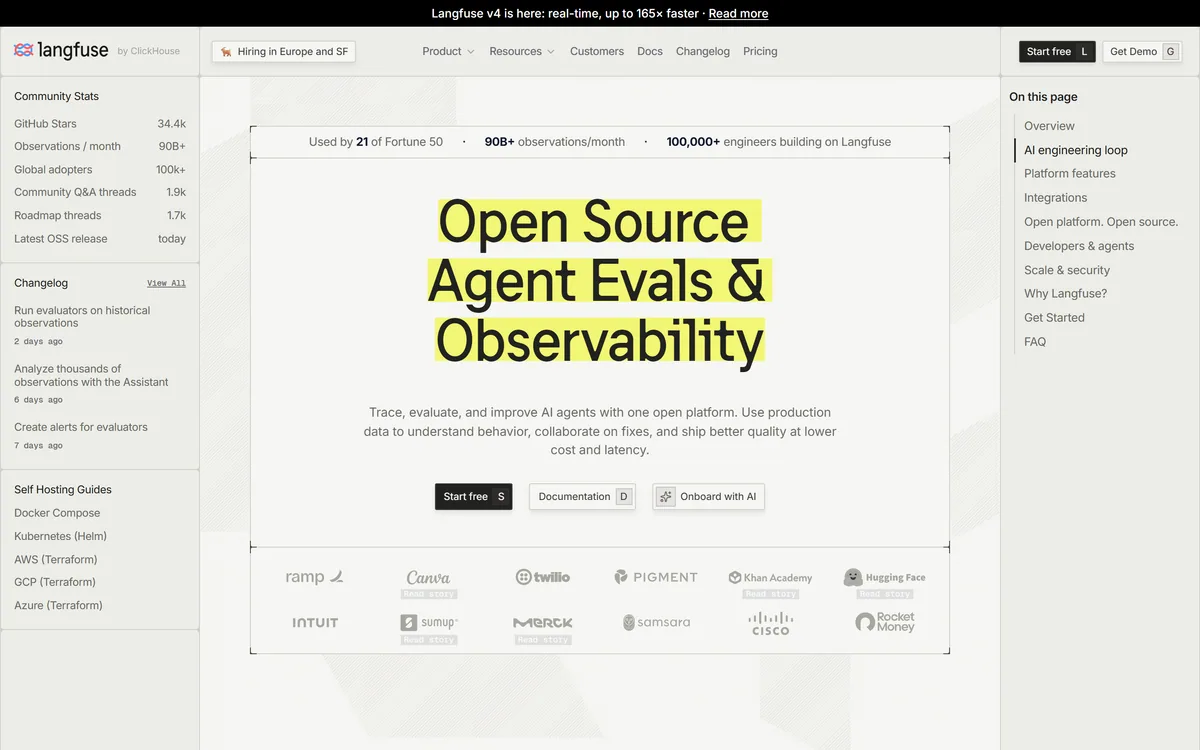
Langfuse is an open-source LLM engineering platform covering tracing, evaluation, prompt management, experiments and human annotation. Every product feature is MIT licensed, with self-hosting via Docker Compose, Kubernetes or Terraform alongside a managed cloud in US and EU regions.
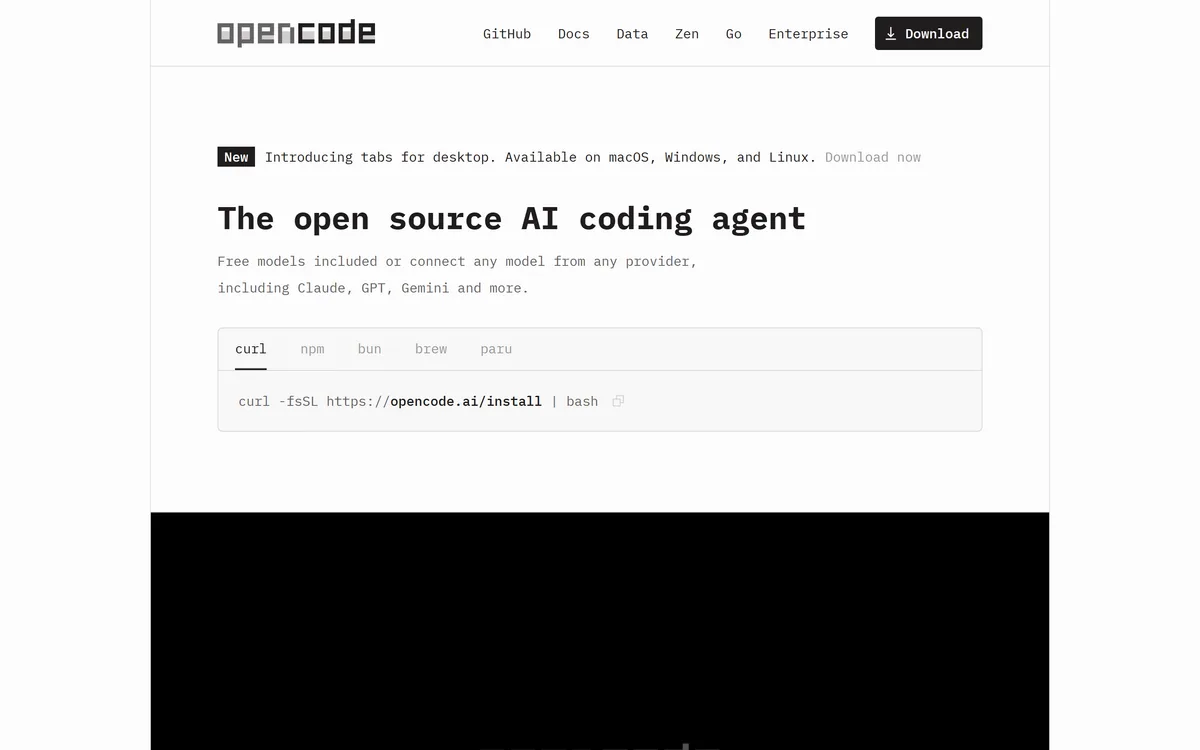
OpenCode is an open source AI coding agent built for the terminal, with desktop and IDE clients alongside. It connects to 75+ model providers, configures language servers automatically, runs parallel agent sessions, keeps conversations locally in SQLite, and is built by the team behind SST.
Related Pages