
Mobile-first AI art and video generator with many styles Category: Image & Design.
Image & Design Review
Sprite AI review on AInexfinder — freemium AI tool for Image & Design. Features, pricing notes, and alternatives.
Provisional score · full review pending
Sprite AI has an AInexfinder Editor Score of 4.6/5.
Best for: Users who need built-in animation for walk, attack, and idle loops; Users focused on free browser-based pixel editor
The visit link goes to sprite-ai.art, the official site. Paid placements on AInexfinder are always labelled. How we make money
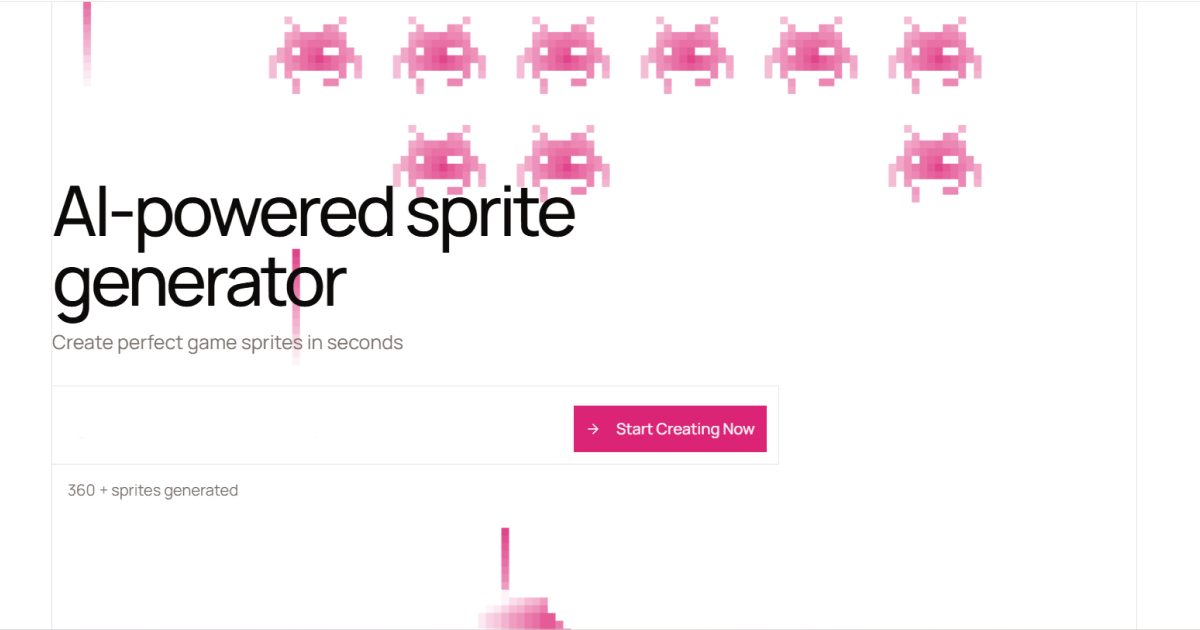
Sprite AI is an AI-powered platform for creating pixel art game assets that combines generation, animation, and editing in one tool aimed at indie game developers and solo creators.
Users describe a character, item, or creature in plain English and receive a pixel art sprite within seconds, then use the animation tools to create walk cycles, attack animations, and idle loops without rigging or timeline work.
A free browser-based pixel art editor lets creators paint, fill, and tweak individual pixels for fine control, and finished assets export as sprite sheets compatible with Unity, Godot, and GameMaker, plus GIF formats.
For developers who work in code, Sprite AI supports code-based generation through tools like Claude Code and Cursor as well as direct API access, making it easy to fit into a programmatic asset pipeline.
Strengths include the all-in-one workflow from prompt to animated, engine-ready sprite, the included editor for manual refinement, and developer integrations; trade-offs are that AI pixel art can drift from a strict pixel grid and may need editor cleanup, and that monthly sprite and animation quotas are capped by plan.
Sprite AI offers a free tier with a limited number of generations and no card required, plus Creator, Studio, and Production subscription tiers with more generations, commercial licensing, and priority queues. Pricing changes often, so check the official site for current plans.
Sprite AI's core capabilities include Text-to-pixel-art sprite generation, Built-in animation for walk, attack, and idle loops, Free browser-based pixel editor, Sprite sheet and GIF export, Unity, Godot, and GameMaker compatibility and Code-based generation and API access.
Text-to-pixel-art sprite generation is built in, Built-in animation for walk, attack, and idle loops is built in, Free browser-based pixel editor is built in, Sprite sheet and GIF export is built in, so you get a rounded toolkit rather than a single trick.
Each feature is designed to take the manual effort out of the task and help you reach a usable result faster, which is what makes Sprite AI worth a place on your shortlist.
As with any AI tool, the output still benefits from a quick human review, but Sprite AI gets you most of the way there with far less effort.
Sprite AI runs on a freemium pricing model, so you can start for free and only pay once you outgrow the free tier — handy for testing it on a real task before spending anything.
AI-tool pricing changes often, so always check the current plans, seats and add-ons on the official site for the latest details before you buy. Who is Sprite AI for? It's best suited for ai pixel art sprite generator, editor, and animator.
Whether you're a beginner trying this kind of AI tool for the first time or a professional who'll use it every day, it's a credible option to consider.
Sprite AI is best suited for ai pixel art sprite generator, editor, and animator. Whether you are trying this kind of image & design tool for the first time or use one every day, it is a credible option to shortlist — compare it with the alternatives and head-to-head comparisons linked on this page to find the best fit for your workflow and budget.
Text-to-pixel-art sprite generation
Built-in animation for walk, attack, and idle loops
Free browser-based pixel editor
Sprite sheet and GIF export
Unity, Godot, and GameMaker compatibility
Code-based generation and API access
AInexfinder does not list plan prices or billing details. For current pricing, plans, and trials, visit the official Sprite AI website.
Visit official website for pricingVendor pricing, credits, and billing policies change over time. Always confirm on the official site before you buy.
Sprite AI has a provisional score of 4.6/5: a formula estimate from this listing’s details, not yet an Editor Score. It is replaced once Sprite AI gets its full research-based review. Best for: Users who need built-in animation for walk, attack, and idle loops; Users focused on free browser-based pixel editor; Teams that need sprite sheet and GIF export.
Visit Sprite AILog in to write a review.
No reviews yet. Be the first to share your experience with Sprite AI.
Assigned to
Daniel ReedSenior AI Tools Reviewer
Daniel leads AInexfinder's tool reviews. He researches each tool from its own pricing, documentation and policies, checks its claims against independent sources, and writes up what it does well, where it falls short and who it genuinely suits.
This page is a summary of Sprite AI built from its own website and listing details. It has not had its full research-based review yet, so its score is a provisional formula estimate, not an Editor Score. Daniel will research and re-score it; payment never changes a score.
Similar Tools
Mobile-first AI art and video generator with many styles Category: Image & Design.
Scenario review on AInexfinder — subscription AI tool for Image & Design. Features, pricing notes, and alternatives.
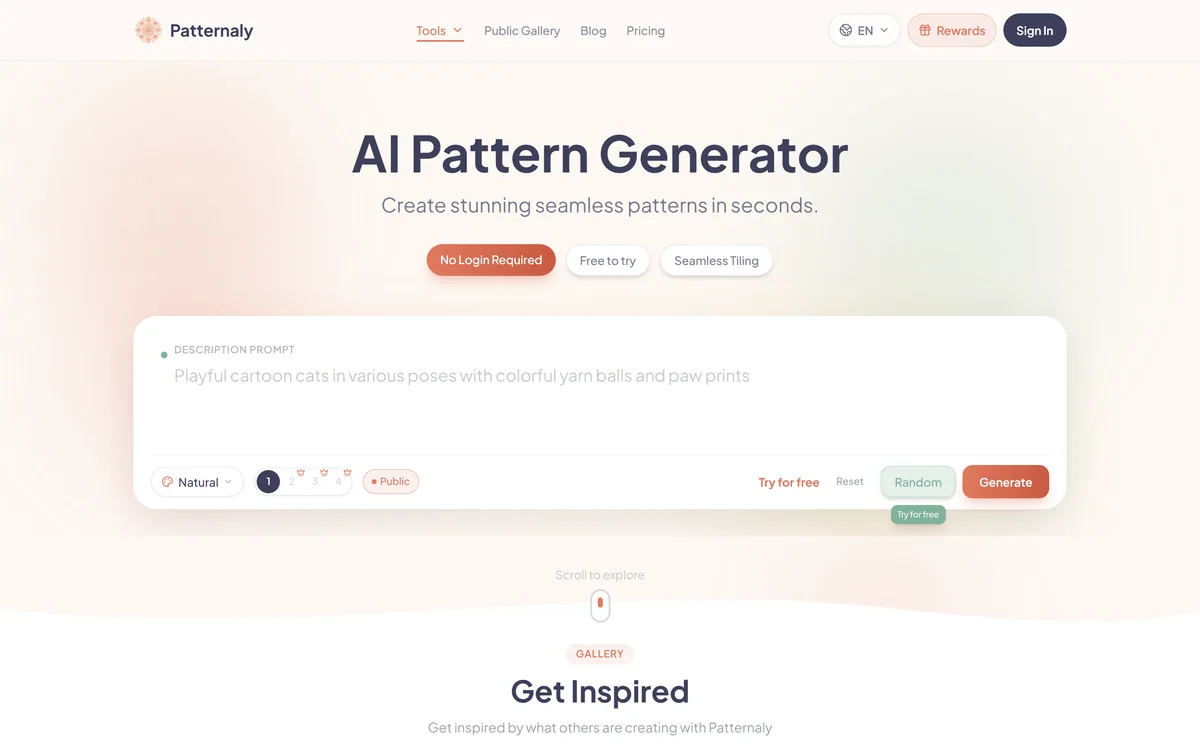
Patternaly is an AI pattern generator that turns a text prompt into seamless, tileable patterns for print-on-demand, textiles, packaging and wallpaper, with 19 artistic styles, a seamless checker, product mockups and HD export, and commercial rights on paid plans.


Midjourney is an AI image generator known for its distinctive aesthetic quality, currently on model V8.2, with a full web app alongside the original Discord workflow, plus an Editor, moodboards, style profiles, and five-second image-to-video.


Canva AI is the Magic Studio suite built into Canva — Magic Write for copy, Dream Lab for images, Magic Edit, Expand and Eraser for photos, Magic Switch for reformatting, Magic Charts for data, and Canva Code for interactive widgets.
GPT Image 2 launched on 21 April 2026 as ChatGPT Images 2.0 and as the gpt-image-2 API model. Its distinguishing capabilities are dense, accurate text rendering, layout fidelity for infographics and packaging, up to 3840px output, prompt-guided masking, and reasoning applied to image structure before generation.
Related Pages