
AI and human transcription and subtitles in 150+ languages
Video & Audio Review
Transkriptor review on AInexfinder — freemium AI tool for Video & Audio. Features, pricing notes, and alternatives.
Provisional score · full review pending
Transkriptor has an AInexfinder Editor Score of 4.4/5.
Best for: Users focused on transcription in 100+ languages; Teams that need file upload, live recording, and meeting bots
The visit link goes to transkriptor.com, the official site. Paid placements on AInexfinder are always labelled. How we make money
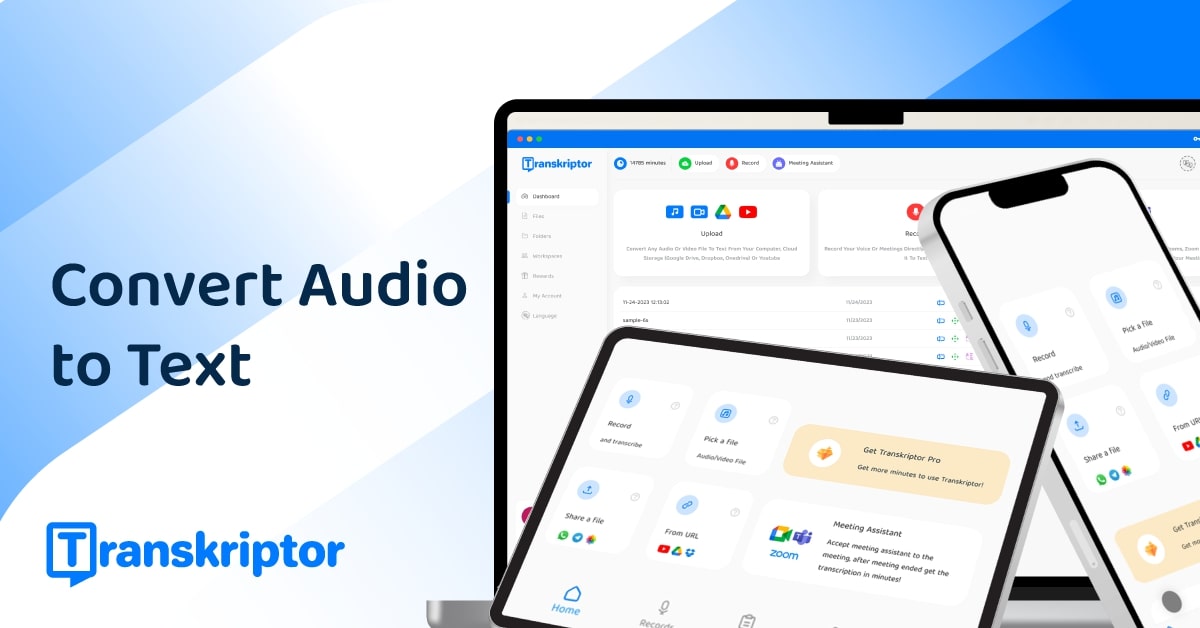
Transkriptor is an AI transcription platform that turns audio and video recordings into accurate text quickly, with support for more than 100 languages. Users can upload files, record audio in real time, or connect it to Zoom, Google Meet, and Microsoft Teams to transcribe meetings automatically.
It handles common formats like MP3, MP4, and WAV, provides speaker identification and diarization, and adds AI features on top of the transcript, including summaries, sentiment analysis, and action-item extraction.
An Ask Transkriptor feature lets users query across multiple transcripts to find answers and pull insights from a body of recordings rather than a single file.
The product is available on desktop, mobile apps for iOS and Android, and as browser extensions, making it convenient for capturing conversations wherever they happen. Typical users include students, researchers, journalists, business professionals, and teams who need affordable, multilingual transcription with light analysis.
Strengths are the wide language coverage, multiple input methods, meeting integrations, and an accessible price point with a free trial.
Weaknesses are that accuracy depends on audio quality and accents, advanced AI features and higher usage limits require paid plans, and it is more a general-purpose transcriber than a specialized meeting-intelligence or media-production suite. Transkriptor uses a freemium model with a free trial and tiered subscription plans.
Pricing changes often, so check the official site for current plans. Transkriptor's core capabilities include Transcription in 100+ languages, File upload, live recording, and meeting bots, Speaker identification and diarization, AI summaries and action items and Ask Transkriptor across multiple files.
Transcription in 100+ languages is built in, File upload, live recording, and meeting bots is built in, Speaker identification and diarization is built in, AI summaries and action items is built in, so you get a rounded toolkit rather than a single trick.
Each feature is designed to take the manual effort out of the task and help you reach a usable result faster, which is what makes Transkriptor worth a place on your shortlist.
As with any AI tool, the output still benefits from a quick human review, but Transkriptor gets you most of the way there with far less effort.
Transkriptor runs on a freemium pricing model, so you can start for free and only pay once you outgrow the free tier — handy for testing it on a real task before spending anything.
AI-tool pricing changes often, so always check the current plans, seats and add-ons on the official site for the latest details before you buy. Who is Transkriptor for? It's best suited for fast ai transcription in 100+ languages.
Whether you're a beginner trying this kind of AI tool for the first time or a professional who'll use it every day, it's a credible option to consider.
Transkriptor is best suited for fast ai transcription in 100+ languages. Whether you are trying this kind of video & audio tool for the first time or use one every day, it is a credible option to shortlist — compare it with the alternatives and head-to-head comparisons linked on this page to find the best fit for your workflow and budget.
Transcription in 100+ languages
File upload, live recording, and meeting bots
Speaker identification and diarization
AI summaries and action items
Ask Transkriptor across multiple files
AInexfinder does not list plan prices or billing details. For current pricing, plans, and trials, visit the official Transkriptor website.
Visit official website for pricingVendor pricing, credits, and billing policies change over time. Always confirm on the official site before you buy.
Transkriptor has a provisional score of 4.4/5: a formula estimate from this listing’s details, not yet an Editor Score. It is replaced once Transkriptor gets its full research-based review. Best for: Users focused on transcription in 100+ languages; Teams that need file upload, live recording, and meeting bots; Teams that need speaker identification and diarization.
Visit TranskriptorLog in to write a review.
No reviews yet. Be the first to share your experience with Transkriptor.
Assigned to
Daniel ReedSenior AI Tools Reviewer
Daniel leads AInexfinder's tool reviews. He researches each tool from its own pricing, documentation and policies, checks its claims against independent sources, and writes up what it does well, where it falls short and who it genuinely suits.
This page is a summary of Transkriptor built from its own website and listing details. It has not had its full research-based review yet, so its score is a provisional formula estimate, not an Editor Score. Daniel will research and re-score it; payment never changes a score.
Similar Tools
AI and human transcription and subtitles in 150+ languages
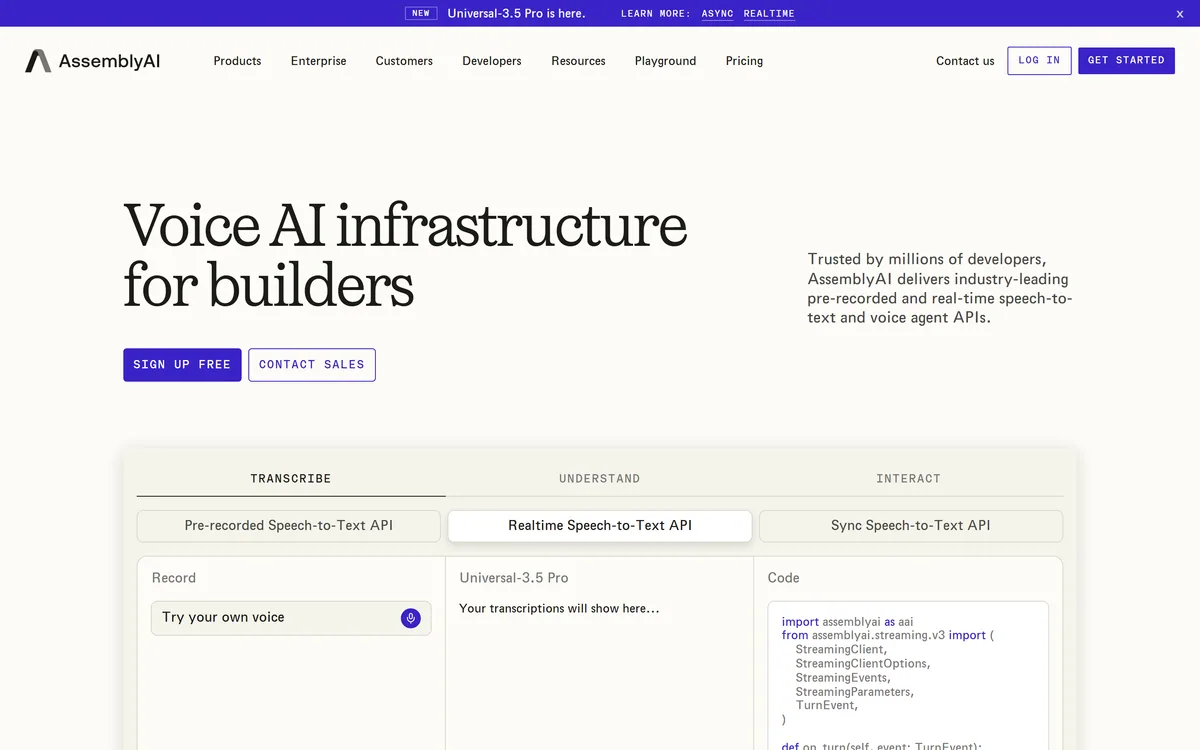
AssemblyAI sells voice AI infrastructure: production APIs for pre-recorded and real-time speech-to-text on its Universal models, a Speech Understanding API that turns transcripts into structured insight, a Voice Agent API over a single WebSocket, and guardrails including PII redaction and content moderation.
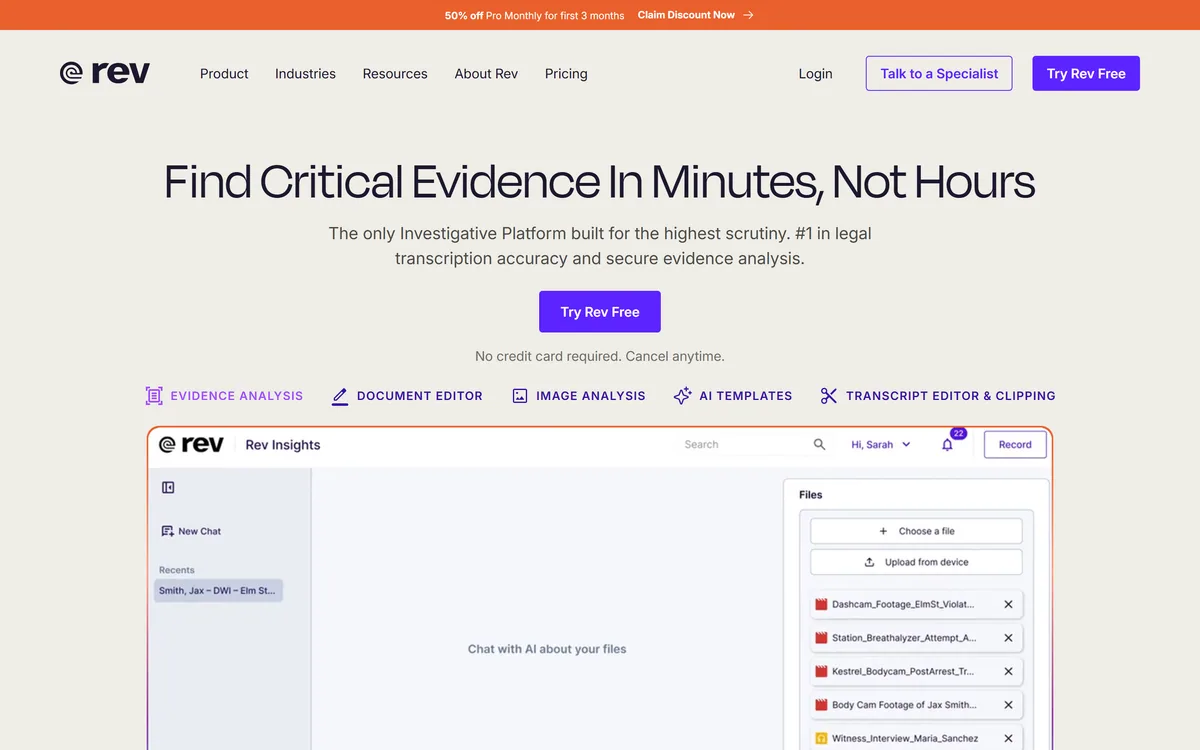
Rev has repositioned from transcription into an investigative intelligence platform for legal teams, combining AI evidence analysis with human-verified transcription guaranteed 99%+ accurate in 12 hours, plus court reporting, deposition summaries and a speech-to-text API.
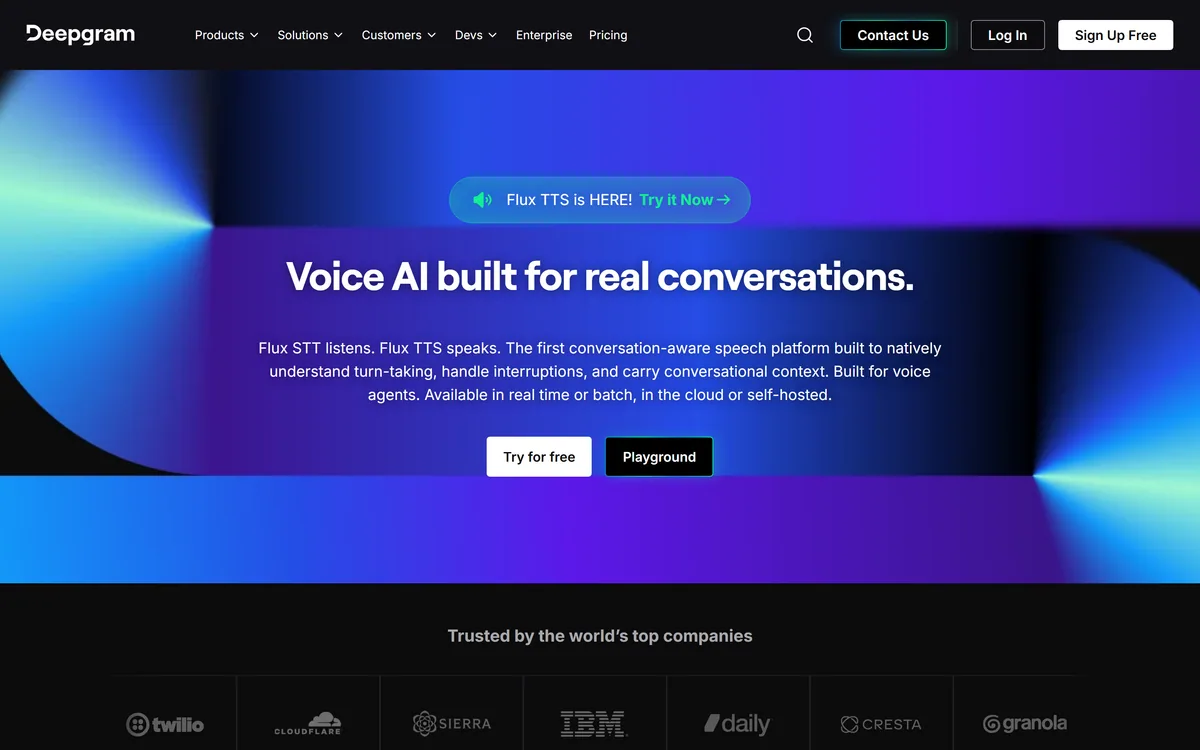
Deepgram provides speech-to-text and text-to-speech through its Flux models, plus a Voice Agent API that combines transcription, speech synthesis and LLM orchestration into a single interface. Everything runs in real time or batch, in the cloud or self-hosted, with text-to-speech latency stated as low as 80ms.
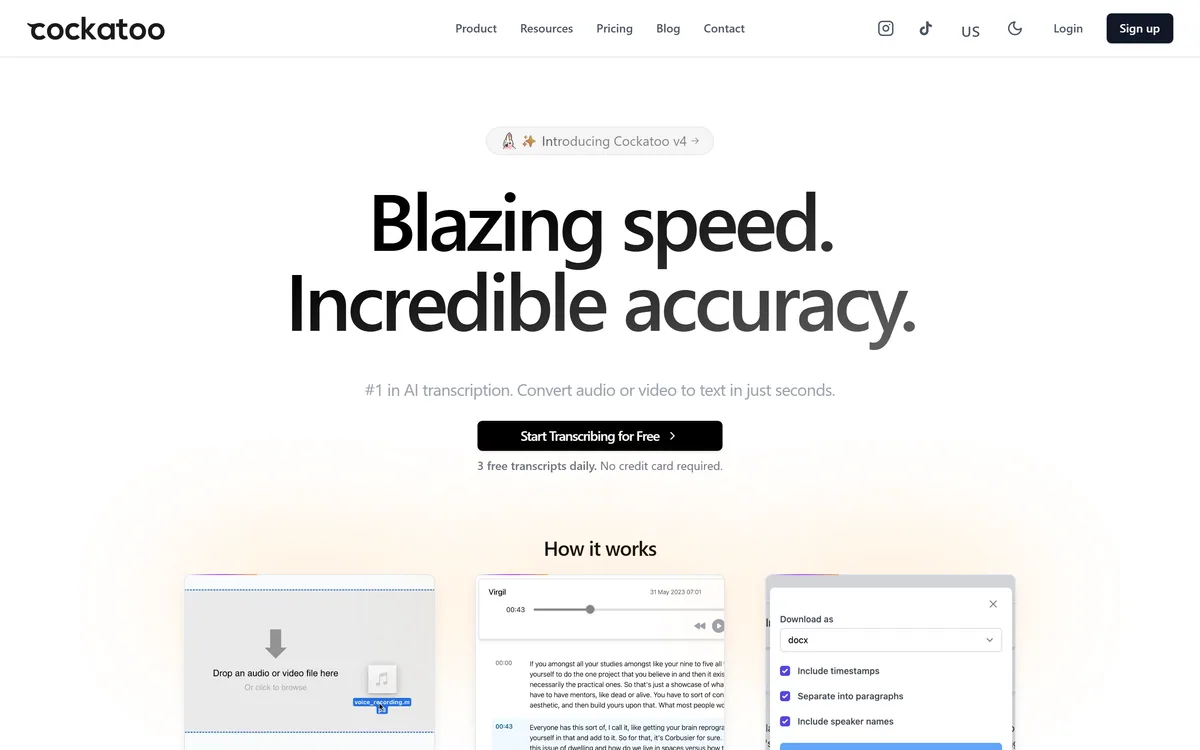
Cockatoo transcribes audio and video across 100+ languages with a stated accuracy of up to 99.8%, exports to SRT, DOCX, PDF and TXT, imports from Dropbox and YouTube, and offers three free transcripts daily with no card required.

ElevenLabs is an AI audio platform covering text to speech, voice cloning, speech recognition, dubbing, music, and conversational voice agents, with a library of 5,000+ voices across more than 70 languages and an API behind every model.
Related Pages