Snov.io review on AInexfinder — freemium AI tool for Business & Marketing. Features, pricing notes, and alternatives.
Business & Marketing Review
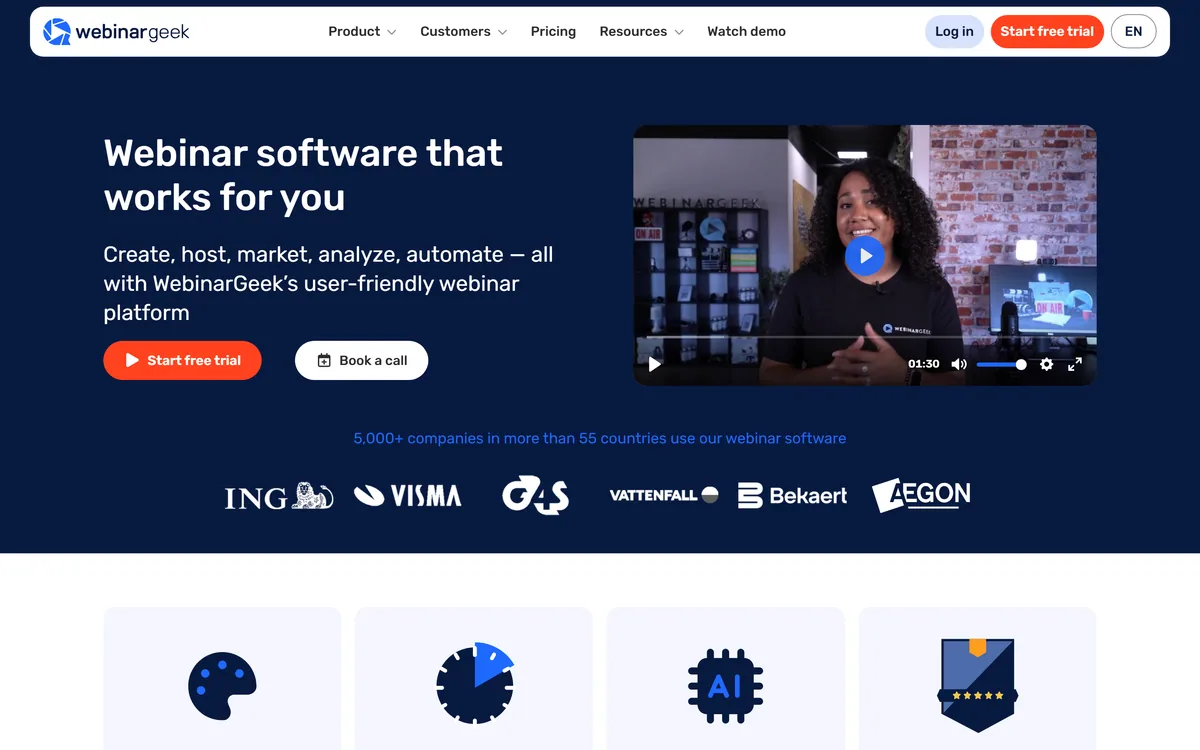
WebinarGeek is webinar software running entirely in the browser with no download for hosts or viewers. It covers registration, branding, automated email, live and recorded delivery for audiences up to 5,000, viewer-level analytics under GDPR, and integrations with more than 6,000 other tools.
Very good
The single most valuable thing about WebinarGeek is also the least glamorous: nobody has to install anything. Webinar attendance dies at the download prompt, and removing it removes the largest cause of registrants who never arrive. Everything else is solid rather than remarkable — branded registration pages, automated email, viewer-level analytics under GDPR, a large integration list. The support claims are unusually specific and the company has been operating since 2015 with real addresses in two countries, which counts for a lot in event software where a failure is public. AInexfinder Editor Score: 4.1/5.
Best for: Marketing teams running webinars as a lead channel; Trainers and educators presenting to external audiences
The visit link goes to webinargeek.com, the official site. Paid placements on AInexfinder are always labelled. How we make money
Webinar software is judged on the wrong things. Feature lists compare polling and breakout rooms, when the number that actually decides whether a webinar worked is how many registrants turned up.
That number is mostly determined by friction, and the largest single source of friction is being asked to install something five minutes before a session starts.
WebinarGeek's central design choice is to eliminate that entirely, and everything else it does sits on top of that decision.
The site states that a webinar can be created and delivered entirely from the browser, on any browser, with no app download needed — and one of its own customers cites exactly that as the differentiator against other tools.
The reason this matters more than any feature is arithmetic. Registration-to-attendance rates for webinars are typically well under half, and every step between the reminder email and the session is where people drop out.
A download prompt is the worst of those steps. It arrives at the moment of intent, often on a locked-down work laptop where the person cannot install software at all, and there is no recovery — they close the tab and the registration is wasted.
Browser delivery removes that failure entirely. A link opens a page and the session starts, which is the behaviour every registrant already expects from everything else they click.
Set-up speed follows the same logic on the host side. The site claims a webinar can be running the same day without prior experience, and the credible version of that claim is that there is no procurement, no IT ticket and no install to schedule.
A download prompt arrives exactly when someone has decided to attend, often on a laptop where they cannot install anything. There is no recovery from that.
The stated ceiling is 5,000 viewers per webinar, which is worth reading as a description of who this is for rather than as a limit to worry about.
Five thousand concurrent attendees is a very large webinar. Most business webinars run in the dozens or low hundreds, and a marketing team celebrating a thousand live attendees is having an exceptional day.
So the number is not a constraint for the overwhelming majority of users. It is a signal that the platform is engineered for scale and that the streaming infrastructure is not a thin wrapper around a meeting tool.
That distinction matters technically. A meeting product distributes video between participants who can all talk; a webinar product broadcasts one way to an audience that mostly cannot, and those are different problems with different failure modes at scale.
The practical read is that if you are anywhere near five thousand attendees you should be discussing capacity directly with them, and if you are nowhere near it, the number tells you the platform will not be the thing that breaks.
Each webinar can be fully branded to a corporate identity, with drag-and-drop editors for the registration page, the streaming page and the automated emails, stated as requiring no technical knowledge.
Branding a webinar sounds cosmetic and is not, for a specific commercial reason.
A webinar is usually a lead generation mechanism, and the registration page is a landing page. A page carrying a software vendor's branding rather than yours converts worse and looks like an event someone else is running, which is the opposite of the impression a marketing webinar is trying to make.
The email automation is the part that decides attendance. Confirmation, reminder, last-call and follow-up sequences do more for turnout than any content decision, and having them inside the platform rather than stitched to an email tool means they fire on the actual event schedule.
Automated and recorded webinars extend the same asset further. A session recorded once and replayed on a schedule generates registrations indefinitely, which is how a single afternoon of work becomes an evergreen channel — the point at which webinar software starts paying for itself rather than costing time. A dedicated email platform such as MailerLite still owns the nurture sequence that follows.
The platform describes powerful statistics, collection of individual viewing behaviour, and following up with warm leads, all stated as GDPR compliant.
Viewer-level data is where webinar software separates itself from streaming, and it is also where the responsibility sits.
Knowing that someone watched forty minutes of a fifty-minute session, or dropped out at the pricing slide, is genuinely useful sales intelligence. It converts a list of registrants into a ranked list of people worth calling.
It is also personal data about identifiable individuals, which is why the GDPR reference is more than a badge. A Dutch company with a stated European entity is operating inside that regime rather than adapting to it, and the platform gives you controls; the lawful basis for what you then do with the data is yours.
The practical caution is proportionality. Attendance duration and question activity are reasonable to act on; assembling a detailed behavioural profile to use in a cold sales call is the kind of thing that produces complaints, and it is a decision the software will let you make either way. Which ads filled the room is a separate measurement again, and where attribution tools like Cometly belong.
WebinarGeek makes unusually specific support claims: 4.9 out of 5 rated for support, live chat and technical support for all customers, and answers within three minutes described as the fastest response time in the industry.
In webinar software, support quality is not a soft consideration. It is close to a primary feature.
The reason is that a webinar failure is public and unrecoverable. If audio breaks four minutes before three hundred people join, you need a human immediately — not a ticket queue, and not a knowledge base article. One of the platform's own testimonials makes precisely that point.
A three-minute response commitment is specific enough to be tested, which is the right kind of claim. Ratings of 4.7 and 4.5 across four review platforms sit alongside it, and consistency across sources is more informative than any single figure.
The provenance supports it. A copyright range from 2015, a Netherlands office in Zoetermeer, a New York address and published sales lines for three regions is a real company with real accountability, which is worth more in event software than any feature comparison. What attendees said in the chat is worth reading properly too, and that is Thematic's territory.
Almost every disappointing webinar is a promotion and logistics failure rather than a content one. The material was fine; nobody came, or nobody stayed.
This sequence puts effort where it changes the outcome.
| Operating since | Copyright range 2015–2026 per the footer |
|---|---|
| Offices | Zoetermeer, the Netherlands and an address on 6th Avenue, New York |
| Adoption | 5,000-plus companies in more than 55 countries, as stated |
| Audience size | Up to 5,000 viewers per webinar |
| Delivery | Entirely browser-based, with no app download for host or viewer |
| Content sharing | Presentation, video or your own screen |
| Branding | Drag-and-drop editors for registration page, streaming page and automated emails |
| Formats | Live, automated and recorded webinars |
| Analytics | Individual viewing behaviour and follow-up data, stated as GDPR compliant |
| Integrations | Stated at over 6,000 tools |
| Support | Live chat and technical support for all customers, with a stated three-minute response time and 4.9/5 support rating |
| Trial | 14 days free with all premium features |
Browser-based hosting with no downloads
Live, automated and recorded webinars
Audiences up to 5,000 viewers
Branded registration and streaming pages
Automated email sequences around each event
Viewer-level engagement analytics
Presentation, video and screen sharing
Integrations across more than 6,000 tools
Marketing tools around an event differ by which part of the funnel they own.
| Tool | Owns | Data | Best for |
|---|---|---|---|
| WebinarGeek | Registration through delivery | Viewer-level engagement | Webinars as a lead channel |
| MailerLite | Email and automation | Open and click behaviour | Nurturing the list afterwards |
| Cometly | Ad attribution | Conversion by channel | Knowing which ads filled the room |
| Partnero | Affiliate and referral programmes | Partner-attributed signups | Recruiting others to promote it |
| Thematic | Customer feedback themes | Cross-channel analysis | Understanding what attendees said |
Other tools around filling a room and following up afterwards.
Last checked . Read from webinargeek.com in a browser session on the date above, including the full footer. The screenshot was captured at the same time.
What we could not confirm: which four review platforms the displayed ratings come from, as the platform names did not render in our capture; how the three-minute response time is measured or during which hours; what the 6,000-plus integration figure counts, which for most platforms includes indirect connections through an automation service; whether 5,000 viewers is concurrent or cumulative per session; and what the AI features referenced on the homepage actually do. Plan prices are on a separate page and are not reproduced here. We did not host a webinar.
AInexfinder does not list plan prices or billing details. For current pricing, plans, and trials, visit the official WebinarGeek website.
Visit official website for pricingVendor pricing, credits, and billing policies change over time. Always confirm on the official site before you buy.
WebinarGeek earns an AInexfinder Editor Score of 4.1/5 (very good). Best for: Marketing teams running webinars as a lead channel; Trainers and educators presenting to external audiences; Companies whose audience uses locked-down work laptops.
Visit WebinarGeekLog in to write a review.
No reviews yet. Be the first to share your experience with WebinarGeek.
Assigned reviewer
Daniel ReedSenior AI Tools Reviewer
Daniel leads AInexfinder's tool reviews. He researches each tool from its own pricing, documentation and policies, checks its claims against independent sources, and writes up what it does well, where it falls short and who it genuinely suits.
Daniel and the AInexfinder editorial team research WebinarGeek from its own website, pricing, documentation and policies, checked against independent sources. This review is research-based: unless its method note says otherwise, we have not bought a plan or run hands-on tests. The Editor Score is our editorial judgement, and payment never changes it.
Similar Tools
Snov.io review on AInexfinder — freemium AI tool for Business & Marketing. Features, pricing notes, and alternatives.
6sense is an account-based marketing and revenue-intelligence platform that captures buying signals, resolves identities and predicts buying stages, turning raw data into cited GTM intelligence delivered to sales, marketing, ads and AI agents via APIs and MCP.
Artisan builds AI workers it calls Artisans. The first, Ava, is an autonomous business development rep that sources and enriches B2B leads, writes and sends personalised outreach across email and LinkedIn, handles replies and books meetings — consolidating the data, deliverability and sequencing stack into one product.
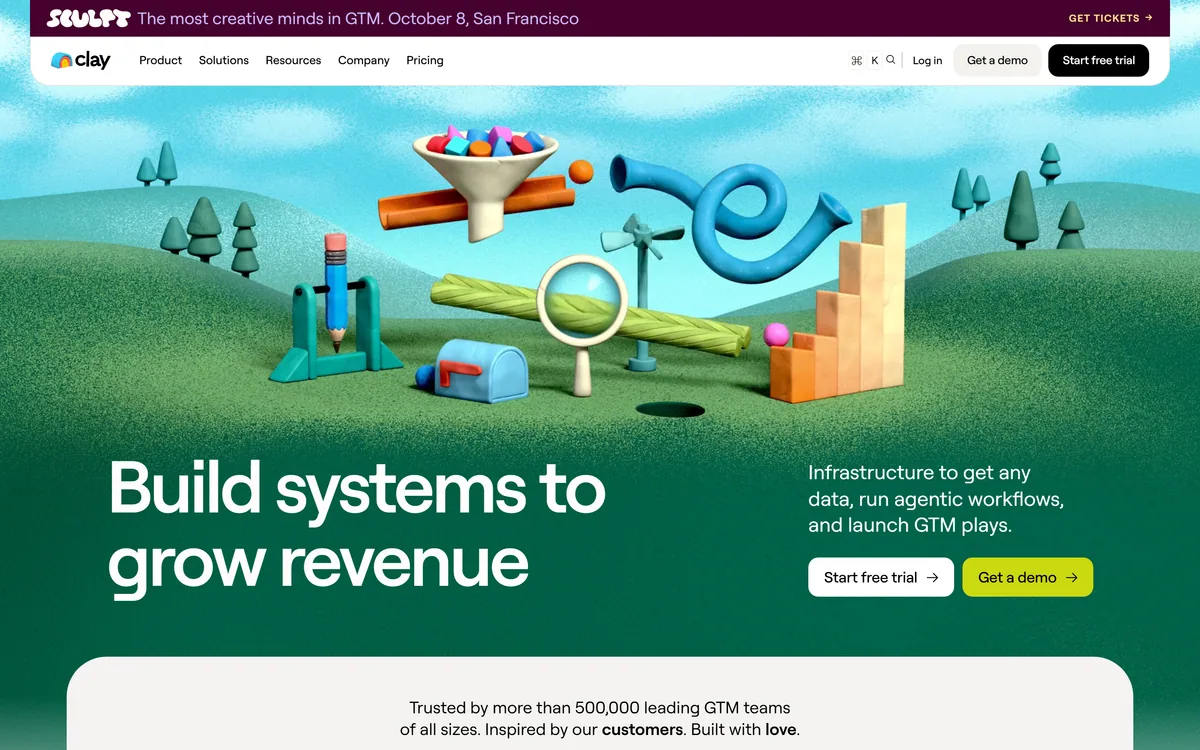
Clay is go-to-market data infrastructure built around waterfall enrichment: instead of one provider, it queries a marketplace of more than 200 in sequence until a field is filled. Claygent AI agents research companies and people, and the results push into a CRM, ad platforms or a native sequencer.
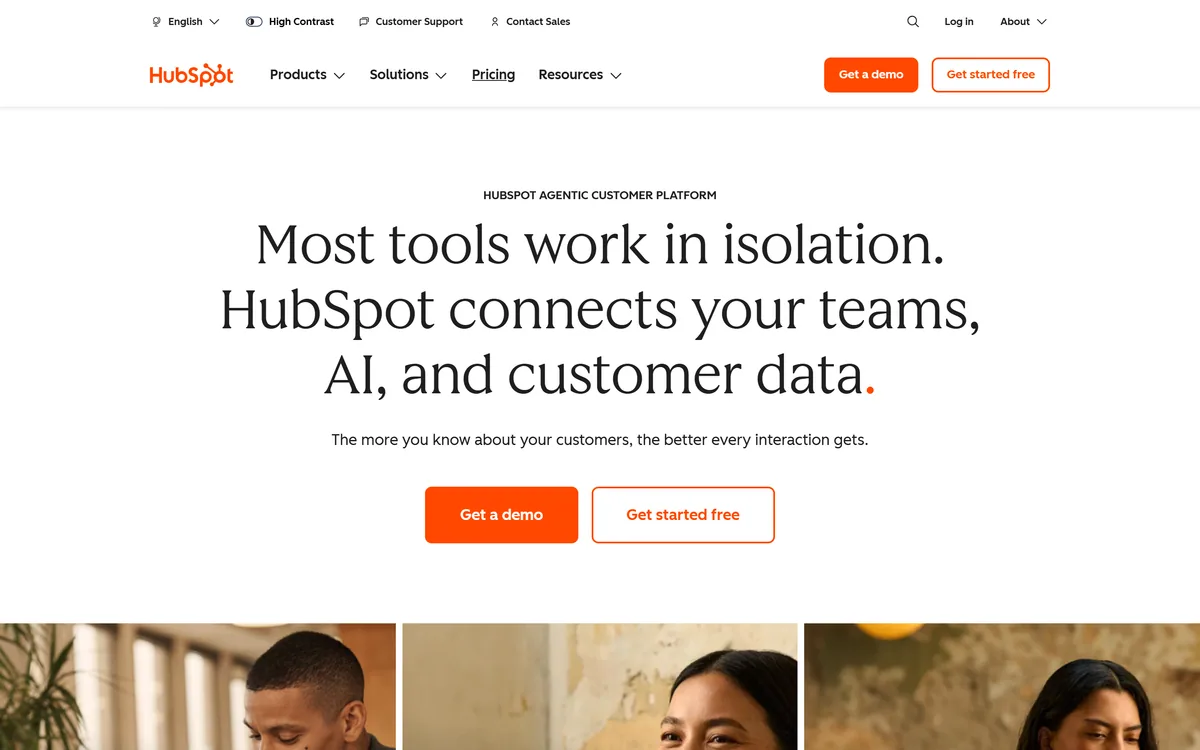

HubSpot AI is branded Breeze — an assistant plus a set of agents for prospecting, content, customer service, campaigns, nurture, and revenue, all running on live CRM data, with an Agent Builder for custom ones.
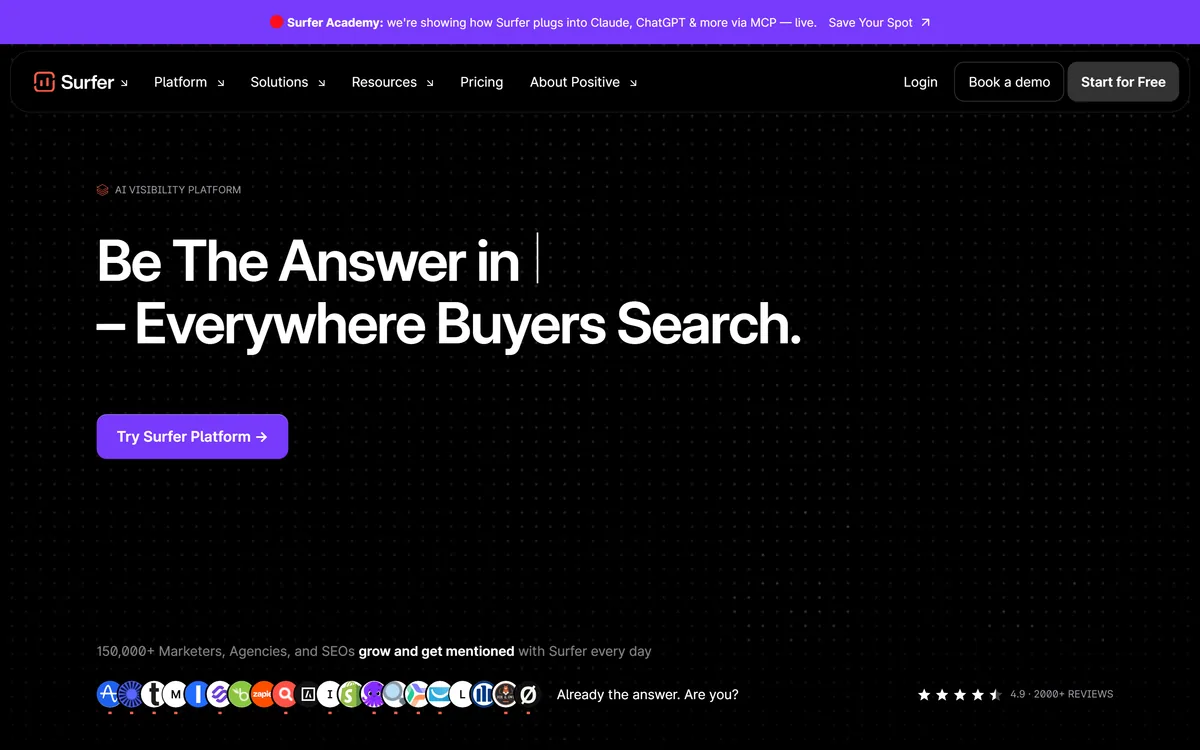

Surfer SEO analyses top-ranking results to guide content optimisation through its Content Editor and Content Score, and has expanded into AI visibility — tracking brand mentions in ChatGPT, Claude, Gemini, Perplexity, and Google AI Overviews.
Related Pages