LiveChatAI review on AInexfinder — freemium AI tool for AI Chatbots & Assistants. Features, pricing notes, and alternatives.
AI Chatbots & Assistants Review
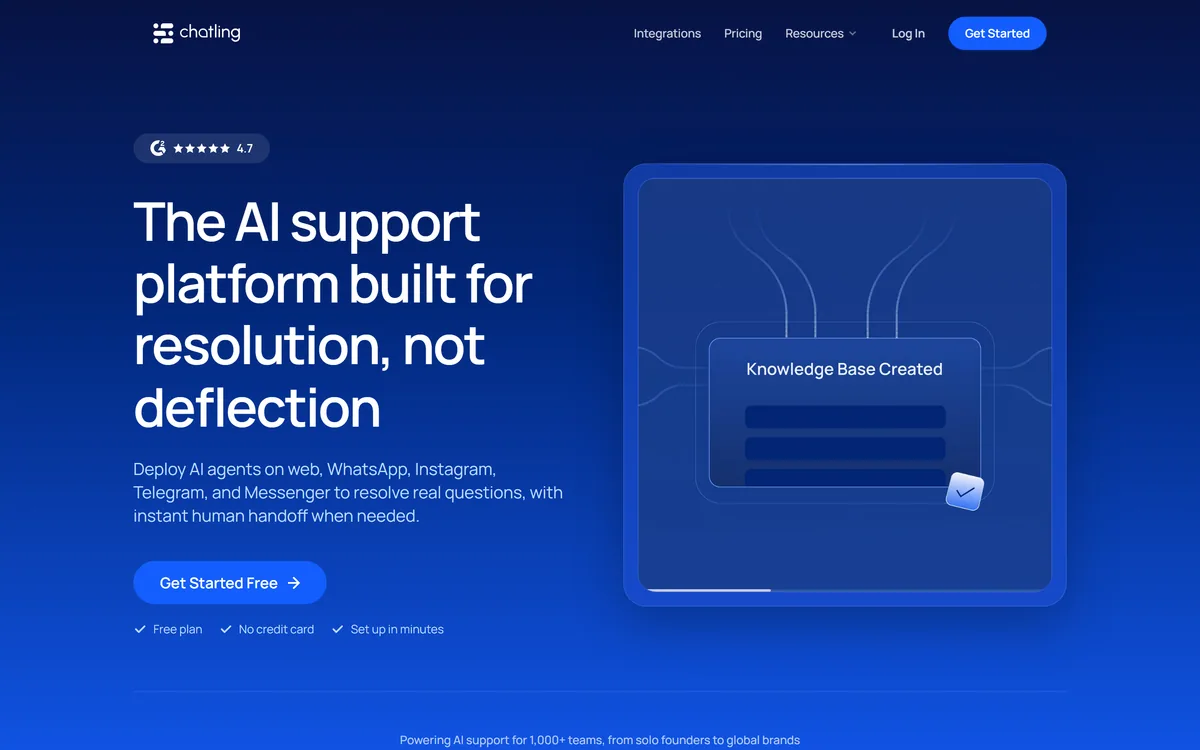
Chatling deploys AI support agents across five channels — web, WhatsApp, Instagram, Telegram and Messenger — into one unified inbox. It auto-syncs your website, docs and help centre, replies in 80+ languages, and hands off to your team with full context.
Very good
Chatling's positioning line — built for resolution, not deflection — is a direct shot at the entire previous generation of support bots, and it is the right thing to be arguing about. A bot that reduces ticket volume by making people give up is not doing support. The two design choices that back the claim are instant handoff with full context, and knowledge that auto-syncs from your existing docs so answers do not silently go stale. Five channels in one inbox is genuinely useful for small teams. It falls short of a top score because the whole thing rests on how good your documentation already is, and that is a problem no vendor can fix for you. AInexfinder Editor Score: 4.1/5.
Best for: Small support teams fielding the same questions repeatedly; Businesses whose customers message on WhatsApp or Instagram
The visit link goes to chatling.ai, the official site. Paid placements on AInexfinder are always labelled. How we make money
The last decade of support chatbots taught customers one thing: the box in the corner exists to stop you reaching a person. Type a question, get a link to an article you already read, try again.
Chatling opens by naming that directly. Its positioning is resolution rather than deflection, which is a claim about what success means rather than a claim about the technology.
The distinction is measurable. A deflection bot succeeds when the ticket does not get created; a resolution bot succeeds when the customer's problem goes away. Those two things look identical on a dashboard and completely different to the person typing.
Chatling states it is built for resolution, not deflection, and deploys agents that resolve real questions with instant human handoff when needed.
Deflection is a support metric that counts tickets that never got created. It sounds like efficiency and it measures something closer to friction: every customer who gave up, every person who found the bot useless and left, counts as a success.
Resolution counts a different thing — whether the person got what they came for. It is harder to hit and impossible to fake, because a customer whose problem is unsolved comes back or leaves.
The reason this framing matters when you evaluate is that it tells you which number the vendor expects you to watch. A tool optimised for deflection will look excellent on volume and terrible on satisfaction; the reverse is more useful and less flattering.
The practical test during a trial is simple and slightly uncomfortable: read fifty transcripts where the bot did not hand off, and count how many actually ended with the customer's problem solved. That number is the product.
Deflection counts every customer who gave up as a success. Resolution counts whether the person got what they came for. Those look identical on a dashboard.
Chatling states that when the AI cannot resolve an issue, conversations are handed to your team instantly with full context.
Two words in that sentence carry the weight. Instantly matters because the failure mode customers hate most is not a bot that cannot help — it is a bot that will not let go, cycling through suggestions while the person types agent five times.
Full context matters because the alternative is asking the customer to repeat everything they just typed, which converts a mild annoyance into a genuine one. A handoff that loses the conversation is worse than no bot at all.
The thing to test is what triggers a handoff. If it only fires when the customer explicitly asks, the bot will keep people trapped a few turns too long, and those turns are where goodwill is spent.
Voice-based handling has the same problem in a harder form, because a caller cannot scroll back. Products like Vogent and Aloware face it on the phone, where the transfer has to happen in seconds or the caller hangs up.
Chatling deploys to website, WhatsApp, Instagram, Telegram and Messenger, and states that every conversation lands in one unified inbox.
The breadth is more useful than it sounds, because customers do not choose a channel rationally. They message wherever they already are, which for large parts of the world means WhatsApp and Instagram rather than a form on your site.
The unified inbox is the part that actually saves time. Five channels without it means five places to check, five sets of notifications and five conversations you did not know were happening.
What breadth does not solve is that channels have different conventions. A WhatsApp message expects a reply in minutes; an Instagram DM sits alongside comments and mentions; a website widget catches people mid-purchase with a specific question. The same agent serves all five, and it will be better suited to some than others.
The practical advice is to start with the channel where your volume actually is, get resolution right there, and add the rest once the agent is answering well. Turning on five channels at once multiplies your unanswered questions by five.
Chatling states that it auto-syncs your website, docs and help centre so the agent always responds with the latest information, with no manual updates needed.
This addresses the quiet failure mode of every support bot: it does not break, it just gets old. A policy changes, a price changes, a feature is retired, and the bot keeps confidently answering with last year's facts.
Manual retraining does not solve it, because retraining is a task that competes with everything else and always loses. Auto-sync solves it structurally by making the documentation the single source rather than a copy.
The consequence is that your help centre becomes load-bearing. If your docs are thin, contradictory or out of date, the agent will be all three, and you will have made a documentation problem into a customer-facing one.
That is the real prerequisite for a tool like this, and it is the same prerequisite as any retrieval-based product. Teams that maintain internal knowledge well — the discipline that tools such as GitBook and Dosu exist to support — get far more out of an AI agent than teams that do not.
Messaging is one surface of support, and a tool that covers five messaging channels well still leaves the other surfaces where they were.
Voice is the obvious gap. A caller cannot scroll back, cannot see suggested articles, and will not wait through three failed attempts, so telephone support is a different engineering problem handled by phone platforms such as CloudTalk rather than by a chat agent with a microphone bolted on.
Email is the second. Support email arrives asynchronously, often with attachments and long history, and the reply is expected to be composed rather than conversational — closer to what assistants like WriteMail.ai address than to a chat thread.
Internal support is the third and least obvious. The questions employees ask about payroll, access and policy look like support questions but sit behind different systems and different permissions, which is the space products such as Ema occupy.
None of that is a criticism of the scope. It is the reason to be precise about which queue you are actually trying to shorten, because buying a messaging agent to fix a phone queue is a common and expensive mistake.
The fastest way to damage a support experience is to put an unprepared agent in front of paying customers and find out in public.
This sequence tests against real questions before anyone external sees it, and expands only once resolution is holding.
| Product type | AI customer support agents |
|---|---|
| Positioning | Built for resolution, not deflection |
| Channels | Website, WhatsApp, Instagram, Telegram, Messenger |
| Inbox | One unified inbox across all channels |
| Handoff | Instant transfer to your team with full context |
| Knowledge | Auto-syncs website, docs and help centre |
| Languages | 80+ supported |
| Displayed ratings | 4.7 on G2 and 4.3 on Trustpilot, per the site |
| Scale claim | 1,000+ teams, from solo founders to global brands |
| Models | Switchable between leading models to balance accuracy, speed and cost |
| Contact | support@chatling.ai |
AI support agents across five messaging channels
One unified inbox for every conversation
Instant human handoff with full context
Auto-syncing knowledge from website, docs and help centre
Replies in more than 80 languages
Live chat for jumping into conversations directly
Switchable underlying models
Lead capture and prospect qualification
Support automation differs by channel, by whether a human is in the loop, and by what it treats as success.
| Tool | Channels | Human handoff | Best for |
|---|---|---|---|
| Chatling | Web, WhatsApp, Instagram, Telegram, Messenger | Instant, with full context | Small teams whose customers message from everywhere |
| CloudTalk | Voice, primarily | It is a phone system | Teams whose support happens on calls |
| OpenMic AI | Voice agents | Depends on configuration | Automating the call itself |
| Ema | Internal, across HR, IT and finance | Sits alongside existing systems | Employee support rather than customer support |
| GitBook | Documentation, not chat | Not applicable | The knowledge an agent would answer from |
Neighbouring products that handle a different part of the same conversation.
Last checked . Read from chatling.ai in a browser session on the date above, with the screenshot captured alongside.
What we could not confirm: the operating company or its jurisdiction, which the footer does not name; pricing and plan structure; which specific models are offered under the switchable-models feature; how quickly the knowledge sync detects a changed help article; what triggers a handoff by default; and whether the displayed G2 and Trustpilot scores reflect current review counts, since we read them as printed on the vendor's own page rather than at source. We did not deploy an agent, so nothing here reflects tested resolution quality.
AInexfinder does not list plan prices or billing details. For current pricing, plans, and trials, visit the official Chatling website.
Visit official website for pricingVendor pricing, credits, and billing policies change over time. Always confirm on the official site before you buy.
Chatling earns an AInexfinder Editor Score of 4.1/5 (very good). Best for: Small support teams fielding the same questions repeatedly; Businesses whose customers message on WhatsApp or Instagram; Companies with a maintained, accurate help centre.
Visit ChatlingLog in to write a review.
No reviews yet. Be the first to share your experience with Chatling.
Assigned reviewer
Daniel ReedSenior AI Tools Reviewer
Daniel leads AInexfinder's tool reviews. He researches each tool from its own pricing, documentation and policies, checks its claims against independent sources, and writes up what it does well, where it falls short and who it genuinely suits.
Daniel and the AInexfinder editorial team research Chatling from its own website, pricing, documentation and policies, checked against independent sources. This review is research-based: unless its method note says otherwise, we have not bought a plan or run hands-on tests. The Editor Score is our editorial judgement, and payment never changes it.
Similar Tools
LiveChatAI review on AInexfinder — freemium AI tool for AI Chatbots & Assistants. Features, pricing notes, and alternatives.
AI customer service agent that resolves tickets Category: AI Chatbots & Assistants.
No-code AI chatbot builder trained on your data Category: AI Chatbots & Assistants.

Voiceflow is an enterprise conversational AI platform where CX teams design agent workflows visually, prototype them in place, and deploy one agent across web, app, WhatsApp, SMS and voice. It states 500-millisecond voice latency, 300,000 messages per minute and more than 10,000 live agents in production.
Lyro is Tidio's AI customer service agent, grounded in a business's own support content with configurable escalation rules, Smart Actions for order updates and lead qualification with MCP support, and a published average resolution rate of 67 percent.
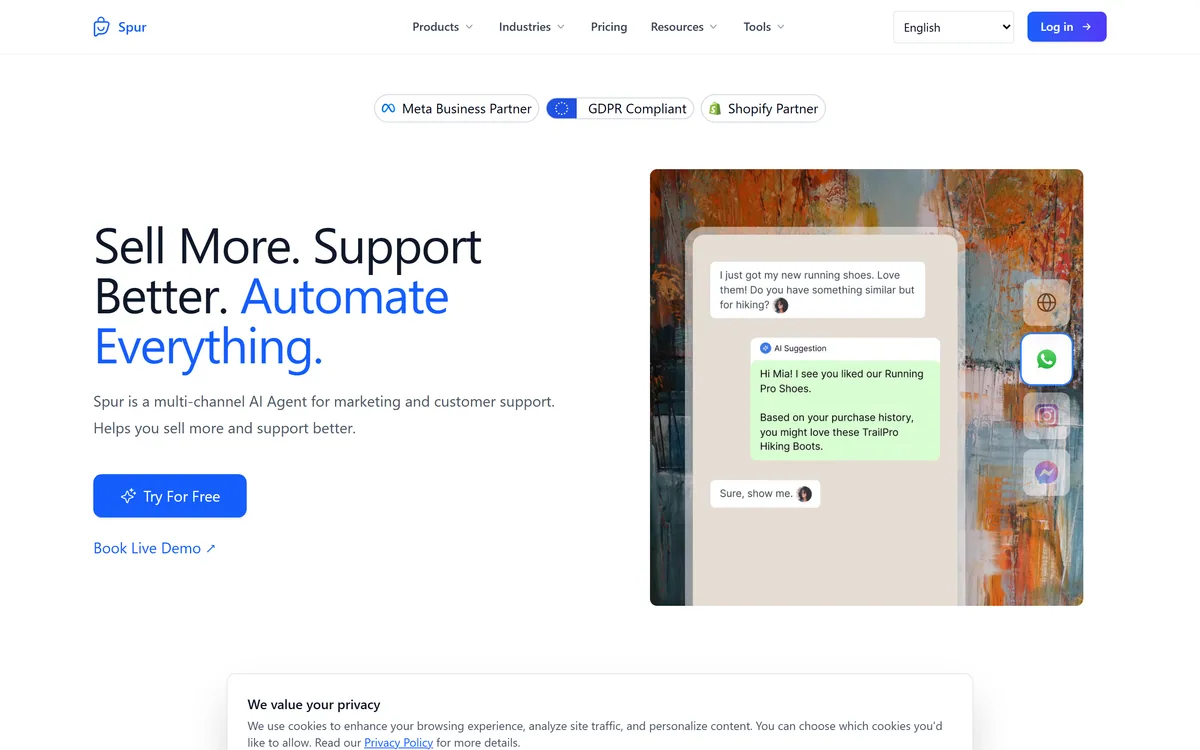
Spur is a multi-channel AI agent for commerce marketing and support, unifying WhatsApp, Instagram, Facebook and website chat in one inbox, automating comment-to-DM flows and bulk campaigns, and integrating with external systems to update orders and book meetings.
Related Pages