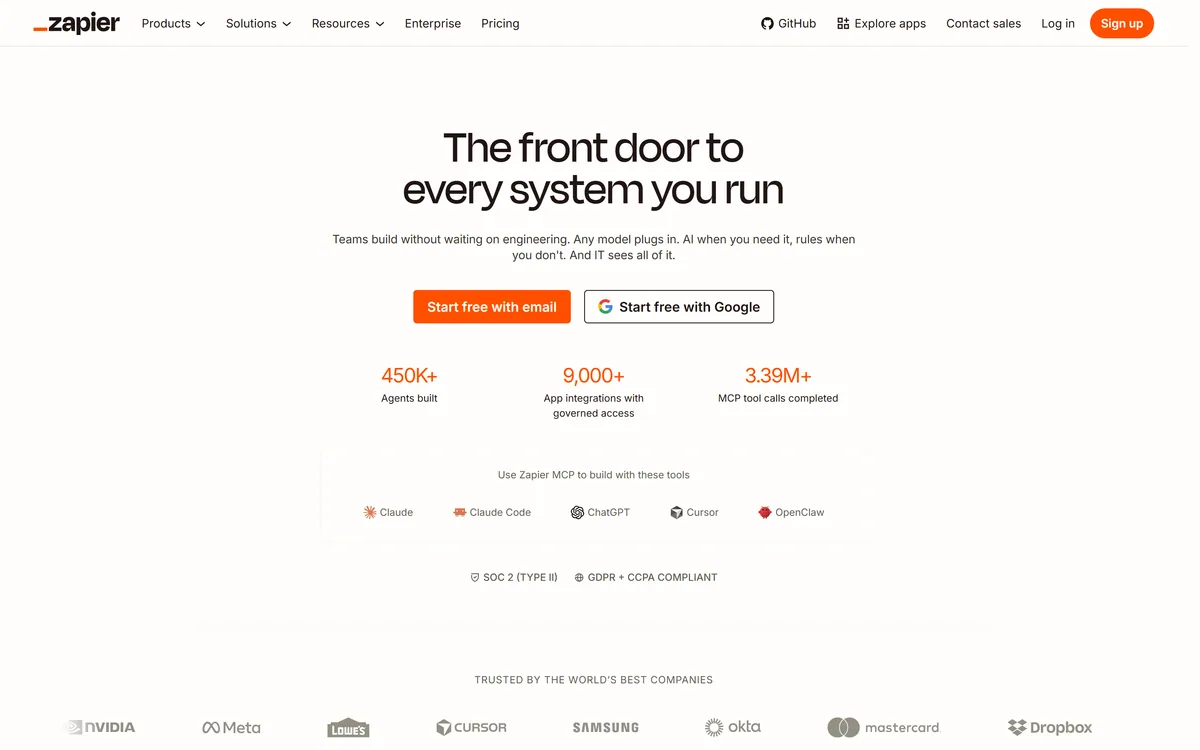

Zapier's AI layer adds agents and MCP tool access on top of its automation platform, connecting more than 9,000 apps with governed access so teams can mix AI decisions with deterministic rules under central oversight.
Productivity & Automation Review
Kuse is an AI workspace from Kuse Inc. built around scheduled workflows: describe a recurring task in plain language, connect the apps it touches, and let it run. It also generates websites, documents, presentations and spreadsheets, with several model families available.
Good
Kuse's good idea is scheduling. Most AI assistants are things you visit — you open a tab, ask, and get an answer — which means the work still starts with you remembering to do it. Kuse frames its workflows as recurring jobs that run whether you show up or not, which is the difference between a tool and a process. The integration list is well chosen for the lead-generation and reporting tasks people actually repeat, and multiple model families avoid a single-vendor bet. The score reflects a genuine risk: an unattended workflow that fails quietly is worse than one that was never built. AInexfinder Editor Score: 3.9/5.
Best for: Small teams doing prospecting and monitoring by hand; Anyone whose weekly report or competitor check keeps getting skipped
The visit link goes to kuse.ai, the official site. Paid placements on AInexfinder are always labelled. How we make money
Almost every AI tool is a destination. You open it, you ask something, you get an answer, and nothing happens until you come back.
That is fine for thinking and useless for the parts of a job that repeat. The weekly lead pull, the Monday report, the monitoring nobody does because it is boring — these fail not because they are hard but because someone has to remember.
Kuse's framing is the interesting part: the workflow runs on a schedule whether or not you show up. That turns an assistant into a process, and processes are what actually change how a week goes.
| Operating company | Kuse Inc. |
|---|---|
| Product type | AI workspace with scheduled workflows |
| Core model | Describe the work in plain language, connect apps, set a trigger, receive results |
| Outputs | Websites, documents, presentations and spreadsheets |
| Storage | Cloud file system inside the workspace |
| Integrations | Google Maps, Apify, LinkedIn, Google Sheets, YouTube, Gmail, Facebook |
| Models offered | Several families including Claude and Gemini variants |
| Stated reach | 500K+ users worldwide across 170+ countries, per the homepage |
| Footer sections | Features, Solutions, Resources, Company, with documentation, templates, blog and social links |
Kuse describes a four-step model: describe the work in plain language, connect apps if needed, set a schedule or a manual trigger, and receive results in the workspace.
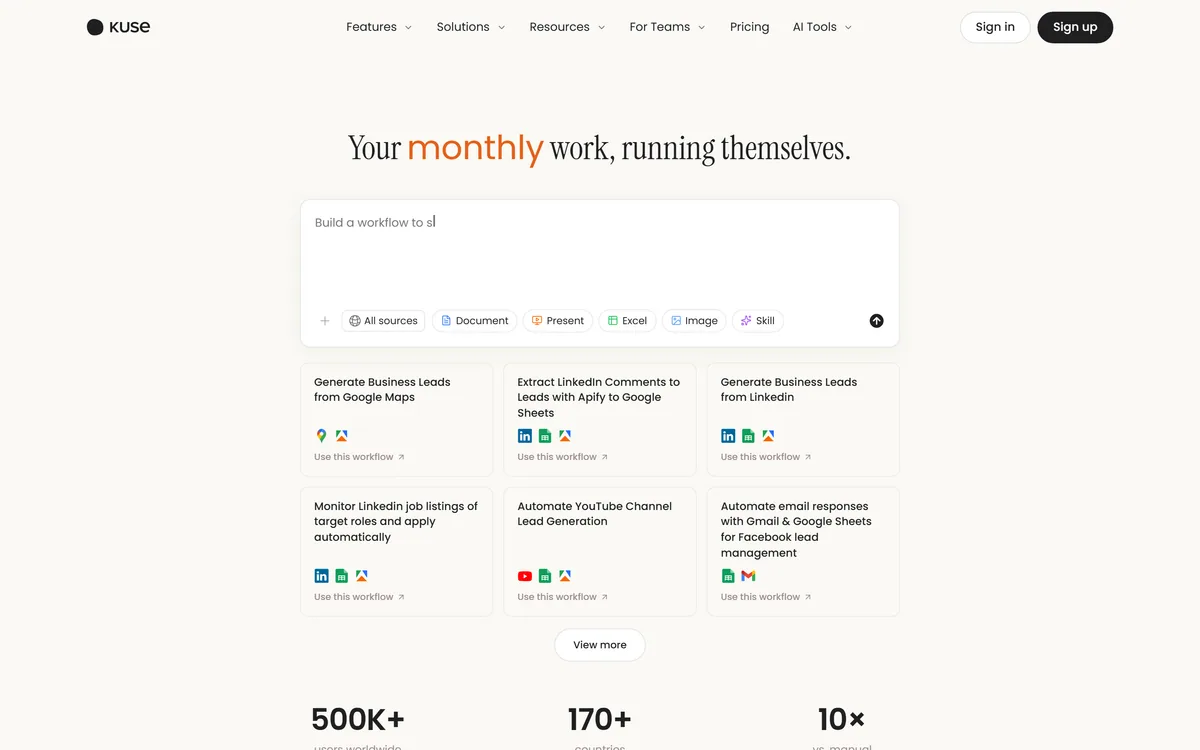
The templates on its homepage tell you what it is really for. Generating business leads from Google Maps and LinkedIn, extracting LinkedIn comments into Google Sheets, monitoring job listings, automating YouTube channel lead generation, handling email responses through Gmail and Sheets — this is prospecting and monitoring, not creative work.
That focus is a strength rather than a limitation, because those tasks share the properties that make automation pay. They are repetitive, the output format is stable, the input is public or already in your systems, and being slightly imperfect is acceptable because a human reviews the list anyway.
The workflows worth building are the ones you currently do badly because they are dull. A weekly competitor check you skip half the time is a better candidate than a monthly report you already do carefully, because automation converts inconsistency into consistency rather than saving an hour.
The ones not worth building are those where a wrong result is expensive and invisible. Anything that sends an email on your behalf, edits a live record, or feeds a number into a decision needs a review step, and a workflow with a review step is not really unattended.
If the repetition you want to remove happens in a browser tab rather than on a schedule, Bardeen attacks the same problem from the other end and is worth comparing before you commit.
Automate the task you currently do badly because it is dull. Converting inconsistency into consistency is worth more than saving an hour.
This is the risk that defines unattended workflows, and it is worth understanding before you build several.
A manual task fails loudly: you did not do it, and you know. A scheduled workflow fails silently. The page structure changed, the login expired, the rate limit kicked in, and the job now returns nothing or returns garbage — and it keeps doing that every week until somebody notices.
Scraping-based workflows are the most exposed, because they depend on someone else's page layout. LinkedIn and Google Maps change their markup regularly and have no obligation to warn you, which means a lead-generation workflow can decay from useful to empty without a single error message.
The mitigations are unglamorous and effective. Build a sanity check into the output — a week returning zero rows should be treated as a failure rather than a slow week. Look at the actual results monthly rather than trusting the schedule. And keep the workflows few enough that you would notice one going quiet.
It is also worth knowing whose terms you are operating under. Automated collection from social platforms sits in a grey area that varies by platform and jurisdiction, and the account that gets restricted is yours rather than the tool's.
Kuse creates websites, documents, presentations and spreadsheets, and stores them in its own cloud file system. That is a meaningfully different product from a chat interface.
The reason is that most work ends in an artefact somebody else opens. An answer in a chat window has to be copied, reformatted and pasted before it becomes useful to anyone but you, and that transfer is where the time actually goes.
A workflow producing a spreadsheet is finished work. A workflow producing a paragraph describing what should be in a spreadsheet is homework, and the distinction decides whether automation saves anything.
Spreadsheets are the most valuable of the four here, because they suit the prospecting and monitoring tasks the platform is built around, and because a structured file can feed the next step in a process rather than needing a human to read it.
The cloud file system is worth a question before you commit. Files accumulating inside a vendor's storage become a migration problem later, and the useful thing to check early is whether workflows can write to Google Drive or Sheets directly rather than only to Kuse's own store.
For lead lists specifically, the harder problem is usually data quality rather than collection, which is the gap a tool such as Clay exists to fill.
Kuse's site lists several model families, including Claude and Gemini variants alongside others, and offering a choice matters for reasons beyond preference.
Different models genuinely differ at different jobs. A long document summary, a strict structured extraction and a piece of persuasive copy have different failure modes, and a model that is excellent at one can be mediocre at another.
For scheduled workflows this matters more than for chat, because you are not there to notice. A model that occasionally ignores a formatting instruction is a minor annoyance in conversation and a broken spreadsheet in an unattended job.
It also removes a dependency risk. A workspace tied to one provider inherits that provider's price changes, outages and deprecations, and model deprecation in particular is a real operational event — a workflow built around a model that gets retired stops working on someone else's timetable.
The practical advice is to test your highest-value workflow on two model options before settling. The difference in reliability on structured output is usually larger than the difference in eloquence, and reliability is what an unattended job needs.
The same argument for model choice is being made at the enterprise end by platforms like Ema, and it is easier to claim than to demonstrate in either case.
The mistake is building ten workflows in the first week and reviewing none of them in the second.
Start with the task whose current failure mode is that you skip it.
Workflows defined in plain language rather than drawn as a flowchart
Scheduled or manually triggered execution, so jobs run unattended
File output as websites, documents, presentations and spreadsheets
A cloud file system holding the workspace's outputs
Integrations with Google Maps, LinkedIn, Google Sheets, Gmail, YouTube, Facebook and Apify
A choice of model families rather than a single provider
Prebuilt workflow templates for lead generation and monitoring tasks
Automation tools differ on who writes the logic and whether anything runs when you are not watching.
| Tool | How work is defined | Runs unattended | Best for |
|---|---|---|---|
| Kuse | Plain-language description of a recurring job | Yes, on a schedule | Prospecting and monitoring that currently gets skipped |
| Bardeen | Browser-based automations and playbooks | Partly, with triggers | Automating what you do in a browser |
| Zapier AI | Trigger-and-action chains across many apps | Yes | Breadth of integrations above all else |
| Clay | Enrichment tables with waterfall providers | Yes | Lead data quality specifically |
| Notion AI | Assistance inside documents | No | Writing and organising rather than running jobs |
The automation category splits by where the logic lives and how much of it you have to draw yourself.
Last checked . Read from kuse.ai and its footer navigation, with the screenshot above captured in the same session.
What we could not confirm: the user and country figures are vendor-stated with no methodology and are animated counters on the page, so they read as zero to an automated fetch; pricing and plan structure; how many workflows or runs a plan permits; whether outputs can be written directly to Google Drive or Sheets rather than only to Kuse's storage; data retention and deletion; a registered address for Kuse Inc.; and how the platform handles the terms of service of the sites its workflows collect from. We did not build a workflow, so nothing here reflects tested reliability.
AInexfinder does not list plan prices or billing details. For current pricing, plans, and trials, visit the official Kuse website.
Visit official website for pricingVendor pricing, credits, and billing policies change over time. Always confirm on the official site before you buy.
Kuse earns an AInexfinder Editor Score of 3.9/5 (good). Best for: Small teams doing prospecting and monitoring by hand; Anyone whose weekly report or competitor check keeps getting skipped; Workflows that should produce a spreadsheet rather than a paragraph.
Visit KuseLog in to write a review.
No reviews yet. Be the first to share your experience with Kuse.
Assigned reviewer
Daniel ReedSenior AI Tools Reviewer
Daniel leads AInexfinder's tool reviews. He researches each tool from its own pricing, documentation and policies, checks its claims against independent sources, and writes up what it does well, where it falls short and who it genuinely suits.
Daniel and the AInexfinder editorial team research Kuse from its own website, pricing, documentation and policies, checked against independent sources. This review is research-based: unless its method note says otherwise, we have not bought a plan or run hands-on tests. The Editor Score is our editorial judgement, and payment never changes it.
Similar Tools
Zapier's AI layer adds agents and MCP tool access on top of its automation platform, connecting more than 9,000 apps with governed access so teams can mix AI decisions with deterministic rules under central oversight.
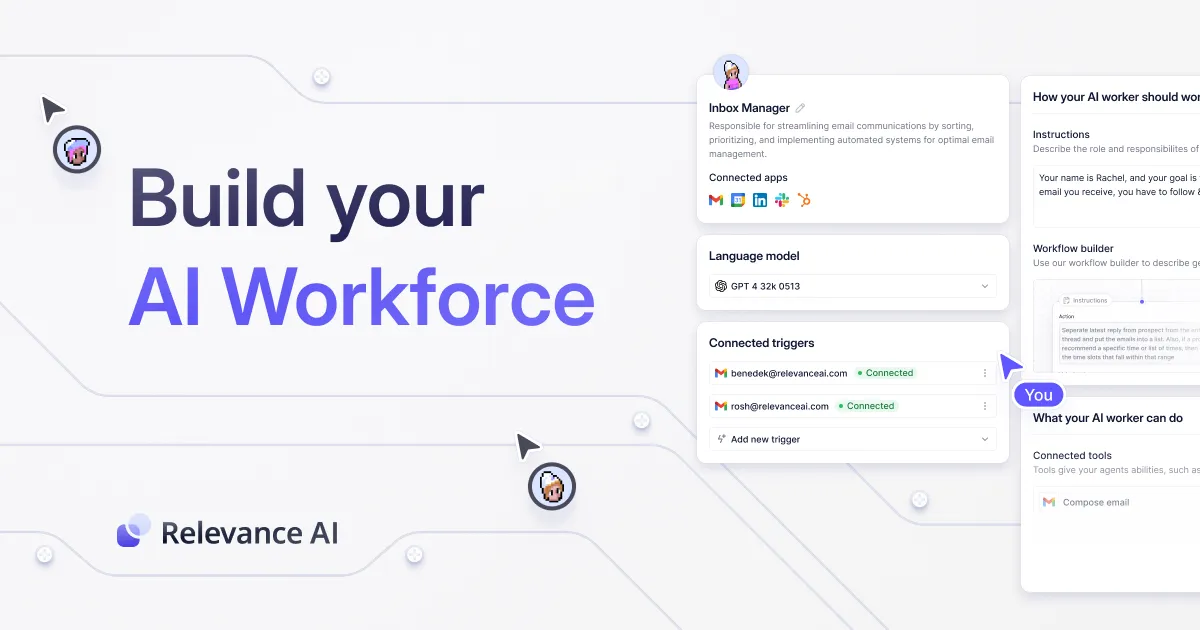
Enterprise platform for building AI agents at scale Category: Productivity & Automation.

Lokalise is a translation management platform built for continuous localisation: strings flow from your repository, design files and CMS into an AI translation pipeline that applies your approved terminology and tone, with role-based human approval before anything ships.
Make review on AInexfinder — freemium AI tool for Productivity & Automation. Features, pricing notes, and alternatives.

AI-powered localization platform for global content Category: Productivity & Automation.

CrewAI is an enterprise platform to build and run AI agents: a Discovery layer that finds automation opportunities, a no-code canvas and code-first Python API for building role-based multi-agent workflows, and a control plane that adds tracing, RBAC, audit and human-in-the-loop approvals.
Related Pages