Productivity & Automation Review

Assigned reviewer Daniel Reed· Senior AI Tools Reviewer· Full review pendingHow we review
Mailbird logo

Mailbird Review

Verified

Desktop email client with AI writing assistance Category: Productivity & Automation.

4.5Provisional score
Visit website
getmailbird.comAdded June 28, 2025
Mailbird screenshot
Est.4.5/5

Quick Facts

Provisional score · full review pending

Mailbird has an AInexfinder Editor Score of 4.5/5.

Best for: Teams that need unified inbox for multiple accounts; Users who need AI email writing via ChatGPT integration

Pricing:
Freemium
Official site:
getmailbird.com

The visit link goes to getmailbird.com, the official site. Paid placements on AInexfinder are always labelled. How we make money

What is Mailbird?

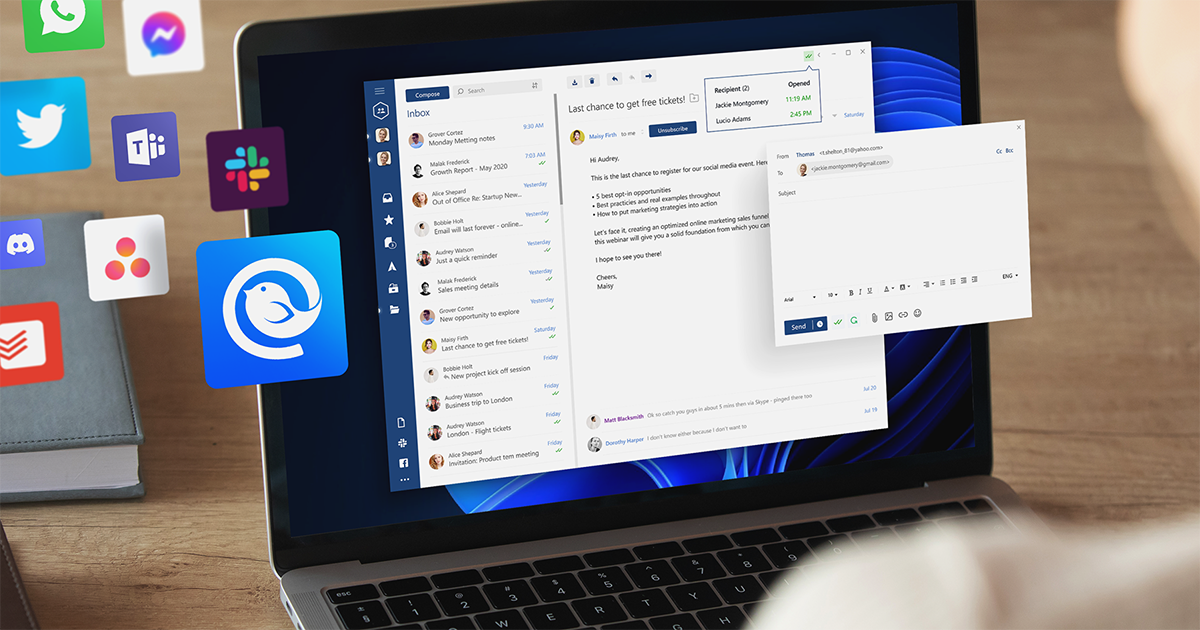
Mailbird is a desktop email client for Windows and Mac that brings Gmail, Outlook, Exchange, and IMAP accounts together into a single unified inbox. It is designed to make managing multiple email accounts faster and more organized, and it layers in AI to speed up writing.

With its AI email authoring, powered by a ChatGPT integration available on Premium licenses, users can overcome writer's block and generate natural, human-sounding email drafts in seconds.

Beyond AI, Mailbird offers a range of productivity features, including message snoozing to temporarily clear non-urgent mail, speed-reading technology to help process messages faster, and powerful attachment search to locate files across the inbox.

It integrates directly with popular tools such as Google Calendar, Slack, Dropbox, and Trello, so users can manage communication and workflow in one place.

Mailbird is trusted by millions of users and recently expanded to Mac in addition to Windows, though it does not currently offer iOS or Android apps. Typical users are professionals and teams who prefer a customizable desktop client over webmail.

Strengths include account unification, useful productivity features, broad app integrations, and AI writing help. Drawbacks are the lack of mobile apps and the fact that AI authoring and some premium features require a paid license. Mailbird offers a free plan plus subscription and one-time purchase options.

Pricing changes often, so check the official site for current plans. Mailbird's core capabilities include Unified inbox for multiple accounts, AI email writing via ChatGPT integration, Message snoozing, Speed-reading technology, Attachment search and Integrations with Slack, Calendar, Dropbox, and Trello.

Unified inbox for multiple accounts is built in, AI email writing via ChatGPT integration is built in, Message snoozing is built in, Speed-reading technology is built in, so you get a rounded toolkit rather than a single trick.

Each feature is designed to take the manual effort out of the task and help you reach a usable result faster, which is what makes Mailbird worth a place on your shortlist.

As with any AI tool, the output still benefits from a quick human review, but Mailbird gets you most of the way there with far less effort.

Mailbird runs on a freemium pricing model, so you can start for free and only pay once you outgrow the free tier — handy for testing it on a real task before spending anything.

AI-tool pricing changes often, so always check the current plans, seats and add-ons on the official site for the latest details before you buy. Who is Mailbird for? It's best suited for desktop email client with ai writing assistance.

Whether you're a beginner trying this kind of AI tool for the first time or a professional who'll use it every day, it's a credible option to consider.

Who is Mailbird for?

Mailbird is best suited for desktop email client with ai writing assistance. Whether you are trying this kind of productivity & automation tool for the first time or use one every day, it is a credible option to shortlist — compare it with the alternatives and head-to-head comparisons linked on this page to find the best fit for your workflow and budget.

Key Features of Mailbird

  • Unified inbox for multiple accounts

  • AI email writing via ChatGPT integration

  • Message snoozing

  • Speed-reading technology

  • Attachment search

  • Integrations with Slack, Calendar, Dropbox, and Trello

Pros & Cons

Pros

4
  • Unifies multiple email accounts in one client
  • AI writing assistance speeds up drafting
  • Strong app integrations and productivity tools
  • Unified inbox for multiple accounts

Cons

4
  • No iOS or Android apps
  • AI authoring and premium features require payment
  • Best value shows up after you pick a paid tier
  • There is a short learning curve for new users

Who Mailbird Is For

A Good Fit For

  • Teams that need unified inbox for multiple accounts
  • Users who need AI email writing via ChatGPT integration
  • Teams that need integrations with Slack, Calendar, Dropbox, and Trello
  • Users who need unified inbox for multiple accounts
  • Teams that rely on message snoozing day to day
  • Teams that rely on speed-reading technology day to day

Mailbird Pricing

AInexfinder does not list plan prices or billing details. For current pricing, plans, and trials, visit the official Mailbird website.

Visit official website for pricing

Vendor pricing, credits, and billing policies change over time. Always confirm on the official site before you buy.

Frequently Asked Questions

What is Mailbird?
Desktop email client with AI writing assistance Category: Productivity & Automation.
How much does Mailbird cost?
AInexfinder does not publish plan prices because vendor pricing changes frequently. Visit the official Mailbird website (getmailbird.com) for current pricing, trials, and plans.
What are the main features of Mailbird?
Listed features include: Unified inbox for multiple accounts; AI email writing via ChatGPT integration; Message snoozing; Speed-reading technology; Attachment search; Integrations with Slack, Calendar, Dropbox, and Trello.
Are there alternatives to Mailbird?
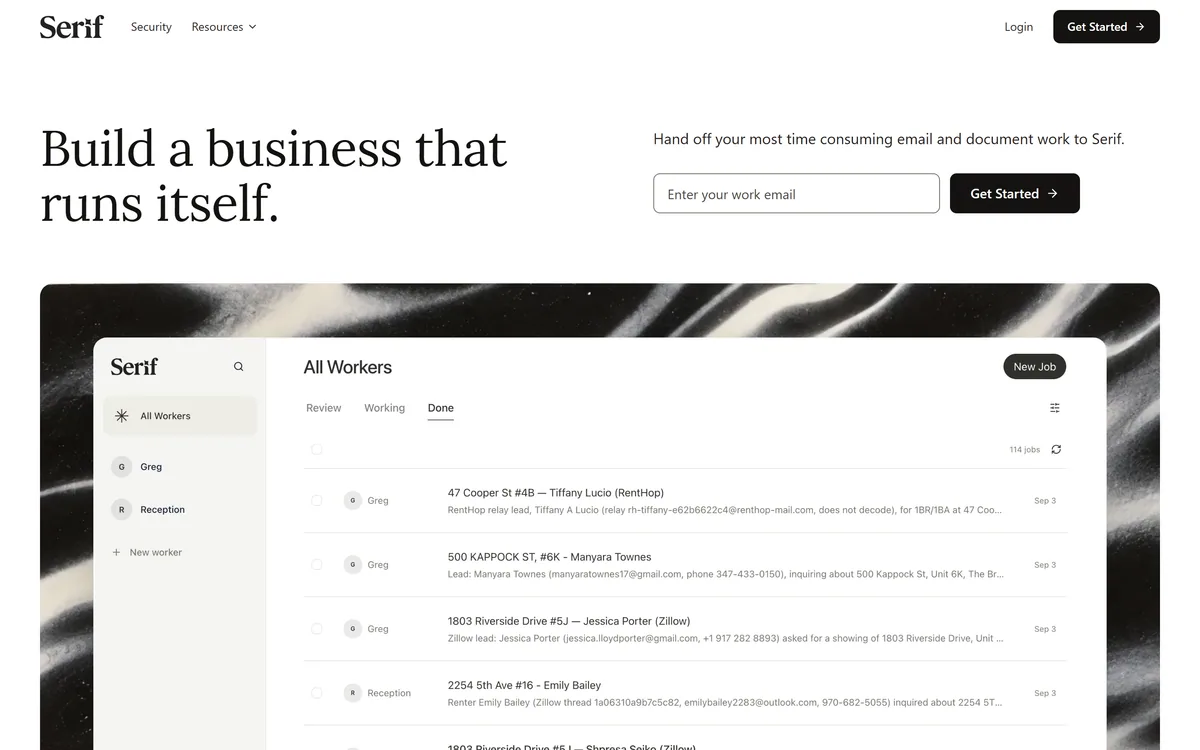
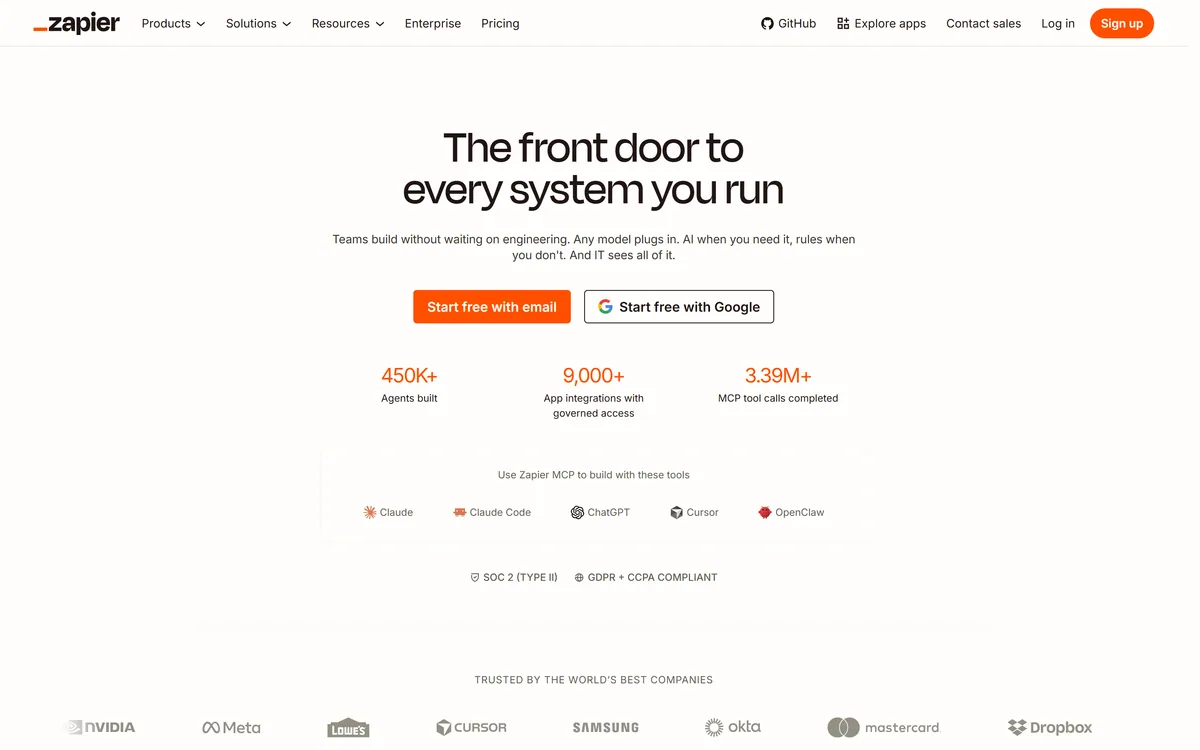
Similar tools on AInexfinder include Cora, Serif, Zapier AI. See the alternatives and compare links on this page.
Est.4.5/5

Bottom Line

Mailbird has a provisional score of 4.5/5: a formula estimate from this listing’s details, not yet an Editor Score. It is replaced once Mailbird gets its full research-based review. Best for: Teams that need unified inbox for multiple accounts; Users who need AI email writing via ChatGPT integration; Teams that need integrations with Slack, Calendar, Dropbox, and Trello.

Visit Mailbird

User Reviews

Log in to write a review.

What Users Say

No reviews yet. Be the first to share your experience with Mailbird.

Full Review Pending

Daniel Reed

Assigned to

Daniel Reed

Senior AI Tools Reviewer

Daniel leads AInexfinder's tool reviews. He researches each tool from its own pricing, documentation and policies, checks its claims against independent sources, and writes up what it does well, where it falls short and who it genuinely suits.

This page is a summary of Mailbird built from its own website and listing details. It has not had its full research-based review yet, so its score is a provisional formula estimate, not an Editor Score. Daniel will research and re-score it; payment never changes a score.

AI tool reviewsPricing researchAI software
Sources used
  • getmailbird.com
  • AInexfinder listing fields (features, pros/cons, description)
  • Public vendor pages when available
Editorial policy
Listings may include affiliate or sponsored placements, which are labeled when present. Editorial scores and cons are not sold. See our affiliate disclosure and review methodology.
Embed this listing on your site
Featured on AInexfinder
Get your badge →

Related Pages

Mailbird Comparisons & Guides

In Our Ranked Guides

Explore More