
AI and human transcription and subtitles in 150+ languages
Video & Audio Review
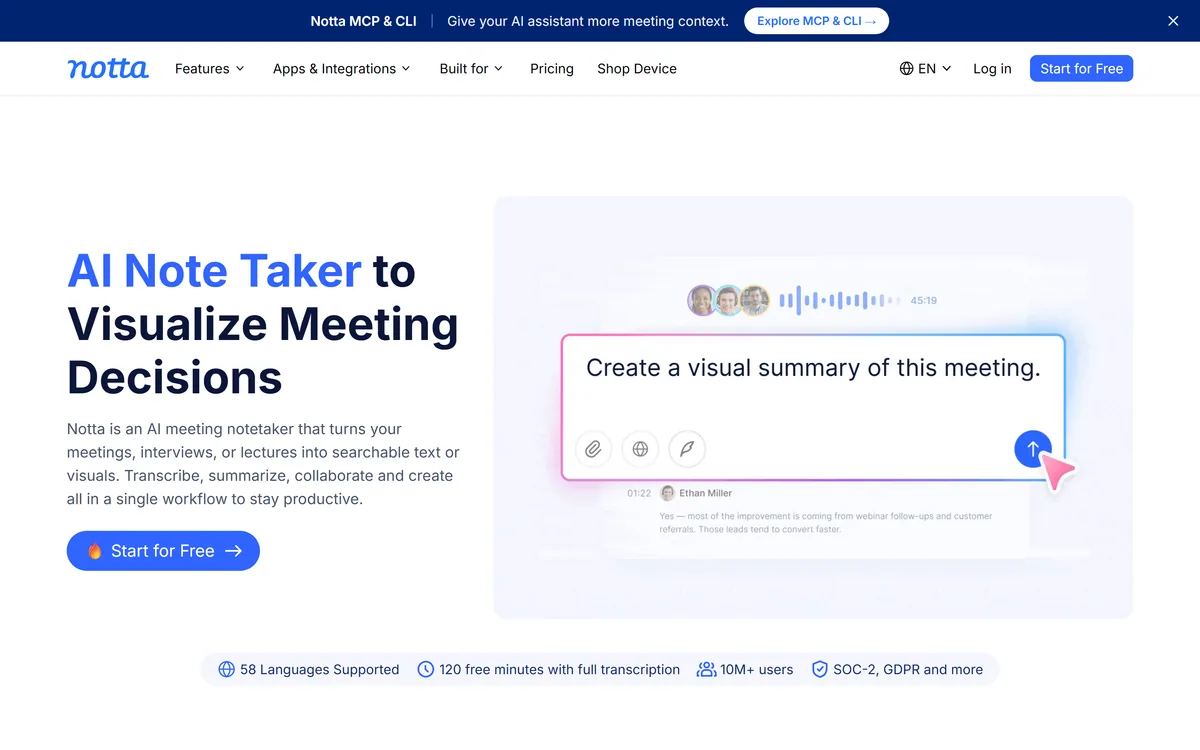
Notta is an AI meeting notetaker and transcription tool that turns meetings, interviews and lectures into searchable text, summaries and visuals like slides and infographics, with support for 58 languages, in-person and online capture, and a Notta Brain chat across recordings.
Very good
Notta earns 4.2 as a capable AI notetaker that goes beyond transcription: it turns meetings into searchable text and, distinctively, ready-to-share visuals like slides and infographics, with unusually broad 58-language support and a cross-meeting chat. Its user and compliance figures are vendor-stated, and it is more than an occasional transcript needs, but for meeting-heavy and cross-border roles it reliably turns a recording into something genuinely useful and shareable. AInexfinder Editor Score: 4.2/5.
Best for: Meeting-heavy professionals; Sales and customer success
The visit link goes to notta.ai, the official site. Paid placements on AInexfinder are always labelled. How we make money
Meetings generate decisions that promptly vanish, buried in a recording nobody rewatches. Notta's job is to turn that audio into something searchable and reusable the moment the call ends.
It is an AI notetaker and transcription tool that transcribes and summarizes meetings, interviews and lectures, supports 58 languages, captures in-person and online, and, distinctively, turns recordings into visuals like slides and infographics via its Notta Brain chat. For the on-device, no-bot angle a tool like Jamie competes; Notta's strengths are languages and turning talk into deliverables.
This review covers what Notta does with a recording, where it fits a working day, how it prices transcription, and who should look elsewhere.
| What it is | An AI meeting notetaker and transcription tool |
|---|---|
| Core | Transcribe and summarize meetings |
| Languages | 58 for transcription and translation |
| Capture | In-person, online, and imported files |
| Distinctive | Turns recordings into slides and infographics |
| Chat | Notta Brain across all recordings |
| Proof | 10M+ users, SOC-2, GDPR (vendor) |
| Access | Free tier with 120 minutes, plus paid plans |
Notta's core is reliable transcription and summarization, but its distinctive pitch is what it does next: turning a meeting into ready-to-share deliverables like a slide deck or an infographic, not just a wall of text.
That matters because the value of a meeting record is only realised when someone acts on it, and a structured visual is far more likely to be used than a raw transcript. Generating those automatically is a genuine step beyond plain notetaking.
It captures in-person and online meetings and imported files into one workspace, so whether you are in a room, on a call, or have a recording to process, it flows into the same place for transcription and analysis, which keeps a scattered week of conversations in one searchable home rather than across half a dozen apps.
The value of a meeting record is only realised when someone acts on it, and a structured visual is far more likely to be used than a raw transcript.
Two capabilities stand out: its multilingual transcription, and the Notta Brain layer on top.
Notta transcribes and summarizes meetings and supports an unusually broad 58 languages for transcription and translation, which makes it genuinely useful for multinational teams and cross-language interviews.
Transcription accuracy and language breadth are the foundation everything else rests on. For developers building their own speech pipeline a tool like AssemblyAI is the lower-level option; Notta packages transcription for an end user who just wants usable notes.
Notta Brain lets you search across all your meetings to extract insights and auto-generate deliverables, slides, infographics, summaries, so a quarter of calls becomes a queryable knowledge base rather than a pile of files.
That cross-meeting search is where it starts to resemble a knowledge layer. For voice-note capture that feeds a similar workflow, a tool like AudioNotes covers the quick-capture end; Notta leans toward structured meeting output.
Notta fits people who sit in a lot of meetings and need the output to be usable: executives wanting clarity, sales and customer-success teams capturing customer intelligence, consultants producing client deliverables, and researchers or educators analysing conversations at scale.
The visual-deliverable angle suits anyone who has to report upward or share outcomes, since a generated deck or infographic saves the step most people skip. The language breadth suits cross-border teams specifically.
It fits less well someone who needs a quick, free transcript of the odd call, where a lighter or built-in tool is enough, and anyone whose priority is strict on-device, no-bot capture, where a privacy-first tool is a closer match.
One practical point separates heavy users from occasional ones: Notta's payoff compounds the more you feed it, because Notta Brain is only as useful as the body of recordings it can search. A team that captures most of its meetings builds a genuinely queryable history and gets the auto-generated deliverables as a bonus; someone who transcribes a call now and then gets the notes but never the knowledge-base effect, which is where much of the value actually sits.
Notta is freemium: a free tier with a monthly allowance (around 120 minutes of full transcription) plus paid plans that raise limits and add features, with stated SOC-2 and GDPR compliance. We do not publish prices, which change; check the site.
The free allowance is enough to judge transcription quality in your languages, which is the thing to test first, since everything else depends on it.
The value question is whether the time saved on notes and deliverables, across how many meetings you actually run, justifies a plan, which for a meeting-heavy role it usually does, and for occasional use it may not.
Because transcription quality and usable output are the whole point, trial Notta on your real meetings and languages.
Meeting transcription and summaries
58 languages
In-person and online capture
Imported-file transcription
Slides and infographic generation
Notta Brain cross-meeting chat
MCP and CLI
Free tier plus paid plans
The useful comparison is with other meeting and transcription tools.
| Tool | Tool | Strength | Best for |
|---|---|---|---|
| Notta | Transcription plus visuals | 58 languages, slides, chat | Meeting-heavy, cross-border roles |
| Jamie | On-device, no-bot capture | Privacy and in-person meetings | Regulated teams |
| AssemblyAI | Speech-to-text API | Building your own pipeline | Developers |
| AudioNotes | Audio to notes | Quick voice capture | Personal notes |
Last checked . Read from notta.ai during this check, with the screenshot above captured at the same time.
Notta's 10M+ users and compliance claims are vendor-stated; verify what matters for your needs. Test transcription accuracy in your own languages first, since everything else depends on it.
A no-bot notetaker, a speech API and an audio-notes tool to weigh alongside Notta.
AInexfinder does not list plan prices or billing details. For current pricing, plans, and trials, visit the official Notta website.
Visit official website for pricingVendor pricing, credits, and billing policies change over time. Always confirm on the official site before you buy.
Notta earns an AInexfinder Editor Score of 4.2/5 (very good). Best for: Meeting-heavy professionals; Sales and customer success; Consultants and agencies.
Visit NottaLog in to write a review.
No reviews yet. Be the first to share your experience with Notta.
Assigned reviewer
Daniel ReedSenior AI Tools Reviewer
Daniel leads AInexfinder's tool reviews. He researches each tool from its own pricing, documentation and policies, checks its claims against independent sources, and writes up what it does well, where it falls short and who it genuinely suits.
Daniel and the AInexfinder editorial team research Notta from its own website, pricing, documentation and policies, checked against independent sources. This review is research-based: unless its method note says otherwise, we have not bought a plan or run hands-on tests. The Editor Score is our editorial judgement, and payment never changes it.
Similar Tools
AI and human transcription and subtitles in 150+ languages
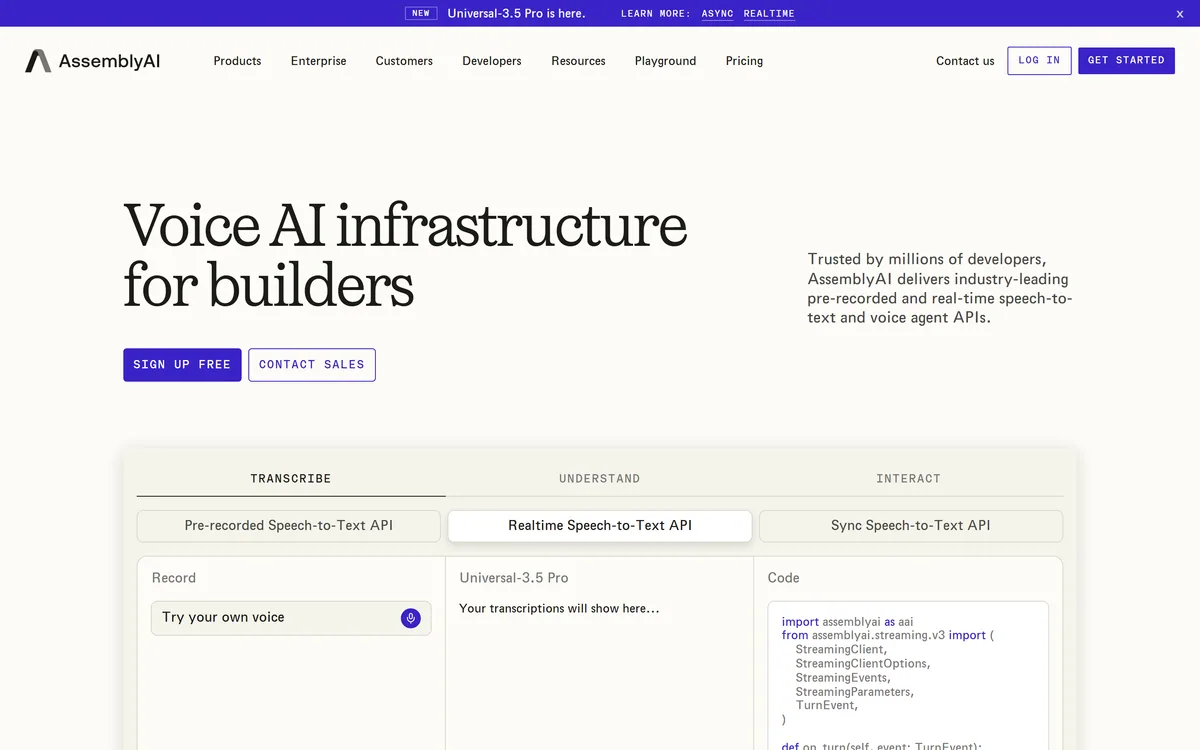
AssemblyAI sells voice AI infrastructure: production APIs for pre-recorded and real-time speech-to-text on its Universal models, a Speech Understanding API that turns transcripts into structured insight, a Voice Agent API over a single WebSocket, and guardrails including PII redaction and content moderation.
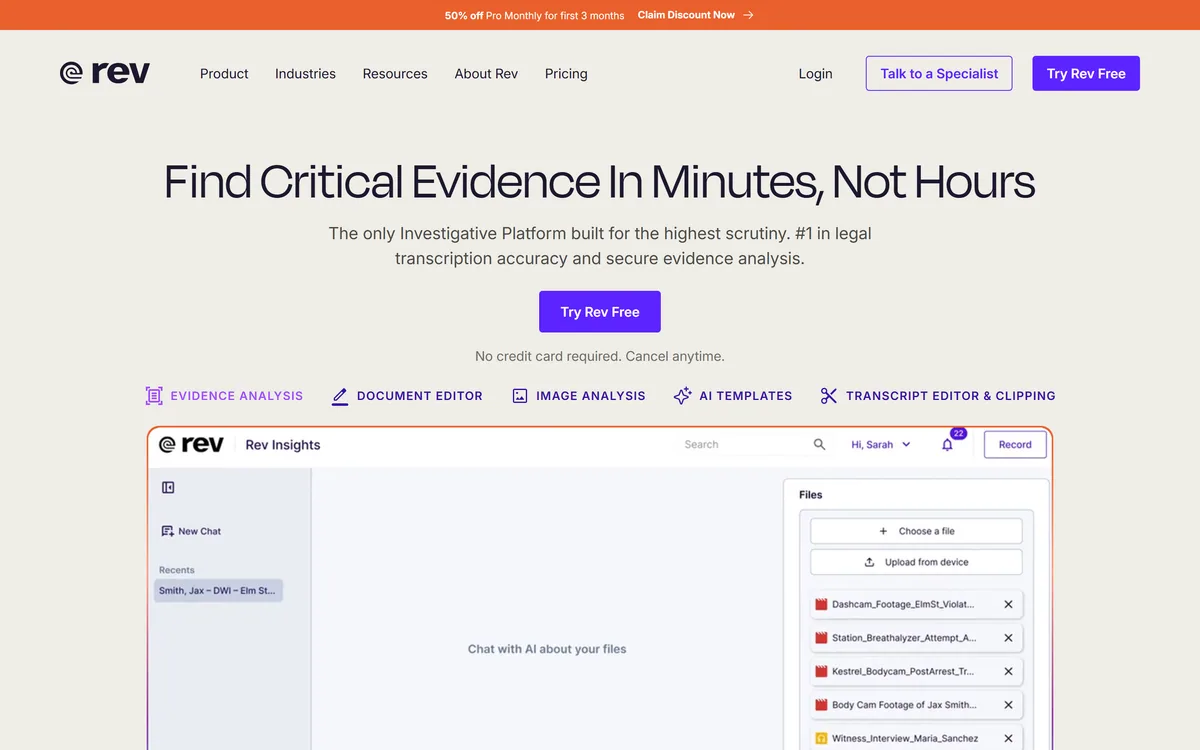
Rev has repositioned from transcription into an investigative intelligence platform for legal teams, combining AI evidence analysis with human-verified transcription guaranteed 99%+ accurate in 12 hours, plus court reporting, deposition summaries and a speech-to-text API.
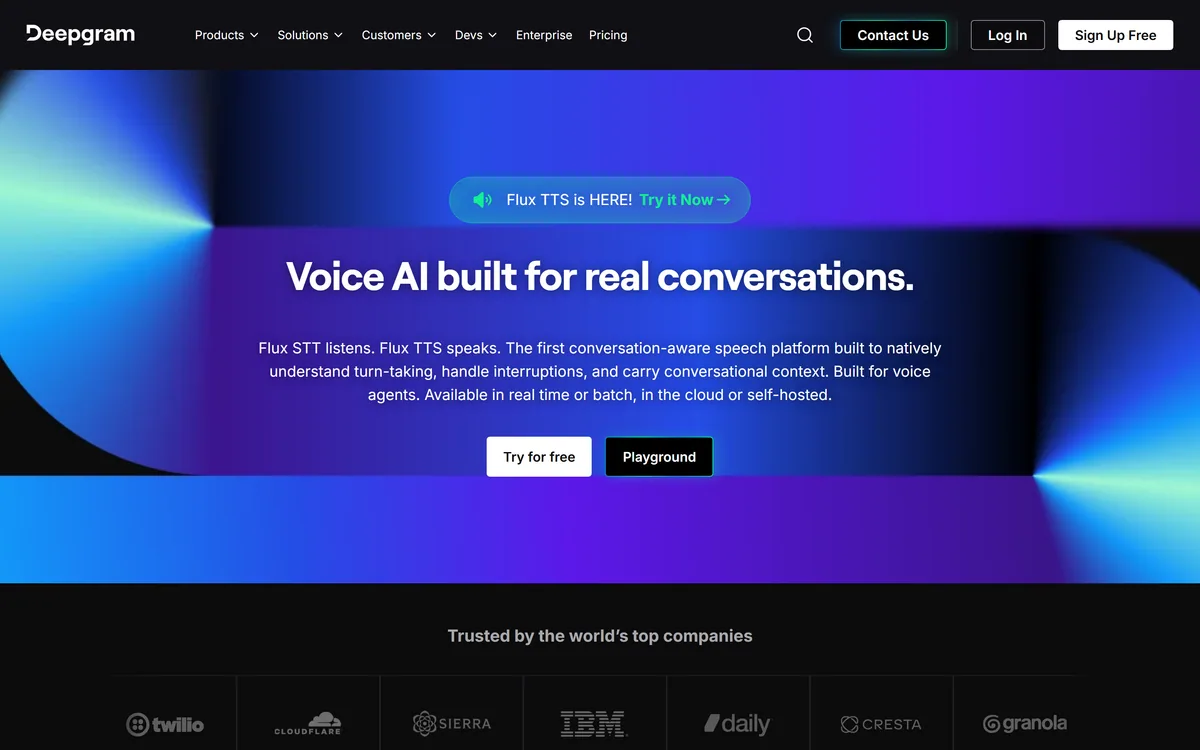
Deepgram provides speech-to-text and text-to-speech through its Flux models, plus a Voice Agent API that combines transcription, speech synthesis and LLM orchestration into a single interface. Everything runs in real time or batch, in the cloud or self-hosted, with text-to-speech latency stated as low as 80ms.
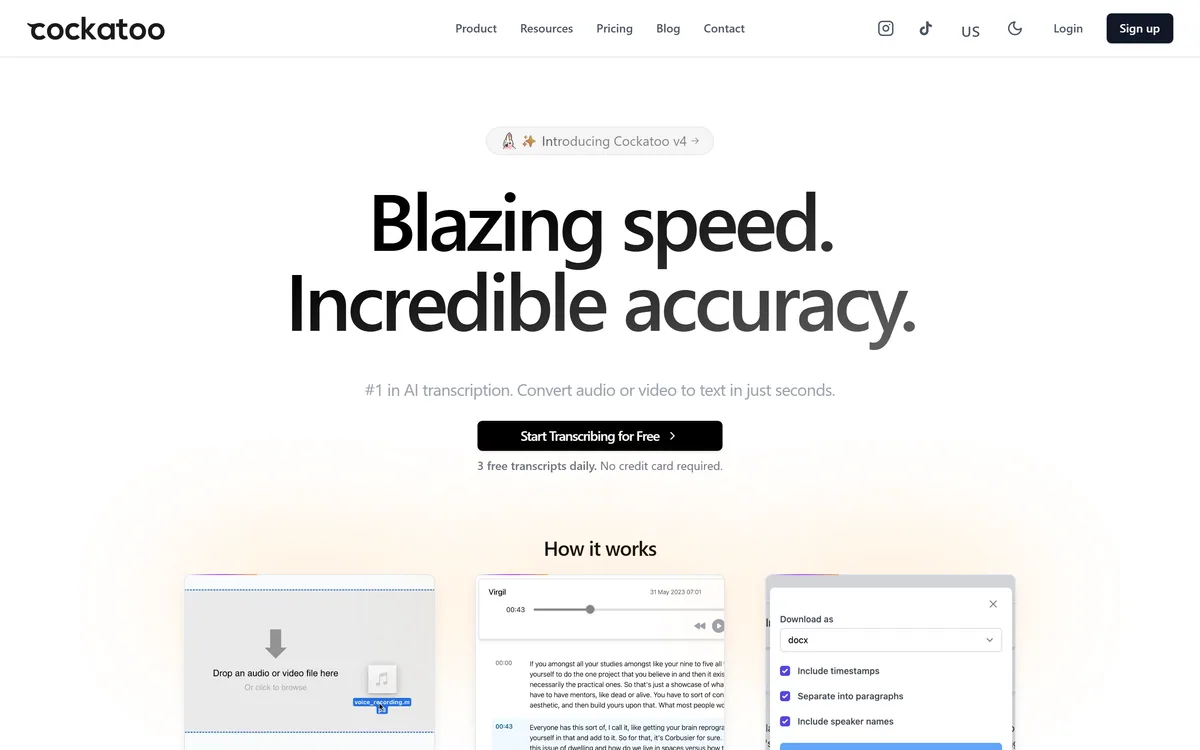
Cockatoo transcribes audio and video across 100+ languages with a stated accuracy of up to 99.8%, exports to SRT, DOCX, PDF and TXT, imports from Dropbox and YouTube, and offers three free transcripts daily with no card required.

ElevenLabs is an AI audio platform covering text to speech, voice cloning, speech recognition, dubbing, music, and conversational voice agents, with a library of 5,000+ voices across more than 70 languages and an API behind every model.
Related Pages