

Midjourney is an AI image generator known for its distinctive aesthetic quality, currently on model V8.2, with a full web app alongside the original Discord workflow, plus an Editor, moodboards, style profiles, and five-second image-to-video.
Image & Design Review

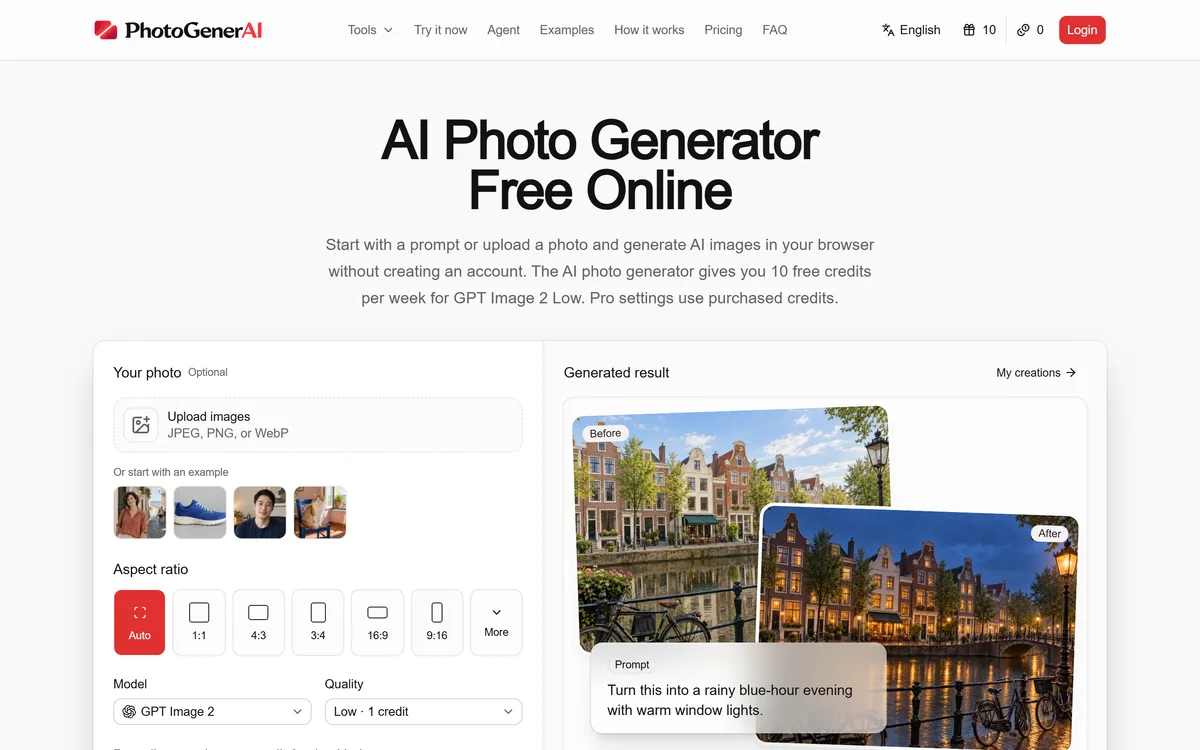
PhotoGenerAI is a browser AI photo generator and editor that creates images from text or edits your own photos, keeping what should stay the same while changing the rest, with free weekly credits and no account needed to start.
Good
PhotoGenerAI earns 3.8 for building around the real job, a controlled edit of a photo you already have that keeps what matters, with a generous free-to-start workflow and honesty about running on current models; it is capped because from-scratch quality tracks those models and it offers no training-data commercial-safety guarantee. AInexfinder Editor Score: 3.8/5.
Best for: People editing their own photos; Keeping a face or product while changing the rest
The visit link goes to photogenerai.com, the official site. Paid placements on AInexfinder are always labelled. How we make money
The honest demand behind most photo editing is continuity: people do not want a brand-new image, they want their image with one thing changed, their face kept, their exact product kept, two people from separate photos brought together. PhotoGenerAI is built around that need.
It is a browser-based AI photo generator and editor that works from a prompt or an uploaded photo, running on current image models including GPT Image 2. You can create from text, but its more distinctive value is editing: redesign a room, restyle a portrait, put a product in a new scene, turn a sketch into a visual, all while keeping what you tell it to keep.
This review covers what it does with your own photos, the models and free credits behind it, how it is priced, and who it suits against other photo tools.
Text-to-image generation in the browser
Editing of your own photos by plain language
Combining multiple images into one composition
Room redesign and portrait restyling
Product photo settings and mockups
Sketch-to-image development
Weekly free credits, no account to start
Focused tools like a clothes changer and enhancer
Photo tools differ by whether they generate from scratch, edit your photo, or guarantee commercial safety.
| Tool | Focus | Strength | Note |
|---|---|---|---|
| PhotoGenerAI | Generate and edit in the browser | Controlled edits that keep what matters | Quality tracks its underlying models |
| Midjourney | From-scratch generation | Best-in-class image quality | Not an editor of your photos |
| Adobe Firefly | Commercial-safe generation | Training-data assurances, Adobe integration | Less free-to-start editing |
| ImageVivid | Product photography | Commerce presets at scale | Narrower, product-focused |
PhotoGenerAI opens straight into a working generator: describe an image, or upload one and describe the change, and it produces a result in the browser with weekly free credits and no sign-up to begin. That low barrier is a genuine part of the appeal.
It can generate from scratch, a scene, an illustration, a concept, which puts it alongside general generators. But its pitch leans on editing your own photos, where the job is a change rather than an invention.
That framing is honest about what most people actually need from AI imagery day to day, which is not art from nothing but a controlled edit of something they already have.
Most people do not want a brand-new image. They want their image, with one thing changed. That is the job PhotoGenerAI is built around.
The editing range is broad, and it is organised around keeping what matters while changing the rest.
You can change elements in a photo with plain language, bring subjects from separate images into one composition, or redesign a room by describing a style while keeping the room and windows. The recurring theme is continuity: it keeps the parts you specify and changes only what you ask.
For open-ended generation rather than editing, a tool like Midjourney leads on raw image quality; PhotoGenerAI's niche is the controlled edit of a photo you already have.
It handles practical commerce and personal jobs too: giving a product a branded setting, restyling a portrait with a new outfit, background or mood while keeping the face recognizable, and seeing artwork on a real product mockup.
For commerce specifically, a focused tool like ImageVivid is built just for product photography, and a commercial-safe option like Adobe Firefly leads on training-data assurances; PhotoGenerAI competes on breadth and the free-to-start, edit-anything workflow.
PhotoGenerAI is candid that it builds on current image models, naming GPT Image 2, rather than claiming a proprietary engine. That is the honest shape of most tools in this category: an application layer with a good workflow over strong underlying models.
The free offer is unusually generous for getting started: weekly free credits for a basic quality tier, with no account needed to try the homepage, and purchased credits for pro settings. For casual, occasional edits that free weekly allowance may be all you need.
The trade-off of building on others' models is the usual one: raw quality tracks those models, and what a generation costs in credits depends on the quality and settings you choose.
PhotoGenerAI runs on credits: a weekly free allowance for a lower-cost quality tier, and purchased credits for higher-quality or pro settings. You can start without an account and only sign in when you want to spend credits.
AInexfinder does not publish plan prices, which change and are best read on the site. The figure that matters is effective cost per usable image at the quality you actually publish, since higher quality costs more credits and you will discard some results.
Because commercial use is available, confirm the current terms cover how you intend to use the output, especially for product or client work, before relying on it.
Because its strength is controlled editing, test it on a real photo and a real change rather than open-ended generation.
| What it is | Browser AI photo generator and editor |
|---|---|
| Inputs | Text prompts or your own uploaded photos |
| Editing | Change, combine, redesign while keeping chosen elements |
| Models | Current image models, including GPT Image 2 |
| Free tier | Weekly free credits, no account to start |
| Use cases | Product photos, portraits, room redesign, sketch to image |
| Extra tools | Clothes changer, photo enhancer, editor, meme editor |
| Commercial use | Available; check terms for your use |
| Company | PhotoGenerAI |
Last checked . Read from photogenerai.com during this check, with the screenshot above captured at the same time.
Image quality tracks the underlying models; confirm commercial-use terms before using output for product or client work.
A from-scratch generator, a commercial-safe option, and a product-photo specialist.
AInexfinder does not list plan prices or billing details. For current pricing, plans, and trials, visit the official PhotoGenerAI website.
Visit official website for pricingVendor pricing, credits, and billing policies change over time. Always confirm on the official site before you buy.
PhotoGenerAI earns an AInexfinder Editor Score of 3.8/5 (good). Best for: People editing their own photos; Keeping a face or product while changing the rest; Casual users on free weekly credits.
Visit PhotoGenerAILog in to write a review.
No reviews yet. Be the first to share your experience with PhotoGenerAI.
Assigned reviewer
Daniel ReedSenior AI Tools Reviewer
Daniel leads AInexfinder's tool reviews. He researches each tool from its own pricing, documentation and policies, checks its claims against independent sources, and writes up what it does well, where it falls short and who it genuinely suits.
Daniel and the AInexfinder editorial team research PhotoGenerAI from its own website, pricing, documentation and policies, checked against independent sources. This review is research-based: unless its method note says otherwise, we have not bought a plan or run hands-on tests. The Editor Score is our editorial judgement, and payment never changes it.
Similar Tools
Midjourney is an AI image generator known for its distinctive aesthetic quality, currently on model V8.2, with a full web app alongside the original Discord workflow, plus an Editor, moodboards, style profiles, and five-second image-to-video.

Mobile-first AI art and video generator with many styles Category: Image & Design.


Canva AI is the Magic Studio suite built into Canva — Magic Write for copy, Dream Lab for images, Magic Edit, Expand and Eraser for photos, Magic Switch for reformatting, Magic Charts for data, and Canva Code for interactive widgets.
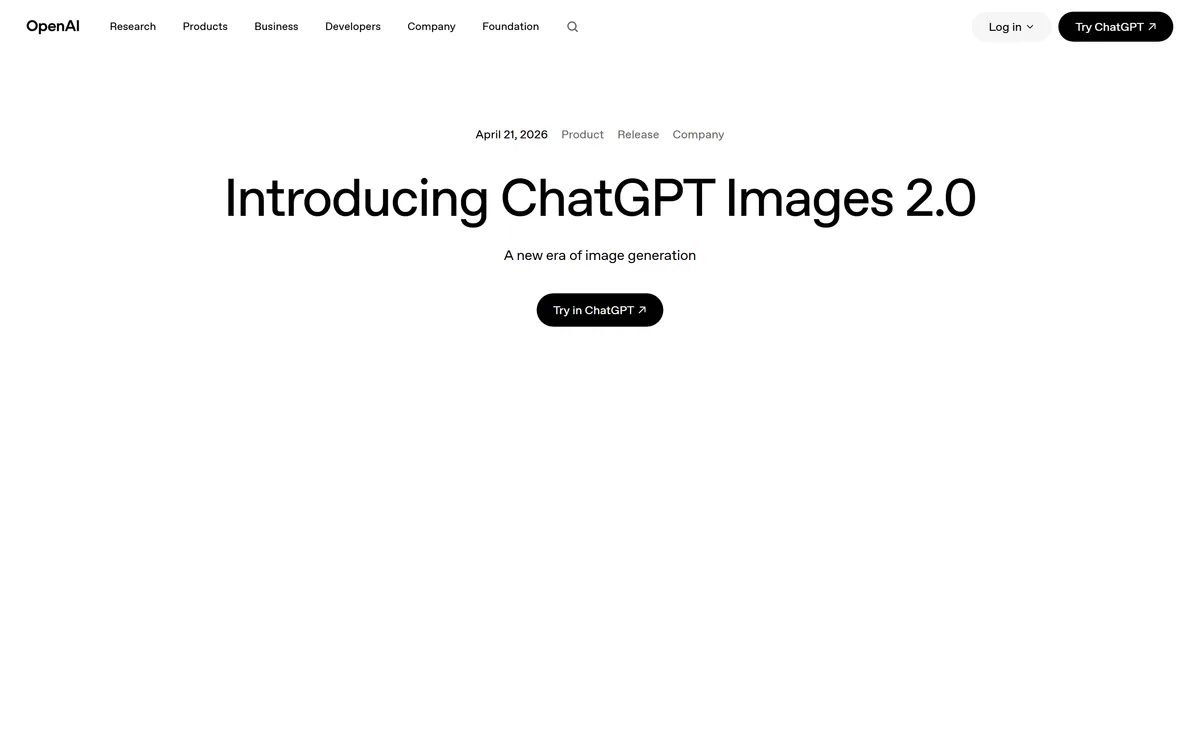
GPT Image 2 launched on 21 April 2026 as ChatGPT Images 2.0 and as the gpt-image-2 API model. Its distinguishing capabilities are dense, accurate text rendering, layout fidelity for infographics and packaging, up to 3840px output, prompt-guided masking, and reasoning applied to image structure before generation.

Coolors review on AInexfinder — freemium AI tool for Image & Design. Features, pricing notes, and alternatives.
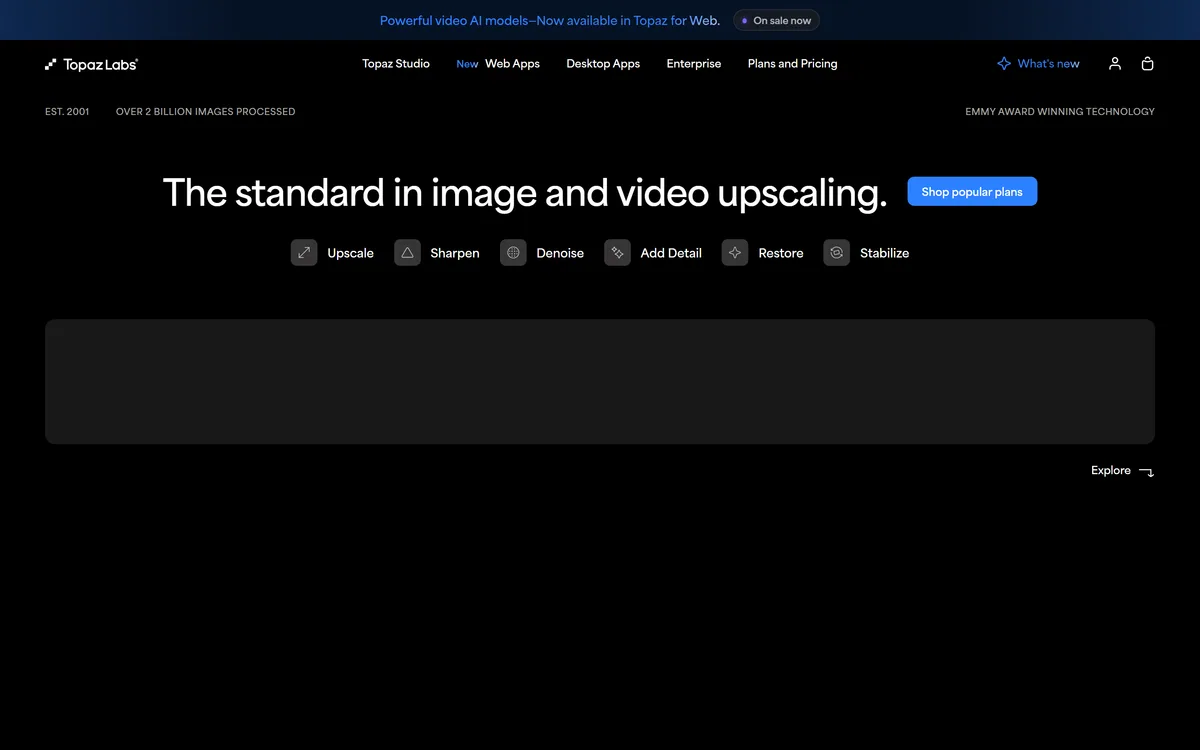
Topaz Labs makes professional AI image and video enhancement software, upscaling, sharpening, denoising, restoring, stabilizing and frame interpolation, across desktop, web and mobile, with Emmy-winning technology and a long track record, used by photographers, videographers and finishing pros.
Related Pages