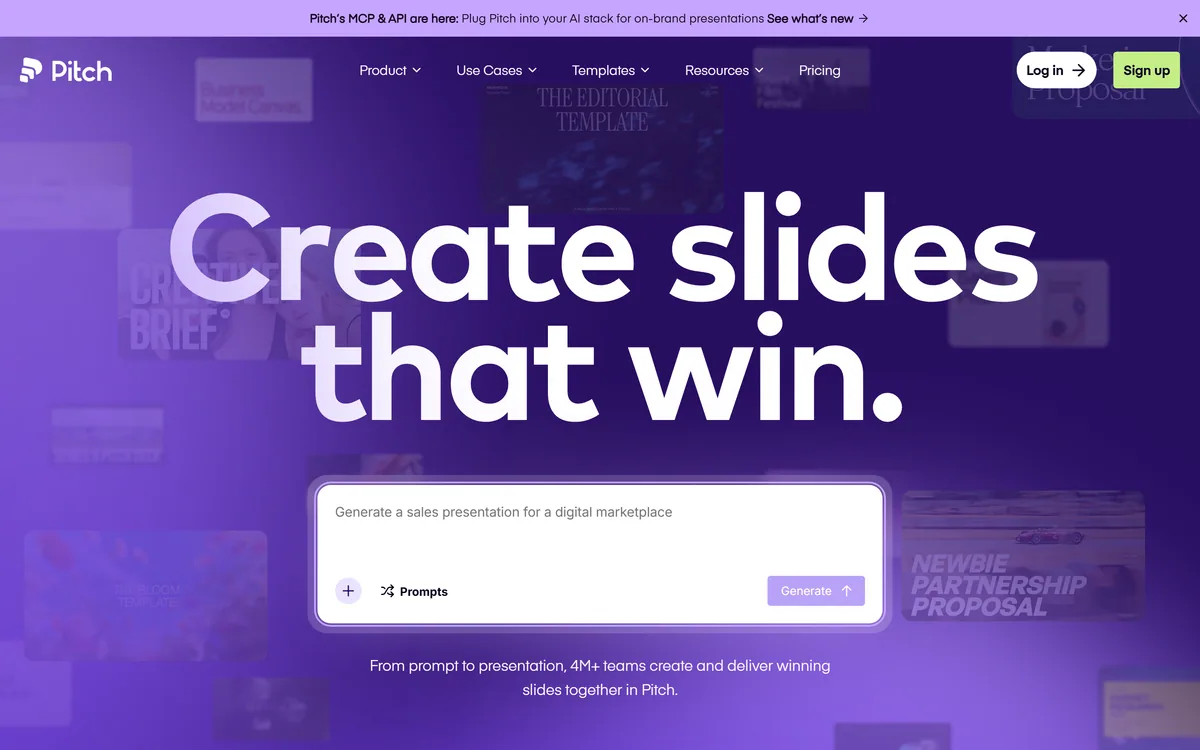
Pitch: The Workspace In Numbers
| Positioning | The AI presentation workspace, from first slide to final delivery |
|---|
| Adoption | Stated as 4 million-plus professional teams |
|---|
| Templates | Stated as 150-plus, described as crafted by experts |
|---|
| Time claim | Users stated to save over 5 hours every week on average |
|---|
| AI | Pitch Agent, for generating on-brand slides and personalising messaging |
|---|
| Collaboration | Live co-editing, slide assignments and comments |
|---|
| Brand control | Shared brand library with custom fonts, templates and approved media |
|---|
| Distribution | Live links and custom deal rooms described as Pitch rooms |
|---|
| Measurement | Viewer analytics on everyone who opens or interacts with a deck |
|---|
| Bulk output | Personalised decks generated in volume from imported customer data |
|---|
| Import | PPTX upload, with export from other tools recommended as the route in |
|---|
| Company | Pitch Software GmbH, per the 2026 footer copyright |
|---|
Pitch: What The Workspace Includes
- A workspace, not a file — every team deck lives in one cloud location with shared organisation.
- Brand library holding approved fonts, templates and media so consistency survives scale.
- Deal rooms and viewer analytics: personalised links plus data on who opened what.
- Bulk personalisation generating decks from imported customer data.
- 4 million-plus teams stated, with 150-plus templates and PPTX import.
Pitch: A Workspace, Not A Slide Editor
Pitch describes itself as your presentation workspace, where from first slide to final delivery teams create presentations that actually land.
The word workspace is carrying the entire strategic argument, and it is worth unpacking rather than skimming.
Slide software was designed around a document. One person owns a file, edits it, and emails it onward. Every collaboration feature added since has been retrofitted onto that assumption, which is why the version-control problems have never really gone away.
A workspace inverts it. The deck is not a file somebody owns; it is content in a shared system, assembled from approved components, with defined contributors and a record of what happened to it after it was sent.
That distinction is invisible when one person makes one deck. It becomes the whole problem when a sales team of thirty sends four hundred decks a quarter, which is precisely the customer this product is built for.
Slide software was built around a file one person owns. A workspace treats the deck as shared content — which only matters once thirty people are sending four hundred of them.
Templates, Themes And The Brand Kit
The starting points are stated plainly: begin from a blank canvas, from one of 150-plus expert-crafted templates, or from AI generation, with a PPTX importer for decks that already exist elsewhere.
The import path deserves attention, because it is where most migrations quietly fail.
Presentation files carry an enormous amount of implicit formatting — master slides, embedded fonts, grouped objects, animation timing — and no importer preserves all of it. The site's own guidance is to export from other tools to PPTX and import that, which is honest about the route rather than promising seamless transfer.
The practical consequence is that migrating a large deck library is a project, not a click, and it is worth budgeting for. Teams that treat the move as an opportunity to rebuild a canonical deck properly get more out of it than teams that import three years of accumulated files.
For a one-off deck that needs to look considered rather than templated, general design tools like Canva AI reach a good result faster, because none of the workspace machinery is doing anything for you yet.
What Does A Presentation Workspace Change?
The three-stage framing on the page is create, collaborate, deliver — with live co-editing, slide assignments and comments named as the mechanism for removing team bottlenecks.
Slide assignments are the underrated feature in that list, and the reason is organisational rather than technical.
Decks fail on ownership, not on design. The product slide needs the product manager, the numbers slide needs finance, and the customer slide needs whoever ran the account. In a file-based workflow one person chases all of them by email and stitches the answers in the night before.
Assigning a slide to a person makes that request visible, trackable and parallel. Four people work simultaneously on the four slides they actually know about, and nobody is the bottleneck.
One of the testimonials on the page names the resulting workflow directly — collaborate, assign slides, discuss updates and sign off in one place — and sign-off is the part that matters most for anything client-facing. Comments attached to a slide beat feedback arriving as an email listing changes to slides seven, nine and eleven. For the slide that has to explain a concept rather than report one, Napkin AI turns written text into a diagram faster than any editor will.
- Assign slides to the people who own the underlying facts.
- Keep comments on the slide rather than in email threads.
- Build the brand library before the first team deck, not after.
- Treat a large PPTX migration as a project with a budget.
- Use analytics to time follow-ups, not to judge prospects.
Brand Libraries And Decks At Scale
The consistency problem is described in the site's own words: when your team is pitching at scale, consistency can fall apart fast — answered with shared templates, a brand library and AI that adapts to your workflow.
This is the least glamorous capability here and probably the most valuable.
Brand drift in decks is close to inevitable without shared infrastructure. Someone copies a slide from a deck that copied a slide from a deck, and eighteen months later the company is presenting itself in four slightly different typefaces with three versions of the logo and a colour that was never in the palette.
A brand library with approved fonts, templates and media does not eliminate that, but it makes the correct option the easy one, which is the only intervention that reliably works.
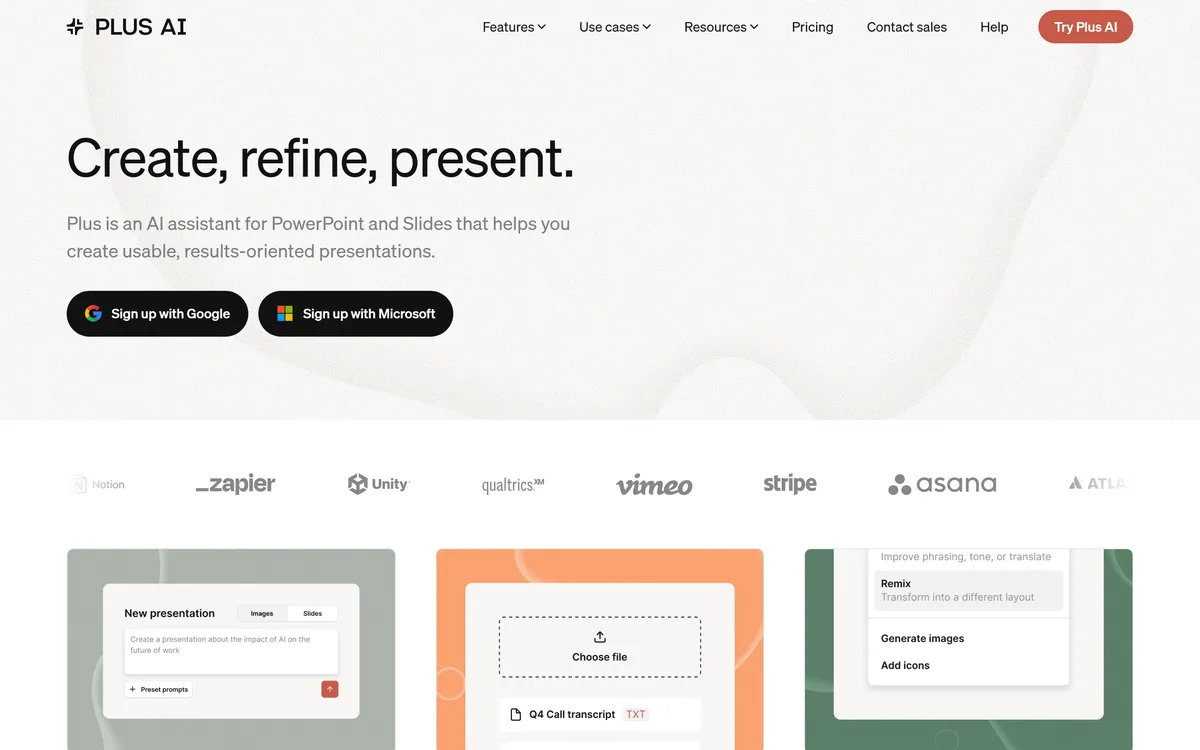
Bulk personalisation is the scale feature stacked on top: import customer data and generate personalised decks in volume. Done well, that is genuine leverage. Done badly, it produces four hundred decks that differ only in a company name in the header, which prospects notice immediately. The tool cannot make that judgement for you. Tools like Plus AI solve the generation half inside the slide software a company already runs.
Deal Rooms And Knowing Who Read It
Pitch rooms are described as custom deal rooms sharing presentations and resources for a personalised client experience, paired with viewer analytics covering everyone who opens and interacts with a deck.
Both features come from sales enablement rather than from presentation software, and that lineage explains what they are for.
A deck sent as an attachment disappears the moment it is forwarded. A deal room keeps the material in one place, lets you add resources as a conversation develops, and gives the buyer's internal champion something coherent to circulate — which is usually where deals are actually won or lost.
Analytics answer the question every seller guesses at: whether anyone opened it, which slides held attention, and whether it was shared onward. Knowing when to follow up, in the site's framing, is the honest use.
It is worth being clear-eyed about the other reading. Viewer tracking tells you how long a prospect spent on the pricing slide, and that is information the prospect did not deliberately volunteer. Used to time a helpful follow-up it is unobjectionable; used to infer intent and pressure someone, it is the kind of thing buyers resent when they discover it. The banner announcing MCP and API access sits above a toolkit section still marked API coming soon, so confirm what is actually available before designing around it.
Building A Deck A Team Can Maintain
The difference between a deck that survives a quarter and one that fragments immediately is set up in the first week, not in the design.
This order builds something the team can keep using.
- Load the brand library — fonts, logos, colours, approved imagery — before anything else.
- Build one canonical deck properly rather than importing years of files.
- Assign slides to the people who own the underlying facts.
- Keep review comments on the slide, and require explicit sign-off.
- Share externally through a room rather than as an attachment.
- Use engagement data to time follow-ups, and say so if asked.