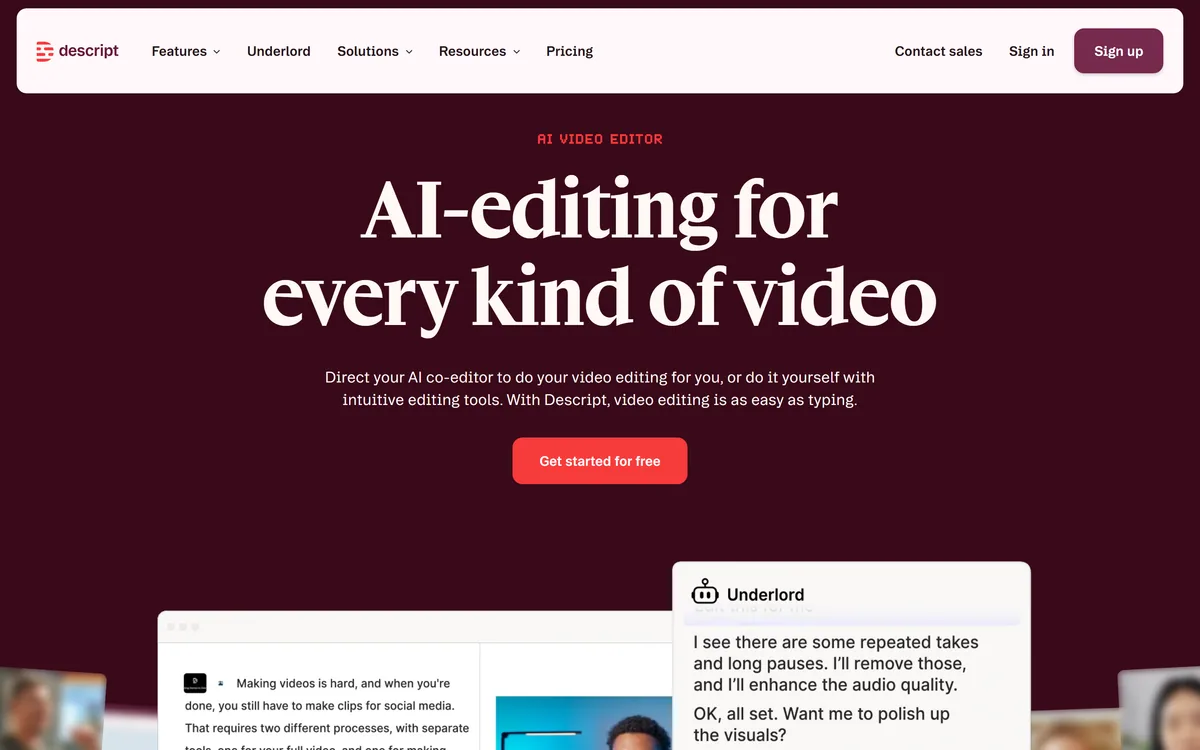

Descript is a video and audio editor that works by editing a transcript — delete a sentence and the footage goes with it — plus Studio Sound, Eye Contact, filler-word removal, AI voices, avatars, and the Underlord assistant.
Video & Audio Review

ShortMatic AI turns long videos into vertical short-form clips in the browser. It finds high-engagement moments rather than cutting on a timer, adds word-timed captions, and reframes around faces for 9:16, 4:5 and 1:1.

Good
Moment Finder is doing the one job in short-form repurposing that is actually hard, and building the product around it rather than around cutting and captioning is the right call. Word-timed captions and browser-based operation from a link are solid, unglamorous execution. It holds at 3.7 because automated selection is a competent first pass rather than an editor's judgement, and because auto-reframe fails predictably on exactly the content — two speakers, screen recordings, on-screen text — that many creators most want to repurpose. AInexfinder Editor Score: 3.7/5.
Best for: Podcasters with hours of spoken footage and no editor; YouTubers repurposing long uploads into weekly shorts
The visit link goes to shortmatic.app, the official site. Paid placements on AInexfinder are always labelled. How we make money
Turning a podcast into short clips is three separate jobs, and only one of them is hard. Cutting is trivial. Captioning is solved. Deciding which forty seconds of a ninety-minute conversation is worth posting is the job that normally eats an editor's afternoon.
ShortMatic AI is built around that third job. Its Moment Finder reads the whole video and picks segments it judges high-engagement, then captions and reframes them for vertical platforms — all in a browser, from a YouTube link or an upload. The same broad shape as Vizard and Klap, with the selection step carrying more of the weight.
This review covers what moment detection can genuinely infer, why word-timed captions are not a cosmetic feature, where auto-reframe breaks, and who is better served doing this by hand.
This is the question the whole category turns on, and the honest answer is: some of it, reliably, and the rest not at all.
What a model can detect well is structural. A question followed by a pause and a long answer. A change in vocal energy. A laugh. A phrase repeated for emphasis. A speaker interrupting themselves. These are real signals of something happening, they are visible in audio and transcript, and picking them beats cutting on a timer by a wide margin.
What it cannot judge is whether the moment means anything to your audience. A clip's performance depends on context the video does not contain — what your viewers already believe, what is being argued about this week, which of your guest's opinions is the controversial one. A model reading the file has none of that.
The right expectation, then, is triage rather than selection. It hands you twelve candidates from ninety minutes, which is a genuinely useful reduction. Choosing the three to post is still yours, and that is where the judgement lives.
It can find where the energy changed. It cannot know which sentence your audience will argue about in the comments.
Word-timed captions, offered as Bold Reels, One Word, or none. Worth understanding why this matters more than the styling options suggest. If captions are the only thing you actually need, a dedicated captioning tool like Submagic does that job alone and does it well.
Short-form video is overwhelmingly watched without sound. A clip with no captions is not a quieter clip — for most of its audience it is a silent one, and it will be scrolled past regardless of how good the moment was.
Word-timed matters specifically. Captions that appear a phrase at a time force the viewer to wait; captions that highlight each word as it is spoken keep the eye moving with the audio, which is the mechanic behind the style that dominates the format.
The One Word style — a single word filling the frame — is the aggressive end of that. It commands attention and it suits a punchy quote far better than a nuanced explanation. Bold Reels is the safer default for anything where the sentence matters more than the impact.
Auto-reframe crops subject-aware into 9:16, 4:5 and 1:1, tracking faces and action rather than trusting the centre of the frame.
That distinction is not academic. A two-person interview shot wide has both speakers well off-centre, and a naive vertical crop produces a clip of the space between them. Face tracking is what makes the format conversion survivable at all.
It breaks in predictable places, and knowing them saves a wasted upload. Fast cuts between speakers can make the crop chase the frame. Anything where the meaning is in the wide shot — a whiteboard, a screen share, a demonstration using both hands — loses the point when cropped to a face. Three or more people on screen force the crop to choose, and it will sometimes choose wrong.
The practical rule: talking heads reframe well, and anything visual does not. If your long video is a screen-recorded tutorial, vertical conversion is the wrong idea regardless of which tool does it.
The free plan needs no card, so the only sensible evaluation is on your own footage rather than a demo reel.
If your long-form content is visual rather than spoken, this category does not fit you. A tutorial where the value is on the screen cannot be cropped to a face without discarding the point.
If you post rarely, the setup and review time is unlikely to beat clipping by hand once a month.
And if clip selection is your craft — if the reason your shorts work is that you know exactly which line lands — then an automated shortlist is at best a second opinion. Some creators genuinely are the algorithm, and for them this saves the easy part while touching none of the hard part.
It is also worth noting this is a small, young product. The site is browser-based with a free tier, a blog and a FAQ, and it publishes terms, privacy and refund pages. Keep your source files; that is good practice with any hosted editor, not a comment on this one.
Moment Finder, analysing a whole video to pick high-engagement segments
YouTube link input as well as direct file upload
Word-timed captions in Bold Reels or One Word styles
Subject-aware auto-reframe tracking faces and action
Output at 9:16, 4:5 and 1:1
Export ready for YouTube Shorts, TikTok, Instagram Reels and Facebook Reels
Runs entirely in the browser with no installation
Free plan with no credit card required
These all cut long video into short, and differ on what else they try to own.
| Tool | Core job | Moment selection | Where it runs |
|---|---|---|---|
| ShortMatic AI | Long video to captioned vertical clips | Moment Finder over the whole video | Browser, YouTube link or upload |
| Munch | Clipping with marketing analytics attached | Yes, with trend signals | Browser |
| Quso.ai | Clipping plus wider social workflow | Yes | Browser |
| SendShort | Short-form generation and scheduling | Yes | Browser |
| Zeemo | Captions and subtitles specifically | No — you choose the clip | Browser and app |
| Category | AI short-form video clipping |
|---|---|
| Named features | Moment Finder, Captions, Auto-reframe |
| Inputs | YouTube links, or uploaded long-form files |
| Typical source material | Podcasts, tutorials, interviews, webinars |
| Aspect ratios | 9:16, 4:5, 1:1 |
| Caption styles | Bold Reels, One Word, or none |
| Caption timing | Word-timed |
| Reframing | Subject-aware, tracking faces and action |
| Export targets | YouTube Shorts, TikTok, Instagram Reels, Facebook Reels |
| Runs in | The browser, no installation |
| Free plan | Yes, no card required |
| Stated audiences | YouTubers, podcasters, educators, agencies |
| Site sections | Features, how it works, blog, FAQ, terms, privacy, refunds |
| Charging model | Named paid tiers sold as 30-day access through Lemon Squeezy, rather than a rolling subscription |
| Support | A published support email address |
| Interface languages | English and Bengali |
Clipping, captioning and assembly are separable — most creators end up with two of the three.
Last checked . Taken from shortmatic.app during this check, with the screenshot above captured at the same time.
Observations about what moment detection can and cannot infer, and where subject-aware reframing breaks, describe the technique in general rather than measured behaviour of this product. Clip performance was not tested.
AInexfinder does not list plan prices or billing details. For current pricing, plans, and trials, visit the official ShortMatic Ai website.
Visit official website for pricingVendor pricing, credits, and billing policies change over time. Always confirm on the official site before you buy.
ShortMatic Ai earns an AInexfinder Editor Score of 3.7/5 (good). Best for: Podcasters with hours of spoken footage and no editor; YouTubers repurposing long uploads into weekly shorts; Educators turning recorded sessions into short explainers.
Visit ShortMatic AiLog in to write a review.
No reviews yet. Be the first to share your experience with ShortMatic Ai.
Assigned reviewer
Daniel ReedSenior AI Tools Reviewer
Daniel leads AInexfinder's tool reviews. He researches each tool from its own pricing, documentation and policies, checks its claims against independent sources, and writes up what it does well, where it falls short and who it genuinely suits.
Daniel and the AInexfinder editorial team research ShortMatic Ai from its own website, pricing, documentation and policies, checked against independent sources. This review is research-based: unless its method note says otherwise, we have not bought a plan or run hands-on tests. The Editor Score is our editorial judgement, and payment never changes it.
Similar Tools
Descript is a video and audio editor that works by editing a transcript — delete a sentence and the footage goes with it — plus Studio Sound, Eye Contact, filler-word removal, AI voices, avatars, and the Underlord assistant.
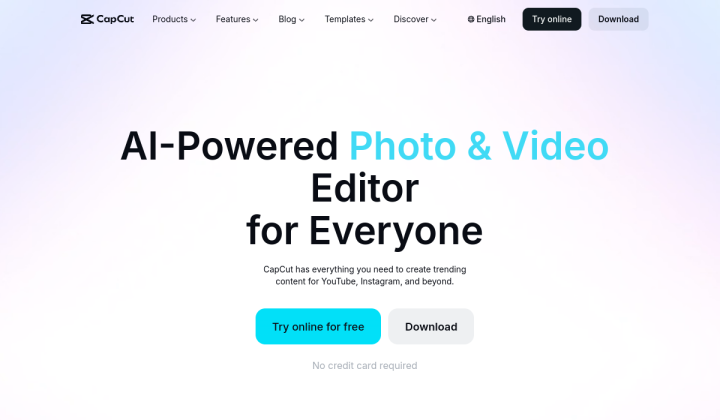
CapCut review on AInexfinder — freemium AI tool for Video & Audio. Features, pricing notes, and alternatives.
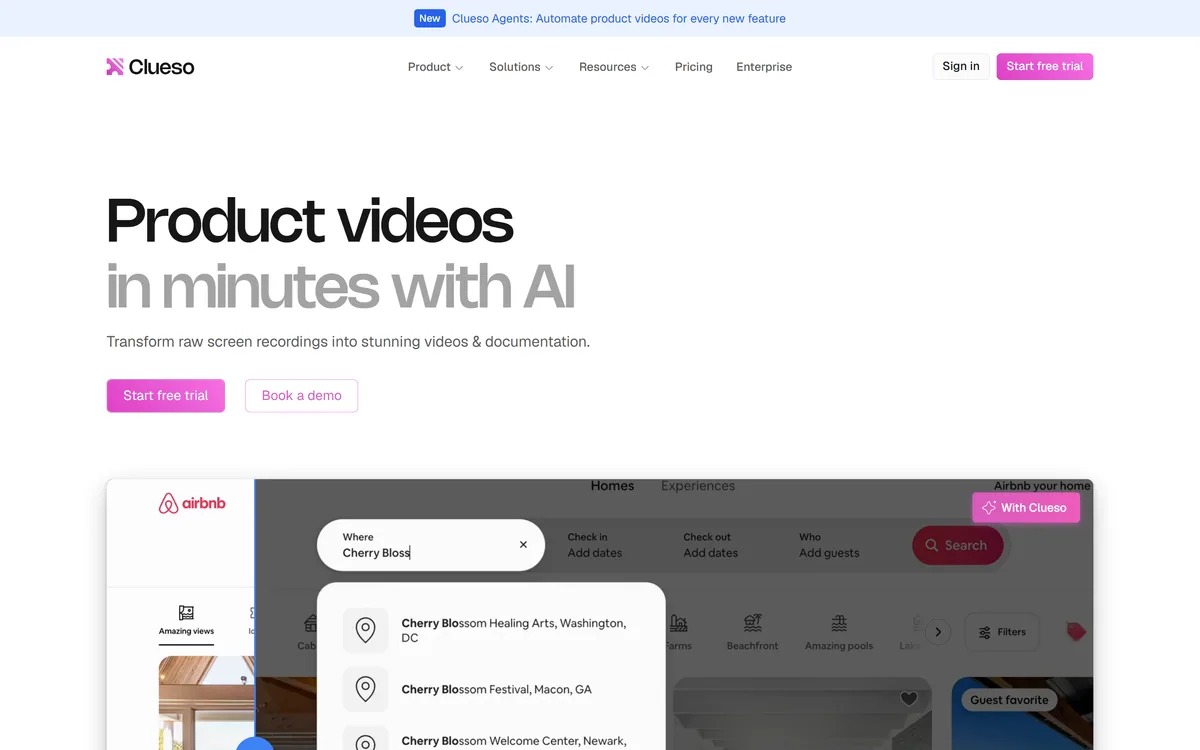
Clueso turns raw screen recordings into product videos and documentation. It rewrites the script to remove filler, replaces your audio with AI voiceover, adds automatic zooms and captions, applies branded templates, and generates step-by-step SOPs from the same recording.
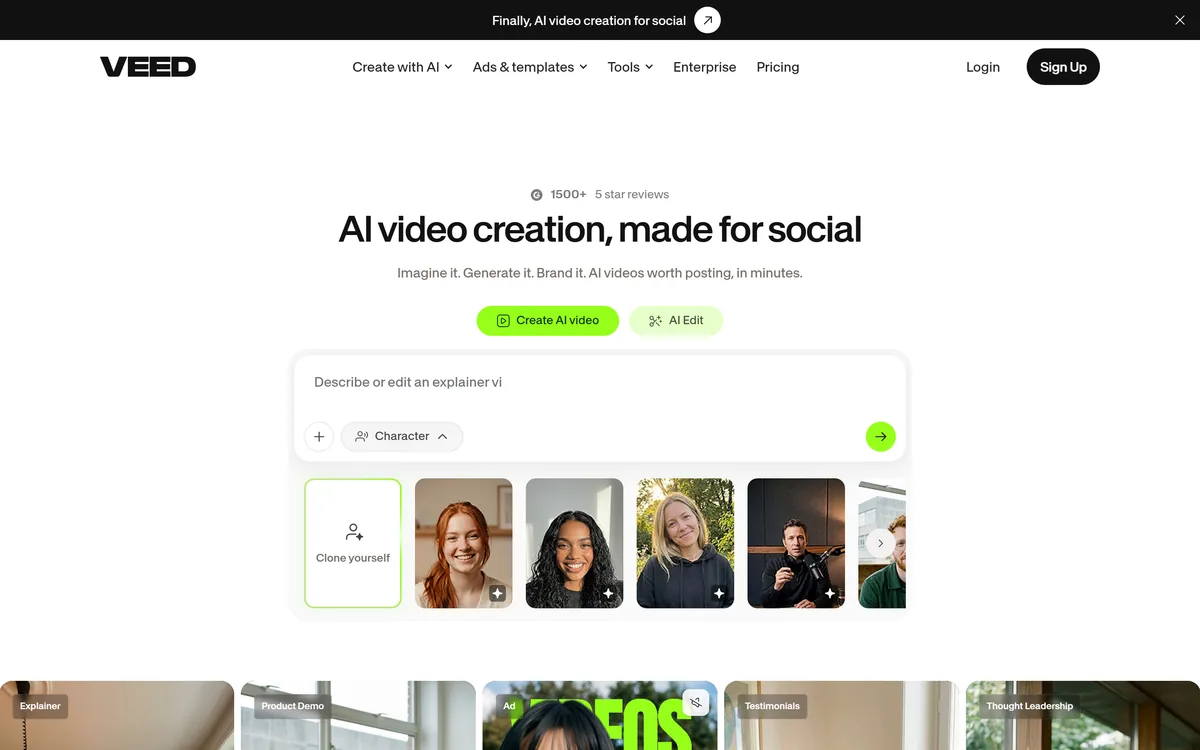
VEED is an AI video-creation platform that takes an idea to a finished social video in the browser, bundling generation, AI avatars, subtitles, dubbing, clean audio and a brand kit, plus access to frontier models like Sora 2, Veo and Kling.

TensorPix from Tensorpix d.o.o. enhances video and images in the browser: upscaling to 4K, denoising, frame interpolation to 60 FPS, stabilisation, unblurring, colour restoration, and compression, with free previews before you commit credits.
Kapwing is a browser-based video studio combining a timeline editor, subtitler, audio editor and dubbing into 40+ languages with AI tools including Smart Cut, Trim with Transcript, B-Roll Generator, Clip Maker and Character Consistency. Made in San Francisco.
Related Pages