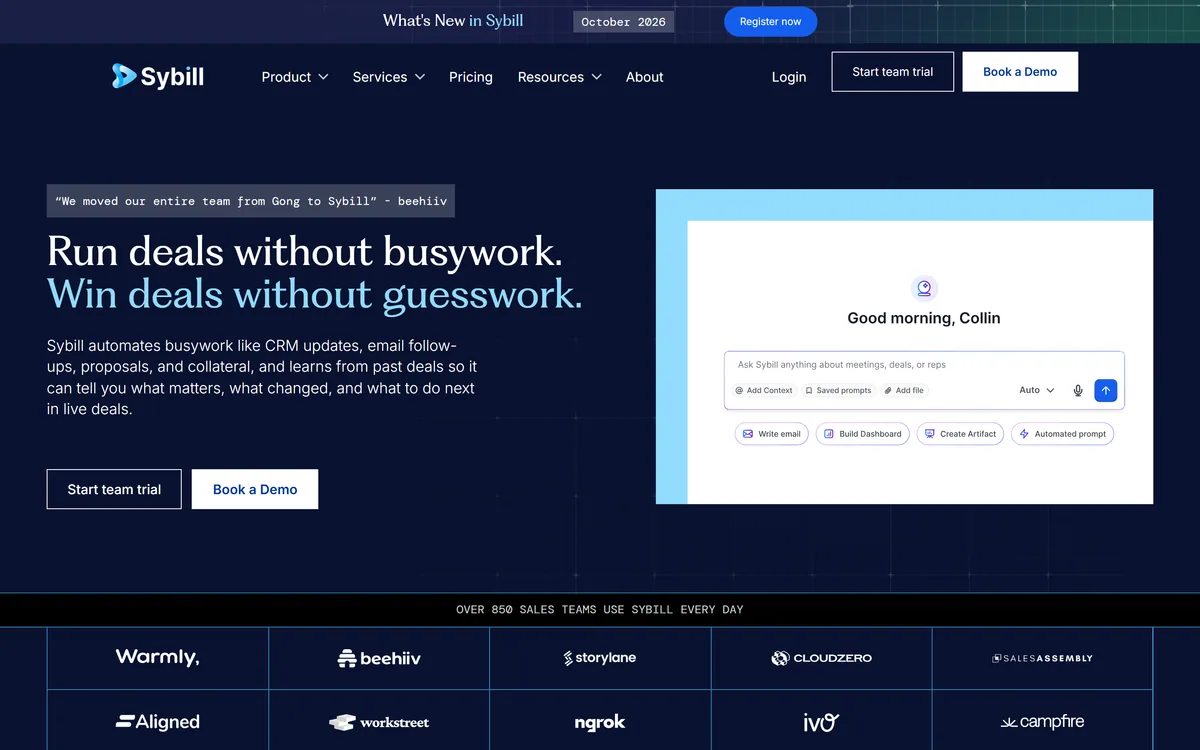
Sales reps lose hours to CRM admin and follow-ups instead of selling. Sybill's pitch is to automate that busywork: it captures conversations and updates the CRM, drafts and advises for you.
It records calls, meetings, emails and Slack, auto-fills CRM fields, drafts follow-ups and proposals, and answers deal questions with citations. It sits among sales tools like Avoma, at the sales-assistant end.
This review covers how Sybill helps reps, which teams it suits, how it's priced, and the recording-consent and review duties to weigh first.
Sybill Sales-AI Facts
| What it is | An AI sales assistant for revenue teams |
|---|
| Company | operator not named in our read |
|---|
| Core | Auto-updates CRM; drafts follow-ups, proposals, collateral |
|---|
| Captures | Records calls, meetings, emails and Slack threads |
|---|
| Advises | 'Ask Sybill' with citations; deal inspection and coaching |
|---|
| Also | MCP + API; 3,000+ tool integrations |
|---|
| Access | Team trial + sales-led (book a demo) |
|---|
| Sensitive | Recording consent; privacy/data (SOC 2, GDPR, ISO, PCI) |
|---|
An AI Notetaker And Assistant For Sales Calls
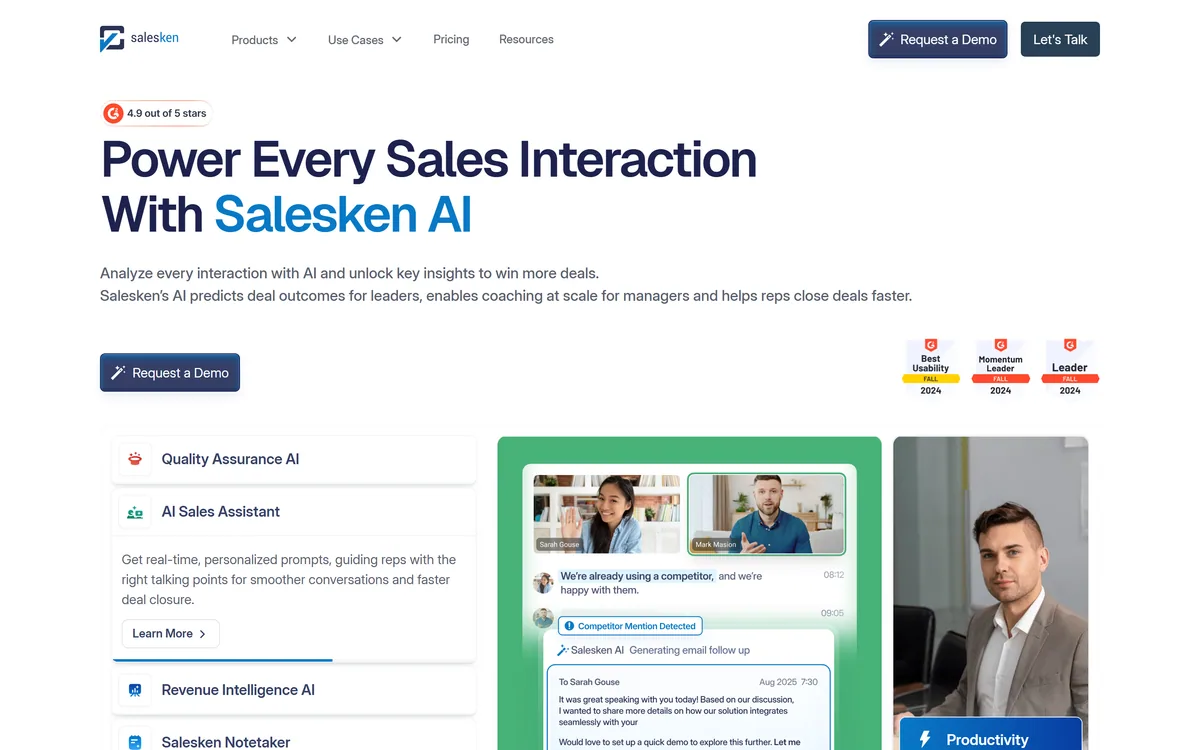
Sybill's core job is to remove sales busywork. It captures the full context of a deal, recording calls, meetings, emails and Slack threads, then auto-updates CRM fields after every conversation, drafts follow-up emails, proposals and collateral, and builds pre-meeting briefs and summaries. The aim is to let reps 'run deals without busywork' and managers 'win deals without guesswork'.
On top of capture it adds intelligence: 'Ask Sybill' answers questions in plain English with citations, plus deal inspection, coaching, competitor intelligence and sales plays that learn from past deals to advise on live ones. It connects via an MCP and API and claims 3,000+ tool integrations.
It's aimed at revenue teams, account executives, sales managers, CROs, RevOps and customer success, and pitches itself against incumbents ('we're Gong, but with a brain').
The honest framing is that Sybill is a capable, genuinely time-saving assistant, automating CRM updates and follow-ups is exactly the drudgery reps want gone, and context drawn from across a deal is useful. The main duty is recording and privacy: it records calls, meetings, emails and Slack, so participants must be informed and, depending on jurisdiction and all-party-consent rules, consent obtained before recording; capturing email and Slack also means handling sensitive data, which it addresses with SOC 2, GDPR, ISO 27001 and PCI, confirm these against your obligations. And its output needs review: auto-filled CRM fields and AI-drafted emails can be wrong, so a rep should check before they're sent or relied on (its stated 'no-edit rate' notwithstanding). Its productivity figures (hours saved, fill rates) are vendor-stated.
Sybill genuinely removes sales busywork, CRM updates, follow-ups, deal context; just handle recording consent for the calls, emails and Slack it captures, and review its CRM updates and drafts before relying on them.
How Does Sybill Help Sales Reps?
Sybill pairs full-deal capture with CRM automation and deal intelligence.
Notes, CRM Sync And Follow-Ups
It records calls, meetings, emails and Slack, then auto-updates CRM fields and drafts follow-ups.
A transcription API like Gladia provides the speech-to-text beneath such tools; Sybill's angle is a broader sales assistant that acts on the whole deal, an automation-first job.
Recording Consent And Data
'Ask Sybill', coaching and sales plays learn from past deals to advise live ones.
A notetaker like Fathom focuses on meeting notes; Sybill extends into CRM and deal advice, so match it to your need, and handle recording consent.
Which Revenue Teams Sybill Fits
Sybill suits revenue teams, account executives, sales managers, CROs, RevOps and customer success, that want to cut CRM admin and follow-up busywork and get deal intelligence from their conversations.
It suits teams that value full-deal capture (calls, email, Slack) and CRM automation, and that will handle the recording consent and review the AI's output.
It suits less well teams that can't meet recording-consent and data obligations, anyone who'd trust auto-filled CRM data and AI drafts without checking, and use cases where capturing email and Slack is too sensitive.
A fair way to place it: if you run sales and will handle consent and review the output, Sybill is a capable, time-saving assistant; if you can't meet the consent and data duties, or would ship its drafts and CRM updates unchecked, weigh it carefully. Trial it with a team, turn on proper consent for recording, review the CRM updates and drafted emails before they're used, confirm the compliance posture, and judge the real time saved against your workflow.
How Sybill Charges Sales Teams
Sybill offers a team trial and a sales-led route ('start team trial', 'book a demo'), with a Pricing page but no amounts in our read. We do not publish prices; check the site and confirm what the trial and plans include.
The value question is rep time saved versus cost: if it genuinely frees reps from CRM admin and follow-ups, the time returned to selling can justify the cost, though the value depends on accuracy and adoption.
The sensible approach is to trial it with a team, handle recording consent properly, judge the CRM-update and draft accuracy (and how much you still edit), confirm the compliance terms, and only commit once it clearly saves time without creating review burden.
Testing Sybill On Real Calls
Because Sybill records conversations, trial it with consent handled and review its output.
- Trial it with a team on real deals.
- Turn on proper consent before recording calls (and note email/Slack capture).
- Review auto-filled CRM fields and AI-drafted emails before use.
- Test 'Ask Sybill' and the deal intelligence on real deals.
- Confirm the compliance posture (SOC 2, GDPR, ISO, PCI).
- Pass/fail: Sybill is worth it if it saves time with accurate, consented capture.
- Treat the productivity figures as vendor-stated.
Sybill, The Sales-Notetaker Brief
- Sybill assists sales: an AI assistant for revenue teams.
- It kills busywork: auto-updates CRM, drafts follow-ups and proposals.
- It advises deals: learns from past deals, 'Ask Sybill' with citations.
- Mind the basics: it records calls, emails and Slack, so consent matters.