Tunee: What One Conversation Produces
- Conversation, not prompts — describe a mood, upload a reference, or share a clip.
- Nine models with auto-selection, switchable manually for each task.
- Post-production included: stem separation into two, four or six parts, plus mastering.
- Voice cloning, lip sync and motion control for characters and music videos.
- A stated full commercial licence with no revenue sharing and no platform claims.
Tunee: Nine Models Behind One Conversation
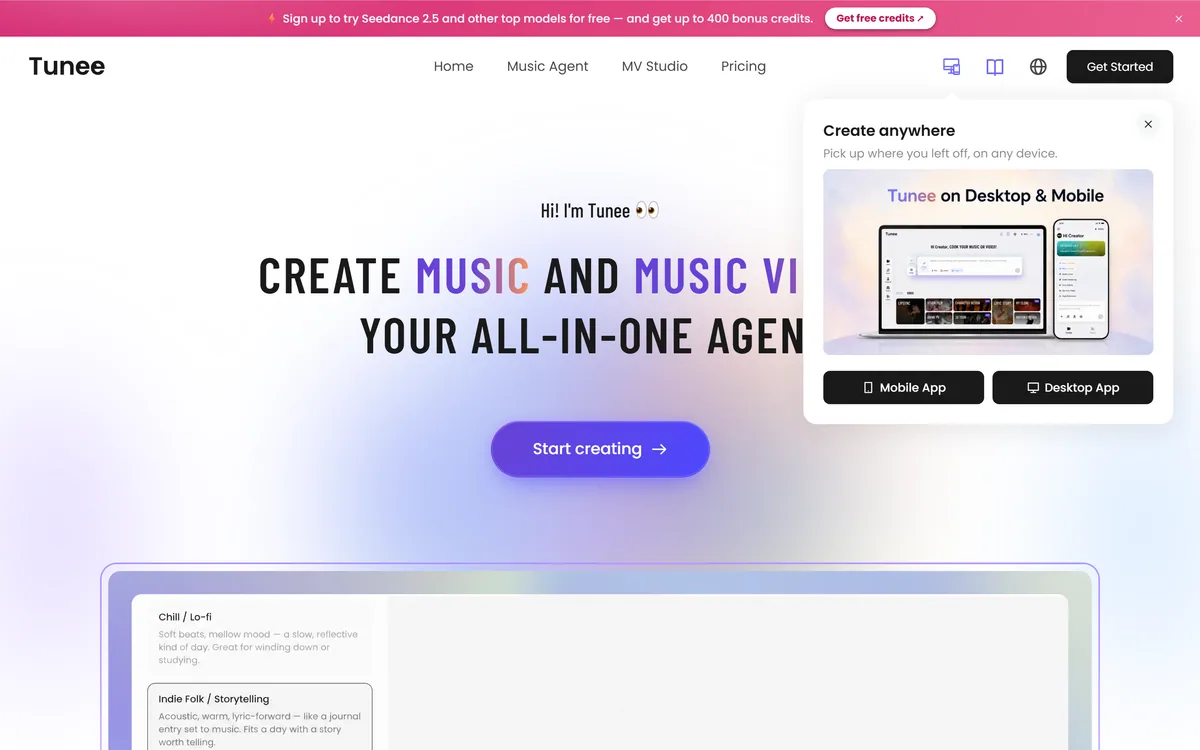
The interface claim is that you say goodbye to complex prompts — chat with Tunee, describe your mood, upload a reference or share a clip, and it turns the idea into music.
Behind that sits the more interesting architectural decision: nine named models with automatic selection, switchable by hand at any point.
Multi-model routing is the honest design for this domain, because music generation is not one problem. Generating a coherent instrumental, singing convincing vocals, extending a track and producing accompanying video are different tasks, and no single model leads on all of them.
A platform that routes each task to whichever model is currently best is describing how the field actually works, rather than claiming a proprietary breakthrough it does not have.
The trade-off is dependency. A product built on nine third-party models is exposed to nine sets of pricing changes, deprecations and licence terms — which is fine as an aggregator and worth knowing before a catalogue depends on it. The conversational input also serves a real purpose: describing a mood is something a non-musician can do, while writing a prompt specifying tempo, key and instrumentation is not.
Music generation is not one problem. Coherent instrumentals, convincing vocals and matching video are different tasks, and no single model leads on all of them.
Stems, Mastering And What Comes After Generation
Two features separate this from the generators that stop at output: stem separation into two, four or six parts — vocals, drums, bass, melody — and mastering with loudness, EQ and dynamics optimised for streaming.
Both belong to the stage where a generated track becomes a usable one.
Stems are what make a track editable. A finished mixdown is a single decision you cannot revisit; stems let you drop the vocal for an instrumental version, replace a drum part, duck the melody under dialogue, or use one element as a sample. Anyone who has tried to use a generated track under a video knows the frustration of a mix that fights the voiceover with no way to fix it.
Mastering is the less glamorous half and it is what makes the difference audible to a listener. Streaming platforms normalise loudness, so an unmastered track sounds quiet and lifeless beside commercial material — not worse musically, just weaker in the one comparison every listener makes automatically.
Together they explain why some generated music sounds amateur and some does not, and the gap is usually post-production rather than the model. Loudly takes a different route to the same end by controlling rights at the point of generation.
Do You Really Own AI-Generated Music?
The rights claim is stated as strongly as it can be: everything you create is yours to own, full commercial licence, no strings attached, 100 percent copyright ownership, no co-ownership, no revenue sharing, no platform claims.
The commercial half of that is a real and valuable commitment. The copyright half is more complicated than the wording suggests, and a reader planning a release should understand why.
A vendor can grant you broad rights to use its output, undertake not to claim ownership, and promise not to license the same output to someone else. Those are contractual promises within its power to make, and they are what most users actually need.
What a vendor cannot straightforwardly grant is copyright, because copyright is not theirs to give — in the United States and several other jurisdictions, a work must have human authorship to attract copyright at all, and purely machine-generated material has repeatedly been held not to qualify.
The practical consequence is narrower than it sounds. You can still release, monetise and licence the track; what may be weaker is your ability to stop someone else using the same recording. Meaningful human contribution — arrangement, editing, performance, your own lyrics — strengthens the position, which is another reason the stems and mastering tools matter. This is not a criticism of Tunee; the same analysis applies to every generator making the same claim.
- Read the content usage agreement, not the summary line, before releasing.
- Keep records of your own contributions — arrangement, edits, lyrics.
- Export stems so the track stays editable later.
- Master before release; streaming normalisation is unforgiving.
- Clone only your own voice, or one you have written permission for.
Voice Cloning And Whose Voice It Is
The feature is described as cloning any voice in seconds — cloning a vocal style and applying it to any generated track, for a consistent vocal identity and your AI singer, always available.
The phrase any voice is the one to sit with, because the page does not say whose.
For your own voice this is straightforwardly useful and slightly remarkable: a consistent vocal identity across a catalogue, without needing to sing every take, is a genuine capability for a producer who is not a singer.
Cloning someone else's voice is a different act with different consequences. Many jurisdictions protect voice and likeness through personality or publicity rights independent of copyright, and legislation specifically addressing synthetic voice has been advancing in several places. Releasing a track that sounds like an identifiable artist can create liability even where no recording was copied.
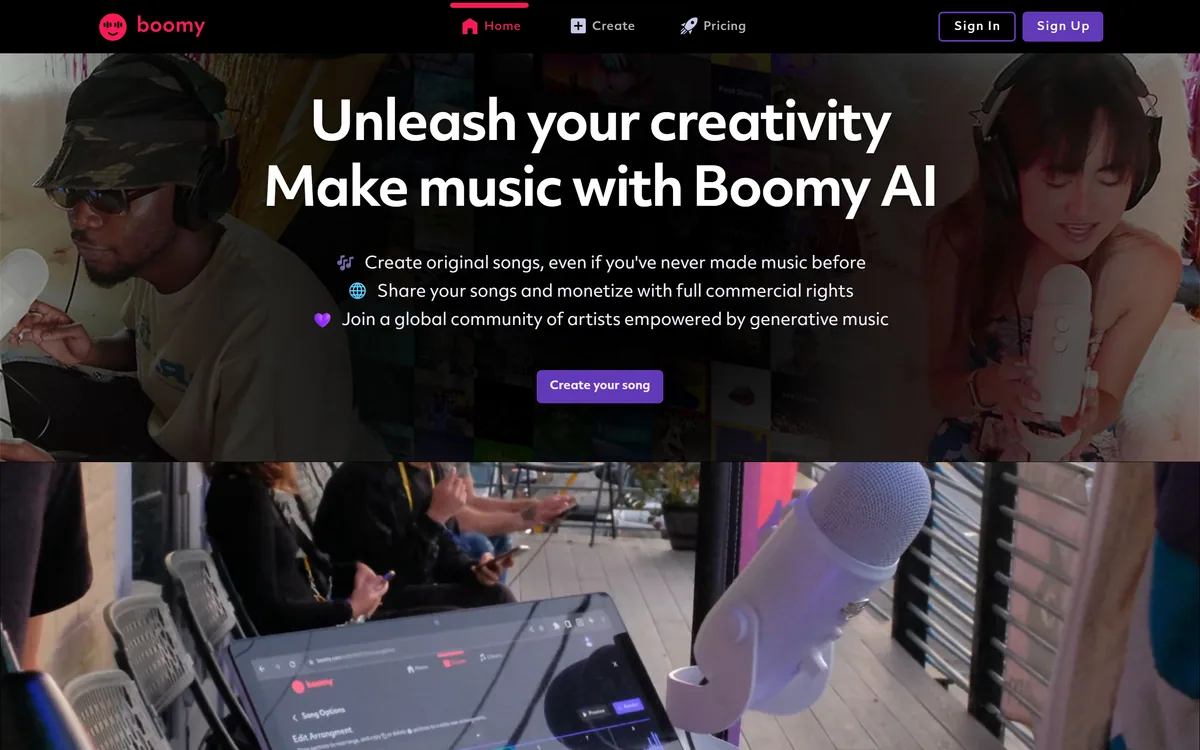
We make no suggestion that the platform encourages this, and the feature has obvious legitimate uses. But a tool offering to clone any voice in seconds should be read as describing a capability, not granting a permission — the permission has to come from the person whose voice it is. The related lip sync feature, turning a photograph into a singing video, raises the same question about whose photograph. Catalogue-oriented generators such as Boomy keep users further from that boundary by design.
Characters, Videos And Publishing On Autopilot
The third pillar is presentation: an AI music character with a consistent look, sound and story, plus music video generation, lip sync, motion control and publishing described as growing your audience on autopilot.
Music videos are the genuinely useful part of this, for a straightforward distribution reason.
Audio alone has almost nowhere to go on the platforms where music is now discovered. Short-form video is where tracks find listeners, and a track without visuals cannot be posted there — so a musician's practical problem is not making music, it is making something postable.
Generating a video from a track solves a real obstacle for people whose skill is audio.
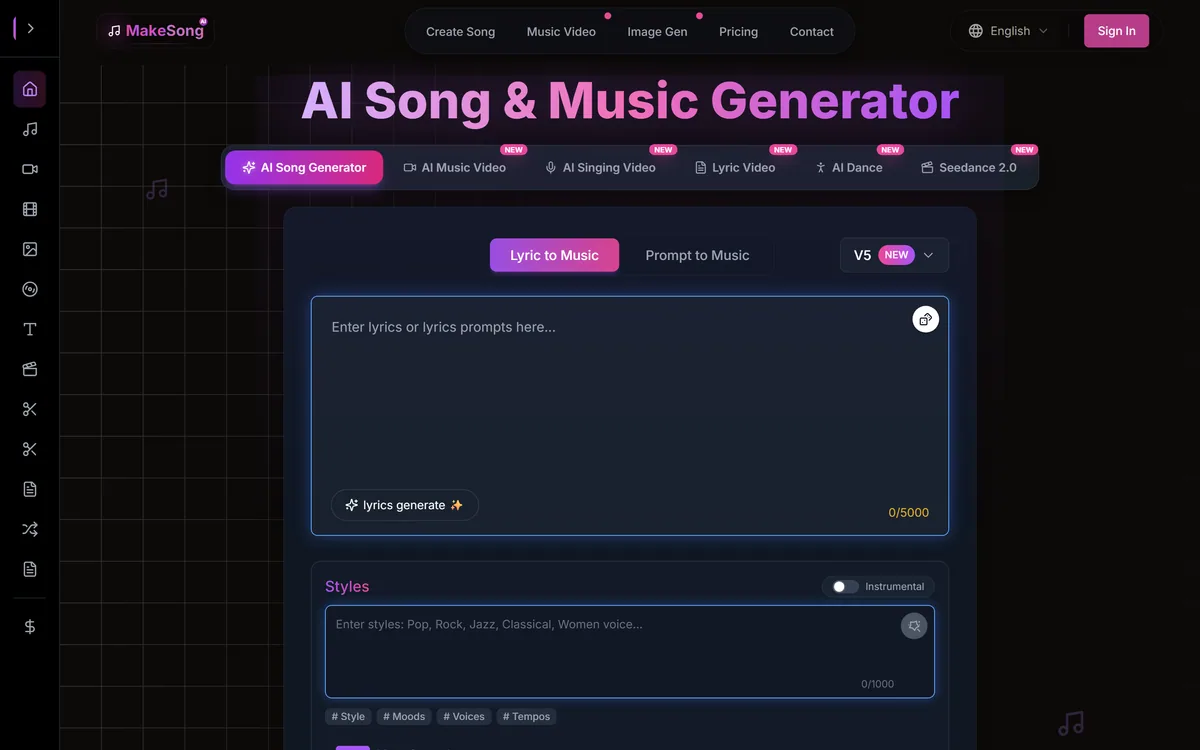
The AI character concept is where judgement is needed. A consistent visual persona for an electronic project or a fictional act is a long tradition in music and entirely legitimate. Publishing on autopilot to grow an audience is a different proposition, and it collides with the same reality every generated-content strategy meets: platforms are steadily reducing what unattended volume earns, and listeners who discover a project want something behind it. Stem-level control and mastering are what make individual tracks good; nothing in the toolkit makes an audience care. Song-focused tools like MakeSong aim at occasions rather than catalogues.
Releasing A Track You Generated
The gap between a generated track and a released one is post-production and paperwork, in that order.
This sequence covers both.
- Read the content usage agreement before you plan a release.
- Generate, then export stems rather than keeping only the mixdown.
- Edit or arrange something yourself, and keep a record of what you did.
- Master the final version — unmastered tracks sound weak after normalisation.
- Use only your own cloned voice unless you hold written permission.
- Make the video, because audio alone has nowhere to be posted.