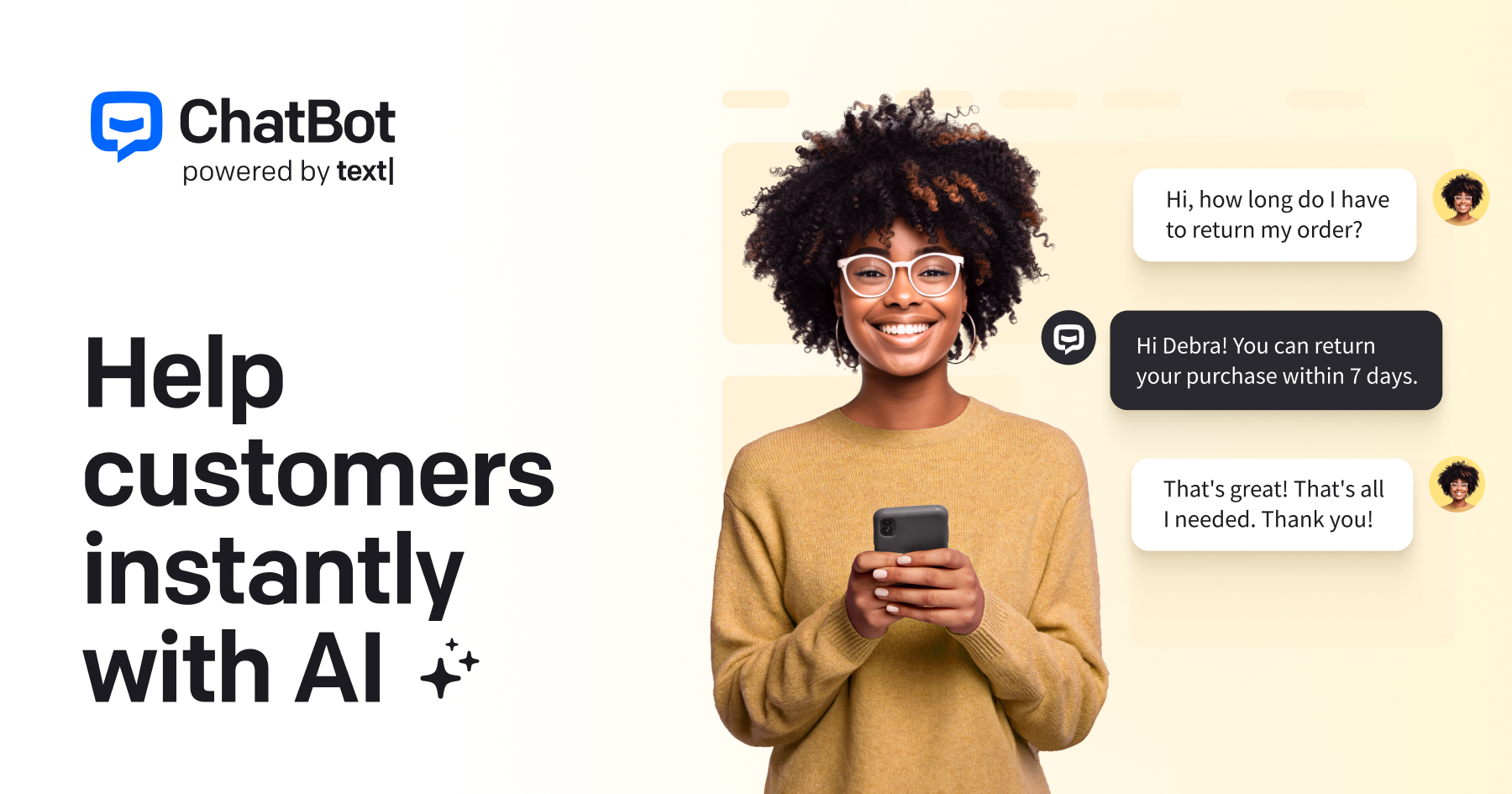
What is ChatBot?
ChatBot is a no-code chatbot building platform from Text, the company behind LiveChat, designed to help businesses automate customer service and lead generation on their websites and across channels.
Its standout convenience is that pasting a website URL lets it automatically build a knowledge base, so the bot can answer questions about products, policies, and FAQs without manual training.
A drag-and-drop Visual Builder lets non-technical teams design and manage conversation flows on a single screen, and a copy-paste snippet adds a chat widget to any site.
ChatBot offers direct integrations for platforms such as Shopify and WordPress, and it pairs naturally with LiveChat so AI handles routine queries while human agents step in for complex cases. It is aimed at small and mid-sized businesses, e-commerce stores, and support teams that want fast, code-free deployment.
Strengths include quick setup, an approachable visual interface, solid integrations within the LiveChat ecosystem, and reliable handoff to humans; weaknesses are that it is a paid product with no permanent free tier (only a trial), and very advanced custom logic or deep enterprise needs may push teams toward developer-focused platforms.
ChatBot is best for businesses that want a dependable, easy website assistant rather than a heavily customized agent. Pricing changes often, so check the official site for current plans.
ChatBot's core capabilities include No-code drag-and-drop visual flow builder, Auto-generated knowledge base from a website URL, Website chat widget via copy-paste snippet, Shopify and WordPress integrations, LiveChat integration for human handoff and Multi-channel messaging support.
No-code drag-and-drop visual flow builder is built in, Auto-generated knowledge base from a website URL is built in, Website chat widget via copy-paste snippet is built in, Shopify and WordPress integrations is built in, so you get a rounded toolkit rather than a single trick.
Each feature is designed to take the manual effort out of the task and help you reach a usable result faster, which is what makes ChatBot worth a place on your shortlist.
On the plus side, users consistently highlight Fast setup with auto knowledge base from your site, Easy visual builder for non-technical users and Works smoothly with LiveChat for human agents as the reasons they keep using ChatBot.
It isn't perfect, though — No permanent free plan, only a trial and Limited for very advanced custom logic vs developer tools are the trade-offs people most often mention, so weigh those against your own priorities before you commit.
As with any AI tool, the output still benefits from a quick human review, but ChatBot gets you most of the way there with far less effort. ChatBot runs on a paid pricing model, aimed at users who want the full feature set without free-tier limits.
AI-tool pricing changes often, so always check the current plans, seats and add-ons on the official site for the latest details before you buy. Who is ChatBot for? It's best suited for no-code ai chatbot builder for websites.
Whether you're a beginner trying this kind of AI tool for the first time or a professional who'll use it every day, it's a credible option to consider.
If you're still deciding, compare ChatBot against the alternatives and the head-to-head comparisons linked below — looking at features, pricing and real user ratings side by side is the fastest way to find the right fit for your workflow and budget.
Who is ChatBot for?
ChatBot is best suited for no-code ai chatbot builder for websites. Whether you are trying this kind of ai chatbots & assistants tool for the first time or use one every day, it is a credible option to shortlist — compare it with the alternatives and head-to-head comparisons linked on this page to find the best fit for your workflow and budget.