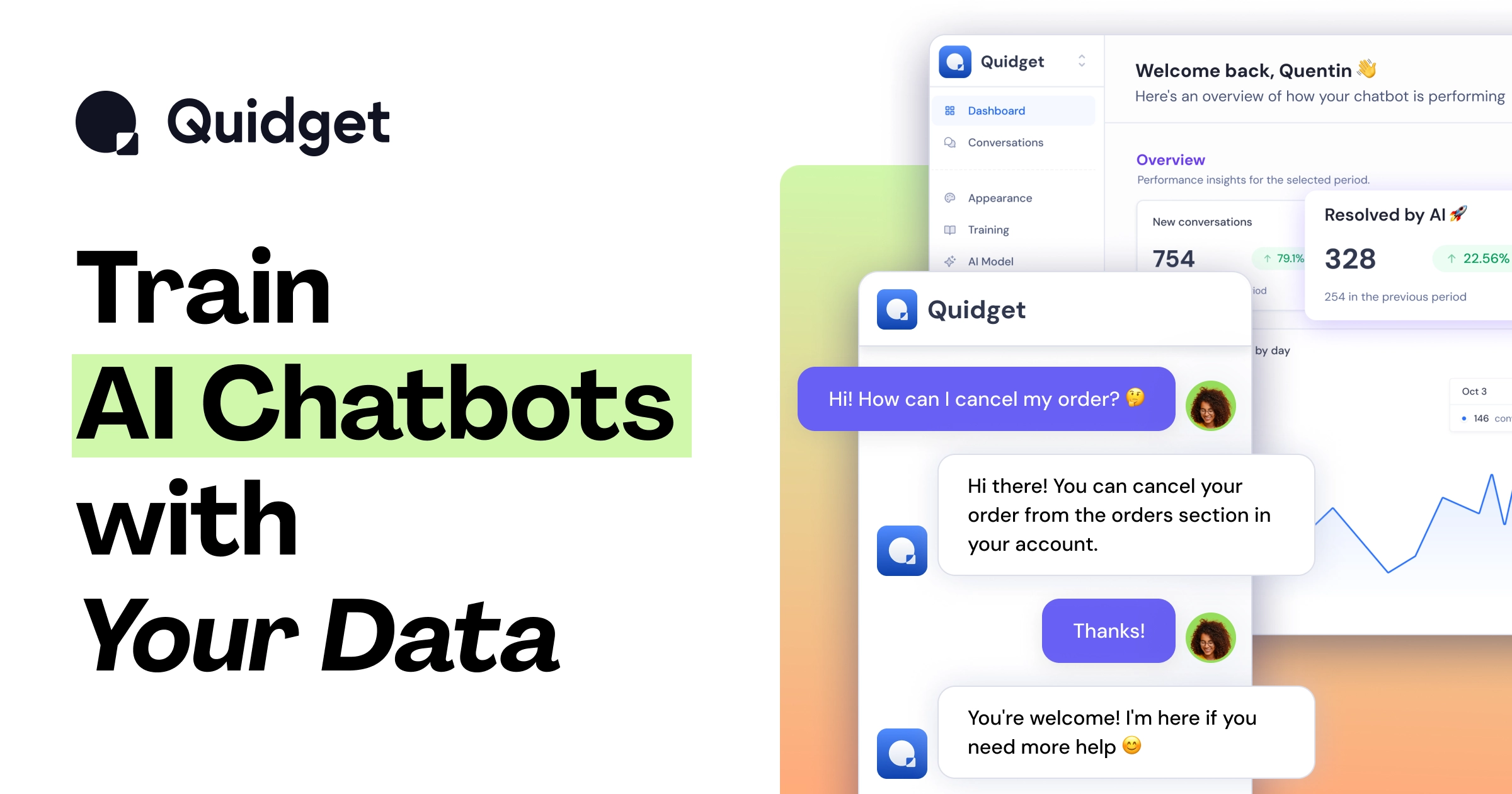
What is Quidget?
Quidget is a no-code AI agent platform built to automate customer support by resolving a large share of common inquiries automatically.
Users connect resources such as a website or FAQ content, and Quidget builds an agent that learns from that business data and is ready to start helping customers without coding.
It deploys across multiple channels, including website live chat, email, WhatsApp, Slack, and voice AI, and integrates with helpdesk tools like Zendesk and Freshdesk as well as scheduling tools like Calendly.
The platform supports more than 45 languages with automatic language detection, and when an agent cannot resolve an issue it routes the conversation to a human with full context so customers do not have to repeat themselves.
Quidget is built by SupportYourApp, an established customer service provider, and carries compliance certifications such as ISO, PCI, and GDPR. Typical users are support teams that want to deflect repetitive tickets, provide 24/7 coverage, and maintain consistent answers across channels.
Pros include genuine no-code setup, broad channel coverage including voice, multilingual support with auto-detection, and the backing of an experienced support company with strong compliance.
Cons include that the most advanced capabilities sit behind paid tiers, and that, as a knowledge-based bot, its accuracy depends on the connected resources being complete and current. Pricing follows a freemium model with paid tiers. Pricing changes often, so check the official site for current plans.
Quidget's core capabilities include No-code agent trained on your resources, Live chat, email, WhatsApp, Slack, and voice channels, Zendesk, Freshdesk, and Calendly integrations, 45+ languages with auto-detection, Human handoff with full context and ISO, PCI, and GDPR compliance.
No-code agent trained on your resources is built in, Live chat, email, WhatsApp, Slack, and voice channels is built in, Zendesk, Freshdesk, and Calendly integrations is built in, 45+ languages with auto-detection is built in, so you get a rounded toolkit rather than a single trick.
Each feature is designed to take the manual effort out of the task and help you reach a usable result faster, which is what makes Quidget worth a place on your shortlist.
On the plus side, users consistently highlight Easy no-code setup, Broad channel coverage including voice and Backed by an experienced support company as the reasons they keep using Quidget.
It isn't perfect, though — Advanced features require paid tiers and Accuracy depends on connected content are the trade-offs people most often mention, so weigh those against your own priorities before you commit.
As with any AI tool, the output still benefits from a quick human review, but Quidget gets you most of the way there with far less effort.
Quidget runs on a freemium pricing model, so you can start for free and only pay once you outgrow the free tier — handy for testing it on a real task before spending anything.
AI-tool pricing changes often, so always check the current plans, seats and add-ons on the official site for the latest details before you buy. Who is Quidget for? It's best suited for no-code ai agent resolving most support inquiries.
Whether you're a beginner trying this kind of AI tool for the first time or a professional who'll use it every day, it's a credible option to consider.
If you're still deciding, compare Quidget against the alternatives and the head-to-head comparisons linked below — looking at features, pricing and real user ratings side by side is the fastest way to find the right fit for your workflow and budget.
Who is Quidget for?
Quidget is best suited for no-code ai agent resolving most support inquiries. Whether you are trying this kind of ai chatbots & assistants tool for the first time or use one every day, it is a credible option to shortlist — compare it with the alternatives and head-to-head comparisons linked on this page to find the best fit for your workflow and budget.