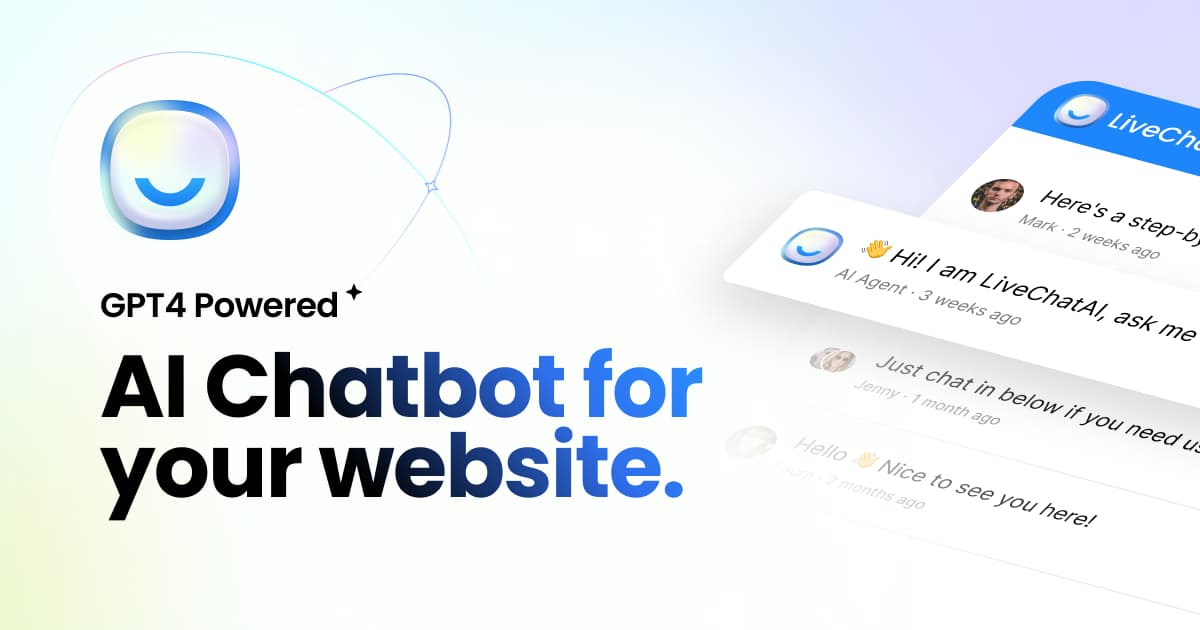
What is LiveChatAI?
LiveChatAI is a no-code AI chatbot platform that converts your existing knowledge base into an automated customer support agent powered by GPT-4o.
It automatically crawls and processes website pages, PDFs, help articles, Notion documents, and even YouTube transcripts, using an AI Boost capability to improve comprehension, so the agent can answer customer questions from your own content.
Setup takes only a few minutes by entering a URL, and users can customize the AI's personality and response style and preview it before deployment.
Beyond answering, the platform supports AI Actions that let the agent perform tasks such as booking meetings via Calendly, processing Stripe payments, and capturing CRM leads.
It deploys as a floating widget, full-page chat, inline embed, or direct link, integrates with Slack and WhatsApp, and works with Shopify, WordPress, Webflow, and Wix. It supports 95 languages for international audiences.
Typical users are e-commerce and SaaS teams that want to resolve a large share of support queries instantly while reducing ticket volume. Pros include very fast setup, broad data-source ingestion, actionable capabilities beyond chat, and wide language and platform coverage.
Cons include that higher message volumes and premium features push toward expensive upper tiers, and that, like any RAG bot, accuracy depends on keeping content current. Pricing ranges from a free tier to higher monthly plans. Pricing changes often, so check the official site for current plans.
LiveChatAI's core capabilities include GPT-4o agent trained on your content, Ingests sites, PDFs, Notion, and YouTube, AI Actions for booking, payments, and leads, Multi-format deployment options, Slack and WhatsApp integration and 95-language support.
GPT-4o agent trained on your content is built in, Ingests sites, PDFs, Notion, and YouTube is built in, AI Actions for booking, payments, and leads is built in, Multi-format deployment options is built in, so you get a rounded toolkit rather than a single trick.
Each feature is designed to take the manual effort out of the task and help you reach a usable result faster, which is what makes LiveChatAI worth a place on your shortlist.
On the plus side, users consistently highlight Fast five-minute setup, Broad data-source ingestion and Actions go beyond simple chat answers as the reasons they keep using LiveChatAI.
It isn't perfect, though — Upper tiers get expensive at high volume and Accuracy depends on keeping content current are the trade-offs people most often mention, so weigh those against your own priorities before you commit.
As with any AI tool, the output still benefits from a quick human review, but LiveChatAI gets you most of the way there with far less effort.
LiveChatAI runs on a freemium pricing model, so you can start for free and only pay once you outgrow the free tier — handy for testing it on a real task before spending anything.
AI-tool pricing changes often, so always check the current plans, seats and add-ons on the official site for the latest details before you buy. Who is LiveChatAI for? It's best suited for turn your knowledge base into an ai agent.
Whether you're a beginner trying this kind of AI tool for the first time or a professional who'll use it every day, it's a credible option to consider.
If you're still deciding, compare LiveChatAI against the alternatives and the head-to-head comparisons linked below — looking at features, pricing and real user ratings side by side is the fastest way to find the right fit for your workflow and budget.
Who is LiveChatAI for?
LiveChatAI is best suited for turn your knowledge base into an ai agent. Whether you are trying this kind of ai chatbots & assistants tool for the first time or use one every day, it is a credible option to shortlist — compare it with the alternatives and head-to-head comparisons linked on this page to find the best fit for your workflow and budget.