
The workspace at www-flux3.com generates 5–20 second AI videos with native audio from text or a starting image, routing across FLUX 3, MiniMax H3, Seedance, Wan 3.0 and Kling 3.0 Pro, at 720p or 1080p with video extension.
FreeVideo & Audio
iZotope RX 12 is an audio repair and post-production suite with more than 50 tools for restoration, dialogue rescue and sound design. Neural-network modules including Dialogue Isolate, Music Rebalance and Repair Assistant sit alongside three decades of conventional spectral repair.
There is a category of audio problem that no amount of skill fixes with conventional tools, and everyone who has worked in post knows the feeling.
A performance you cannot get again, with a fault printed into it: a lavalier rustling against a costume, a fridge compressor, a plane, a chair creak on the one take where the actor found it.
iZotope RX exists for exactly that, and it is the reason the software is close to standard equipment in post-production. RX 12 is the current version, and the interesting question is not whether it works but which of its fifty-odd modules you actually reach for.
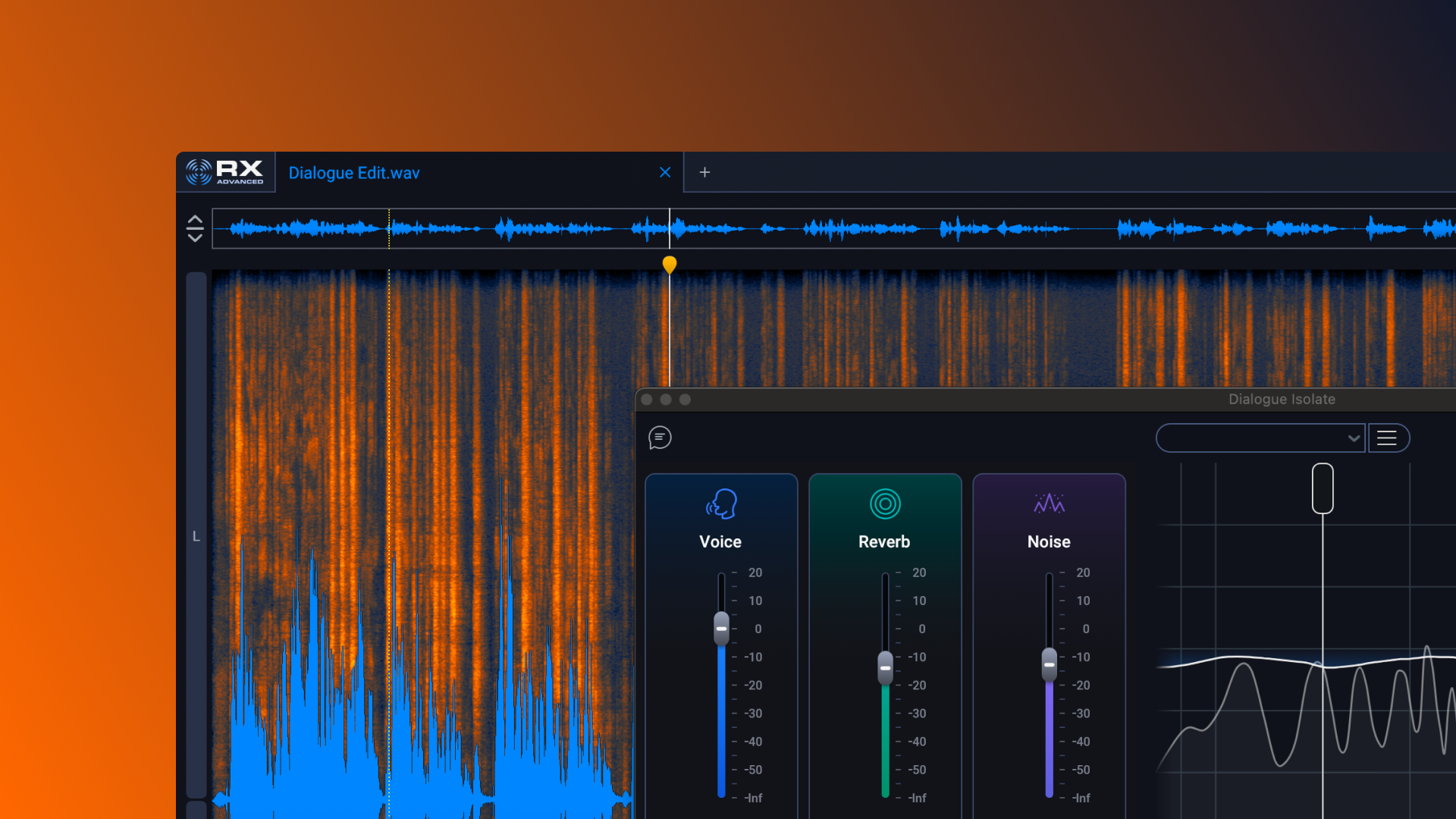
The idea underneath RX is that audio can be edited as a picture rather than as a signal, and understanding that explains why it recovers material other tools cannot.
A conventional equaliser works in one dimension. You attenuate a frequency band, and you attenuate it for the entire duration of the audio — which is fine for a constant hum and useless for a cough, because the cough and the voice occupy the same frequencies at different moments.
A spectrogram adds the second dimension. It plots frequency against time, so a cough is a shape you can select and remove while leaving the words either side of it untouched. Spectral Repair then interpolates across the hole from the surrounding material, which is closer to content-aware fill in a photo editor than to any audio process.
That is the conceptual jump, and it is why RX's interface looks unlike a mixing console. You are not adjusting a signal path; you are selecting regions of a picture and telling the software what to do with them.
The practical consequence for the fifty-plus modules is that most of them are automated versions of a selection you could make by hand. De-click finds and repairs the clicks; De-rustle finds the clothing noise; Mouth De-click finds the specific sound of a dry mouth opening. The value is in knowing which one matches the fault in front of you.
This is also the line between RX and the one-click enhancers. A tool such as Adobe Podcast makes one decision on your behalf and applies it to everything; RX hands you the decisions and assumes you know which fault you are looking at.
A spectrogram turns a cough into a shape you can select and remove, leaving the words either side untouched. That is not filtering — it is editing a picture.
RX 12 states brand-new neural nets behind Music Rebalance, Dialogue Isolate, Breath Control and Repair Assistant, and these are a different class of tool from the spectral editors.
Source separation is the capability. Dialogue Isolate takes a mixed recording and pulls the speech away from everything else, and Music Rebalance takes a finished stereo mix and separates it into vocals, bass, percussion and other — from a mix, with no access to the multitrack.
The site describes this as reference-free source separation, which is the honest framing. The model has learned what voices and instruments sound like in general, and it uses that knowledge to guess which parts of a mixed signal belong to which source.
That guess is remarkable and it is a guess. Separation quality varies enormously with the material: a clean voice over steady traffic separates beautifully, while a voice competing with another voice at the same level does not. Nothing in the interface tells you which case you have until you listen.
The practical discipline is to audition the separated stems in isolation before committing. Artefacts that are inaudible under a full mix become obvious the moment the mix is removed, and it is far cheaper to discover that before you have built a session on the result.
Four editions exist — RX 12 Elements, Standard, Advanced, and RX Post Production Suite 9 — and the difference between them is module count rather than quality.
The way to choose is to work backwards from the faults you actually encounter, because the expensive modules are the specialised ones. If your work is podcasts, the tools you will use constantly are De-noise, De-click, Mouth De-click, De-plosive and De-ess, and those sit low in the range.
Location dialogue is what pushes you upward. De-rustle for clothing noise, De-wind, De-bleed for microphone spill between characters, Dialogue Isolate for the aeroplane, Ambience Match so a repaired region does not sit in a different room from the material either side — that is the set that justifies Advanced.
Ambience Match is the one people underestimate. Remove noise from a single word and you have created a hole in the room tone, which the ear notices immediately as a discontinuity. Matching the ambience back is what makes a repair invisible rather than merely clean.
Music Rebalance is the outlier. If you ever need to lift a vocal out of a finished mix — for a documentary, a remix, or a cue where only the stereo master survives — nothing else in this suite does it, and no cheaper tool does it as well.
For podcast work specifically, an automated cleaner such as Cleanvoice AI handles filler words and mouth noise at volume, and the honest comparison is that it is faster at the routine cases while RX is the one that rescues the episode with a builder outside the window.
This is the part that separates people who own RX from people who are good with it, and it is worth stating before any module is opened.
Noise reduction does not remove noise. It attenuates whatever the algorithm believes is noise, and everything it removes takes some of the wanted signal with it. Push it far enough and dialogue acquires that watery, underwater quality that instantly identifies over-processed audio to anyone who has heard it before.
The correct target is almost never a clean recording. It is a recording where the fault is no longer distracting, which is a much lower bar and a far better-sounding result.
That means working in small amounts across several modules rather than a large amount in one. Six decibels of broadband reduction, a gentle de-hum and a de-click will beat eighteen decibels of de-noise every time, because each process is operating in the range where its artefacts stay below audibility.
It also means A/B testing against the original constantly, at realistic volume. Processing decisions made at high monitoring levels on headphones routinely sound wrong on a laptop speaker, which is where most of the audience will hear it.
The same trade governs real-time suppression. A live tool like Krisp has to decide instantly and cannot be auditioned, which is why its results are acceptable on a call and not acceptable on a delivery master.
Order matters more in restoration than in almost any other audio work, because each process changes what the next one sees.
De-noising first, for instance, leaves clicks sitting in near-silence where they become more audible rather than less.
| Publisher | iZotope |
|---|---|
| Current version | RX 12 |
| Product type | Audio repair and post-production suite |
| Module count | More than 50 tools |
| Editions | Elements, Standard, Advanced, and RX Post Production Suite 9 |
| New in RX 12 | Scene Rebalance and Trim Silence, with De-bleed and Breath Control rebuilt |
| Neural modules | Music Rebalance, Dialogue Isolate, Breath Control and Repair Assistant on new neural nets |
| Named repair modules | Spectral De-noise, Spectral Repair, De-click, De-clip, De-hum, De-crackle, De-ess, De-plosive, De-reverb, De-rustle, De-wind, Mouth De-click, Guitar De-noise, Voice De-noise, Center Extract, Azimuth, Ambience Match, Dialogue Contour, Loudness Optimize, Streaming Preview |
| Plugin use | 20+ plugins for DAWs and NLEs, including Pro Tools AudioSuite |
| Target work | Film, TV, music, podcasts and content creation |
Spectral editing that treats audio as an image, allowing a fault to be selected and rebuilt
More than 50 repair modules covering distinct, named faults rather than general cleanup
Dialogue Isolate for separating speech from background on upgraded neural nets
Music Rebalance for splitting a finished stereo mix into vocals, bass, percussion and other
Ambience Match so a repaired section sits in the same acoustic space as its surroundings
De-rustle and De-wind for the location-dialogue faults conventional tools cannot address
Scene Rebalance and Trim Silence, both new in RX 12
20+ plugins for DAWs and NLEs including Pro Tools AudioSuite, plus a standalone editor
Most audio cleanup tools do one job automatically. RX is the one that gives you the controls and expects you to know which to use.
| Tool | Approach | Control offered | Best for |
|---|---|---|---|
| iZotope RX 12 | Spectral editing plus neural separation across 50+ modules | Full manual control over every process | Post-production where the take cannot be re-recorded |
| Adobe Podcast | One-click speech enhancement | Essentially none | Fast cleanup of interview audio |
| Cleanvoice AI | Automated filler and mouth-noise removal | Toggles per problem type | Podcast editing at volume |
| Krisp | Real-time noise suppression | On or off | Live calls rather than recorded material |
| Descript | Transcript-driven editing with cleanup built in | Moderate | Editing the content, not repairing the recording |
Last checked . Read from the RX 12 Advanced product page on izotope.com, with the screenshot above captured in the same session.
What we could not confirm: system requirements, which were not stated on the page we read; the exact module allocation across Elements, Standard and Advanced; supported plugin formats beyond AudioSuite; whether the neural modules run locally or in the cloud; training data behind them; and any independent measurement of separation quality. We did not use the software, so nothing here reflects tested repair results.
RX earns one of the highest scores on this site because it solves a problem with no alternative solution. A location take with an aeroplane over the best performance cannot be reshot once the crew has wrapped, and no amount of skill in a conventional EQ recovers it. RX 12's neural modules — Dialogue Isolate, Music Rebalance, Repair Assistant — do something categorically different from filtering, and the module list is deep enough that a post engineer will find the specific tool for the specific fault rather than a general cleaner. It is expensive, has a real learning curve, and every fix trades artefacts for the problem. It is also what the industry actually uses. AInexfinder Editor Score: 4.6/5.
AInexfinder does not list plan prices or billing details. For current pricing, plans, and trials, visit the official iZotope RX website.
Visit official website for pricingVendor pricing, credits, and billing policies change over time. Always confirm on the official site before you buy.
Log in to write a review.
No reviews yet. Be the first to share your experience with iZotope RX.
Assigned reviewer
Daniel ReedSenior AI Tools Reviewer
Daniel reviews AI tools the slow way — by actually using them on real projects. His reviews cover what works, what breaks, and who each tool is genuinely a good fit for.
Daniel and the AInexfinder editorial team research iZotope RX using public product information, listing evidence, and (when available) hands-on checks. Scores reflect listing completeness and transparency — not paid placement.
The workspace at www-flux3.com generates 5–20 second AI videos with native audio from text or a starting image, routing across FLUX 3, MiniMax H3, Seedance, Wan 3.0 and Kling 3.0 Pro, at 720p or 1080p with video extension.

Runway is an AI video platform built around generative world models — Gen-4.5, Aleph 2.0, and Act-Two for performance capture — split across Runway Creative for filmmakers, Runway Dev for builders, and Runway Robotics.

Descript is a video and audio editor that works by editing a transcript — delete a sentence and the footage goes with it — plus Studio Sound, Eye Contact, filler-word removal, AI voices, avatars, and the Underlord assistant.
Treblo generates complete songs from a text prompt in any style, with a browsable style library, an Explore feed of what others have made, iOS and Android apps, and a developer section for building on it.

kling3ai.co is an independent interface offering video generation through Kling 3.0 and Seedance models, with multi-shot storyboarding, motion control and 4K output. It is not Kuaishou's official Kling service, which runs at kling.ai.
Vibrantsnap is an AI tool that turns a rough screen recording into a polished walkthrough: it rewrites your narration, reads it in a studio voice in any language, and auto-edits the video with zooms, chapters and captions.