TTSReader turns text, PDFs, and EPUB files into speech in the browser, with voice and language selection, speed control, text highlighting, and MP3 export — the free tier runs on browser voices with no usage cap.
FreemiumVideo & Audio
Notevibes review on AInexfinder — freemium AI tool for Video & Audio. Features, pricing notes, and alternatives.
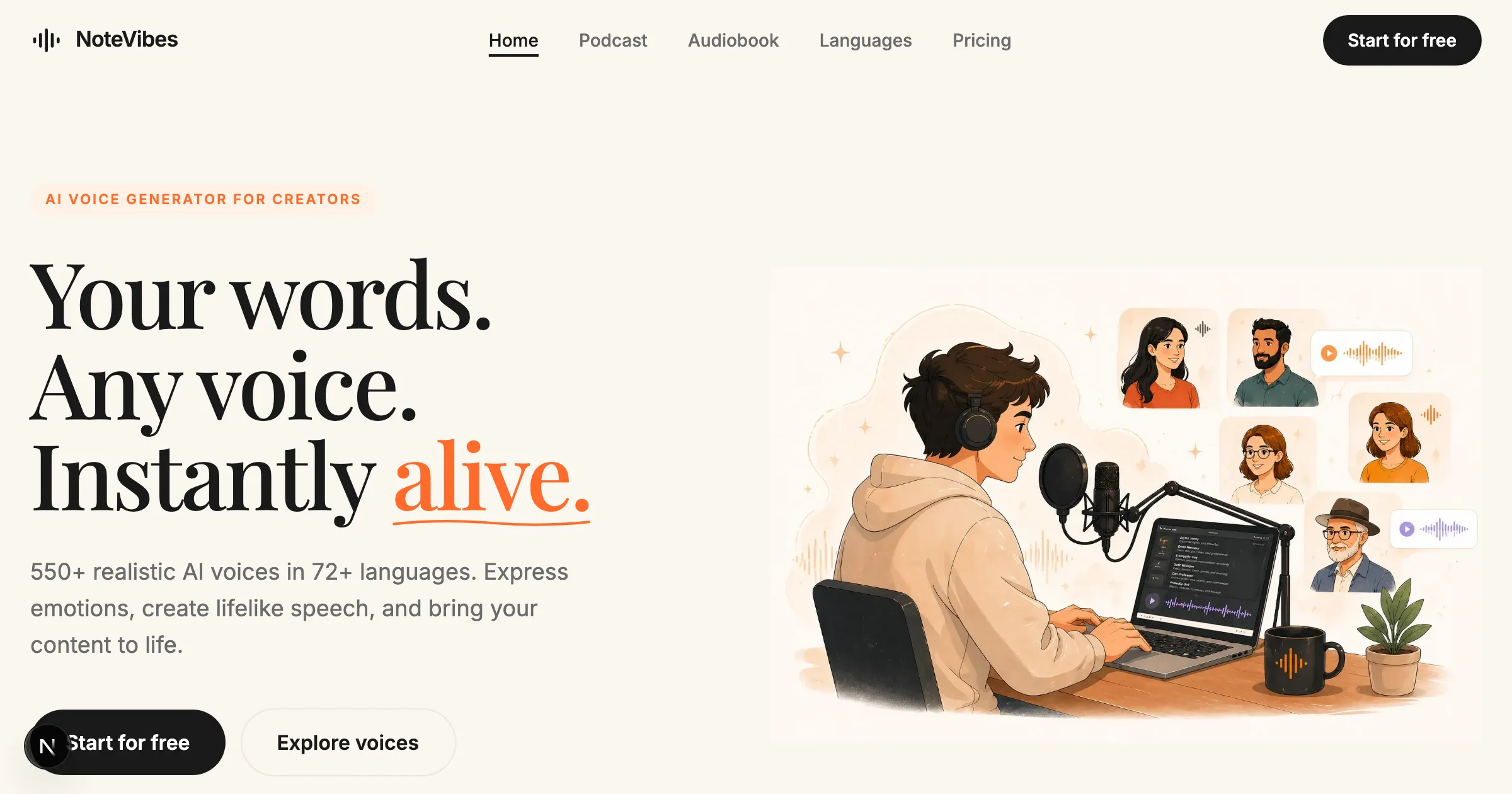
Notevibes is a browser-based text-to-speech platform that converts written content into realistic spoken audio for voiceovers, podcasts, audiobooks, and e-learning.
Operating since 2018, it offers more than 550 AI voices across roughly 72 languages and emphasizes expressive delivery: users can apply 80-plus emotion tags and dozens of tone modifiers to shape how a line is read, and they can build multi-speaker dialogue for scenes or conversations.
A built-in audio editor with scene-direction support lets creators fine-tune pacing and emphasis, and finished audio can be exported in MP3, WAV, and OGG formats.
The tool is aimed at content creators, marketers, educators, YouTubers, and businesses that need narration without hiring voice talent, and it offers commercial licensing on higher tiers so the audio can be used in monetized projects.
Strengths include the granular emotion and tone controls, the wide language coverage, and a genuinely usable free tier that does not require a credit card.
Weaknesses are that the very top-end realism and the largest credit allowances sit on the more expensive plans, full commercial licensing requires an upgrade, and the interface, while capable, is less polished and modern than some better-funded competitors.
Notevibes uses a freemium model with a free tier and tiered paid subscriptions, including Starter, Personal, and Pro plans based on monthly credits and commercial-use rights. Pricing changes often, so check the official site for current plans.
Notevibes's core capabilities include 550+ AI voices in 72 languages, 80+ emotion tags and tone modifiers, Multi-speaker dialogue creation, Built-in audio editor with scene direction and Exports to MP3, WAV, and OGG.
550+ AI voices in 72 languages is built in, 80+ emotion tags and tone modifiers is built in, Multi-speaker dialogue creation is built in, Built-in audio editor with scene direction is built in, so you get a rounded toolkit rather than a single trick.
Each feature is designed to take the manual effort out of the task and help you reach a usable result faster, which is what makes Notevibes worth a place on your shortlist.
On the plus side, users consistently highlight Granular emotion and tone control, Wide language coverage and Usable free tier without credit card as the reasons they keep using Notevibes.
It isn't perfect, though — Top realism and credits on pricier plans and Interface less polished than larger rivals are the trade-offs people most often mention, so weigh those against your own priorities before you commit.
As with any AI tool, the output still benefits from a quick human review, but Notevibes gets you most of the way there with far less effort.
Notevibes runs on a freemium pricing model, so you can start for free and only pay once you outgrow the free tier — handy for testing it on a real task before spending anything.
AI-tool pricing changes often, so always check the current plans, seats and add-ons on the official site for the latest details before you buy. Who is Notevibes for? It's best suited for realistic text-to-speech with emotion controls.
Whether you're a beginner trying this kind of AI tool for the first time or a professional who'll use it every day, it's a credible option to consider.
If you're still deciding, compare Notevibes against the alternatives and the head-to-head comparisons linked below — looking at features, pricing and real user ratings side by side is the fastest way to find the right fit for your workflow and budget.
Notevibes is best suited for realistic text-to-speech with emotion controls. Whether you are trying this kind of video & audio tool for the first time or use one every day, it is a credible option to shortlist — compare it with the alternatives and head-to-head comparisons linked on this page to find the best fit for your workflow and budget.
550+ AI voices in 72 languages
80+ emotion tags and tone modifiers
Multi-speaker dialogue creation
Built-in audio editor with scene direction
Exports to MP3, WAV, and OGG
Notevibes has an AInexfinder Editor Score of 4.5/5.
AInexfinder does not list plan prices or billing details. For current pricing, plans, and trials, visit the official Notevibes website.
Visit official website for pricingVendor pricing, credits, and billing policies change over time. Always confirm on the official site before you buy.
Log in to write a review.
No reviews yet. Be the first to share your experience with Notevibes.
Assigned reviewer
Daniel ReedSenior AI Tools Reviewer
Daniel reviews AI tools the slow way — by actually using them on real projects. His reviews cover what works, what breaks, and who each tool is genuinely a good fit for.
Daniel and the AInexfinder editorial team research Notevibes using public product information, listing evidence, and (when available) hands-on checks. Scores reflect listing completeness and transparency — not paid placement.
TTSReader turns text, PDFs, and EPUB files into speech in the browser, with voice and language selection, speed control, text highlighting, and MP3 export — the free tier runs on browser voices with no usage cap.
VMEG from PixRipple translates and dubs video into 170+ languages using 17,000+ voices, with voice cloning, lip-sync, subtitle generation, batch processing, and API and MCP access for automated localisation.
Respeecher is an enterprise voice cloning and text-to-speech platform used in film, television and games. Its credits include young Luke Skywalker in The Mandalorian and Viktor Vektor in Cyberpunk 2077, and it requires documented performer consent before a voice is used.

ElevenLabs is an AI audio platform covering text to speech, voice cloning, speech recognition, dubbing, music, and conversational voice agents, with a library of 5,000+ voices across more than 70 languages and an API behind every model.

The workspace at www-flux3.com generates 5–20 second AI videos with native audio from text or a starting image, routing across FLUX 3, MiniMax H3, Seedance, Wan 3.0 and Kling 3.0 Pro, at 720p or 1080p with video extension.

Runway is an AI video platform built around generative world models — Gen-4.5, Aleph 2.0, and Act-Two for performance capture — split across Runway Creative for filmmakers, Runway Dev for builders, and Runway Robotics.