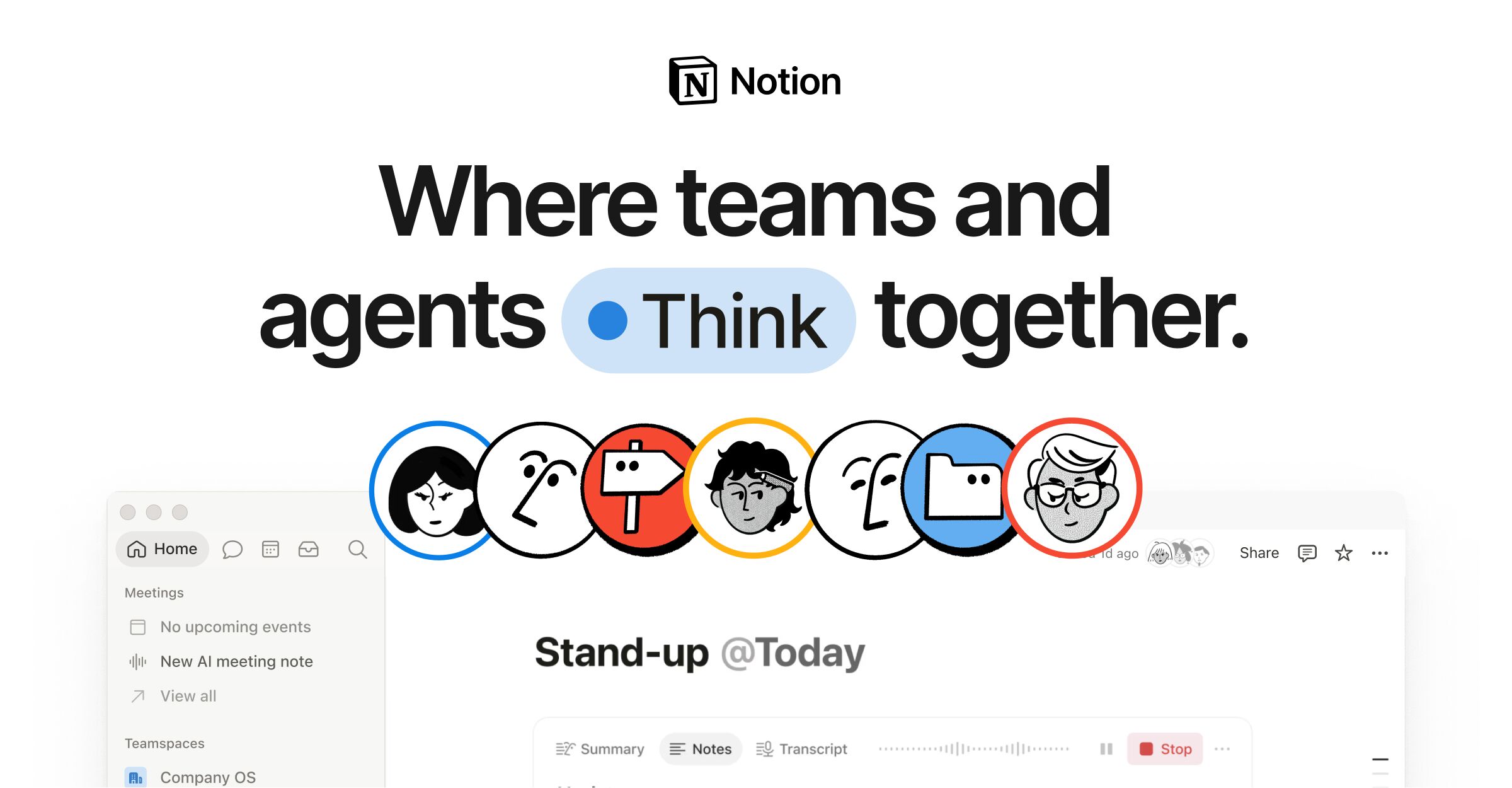
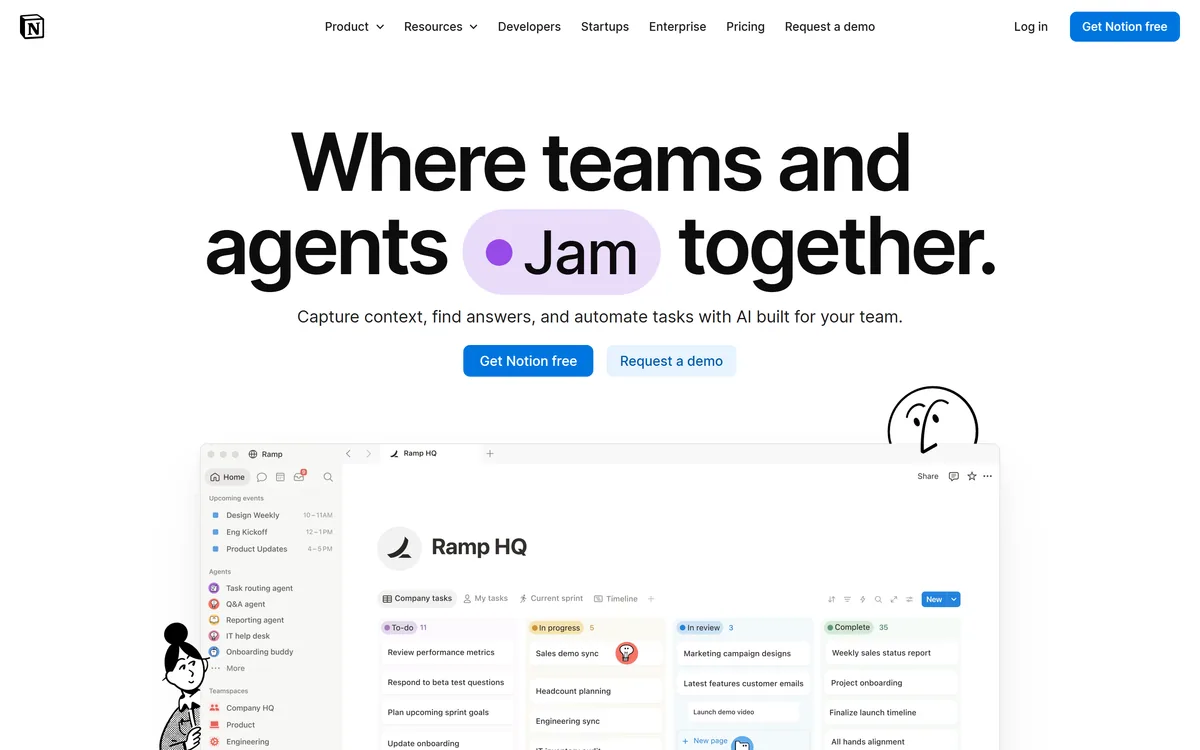
Notion AI is the assistant built into Notion — writing and editing in docs, agents that run recurring work like triage and reporting, AI Meeting Notes, and Enterprise Search across connected tools such as Slack, GitHub, Gmail, and Google Drive.
Notion Labsnotion.com145,037 viewsAdded June 22, 2025100M+ visitors
Notion AI is not a separate product you open. It is the assistant threaded through Notion itself — the docs, wikis, projects, and databases a team already keeps there.
That placement is the entire proposition. An assistant that can already see your meeting notes, project database, and internal wiki answers questions a general chatbot cannot, because the context is simply there.
This review covers the four things Notion AI actually does, how well the connected search works in practice, and the honest limits — including the one that decides whether any of it is useful for your team.
Notion now leads with "the AI workspace" — the assistant is positioned as the product, not an add-on.
Notion AI Quick Reference
Maker
Notion Labs, Inc.
Category
AI assistant inside a connected workspace
Home domain
notion.com (the older notion.so address redirects here)
AI capabilities
Notion AI writing, Agents, AI Meeting Notes, Enterprise Search
Workspace surfaces
Docs, wikis, projects, databases, calendar, connections
Connected apps
Slack, GitHub, HubSpot, Gmail, Google Drive, Apple
Platforms
Web, desktop, mobile
Free plan
Yes
Adoption claim
Vendor states use by 98% of the Forbes Cloud 100
Four Capabilities Under One Name
"Notion AI" covers several distinct features that people often conflate. They solve different problems and are worth evaluating separately.
Writing And Editing In Place
The original feature: drafting, rewriting, summarising, and changing tone inside a page. It is competent rather than remarkable, and comparable to what most editors now offer.
Its advantage is not quality but proximity — it works on the document you are already in, with the surrounding page as context.
Agents For Recurring Work
Agents handle jobs that repeat: triaging incoming feedback, resolving support tickets, responding to security alerts, and compiling weekly reports.
This is the genuinely differentiated part. An agent that reads your feedback database, categorises entries, and files them correctly is doing work that previously needed a person and a rota.
AI Meeting Notes
Meeting notes are captured and written up into the workspace rather than into a separate transcription tool. The output lands where the project already lives, so decisions are searchable next to the work they affect.
For teams whose notes routinely go missing between a recorder app and the wiki, this closes a real gap.
Enterprise Search
Enterprise Search queries across Notion and connected tools together — Slack, GitHub, HubSpot, Gmail, and Google Drive among them.
This is the feature most likely to justify the cost on its own, because "where was that decision written down" is a question every organisation asks daily.
Why Connections Decide Everything
Notion AI is only as useful as the material it can reach. Connected to a well-maintained workspace and a few core apps, it answers questions with real specificity.
Connected to an empty or chaotic workspace, it produces the same generic output as any chatbot, because there is nothing distinctive to draw on. The quality of your answers is a direct function of the quality of your notes.
This is the single most important thing to understand before evaluating it. Teams that already document decisions get enormous value; teams that do not will conclude the AI is mediocre, when the real problem is upstream.
Notion As A Workspace, Not Just An Assistant
The AI sits on top of a product that already replaces several others: documents, wikis, project tracking, databases, and a calendar in one place, with connections pulling in the rest.
That consolidation is why teams tolerate Notion's learning curve. Fewer tools means fewer places for a decision to hide, which is precisely the condition an AI assistant needs to be useful.
Docs and collaborative editing
Wikis and a searchable knowledge base
Projects and task tracking
Flexible databases with linked views
Calendar, plus connections to outside apps
Getting Agents To Behave
Agents work best on narrow, repeatable jobs with a clear definition of done. "Sort incoming feedback into these five categories and flag anything mentioning billing" is a good brief; "manage our feedback" is not.
Start with one agent on one process, run it alongside the manual version for a week, and compare. The failure mode is not dramatic errors but quiet miscategorisation that nobody notices for a month.
Once an agent is reliable on a narrow task, widening its scope is far safer than starting broad.
How It Compares With A Standalone Assistant
Set against a general chatbot, Notion AI loses on raw reasoning and wins on context. A frontier chat model will write better prose and think harder about an abstract problem; it will not know what your team decided in a planning doc three weeks ago.
That distinction should drive the decision. If the questions you ask are about the world, a general assistant is the better tool. If they are about your organisation, proximity to the workspace beats model quality.
Most teams end up wanting both, and treating Notion AI as the one that answers internal questions is the framing that avoids disappointment.
Security And Access Considerations
An assistant that can search Slack, Gmail, Drive, and your internal wiki inherits the reach of all of them. Permissions carry through, but that makes correct permissions in the underlying systems far more consequential than before.
Before switching on connections, audit what is actually shared workspace-wide. Documents that were technically visible but practically buried become genuinely discoverable once search works well — which is the point, and also the risk.
Notion states adoption across 98% of the Forbes Cloud 100, so the enterprise controls are exercised at scale, but the access review is still yours to run.
The Trade-Offs Nobody Mentions In The Demo
Notion is slower than a dedicated document editor, particularly on large pages and heavily linked databases. For teams writing long documents daily, that friction is real and does not go away.
AI features are tied to paid plans, and because they are workspace-wide, the cost scales with headcount rather than with the number of people who actually use them. A large team where a handful use AI still pays across the board.
The writing assistance itself is unremarkable — if drafting quality is your main need, a dedicated writing tool will serve you better. Notion AI earns its place through context and agents, not prose.
Who Should Actually Buy It
Notion AI makes sense when Notion is already your workspace and the documentation habit is real. In that setting, Enterprise Search and agents deliver value no standalone assistant can match, because the context cannot be replicated.
It makes much less sense as a reason to adopt Notion. Migrating a company into a new workspace to get an AI assistant is a large project justified by a small feature, and the assistant will underperform until the content catches up.
Check notion.com for current plans, and note that the address moved from notion.so — older links and listings still point at the previous domain.
Key features of Notion AI
In-page AI writing, rewriting, and summarising
Agents for triage, support responses, alerts, and recurring reports
AI Meeting Notes captured directly into the workspace
Enterprise Search across Notion and connected apps
Connections to Slack, GitHub, HubSpot, Gmail, and Google Drive
Docs, wikis, projects, databases, and calendar in one workspace
Pros & cons
Pros
5
Answers carry real workspace context a standalone chatbot cannot reach
Enterprise Search spans Notion plus connected tools in one query
Agents automate recurring triage and reporting work end to end
Meeting notes land beside the projects they relate to
Consolidates documents, wikis, projects, and databases in one place
Cons
5
Output quality depends entirely on how well your workspace is maintained
Noticeably slower than a dedicated editor on large pages and databases
AI pricing applies workspace-wide, so you pay for non-users too
Writing assistance is ordinary compared with dedicated writing tools
Agent miscategorisation is quiet and easy to miss without spot checks
Best For
Teams already running documentation and projects in Notion
Organisations that need one search across Slack, Drive, and internal docs
Groups automating recurring triage, reporting, or ticket workflows
Teams whose meeting decisions keep getting lost between tools
Companies consolidating several tools into a single workspace
Editor's Verdict
4.5/5
Notion AI has an AInexfinder Editor Score of 4.5/5.
Notion AI pricing
AInexfinder does not list plan prices or billing details. For current pricing, plans, and trials, visit the official Notion AI website.
Vendor pricing, credits, and billing policies change over time. Always confirm on the official site before you buy.
Frequently asked questions
What does Notion AI actually include?
Four things: in-page writing and editing help, Agents that run recurring work such as feedback triage and weekly reporting, AI Meeting Notes, and Enterprise Search across Notion plus connected apps.
Which apps can Notion AI search across?
Enterprise Search covers Notion itself alongside connected tools including Slack, GitHub, HubSpot, Gmail, and Google Drive, so one query can reach material spread across those systems.
Why does Notion AI give generic answers for my team?
Almost always because the workspace is thin. Notion AI reasons over what you have written, so a sparse or disorganised workspace produces generic output. The fix is upstream — better documentation — not a different setting.
Did Notion change its website address?
Yes. Notion's site is now at notion.com, and the older notion.so address redirects there. Plenty of older links and directory listings still reference the previous domain.
Is Notion AI included in the free plan?
Notion has a free plan, but the AI features sit on paid plans and are applied across the whole workspace rather than per person, so cost scales with total members rather than with actual AI users.
Can Notion AI agents run without supervision?
They can, but start narrow. Give an agent one repeatable job with a clear definition of done, run it alongside the manual process for a week, and spot-check the output — quiet miscategorisation is the common failure, not obvious errors.
What does Notion AI cost?
AInexfinder does not publish plan prices because vendor pricing changes frequently. Check notion.com for current plans and which tiers include the AI features.
Daniel reviews AI tools the slow way — by actually using them on real projects. His reviews cover what works, what breaks, and who each tool is genuinely a good fit for.
Daniel and the AInexfinder editorial team research Notion AI using public product information, listing evidence, and (when available) hands-on checks. Scores reflect listing completeness and transparency — not paid placement.
Listings may include affiliate or sponsored placements, which are labeled when present. Editorial scores and cons are not sold. See our affiliate disclosure and review methodology.
Napkin AI is a visual communication platform in two parts: Napkin Visuals converts text into diagrams and graphics, and Napkin Slides generates full presentation decks. Output exports to PPT, PNG, PDF and SVG, with 60+ content languages and collaborative editing.
RowSpeak is an AI data-analysis tool for spreadsheet-heavy teams: it analyses Excel, CSV, PDF and image tables in plain English, cleans data, generates charts, reports and dashboards, and converts PDFs and images into editable spreadsheets.
Document360 is knowledge base and documentation software built around Eddy AI, combining conversational search that cites its sources, an AI chatbot over scattered documents and tickets, a writing agent inside the editor, and an MCP server that exposes the knowledge base to ChatGPT, Claude and Copilot.
Quadratic is an AI spreadsheet that connects CSVs, Excel files, PDFs and live databases, then writes formulas, Python code and charts from plain-English questions. It positions readable code against unreadable nested formulas, and states 250,000+ users at companies and universities.