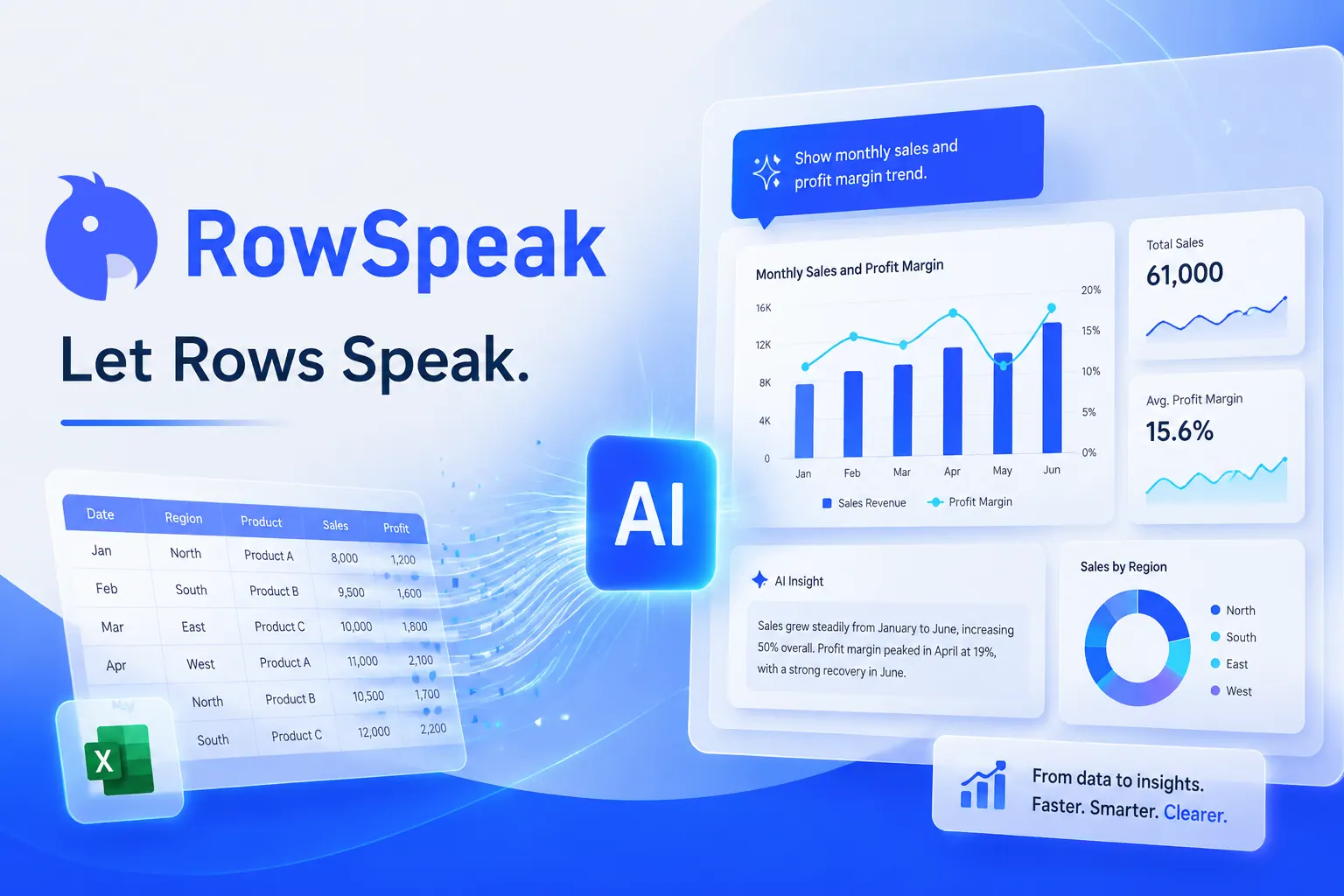
RowSpeak is an AI data-analysis tool for spreadsheet-heavy teams: it analyses Excel, CSV, PDF and image tables in plain English, cleans data, generates charts, reports and dashboards, and converts PDFs and images into editable spreadsheets.
A huge amount of business analysis still lives in spreadsheets, and much of it is repetitive: cleaning columns, building the same charts, turning a PDF table back into rows. RowSpeak aims to do that work from plain-English requests.
You upload Excel, CSV, PDF or image data and ask for analysis, cleaning, a chart, a report or a dashboard, without writing formulas. It sits in the automation world alongside workflow tools like Bardeen, but it is focused specifically on spreadsheet data and reporting.
This review covers what RowSpeak does with your data, who it is for, how its pricing works, and the accuracy and privacy caveats that matter with business numbers.
RowSpeak turns spreadsheet files into answers, reports and dashboards in plain English.
Turning Spreadsheets Into Answers, Reports And Dashboards
RowSpeak's core idea is that most people who work in spreadsheets know what they want to know, but not always the formula, pivot or chart steps to get it. Asking in plain English and getting the analysis, chart or report back removes that friction.
Its scope covers the full spreadsheet workflow: analysing and summarising data, cleaning messy columns, generating charts and graphs, writing reports, and turning a workbook into an interactive dashboard, plus converting tables locked in PDFs and images into editable sheets.
That makes it useful for the recurring reporting jobs that eat analysts' and managers' time, such as management reports, budget-versus-actual reviews and revenue trends, where the steps are known but tedious.
The honest framing is that RowSpeak speeds up spreadsheet work, but it does not remove the need to check results. AI can misread a column, apply the wrong aggregation or overstate a trend, so any number that drives a decision should be verified against the source data.
RowSpeak speeds up spreadsheet work, but any number that drives a decision should still be checked against the source data.
What Does RowSpeak Do With Your Data?
The tool splits into analysis and cleaning, and conversion and visual output.
Plain-English Analysis, Cleaning And Reporting
You can ask RowSpeak to run spreadsheet operations, statistical analysis and summaries in natural language, clean duplicates, inconsistent formats and blanks, and generate written reports from the results, which is where much of the manual time goes.
For broader browser-and-app automation beyond spreadsheets, a tool like Axiom automates repetitive web tasks; RowSpeak stays focused on data inside your files.
File Conversion And One-Click Dashboards
RowSpeak converts PDF and image tables into editable Excel, generates spreadsheet templates from a description, makes graphs from data, and turns a spreadsheet into an interactive dashboard in one step, with outputs meant to be report-ready.
Conversion accuracy depends heavily on the quality of the source PDF or photo, so check converted tables row by row. For drafting the narrative around a report or handling broader office tasks, an assistant like Cassidy covers different ground.
Who RowSpeak Is For Among Teams
RowSpeak is for people who live in spreadsheets but are not formula experts: finance and accounting staff, marketers, operations and supply-chain teams, and sales managers who need recurring reports and quick answers from their data.
It suits small teams without a dedicated analyst, and analysts who want to hand off the repetitive cleaning, charting and reporting so they can focus on interpretation.
It fits less well organisations with strict data-governance rules that limit uploading financial data to third-party AI tools, heavy data-engineering work better suited to a BI platform or database, and anyone who would publish AI-generated numbers without checking them.
A useful way to decide is to list the spreadsheet tasks you repeat every week or month and estimate how long each takes. If most of that time goes on cleaning, reshaping and charting rather than on judgement, RowSpeak has a lot to offer; if your time goes mainly on interpreting results and deciding what to do, the gain is smaller, because that part still needs you. Teams that keep tidy, consistently formatted source files will also get more reliable answers than teams feeding it scattered exports with changing column names.
RowSpeak's Pricing, In Brief
RowSpeak offers a free way to try it, with paid plans for more usage and features. We do not publish prices, which change; check the site for the current model.
The value question is time saved on recurring work: if a weekly report or monthly clean-up that takes hours drops to minutes, the subscription can pay for itself quickly, as long as checking the output stays part of the routine.
Because there is a free entry point, the sensible approach is to run one real recurring report through RowSpeak, compare its output with your existing version, and only then decide on a plan.
A First Run With RowSpeak On Real Data
Because accuracy is what matters with business data, trial RowSpeak on a report you already know the answers to.
Check RowSpeak's privacy terms before uploading anything sensitive.
Upload a spreadsheet whose results you already know, or an anonymised copy.
Ask for a summary and a chart in plain English and compare with your own numbers.
Try a clean-up of duplicates and formats and inspect what changed.
Convert a PDF table to Excel and check it row by row.
Pass/fail: RowSpeak is worth it if it saves real time and its numbers match yours.
Keep verifying any figure that drives a decision.
RowSpeak, The Spreadsheet Brief
RowSpeak is AI analysis for spreadsheets: ask questions of Excel, CSV, PDF or image tables in plain English.
It covers the boring middle: cleaning duplicates and formats, building charts, reports and dashboards.
It converts messy inputs: PDF and image tables into editable Excel, which saves hours of retyping.
Check the numbers: AI analysis can be wrong, and uploading business data to any AI tool needs a privacy check.
RowSpeak Spreadsheet-AI Facts
What it is
An AI data-analysis tool for spreadsheets
Inputs
Excel, CSV, PDF and image tables
Analysis
Plain-English questions and statistical analysis
Cleaning
Fix duplicates, formats and blanks in plain language
Outputs
Charts, reports and one-click dashboards
Conversion
PDF and image tables to editable Excel
Teams
Finance, marketing, supply chain, sales
Access
Free to try, with paid plans
Is RowSpeak Right For Your Reporting?
Teams RowSpeak Helps
Finance and accounting staff with recurring reports
Marketers and sales managers needing quick answers
Ops teams cleaning messy spreadsheets
Small teams without a dedicated analyst
Anyone retyping PDF tables into Excel
When RowSpeak Is Not The Right Spreadsheet Help
Strict data-governance environments
Heavy data engineering better suited to BI tools
Anyone publishing AI numbers without checking
Very poor-quality scans for conversion
Teams needing audited, reproducible calculations
Key features of RowSpeak
Plain-English spreadsheet analysis
Statistical analysis
AI data cleansing
AI reporting
Chart and graph generation
One-click dashboards
PDF and image to Excel
Spreadsheet template generator
Pros & cons
Pros
5
No formulas needed for common analysis
Covers cleaning, charts, reports and dashboards
Converts PDF and image tables
Useful for recurring reporting
Free to try
Cons
5
AI results still need checking
Privacy review needed for business data
Conversion quality depends on source files
Not a replacement for a BI platform
Pricing model not detailed on the homepage
Best For
Recurring spreadsheet reports
Finance and ops teams
Data clean-up
PDF-to-Excel conversion
Teams without an analyst
RowSpeak Beside Other Analytics Tools
The useful comparison is with other ways teams analyse data and automate work.
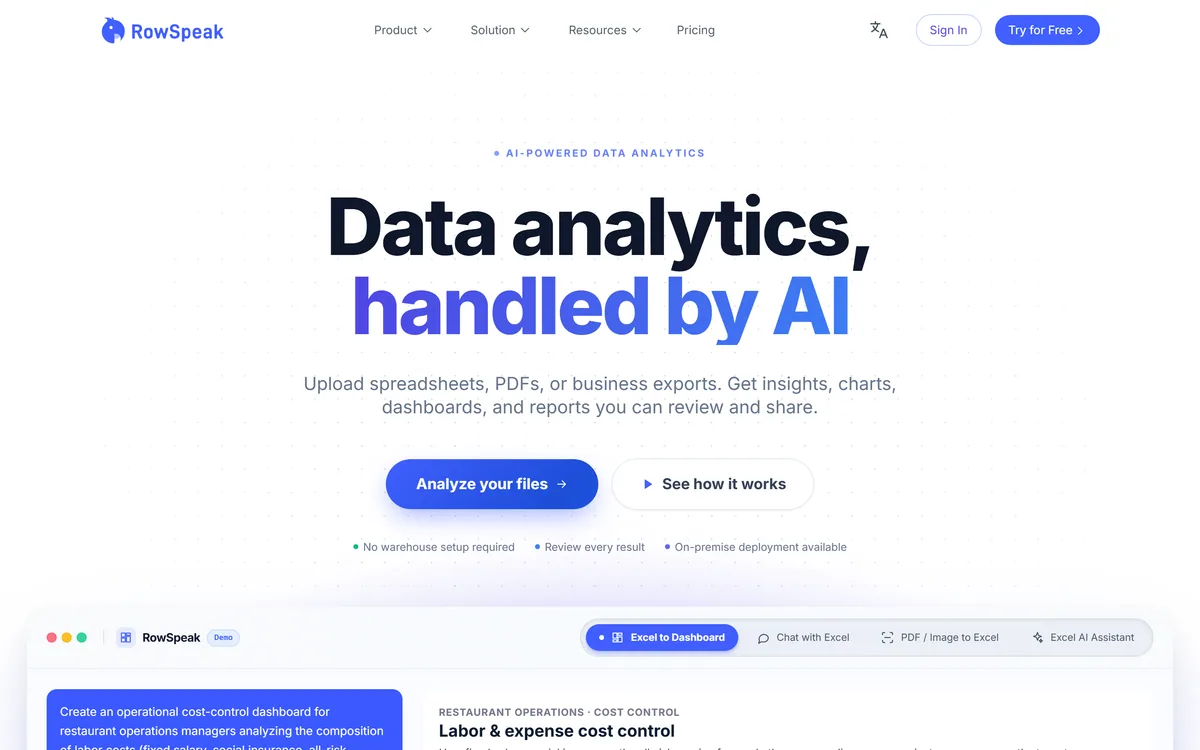
Last checked . Read from rowspeak.ai during this check, with the screenshot above captured at the same time. We did not upload data as part of this review.
An AI data-analysis tool for spreadsheets
Support for Excel, CSV, PDF and image inputs
Plain-English analysis and statistical analysis
Data cleansing for duplicates, formats and blanks
Charts, reports and one-click dashboards
PDF and image table conversion to Excel
Solutions for finance, marketing, supply chain and sales
A free way to try it, with paid plans
No prices reproduced here, in line with this site's pricing policy
AI analysis can misread columns or aggregations, so verify any figure that drives a decision. Check RowSpeak's data-handling terms before uploading financial or customer data.
Other Data And Automation Tools
A workflow automator, a browser bot and an AI assistant to weigh alongside RowSpeak.
RowSpeak earns 3.7 as a practical AI helper for spreadsheet-heavy teams: plain-English analysis of Excel, CSV, PDF and image data, data cleaning, charts, reports and one-click dashboards, plus conversion of locked PDF and image tables into editable sheets. It can save real hours on recurring reporting. The caveats are the ones that matter with business numbers: AI analysis can be wrong, so verify anything that drives a decision, and check data-handling terms before uploading sensitive financial or customer data. AInexfinder Editor Score: 3.7/5.
RowSpeak pricing
AInexfinder does not list plan prices or billing details. For current pricing, plans, and trials, visit the official RowSpeak website.
Vendor pricing, credits, and billing policies change over time. Always confirm on the official site before you buy.
Frequently asked questions
What is RowSpeak?
RowSpeak is an AI data-analysis tool for spreadsheets. You upload Excel, CSV, PDF or image data and ask in plain English for analysis, cleaning, charts, reports or dashboards, without writing formulas.
Can RowSpeak convert PDF tables to Excel?
Yes. It converts tables in PDFs and images into editable Excel. Accuracy depends on the source quality, so check converted tables row by row before relying on them.
Is RowSpeak accurate?
It can speed up analysis a lot, but AI can misread a column, apply the wrong aggregation or overstate a trend. Verify any number that drives a decision against your source data, ideally starting with a report whose answers you already know.
Is it safe to upload business data to RowSpeak?
Review RowSpeak's privacy and data-handling terms before uploading financial, customer or confidential data, and consider anonymised copies for testing. Some organisations' data-governance rules restrict third-party AI tools.
Can RowSpeak build dashboards?
Yes. It can turn a spreadsheet into an interactive dashboard in one step and generate charts and graphs from your data, aimed at report-ready output for teams.
How much does RowSpeak cost?
RowSpeak offers a free way to try it, with paid plans for more usage and features. We do not publish prices, which change; check the site for the current model.
Who is RowSpeak best for?
People who work in spreadsheets but are not formula experts: finance, marketing, operations and sales teams with recurring reports, and small teams without a dedicated analyst.
Do I need Excel skills to use RowSpeak?
No. The point is to request analysis, cleaning and charts in plain English. Some understanding of your data still helps you ask good questions and spot results that look wrong.
Does RowSpeak replace a BI tool?
Not for heavy data engineering or governed enterprise reporting. RowSpeak is aimed at spreadsheet-level analysis and reporting; larger, audited data pipelines are better served by BI platforms and databases.
What kinds of reports can RowSpeak help with?
Its use cases include management reporting, budget-versus-actual reviews and revenue forecasting, along with ad-hoc questions about sales, inventory or marketing data, typical recurring jobs where the steps are known but tedious.
Daniel reviews AI tools the slow way — by actually using them on real projects. His reviews cover what works, what breaks, and who each tool is genuinely a good fit for.
Daniel and the AInexfinder editorial team research RowSpeak using public product information, listing evidence, and (when available) hands-on checks. Scores reflect listing completeness and transparency — not paid placement.
Listings may include affiliate or sponsored placements, which are labeled when present. Editorial scores and cons are not sold. See our affiliate disclosure and review methodology.
Napkin AI is a visual communication platform in two parts: Napkin Visuals converts text into diagrams and graphics, and Napkin Slides generates full presentation decks. Output exports to PPT, PNG, PDF and SVG, with 60+ content languages and collaborative editing.
Document360 is knowledge base and documentation software built around Eddy AI, combining conversational search that cites its sources, an AI chatbot over scattered documents and tickets, a writing agent inside the editor, and an MCP server that exposes the knowledge base to ChatGPT, Claude and Copilot.
Quadratic is an AI spreadsheet that connects CSVs, Excel files, PDFs and live databases, then writes formulas, Python code and charts from plain-English questions. It positions readable code against unreadable nested formulas, and states 250,000+ users at companies and universities.