ai is an AI document tool that combines a consumer-friendly chat-with-PDF experience with a developer-grade API for working with documents at scale.
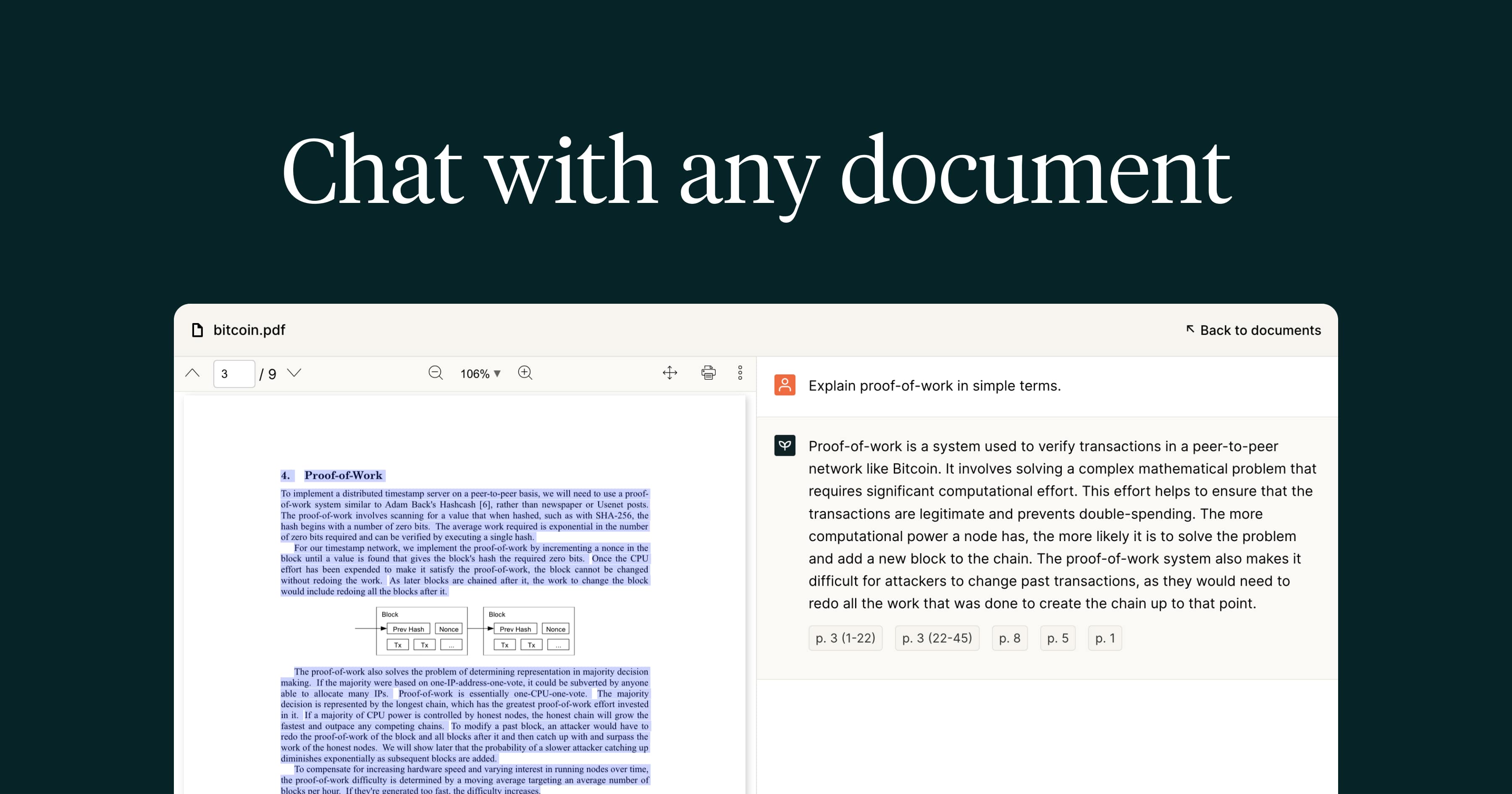
On the app side, you upload a PDF and ask questions in natural language to get answers and summaries with references back to the original text, which is useful for quickly understanding contracts, research papers, manuals, and reports without reading every page.
ai apart from many consumer PDF chat tools is its API: it offers programmatic capabilities to parse documents, extract content, and split files, and it is positioned for developers who need to embed PDF chat or document processing into their own products, with SOC 2 certification supporting enterprise use.
Individuals use the web app to interrogate documents conversationally, while engineering teams use the API to build document-aware features into apps and workflows.
Its strengths are the dual focus on both end users and developers, the API and SOC 2 certification that make it suitable for building production features, and accurate, referenced answers.
The trade-offs are that the most valuable capabilities are the API and integrations rather than a flashy consumer interface, and serious API usage moves you onto paid plans with usage-based costs. ai offers a freemium model with paid and API tiers.
Pricing changes often, so check the official site for current plans. ai's core capabilities include Conversational chat with PDFs, Referenced answers and summaries, API to parse, extract, and split documents, SOC 2 certification for enterprise use and Developer-focused document processing.
Conversational chat with PDFs is built in, Referenced answers and summaries is built in, API to parse, extract, and split documents is built in, SOC 2 certification for enterprise use is built in, so you get a rounded toolkit rather than a single trick.
ai worth a place on your shortlist. ai. It isn't perfect, though — Most value is in the API rather than the consumer UI and Serious API usage requires paid plans are the trade-offs people most often mention, so weigh those against your own priorities before you commit.
ai gets you most of the way there with far less effort. ai runs on a freemium pricing model, so you can start for free and only pay once you outgrow the free tier — handy for testing it on a real task before spending anything.
AI-tool pricing changes often, so always check the current plans, seats and add-ons on the official site for the latest details before you buy. ai for? It's best suited for chat with pdfs and a developer api for documents.
Whether you're a beginner trying this kind of AI tool for the first time or a professional who'll use it every day, it's a credible option to consider.
ai against the alternatives and the head-to-head comparisons linked below — looking at features, pricing and real user ratings side by side is the fastest way to find the right fit for your workflow and budget.
PDF.ai is best suited for chat with pdfs and a developer api for documents. Whether you are trying this kind of productivity & automation tool for the first time or use one every day, it is a credible option to shortlist — compare it with the alternatives and head-to-head comparisons linked on this page to find the best fit for your workflow and budget.