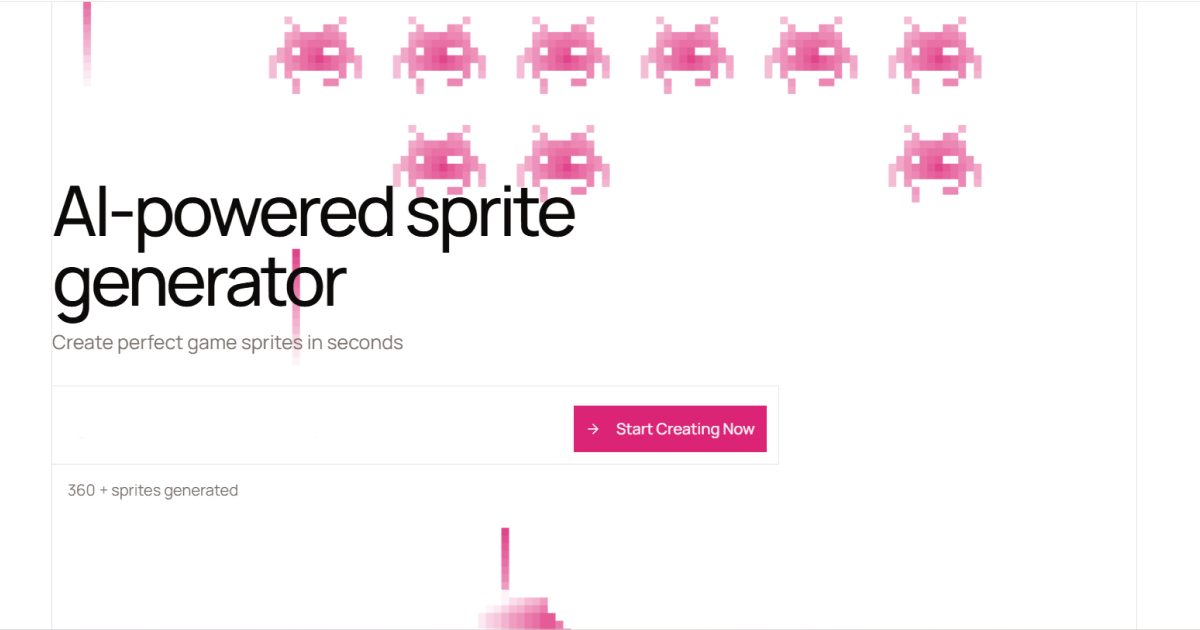
What is Sprite AI?
Sprite AI is an AI-powered platform for creating pixel art game assets that combines generation, animation, and editing in one tool aimed at indie game developers and solo creators.
Users describe a character, item, or creature in plain English and receive a pixel art sprite within seconds, then use the animation tools to create walk cycles, attack animations, and idle loops without rigging or timeline work.
A free browser-based pixel art editor lets creators paint, fill, and tweak individual pixels for fine control, and finished assets export as sprite sheets compatible with Unity, Godot, and GameMaker, plus GIF formats.
For developers who work in code, Sprite AI supports code-based generation through tools like Claude Code and Cursor as well as direct API access, making it easy to fit into a programmatic asset pipeline.
Strengths include the all-in-one workflow from prompt to animated, engine-ready sprite, the included editor for manual refinement, and developer integrations; trade-offs are that AI pixel art can drift from a strict pixel grid and may need editor cleanup, and that monthly sprite and animation quotas are capped by plan.
Sprite AI offers a free tier with a limited number of generations and no card required, plus Creator, Studio, and Production subscription tiers with more generations, commercial licensing, and priority queues. Pricing changes often, so check the official site for current plans.
Sprite AI's core capabilities include Text-to-pixel-art sprite generation, Built-in animation for walk, attack, and idle loops, Free browser-based pixel editor, Sprite sheet and GIF export, Unity, Godot, and GameMaker compatibility and Code-based generation and API access.
Text-to-pixel-art sprite generation is built in, Built-in animation for walk, attack, and idle loops is built in, Free browser-based pixel editor is built in, Sprite sheet and GIF export is built in, so you get a rounded toolkit rather than a single trick.
Each feature is designed to take the manual effort out of the task and help you reach a usable result faster, which is what makes Sprite AI worth a place on your shortlist.
On the plus side, users consistently highlight All-in-one generate, animate, and edit workflow, Engine-ready exports and developer API and Free tier and commercial licensing on paid plans as the reasons they keep using Sprite AI.
It isn't perfect, though — AI output may drift from a strict pixel grid and Monthly generation quotas are limited by plan are the trade-offs people most often mention, so weigh those against your own priorities before you commit.
As with any AI tool, the output still benefits from a quick human review, but Sprite AI gets you most of the way there with far less effort.
Sprite AI runs on a freemium pricing model, so you can start for free and only pay once you outgrow the free tier — handy for testing it on a real task before spending anything.
AI-tool pricing changes often, so always check the current plans, seats and add-ons on the official site for the latest details before you buy. Who is Sprite AI for? It's best suited for ai pixel art sprite generator, editor, and animator.
Whether you're a beginner trying this kind of AI tool for the first time or a professional who'll use it every day, it's a credible option to consider.
If you're still deciding, compare Sprite AI against the alternatives and the head-to-head comparisons linked below — looking at features, pricing and real user ratings side by side is the fastest way to find the right fit for your workflow and budget.
Who is Sprite AI for?
Sprite AI is best suited for ai pixel art sprite generator, editor, and animator. Whether you are trying this kind of image & design tool for the first time or use one every day, it is a credible option to shortlist — compare it with the alternatives and head-to-head comparisons linked on this page to find the best fit for your workflow and budget.