What is SpriteCook?
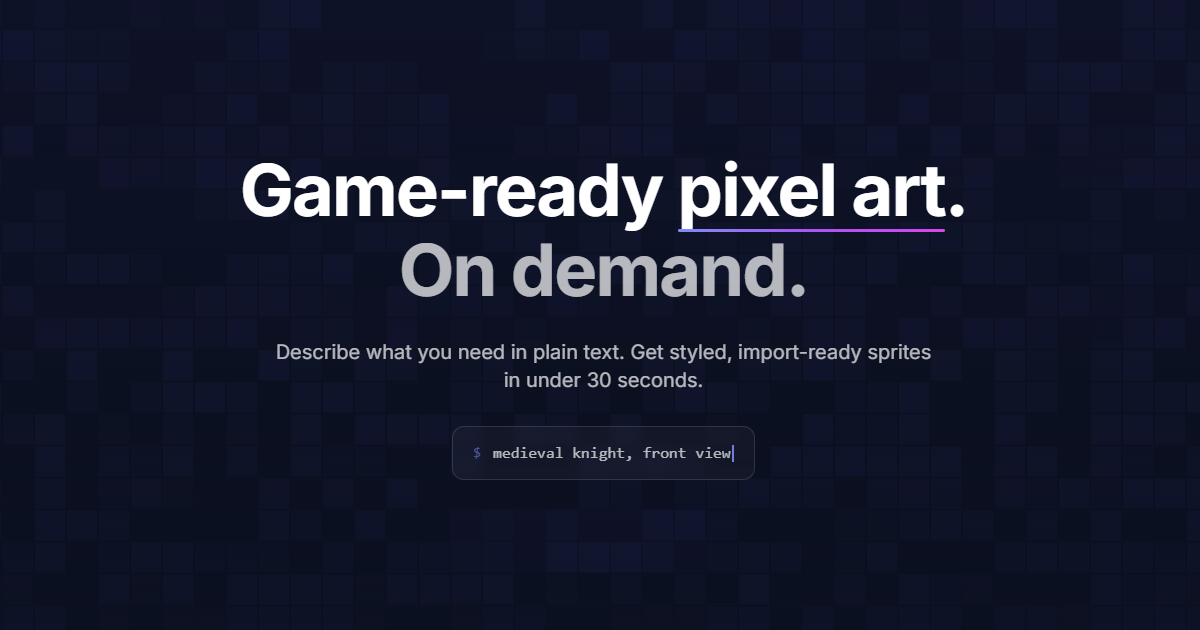
SpriteCook is an AI pixel art generator built specifically for game developers who need sprites and assets without hand-drawing every frame. You describe a character, item, tileset, or animation in a short prompt, configure pixel dimensions and settings, and the tool generates production-ready pixel art in seconds.
A theme-based consistency system helps keep colors, proportions, and style cohesive across a whole sprite set, which is useful when building a unified asset pack rather than one-off images.
Outputs support transparent backgrounds and are sized for use in major engines like Unity, Godot, and Phaser, and the platform also exposes an MCP server so AI coding agents can generate assets programmatically.
It is aimed at indie developers, hobbyists, and small studios prototyping characters, monsters, weapons, and environment tiles. Strengths include fast generation, the consistency system for cohesive sets, and engine-friendly exports with transparency.
Limitations are that pixel art is a constrained style where AI can struggle with precise small details, complex multi-frame animations may need manual cleanup, and free credits are limited for larger projects.
SpriteCook offers a free tier with a monthly credit allowance and no credit card required, plus paid plans for higher volume, which suits hobbyists prototyping a single game as well as developers who need to generate large asset packs and integrate generation into their build pipeline.
Pricing changes often, so check the official site for current plans. SpriteCook's core capabilities include Text-to-pixel-art sprite generation, Theme-based consistency across sprite sets, Characters, items, tilesets, and animation support, Transparent backgrounds and engine-ready exports and MCP server for AI coding agent integration.
Text-to-pixel-art sprite generation is built in, Theme-based consistency across sprite sets is built in, Characters, items, tilesets, and animation support is built in, Transparent backgrounds and engine-ready exports is built in, so you get a rounded toolkit rather than a single trick.
Each feature is designed to take the manual effort out of the task and help you reach a usable result faster, which is what makes SpriteCook worth a place on your shortlist.
On the plus side, users consistently highlight Generates game-ready sprites in seconds, Consistency system keeps asset sets cohesive and Exports work with Unity, Godot, and Phaser as the reasons they keep using SpriteCook.
It isn't perfect, though — Fine pixel detail can require manual cleanup and Free credits are limited for larger projects are the trade-offs people most often mention, so weigh those against your own priorities before you commit.
As with any AI tool, the output still benefits from a quick human review, but SpriteCook gets you most of the way there with far less effort.
SpriteCook runs on a freemium pricing model, so you can start for free and only pay once you outgrow the free tier — handy for testing it on a real task before spending anything.
AI-tool pricing changes often, so always check the current plans, seats and add-ons on the official site for the latest details before you buy. Who is SpriteCook for? It's best suited for ai pixel art sprites and game assets from text.
Whether you're a beginner trying this kind of AI tool for the first time or a professional who'll use it every day, it's a credible option to consider.
If you're still deciding, compare SpriteCook against the alternatives and the head-to-head comparisons linked below — looking at features, pricing and real user ratings side by side is the fastest way to find the right fit for your workflow and budget.
Who is SpriteCook for?
SpriteCook is best suited for ai pixel art sprites and game assets from text. Whether you are trying this kind of image & design tool for the first time or use one every day, it is a credible option to shortlist — compare it with the alternatives and head-to-head comparisons linked on this page to find the best fit for your workflow and budget.