What is Transkriptor?
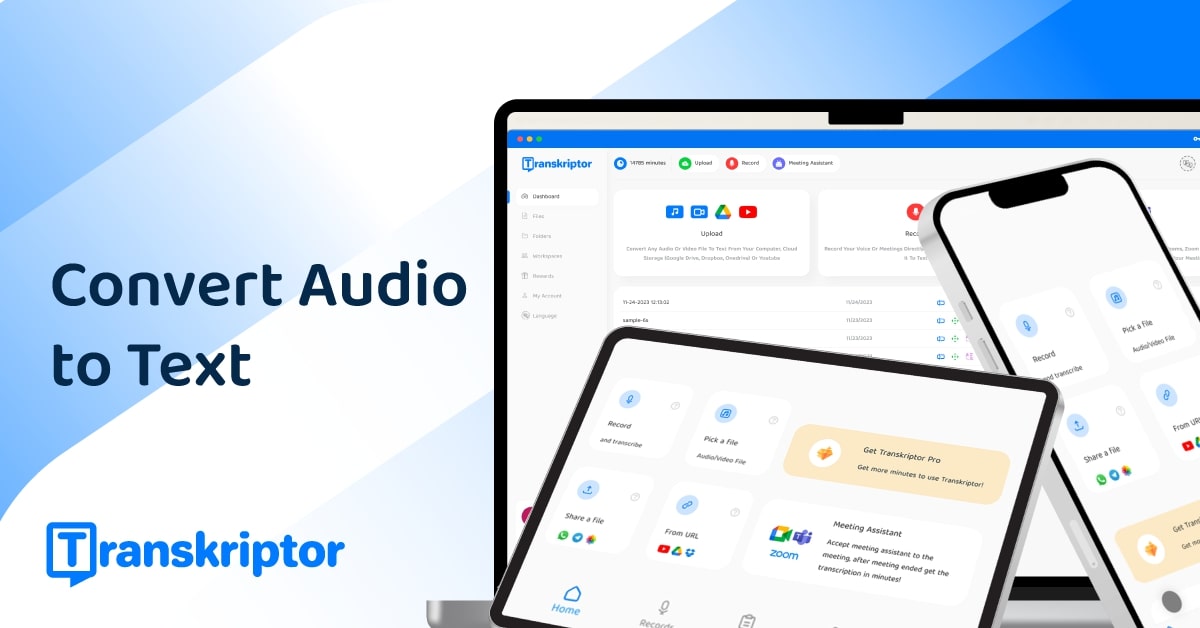
Transkriptor is an AI transcription platform that turns audio and video recordings into accurate text quickly, with support for more than 100 languages. Users can upload files, record audio in real time, or connect it to Zoom, Google Meet, and Microsoft Teams to transcribe meetings automatically.
It handles common formats like MP3, MP4, and WAV, provides speaker identification and diarization, and adds AI features on top of the transcript, including summaries, sentiment analysis, and action-item extraction.
An Ask Transkriptor feature lets users query across multiple transcripts to find answers and pull insights from a body of recordings rather than a single file.
The product is available on desktop, mobile apps for iOS and Android, and as browser extensions, making it convenient for capturing conversations wherever they happen. Typical users include students, researchers, journalists, business professionals, and teams who need affordable, multilingual transcription with light analysis.
Strengths are the wide language coverage, multiple input methods, meeting integrations, and an accessible price point with a free trial.
Weaknesses are that accuracy depends on audio quality and accents, advanced AI features and higher usage limits require paid plans, and it is more a general-purpose transcriber than a specialized meeting-intelligence or media-production suite. Transkriptor uses a freemium model with a free trial and tiered subscription plans.
Pricing changes often, so check the official site for current plans. Transkriptor's core capabilities include Transcription in 100+ languages, File upload, live recording, and meeting bots, Speaker identification and diarization, AI summaries and action items and Ask Transkriptor across multiple files.
Transcription in 100+ languages is built in, File upload, live recording, and meeting bots is built in, Speaker identification and diarization is built in, AI summaries and action items is built in, so you get a rounded toolkit rather than a single trick.
Each feature is designed to take the manual effort out of the task and help you reach a usable result faster, which is what makes Transkriptor worth a place on your shortlist.
On the plus side, users consistently highlight Wide language coverage, Multiple input methods and integrations and Affordable with a free trial as the reasons they keep using Transkriptor.
It isn't perfect, though — Accuracy varies with audio quality and Advanced features need paid plans are the trade-offs people most often mention, so weigh those against your own priorities before you commit.
As with any AI tool, the output still benefits from a quick human review, but Transkriptor gets you most of the way there with far less effort.
Transkriptor runs on a freemium pricing model, so you can start for free and only pay once you outgrow the free tier — handy for testing it on a real task before spending anything.
AI-tool pricing changes often, so always check the current plans, seats and add-ons on the official site for the latest details before you buy. Who is Transkriptor for? It's best suited for fast ai transcription in 100+ languages.
Whether you're a beginner trying this kind of AI tool for the first time or a professional who'll use it every day, it's a credible option to consider.
If you're still deciding, compare Transkriptor against the alternatives and the head-to-head comparisons linked below — looking at features, pricing and real user ratings side by side is the fastest way to find the right fit for your workflow and budget.
Who is Transkriptor for?
Transkriptor is best suited for fast ai transcription in 100+ languages. Whether you are trying this kind of video & audio tool for the first time or use one every day, it is a credible option to shortlist — compare it with the alternatives and head-to-head comparisons linked on this page to find the best fit for your workflow and budget.