Image & DesignUI/UX Design

UI/UX Design AI Tool Reviews

Design websites and app interfaces with AI assistance. Every tool here has its own review, so you can check what it does and how it is priced before you choose a ui/ux design tool.

See the best UI/UX Design AI tools
5+ Reviews5 FreeRegularly updated

UI/UX Design Tool Reviews

Google Stitch screenshot

Google Stitch review on AInexfinder — free AI tool for Image & Design. Features, pricing notes, and alternatives.
Est.4.6/5Free
PaletteMaker screenshot

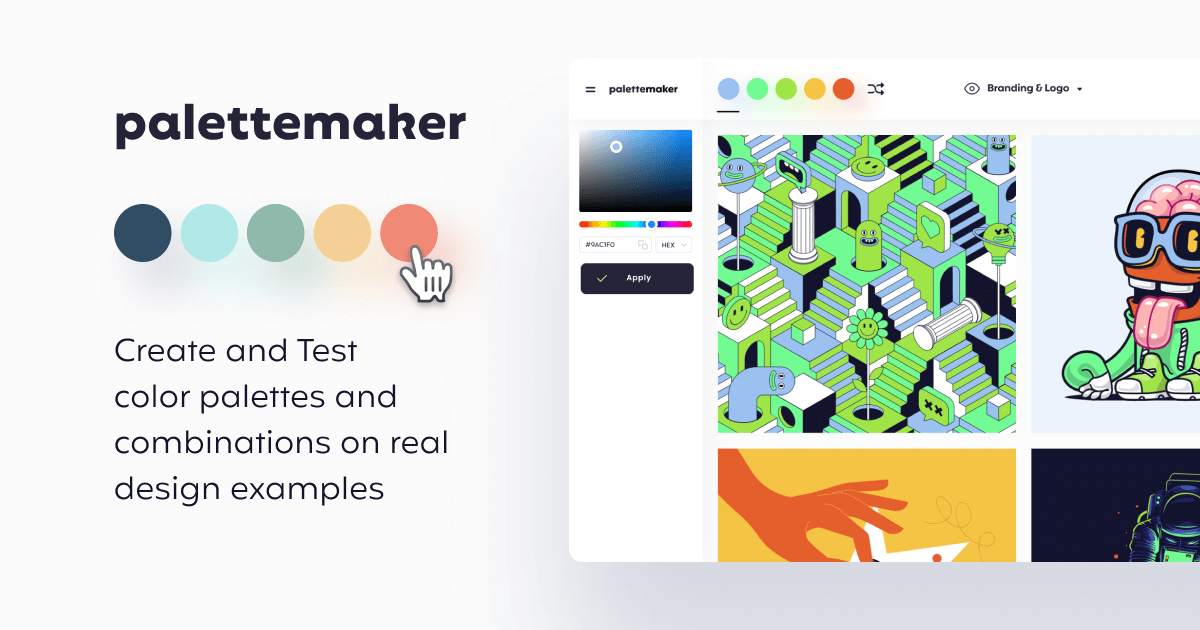
PaletteMaker review on AInexfinder — free AI tool for Image & Design. Features, pricing notes, and alternatives.
Est.4.4/5Free
Khroma screenshot

Khroma asks you to pick fifty colours you like, trains a personalised algorithm in your browser from that choice, and then generates limitless palettes matched to your taste. It supports search by hue, tint and value, and shows hex, RGB, CSS and WCAG contrast ratings for each pair.
4.2/5Free
Colormind screenshot

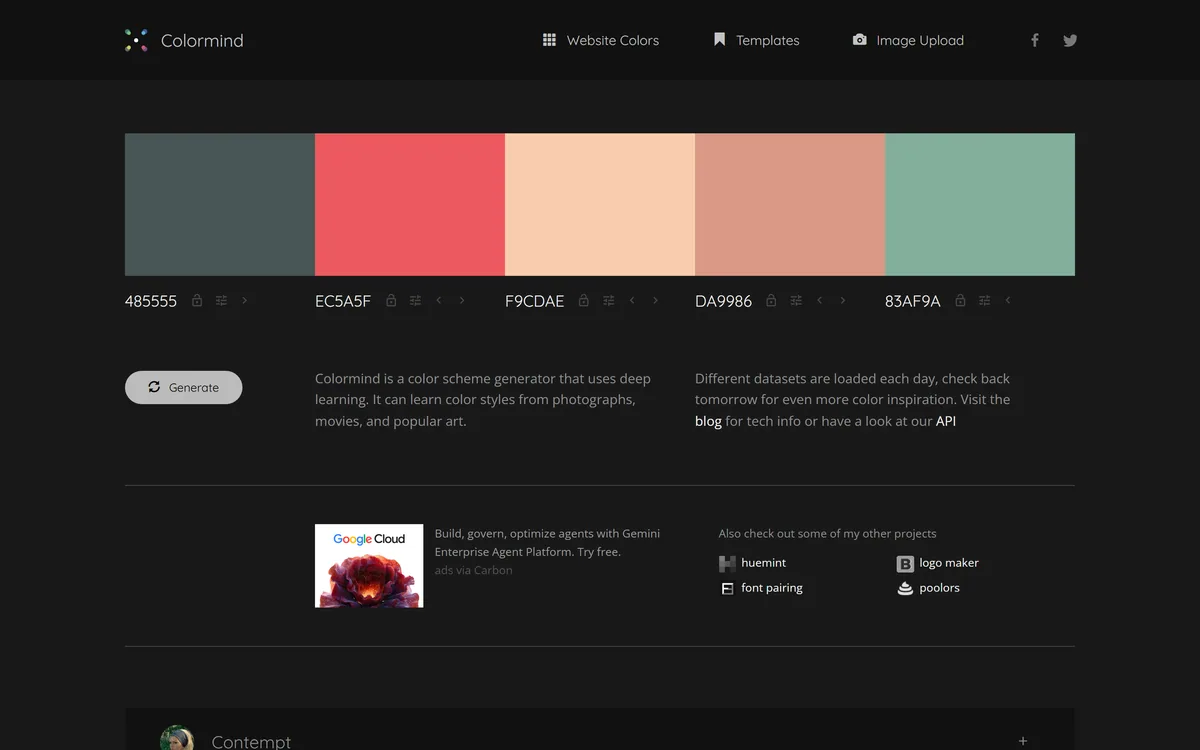
Colormind is a free, deep-learning colour-palette generator that learns colour styles from photos, films and art and produces harmonious palettes, with lockable colours, a website-colours mode, image upload and a public API, aimed at designers and developers.
3.8/5Free
ColorMagic screenshot

ColorMagic review on AInexfinder — free AI tool for Image & Design. Features, pricing notes, and alternatives.

Est.4.4/5Free

What Counts as a UI/UX Design AI Tool?

UI/UX Design AI tools are products whose core function applies AI to ui/ux design. A tool belongs here when that is the job it is built for, rather than a side feature.

Because this is a focused slice of image & design, the tools below do broadly the same job — so compare them on what they actually produce and how they are priced. Each review shows the tool's pricing model and whether it has a free tier.

UI/UX Design AI tools reviewed here include:

  • Google Stitch — Google Stitch review on AInexfinder — free AI tool for Image & Design. Features, pricing notes, and alternatives.
  • PaletteMaker — PaletteMaker review on AInexfinder — free AI tool for Image & Design. Features, pricing notes, and alternatives.
  • Khroma — Khroma asks you to pick fifty colours you like, trains a personalised algorithm in your browser from that choice, and then generates limitless palettes matched to your taste. It supports search by hue, tint and value, and shows hex, RGB, CSS and WCAG contrast ratings for each pair.
  • Colormind — Colormind is a free, deep-learning colour-palette generator that learns colour styles from photos, films and art and produces harmonious palettes, with lockable colours, a website-colours mode, image upload and a public API, aimed at designers and developers.
  • ColorMagic — ColorMagic review on AInexfinder — free AI tool for Image & Design. Features, pricing notes, and alternatives.

Reviews are re-checked on a rolling basis

UI/UX Design AI Tools — Frequently Asked Questions

What Does UI/UX Design Cover?
UI/UX Design covers AI tools built for ui/ux design. Reviewed tools here include Google Stitch, PaletteMaker, Khroma, each with its own review covering pricing, features and an Editor Score.
Are There Free UI/UX Design AI Tools?
Yes. Google Stitch, PaletteMaker, Khroma, Colormind all offer a free plan or free trial. Use the pricing filter above to see every ui/ux design tool with a free option.
How Do I Choose the Right UI/UX Design AI Tool?
Start with your main use case and budget, shortlist two or three tools above, and compare their reviews, pricing and free plans. Where a free plan or trial exists, run a real task of your own through it before committing.
How Is UI/UX Design Different From Other Image & Design Tools?
UI/UX Design tools focus specifically on design websites and app interfaces with ai assistance, so they usually go deeper on that job than a general image & design tool.

Launching a New UI/UX Design Tool?

Submit it for an editorial review and a page in front of people comparing ui/ux design tools before they buy.