

Canva AI is the Magic Studio suite built into Canva — Magic Write for copy, Dream Lab for images, Magic Edit, Expand and Eraser for photos, Magic Switch for reformatting, Magic Charts for data, and Canva Code for interactive widgets.
Image & Design Review
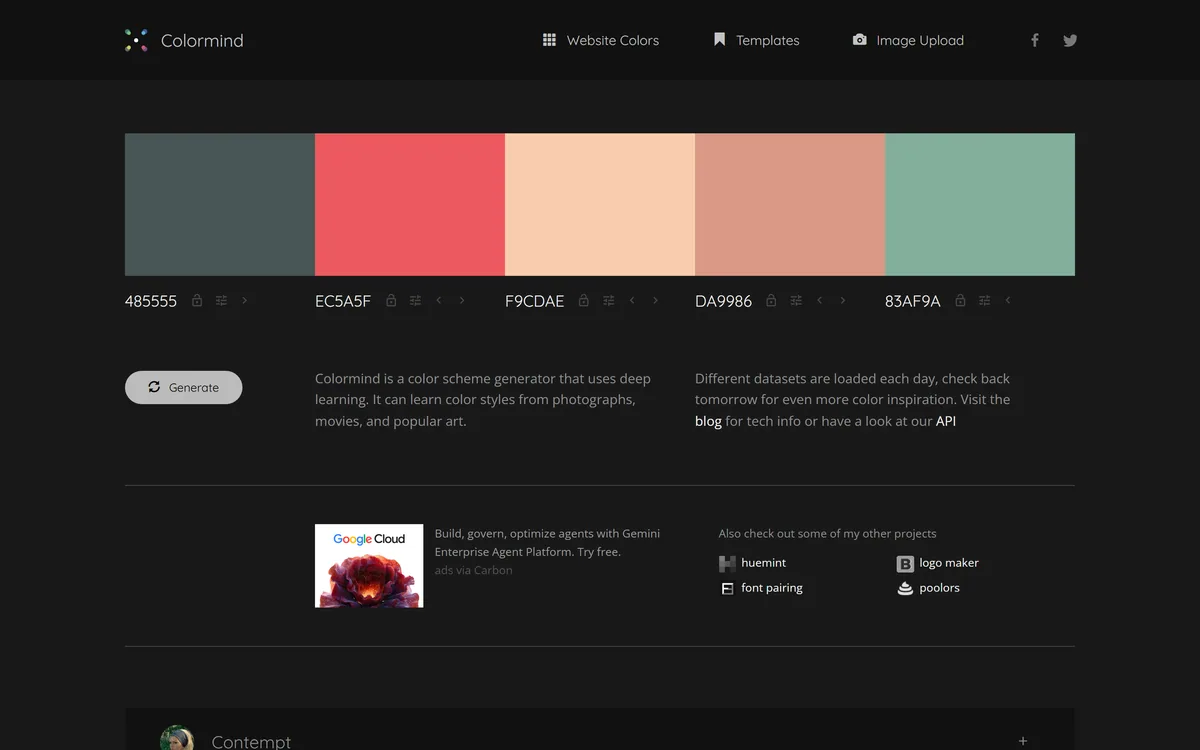
Colormind is a free, deep-learning colour-palette generator that learns colour styles from photos, films and art and produces harmonious palettes, with lockable colours, a website-colours mode, image upload and a public API, aimed at designers and developers.
Good
Colormind earns 3.8 as an unusually thoughtful free utility: a deep-learning palette generator that learns from photos, film and art, gives real control through lockable colours whose position matters, and exposes a public API that turns it into a building block. It is an indie tool with no team features, support or guarantees, and output still needs a designer's eye, but for quick colour decisions it is a keeper. AInexfinder Editor Score: 3.8/5.
Best for: Quick colour decisions; Developers using the API
The visit link goes to colormind.io, the official site. Paid placements on AInexfinder are always labelled. How we make money
Choosing a colour palette is a small task that quietly derails designers and developers for far too long. Colormind's answer is to generate harmonious palettes instantly, learned from real-world colour rather than maths alone.
It is a free, deep-learning palette generator that models colour styles from photos, films and art, lets you lock colours and generate around them, and offers a website-colours mode and a public API. It sits among design utilities like the editor Pixlr, as a focused, free tool rather than a platform.
This review covers how Colormind builds a palette, who it suits and its limits, how it stays free, and who needs something more. We are clear that it is an indie utility, judged on that basis.
Colormind's distinctive idea is that good palettes come from the real world, not just colour-wheel rules. It trains on photos, films and art, so the palettes it generates carry the feel of those sources rather than a mechanical harmony.
That is why its datasets rotate daily, one day drawing from night-sky photography, another from watercolour or a specific aesthetic, so the generator's taste shifts and you can catch a style that fits your project.
It is, refreshingly, a free utility that just works in the browser with no account. We review it as exactly that, a focused, well-made tool, not an enterprise product, and the absence of user counts or certifications is a category fact, not a flaw.
Good palettes come from the real world, not just colour-wheel rules. Colormind trains on photos, films and art, so its palettes carry the feel of those sources.
The control it gives you is what turns a random generator into a usable design tool.
You can generate random palettes or lock a starting colour and have Colormind fill in harmonious intermediates, and crucially the position of a locked colour matters, place complementary colours at the ends for a gradient, or contrasting ones together for a triadic scheme.
That lock-and-generate loop is the core craft, and understanding it is what separates lucky results from deliberate ones. For turning a palette into a usable interface, a design tool like UXMagic works the layout side, while Colormind settles the colour.
Beyond general palettes, a Website Colors mode generates schemes with Bootstrap UI templates, you can upload an image to extract a palette from it, and a public API lets developers pull palettes programmatically into their own tools.
The API is a quietly powerful feature for a free tool, letting it become a building block rather than just a website. For broader design-asset needs around a brand, a tool like Mew Design covers more ground; Colormind stays sharp on colour.
Colormind suits designers and developers who need a good palette fast, for a website, a UI, a brand or an illustration, and who value a free, no-friction tool over a heavy platform.
It is especially handy for developers thanks to the Website Colors mode and the API, which let colour decisions be automated or pulled into a build, and for anyone who learns colour better by generating and adjusting than by theory.
Its limits are those of a focused indie utility: no team features, brand management, support or guarantees, and output that still needs a designer's eye to finalise. It is a starting point and an idea-generator, not a complete brand-colour system.
Colormind is a free web tool with a public API and no visible paid tiers, supported by unobtrusive advertising, and it sits in a small family of related colour and design micro-tools from the same maker.
For users, free is the whole appeal: there is no decision to make and no risk in trying it, which is exactly right for a utility you reach for occasionally rather than live in.
The honest caveat of a free indie tool is sustainability and support, there are no enterprise guarantees, so for anything mission-critical treat it as a helpful generator rather than infrastructure you depend on.
It is also worth appreciating what the free model enables creatively: because there is no credit meter or paywall, you can generate dozens of palettes in a sitting to explore a direction, which is exactly the kind of low-stakes experimentation that leads to a better final choice. A tool you hesitate to open because each use costs something quietly discourages the exploration that good colour work depends on.
Because it is free and instant, the best way to judge Colormind is to use it on a real colour decision now.
AI palette generation
Palettes learned from photos, film and art
Daily-rotating datasets
Lockable colours (position matters)
Website Colors mode
Bootstrap UI templates
Image upload for palette extraction
Public API
The useful comparison is with other design utilities, on focus and on free-versus-platform.
| Tool | Tool | Focus | Best for |
|---|---|---|---|
| Colormind | Free AI palette generator | Learned palettes, lock, API | Quick colour decisions |
| Pixlr | Browser image editor | Editing and design | Light image work |
| UXMagic | AI UI design | Turning design into UI | Interface design |
| Mew Design | Design assets | Broader brand/design needs | Wider design work |
Last checked . Read from colormind.io during this check, with the screenshot above captured at the same time.
Colormind is an indie, free utility with no user counts, certifications or enterprise support; we review it on that basis. For mission-critical work, treat it as a generator, not depended-upon infrastructure.
An image editor, a UI-design tool and a broader design tool to weigh alongside Colormind.
AInexfinder does not list plan prices or billing details. For current pricing, plans, and trials, visit the official Colormind website.
Visit official website for pricingVendor pricing, credits, and billing policies change over time. Always confirm on the official site before you buy.
Colormind earns an AInexfinder Editor Score of 3.8/5 (good). Best for: Quick colour decisions; Developers using the API; Website colour schemes.
Visit ColormindLog in to write a review.
No reviews yet. Be the first to share your experience with Colormind.
Assigned reviewer
Daniel ReedSenior AI Tools Reviewer
Daniel leads AInexfinder's tool reviews. He researches each tool from its own pricing, documentation and policies, checks its claims against independent sources, and writes up what it does well, where it falls short and who it genuinely suits.
Daniel and the AInexfinder editorial team research Colormind from its own website, pricing, documentation and policies, checked against independent sources. This review is research-based: unless its method note says otherwise, we have not bought a plan or run hands-on tests. The Editor Score is our editorial judgement, and payment never changes it.
Similar Tools
Canva AI is the Magic Studio suite built into Canva — Magic Write for copy, Dream Lab for images, Magic Edit, Expand and Eraser for photos, Magic Switch for reformatting, Magic Charts for data, and Canva Code for interactive widgets.

Coolors review on AInexfinder — freemium AI tool for Image & Design. Features, pricing notes, and alternatives.

UXMagic turns text prompts, sketches or screenshots into Figma-ready UI designs, generating wireframes, sitemaps and multiple screens, importing your design system, and exporting to Figma, HTML, React or Webflow.

Visily generates editable UI designs from screenshots, text prompts, diagrams or templates, aimed explicitly at non-designers who need to convey product ideas, with smart components, auto-prototyping, on-canvas collaboration and a Figma plugin for handoff.
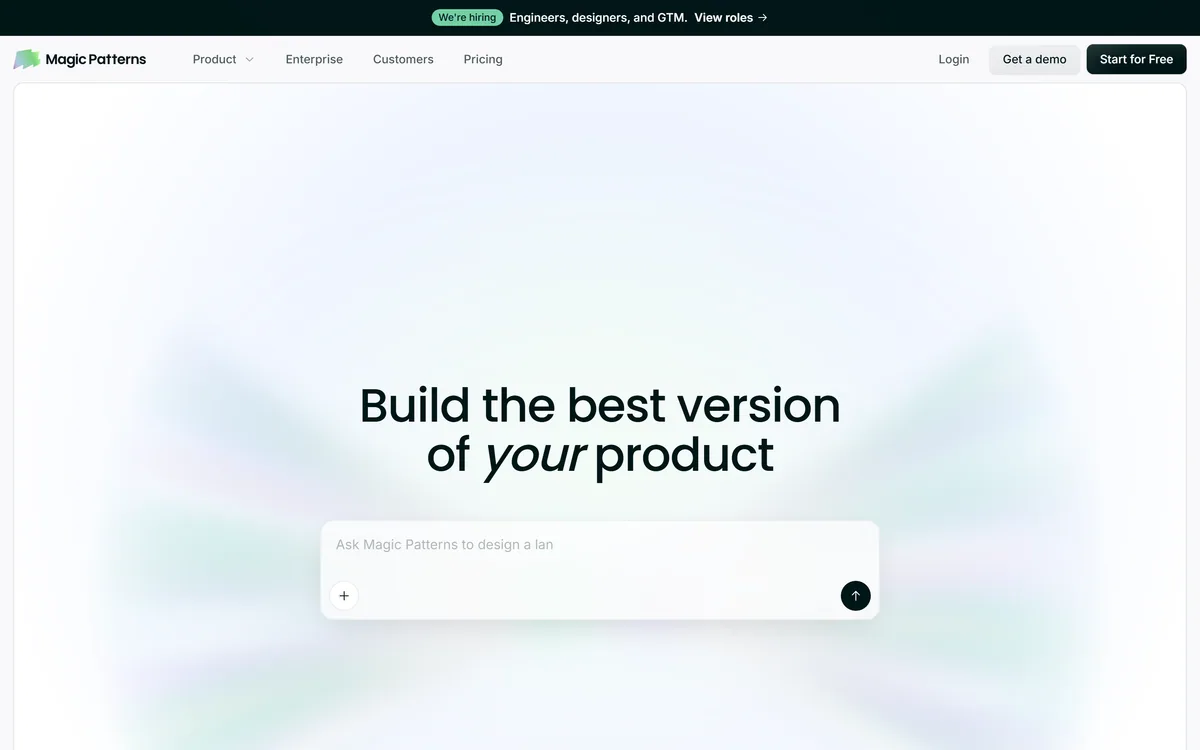
Magic Patterns is an AI design tool for product teams that turns prompts, requirements and ideas into high-fidelity UI, matching your existing design system so teams can prototype and test directions before committing engineering resources.
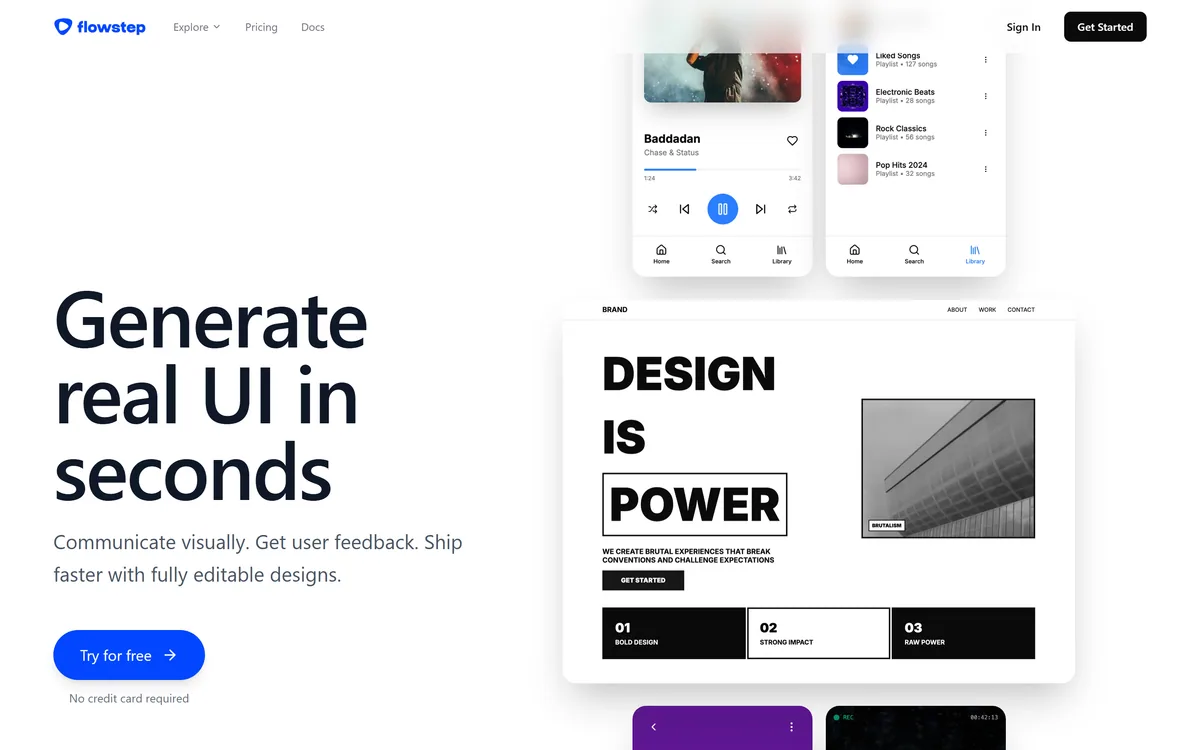
Flowstep generates editable user interface designs from a text description on an infinite canvas. It produces multiple screens in one pass, accepts PRDs and reference images as input, supports real-time collaboration, and exports both to Figma by ordinary copy-paste and to React, TypeScript and Tailwind code.
Related Pages