

Canva AI is the Magic Studio suite built into Canva — Magic Write for copy, Dream Lab for images, Magic Edit, Expand and Eraser for photos, Magic Switch for reformatting, Magic Charts for data, and Canva Code for interactive widgets.
Image & Design Review
Khroma asks you to pick fifty colours you like, trains a personalised algorithm in your browser from that choice, and then generates limitless palettes matched to your taste. It supports search by hue, tint and value, and shows hex, RGB, CSS and WCAG contrast ratings for each pair.
Very good
Almost every colour tool asks you to browse a library somebody else curated. Khroma inverts that: you spend a few minutes choosing colours, it trains a personalised model in your browser, and everything it produces afterwards is filtered through what you already indicated you like. That is a much better fit for how taste works — recognition rather than description. Showing WCAG contrast ratings on every pair is the detail that turns it from a mood board into a design tool. The catch is the setup cost, which is fine for a designer and pointless for someone who needs one palette today. AInexfinder Editor Score: 4.2/5.
Best for: Designers who make colour decisions frequently; Anyone who finds curated palette libraries consistently unsatisfying
The visit link goes to khroma.co, the official site. Paid placements on AInexfinder are always labelled. How we make money
The problem with colour libraries is that they are somebody else's taste, arranged by popularity. You scroll, you find nothing quite right, you scroll further, and eventually you pick something adequate because you have run out of patience.
The reason browsing fails is that people cannot describe the colours they want and can recognise them instantly. A library asks for the wrong kind of judgement.
Khroma's approach uses recognition directly: choose fifty colours you like, and it learns from that choice rather than asking you to explain it.
Khroma states that by choosing a set of colours you train a neural network powered algorithm to generate colours you like and block ones you do not, and that it has learned from thousands of the most popular human-made palettes across the internet.
The two halves matter separately. The base model encodes what works generally — the relationships that make human-made palettes cohere — and your training pass filters that towards what you personally respond to.
That is the right division. Learning colour theory from your fifty picks would be hopeless; learning your preferences on top of a model that already understands relationships is a much smaller problem.
It also fits how taste actually behaves. Nobody can articulate why they like a particular desaturated green and dislike the one beside it, but they recognise both instantly, and a training pass captures exactly that unarticulated preference.
The limitation is worth stating plainly: it learns what you liked in isolation, on a screen, out of context. Colours you like as swatches are not necessarily colours that work as an interface, which is a different question the tool cannot answer for you.
Nobody can articulate why they like a particular desaturated green and dislike the one beside it. A training pass captures exactly that.
The site specifies that the algorithm is trained right in your browser, which is a technical detail with practical consequences.
The first is privacy in the plainest sense — your preferences are yours, sitting on your machine, not a profile held somewhere and used to infer things about you.
The second is that it works without an account for the training itself, which removes the friction that kills most personalised tools before they demonstrate anything.
The third is fragility, and it is the one to plan around. Anything that lives in a browser can vanish with cleared site data, a different device or a private window, so the trained model may not be as durable as it feels.
The practical response is to save the combinations you like into a collection and copy the values out into your own tokens rather than treating the trained model as permanent storage — the same discipline that applies to any account-free tool, including ColorKit.
Khroma's search lets you filter the generator by hue, tint, value, colour, and by hex and RGB values.
Search on top of generation is the feature that makes it a working tool rather than an inspiration toy. Generation answers show me something; search answers I need something like this, which is the question you actually have at 4pm.
Filtering by value specifically is more useful than it sounds. Interface colour problems are usually value problems — two colours of similar lightness produce a design that looks flat and text that is hard to read — and being able to constrain by value directly addresses that.
Searching by hex means you can start from a fixed brand colour and generate around it, which is the actual constraint most professional work operates under. A palette generator that cannot accept an existing colour is unusable in a brand context.
The combination of a personalised generator plus constraint-based search is genuinely uncommon. Most tools do one or the other, and the pair is what makes this worth the setup time.
Khroma shows colour names, hex codes, RGB values, CSS code and a WCAG accessibility rating for each pair.
Including the contrast rating alongside the aesthetic output is the single most consequential design decision in the product, and it is easy to miss.
The reason is that contrast is the one colour question with a right answer. Everything else on the page is preference; the ratio between text and background is a measurement, and failing it means people cannot read your interface.
Putting the number next to the swatch means you find out at the moment of choosing rather than after a complaint. A tool that shows you a beautiful pairing and lets you discover its illegibility later has actively made your work worse.
The habit worth forming is simple: any pair you intend to put text on gets checked before it enters the design, not after. That single discipline removes an entire category of accessibility defect from a build.
There is a boundary to this approach, and knowing it prevents expecting the wrong things.
It generates combinations, not systems. A design system needs colours with assigned roles — background, surface, text, border, accent, error — and a beautiful pair tells you nothing about which is which.
It cannot account for context. The same colour reads differently at a large fill than in a one-pixel border, and a generator working in swatches has no view of how much of each you will actually use.
It also encodes your taste at one moment. Training on what you liked this month means it will keep producing that, which is fine for consistency and unhelpful when you want to be pushed somewhere new.
And it stops entirely at the point where colour becomes a material or a rendered space — the domain of tools like Decory and Collov AI, where light, surface and finish decide the outcome more than any hex value does.
The way people waste the training investment is rushing it, then blaming the generator for producing colours they do not like.
This sequence spends time where it compounds and puts the measurement step before the decisions.
| Product type | AI colour palette generator |
|---|---|
| Made by | George Hastings, per the footer |
| Training | A personalised, neural-network-powered algorithm trained by your colour choices |
| Where it trains | In your browser |
| Base data | Learned from thousands of popular human-made palettes across the internet |
| Views | Typography, gradient, palette and custom image |
| Search | By hue, tint, value, colour, hex and RGB |
| Saving | An unlimited library of saved combinations |
| Per-pair data | Colour names, hex codes, RGB values, CSS code and WCAG accessibility rating |
| Community | An Instagram account curated by and featuring the work of Lucie Bajgart |
| Copyright | © 2026 Khroma |
A personalised generator trained on colours you choose
Training performed in the browser
Unlimited palette generation from your trained model
Search by hue, tint, value, colour, hex and RGB
Typography, gradient, palette and custom image views
Saved library of favourite combinations
Hex, RGB and CSS values for every colour
A WCAG accessibility rating on each pair
Colour tools differ by whether they generate, check, or apply colour to something.
| Tool | How it produces colour | Accessibility | Best for |
|---|---|---|---|
| Khroma | Generated from your trained preferences | WCAG rating on every pair | Designers who will invest the setup time |
| ColorKit | Extraction, generation and mixing | A dedicated contrast checker | Quick answers with no account |
| Decory | Applied to a photographed room | Not applicable | Colour in physical space |
| Collov AI | Rendered interior visualisation | Not applicable | Professional interior work |
| Logomakerr.ai | Colour inside a generated mark | Not applicable | Brand identity rather than palettes |
Last checked . Read from khroma.co in a browser session on the date above, with the screenshot captured alongside.
What we could not confirm: whether Khroma is free or has paid tiers, since we did not read pricing; whether saving a library requires an account and where those saved combinations are stored; how long the browser-trained model persists and what happens on a different device; which WCAG version and level the accessibility rating is measured against, since several thresholds exist; and how many colours the training pass actually requires. We did not train a model or generate a palette.
Adjacent products for checking, applying and generating colour.
AInexfinder does not list plan prices or billing details. For current pricing, plans, and trials, visit the official Khroma website.
Visit official website for pricingVendor pricing, credits, and billing policies change over time. Always confirm on the official site before you buy.
Khroma earns an AInexfinder Editor Score of 4.2/5 (very good). Best for: Designers who make colour decisions frequently; Anyone who finds curated palette libraries consistently unsatisfying; Teams working around a fixed brand colour.
Visit KhromaLog in to write a review.
No reviews yet. Be the first to share your experience with Khroma.
Assigned reviewer
Daniel ReedSenior AI Tools Reviewer
Daniel leads AInexfinder's tool reviews. He researches each tool from its own pricing, documentation and policies, checks its claims against independent sources, and writes up what it does well, where it falls short and who it genuinely suits.
Daniel and the AInexfinder editorial team research Khroma from its own website, pricing, documentation and policies, checked against independent sources. This review is research-based: unless its method note says otherwise, we have not bought a plan or run hands-on tests. The Editor Score is our editorial judgement, and payment never changes it.
Similar Tools
Canva AI is the Magic Studio suite built into Canva — Magic Write for copy, Dream Lab for images, Magic Edit, Expand and Eraser for photos, Magic Switch for reformatting, Magic Charts for data, and Canva Code for interactive widgets.

Coolors review on AInexfinder — freemium AI tool for Image & Design. Features, pricing notes, and alternatives.

UXMagic turns text prompts, sketches or screenshots into Figma-ready UI designs, generating wireframes, sitemaps and multiple screens, importing your design system, and exporting to Figma, HTML, React or Webflow.
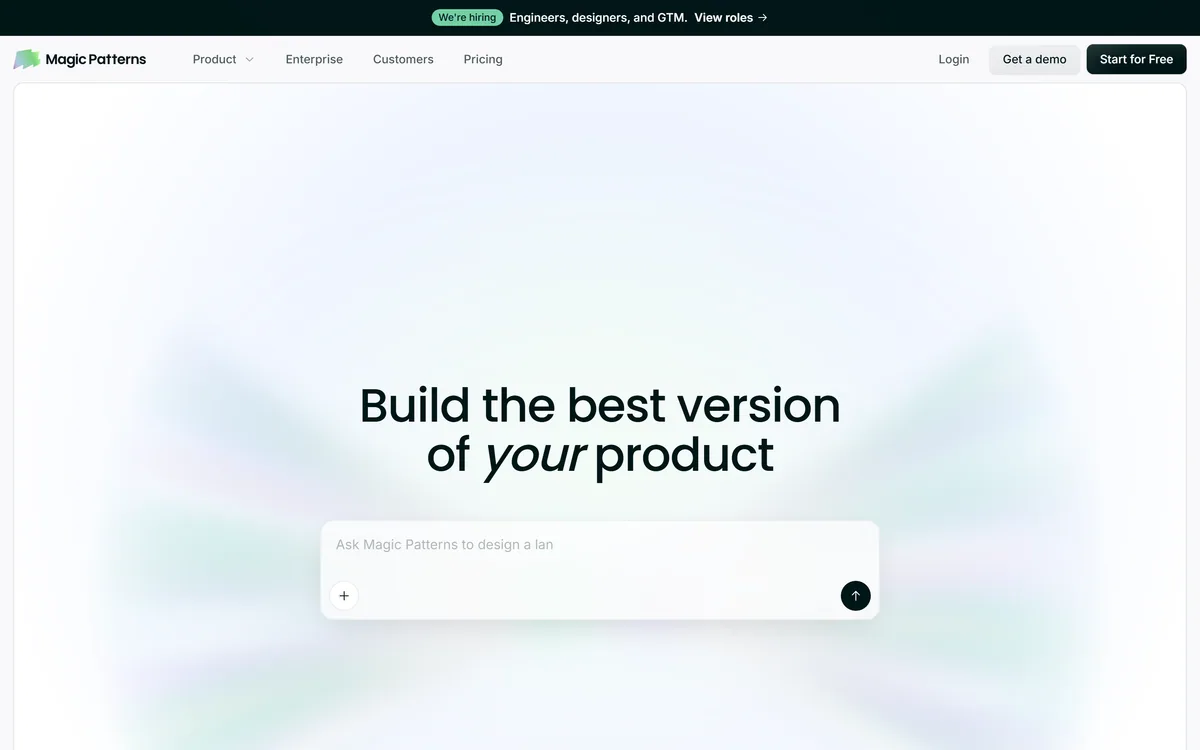
Magic Patterns is an AI design tool for product teams that turns prompts, requirements and ideas into high-fidelity UI, matching your existing design system so teams can prototype and test directions before committing engineering resources.
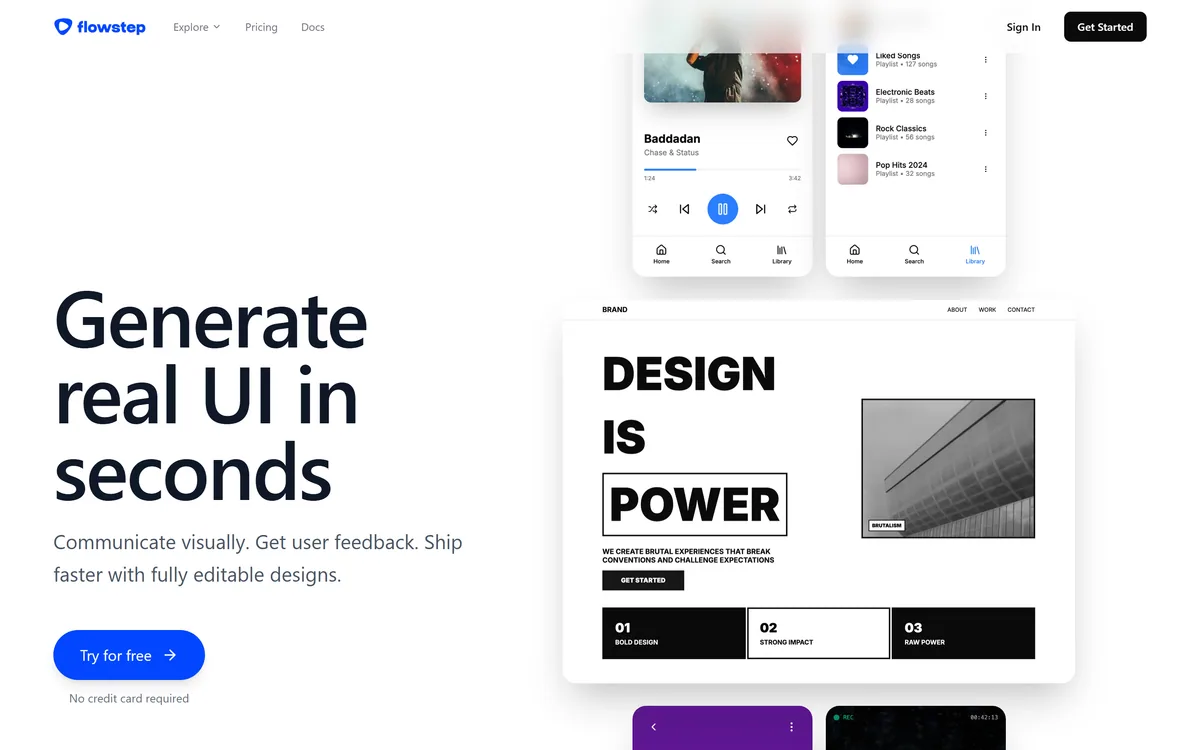
Flowstep generates editable user interface designs from a text description on an infinite canvas. It produces multiple screens in one pass, accepts PRDs and reference images as input, supports real-time collaboration, and exports both to Figma by ordinary copy-paste and to React, TypeScript and Tailwind code.


Midjourney is an AI image generator known for its distinctive aesthetic quality, currently on model V8.2, with a full web app alongside the original Discord workflow, plus an Editor, moodboards, style profiles, and five-second image-to-video.
Related Pages