

Canva AI is the Magic Studio suite built into Canva — Magic Write for copy, Dream Lab for images, Magic Edit, Expand and Eraser for photos, Magic Switch for reformatting, Magic Charts for data, and Canva Code for interactive widgets.
Image & Design Review
ColorKit is a free set of browser-based colour tools built by andy feliciotti: a palette generator, gradient maker, colour picker, contrast checker, palette from image, SVG colour changer, background maker and colour mixer. The site is ad-funded through Raptive.
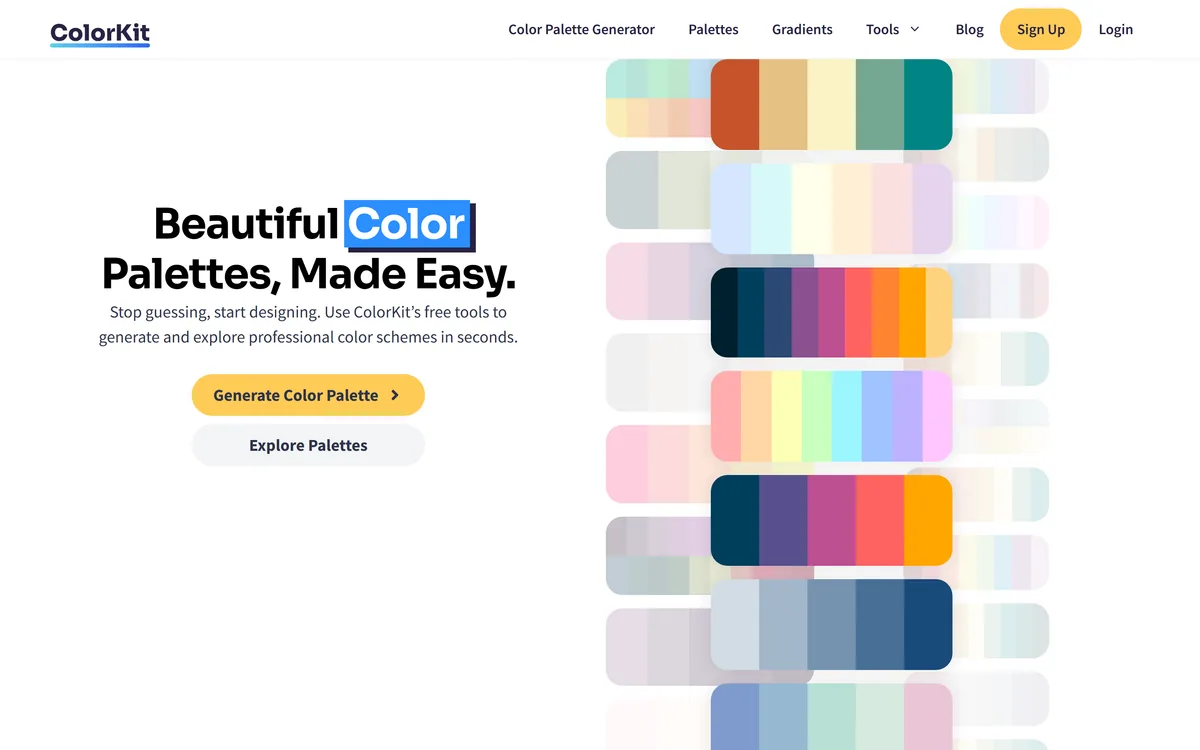
Very good
ColorKit is the kind of site the web needs more of: a small set of colour utilities that load instantly, do one thing each, require no account, and are maintained by a named person. The contrast checker is the one with real professional value, because contrast is an accessibility requirement rather than a preference and getting it wrong is a defect. Palette-from-image and the gradient maker are the ones you will use most. It scores well not because it is ambitious but because it is honest about what it is — bookmarkable utilities, ad-funded, no pretence of being a design system. AInexfinder Editor Score: 4.1/5.
Best for: Developers checking contrast before shipping an interface; Designers building a palette from a reference photograph
The visit link goes to colorkit.co, the official site. Paid placements on AInexfinder are always labelled. How we make money
Colour work splits into two very different activities. One is choosing colours, which is taste and inspiration. The other is checking colours, which is measurement and has correct answers.
Most colour sites do the first and ignore the second, which is why people end up shipping interfaces with text nobody can read on backgrounds nobody complained about.
ColorKit does both, in eight small tools that load instantly and want nothing from you. It is a bookmark rather than a product, and that is exactly the right ambition.
Of the eight tools on ColorKit, the contrast checker is the only one that answers a question with a right answer.
Colour contrast between text and its background is an accessibility requirement, not an aesthetic preference. Insufficient contrast means people with low vision, people on a phone in sunlight, and people with older screens cannot read your text — and that is a defect, not a style choice.
The reason a checker is necessary is that human judgement here is unreliable in a specific direction. Designers look at their own work on a good monitor in a controlled room, and light grey on white looks fine. It is not fine.
What a checker gives you is a number instead of an opinion, and the number does not care how nice the palette looks. That is why it is the tool on this site most likely to change what you ship.
The practical habit worth forming is checking before committing rather than after a complaint. Every pairing you intend to put text on, checked once, takes a minute and removes an entire class of problem from your build.
Designers look at their own work on a good monitor in a controlled room, and light grey on white looks fine. It is not fine.
The palette-from-image tool extracts colours from a photograph, and it deserves attention because it matches how colour selection actually happens.
Almost nobody builds a palette by reasoning about hue relationships from first principles. They see something — a photograph, a room, a book cover, a piece of packaging — and want the colours in it.
Extraction turns that into a workflow. Upload the reference, get the values, and start from something that already works because it existed in the physical world where colours had to coexist.
The limitation is that extracted palettes are unbalanced for interface use. A photograph might be ninety per cent one colour, which tells you nothing about which of the extracted values should be a background and which an accent.
So use extraction for the source colours and then make the interface decisions yourself, which usually means checking the pairs in the contrast checker before deciding anything is text. The two tools work best in sequence, and that adjacency is the real argument for a site like this over eight bookmarks.
ColorKit's footer identifies it as a Raptive partner site, which means it is funded by advertising rather than subscriptions.
That is worth understanding rather than resenting, because it explains the whole shape of the product. Free tools with no signup, no usage limits, and no account to cancel exist because the page views pay for them.
The upside for you is real. There is nothing to evaluate, no trial to remember, no data being held hostage, and no chance of a tool you use twice a year deciding to become a subscription.
The trade-off is equally real. Ad-funded sites carry ads, they depend on traffic continuing, and they are maintained at whatever level the revenue supports. Nothing here is a service you should depend on for a deadline-critical pipeline.
For a colour utility that is a perfectly good arrangement. You are not storing anything, so if the site vanished tomorrow you would lose a bookmark and not a workflow — which is more than can be said for most tools you sign into.
The footer credits ColorKit to andy feliciotti, with a 2026 copyright notice.
This is a small detail that carries more weight than it seems. Most free utility sites are anonymous, which leaves you unable to judge whether anyone is still looking after them or what happens to anything you paste in.
A named individual with a current copyright year tells you two useful things: the site is maintained now, and somebody's name is attached to how it behaves. For a tool that processes images you upload, the second matters.
It also sets the right expectation about scale. This is an individually maintained site, so treat feature requests, uptime and long-term availability accordingly — generously, and without depending on any of them.
The comparison worth making is against colour features inside larger design products. Those have teams and roadmaps and also accounts, pricing tiers and the tendency to move things. A single-purpose site by one person will still be a single-purpose site next year.
Eight utilities cover the moments when you need a value or a check. They do not cover the situations where colour is the output rather than an input.
Colour in physical space is the clearest example. Deciding what a room should look like involves light, material and surface in ways a hex value cannot express, which is why visualisation tools such as Collov AI render the space instead of listing the palette.
Brand identity is the second. A palette is one component of a mark, and the mark has to work in one colour, at small sizes and on backgrounds you did not choose. Generators such as Logomakerr.ai work at that level, and a palette tool deliberately does not.
The third is diagrams and explanatory graphics, where colour carries meaning rather than mood. Distinguishing four categories legibly is a different constraint from looking pleasant, and tools like Napkin AI make those choices as part of generating the graphic.
Recognising the boundary is what makes a utility site useful rather than limiting. ColorKit answers questions about colours; the moment your question is about a room, a mark or a diagram, the colour values are an input to something else.
There is a category of software you use four times a year, and signing into it is most of the cost.
Account-free tools remove that cost entirely. Nothing to remember, nothing to cancel, no email sequence, no password, and no possibility that a utility you rely on occasionally becomes a subscription with a minimum term.
The trade is that nothing persists. Your palette is not saved, your history is not there next time, and there is no sharing a link with a colleague. For colour work that is usually fine, because the output is a handful of values you were going to paste into your own code anyway.
Where it stops being fine is anything collaborative or versioned. If three people need to agree on a palette and refer back to it in six months, that belongs in a system that holds state — which means an account, deliberately chosen.
The practical habit is to treat account-free tools as calculators. You use them to get an answer, you write the answer down where it belongs, and you do not expect them to remember anything on your behalf.
The mistake with colour utilities is treating them as an inspiration source and stopping there, which is how palettes that look lovely in a swatch grid become unreadable interfaces.
This order puts the measurement step where it belongs, which is before the decisions and not after.
The vocabulary these tools assume, in plain terms.
| Site | colorkit.co |
|---|---|
| Built by | andy feliciotti, per the footer |
| Copyright | 2026 as displayed |
| Funding | A Raptive partner site — advertising-funded |
| Cost | Free, with no account required to use the tools |
| Palette tools | Palette generator, palette from image, colour mixer |
| Accessibility | Contrast checker |
| Other tools | Gradient maker, colour picker, SVG colour changer, background maker |
| Delivery | Browser-based, nothing to install |
Palette generator
Palette extracted from an uploaded image
Colour contrast checker for accessibility
Gradient maker and colour mixer
Colour picker and background maker
SVG colour changer for recolouring vector files
Colour tools differ by whether they help you choose, help you check, or hold the result.
| Tool | What it does | Account needed | Best for |
|---|---|---|---|
| ColorKit | Eight free colour utilities including contrast checking | No | Quick colour work and accessibility checks |
| Collov AI | Interior design visualisation | Yes | Colour in physical spaces rather than interfaces |
| Logomakerr.ai | Logo generation with brand colours | Yes | Producing a mark rather than a palette |
| Napkin AI | Turns text into diagrams | Yes | Visual explanation, not colour selection |
| Pikzels | Thumbnail generation | Yes | Finished images rather than colour values |
Last checked . Read from colorkit.co in a browser session on the date above, with the screenshot captured alongside.
What we could not confirm: whether uploaded images are processed in the browser or on a server, which is the question that matters if you upload client material; whether any usage limits apply; which accessibility standard the contrast checker measures against, since several thresholds exist; whether saved palettes persist between visits; and what analytics or advertising trackers the pages carry, beyond the Raptive attribution in the footer. We used the site's public pages only and did not test any tool's output.
AInexfinder does not list plan prices or billing details. For current pricing, plans, and trials, visit the official ColorKit website.
Visit official website for pricingVendor pricing, credits, and billing policies change over time. Always confirm on the official site before you buy.
ColorKit earns an AInexfinder Editor Score of 4.1/5 (very good). Best for: Developers checking contrast before shipping an interface; Designers building a palette from a reference photograph; Anyone who wants colour utilities without an account.
Visit ColorKitLog in to write a review.
No reviews yet. Be the first to share your experience with ColorKit.
Assigned reviewer
Daniel ReedSenior AI Tools Reviewer
Daniel leads AInexfinder's tool reviews. He researches each tool from its own pricing, documentation and policies, checks its claims against independent sources, and writes up what it does well, where it falls short and who it genuinely suits.
Daniel and the AInexfinder editorial team research ColorKit from its own website, pricing, documentation and policies, checked against independent sources. This review is research-based: unless its method note says otherwise, we have not bought a plan or run hands-on tests. The Editor Score is our editorial judgement, and payment never changes it.
Similar Tools
Canva AI is the Magic Studio suite built into Canva — Magic Write for copy, Dream Lab for images, Magic Edit, Expand and Eraser for photos, Magic Switch for reformatting, Magic Charts for data, and Canva Code for interactive widgets.

Coolors review on AInexfinder — freemium AI tool for Image & Design. Features, pricing notes, and alternatives.
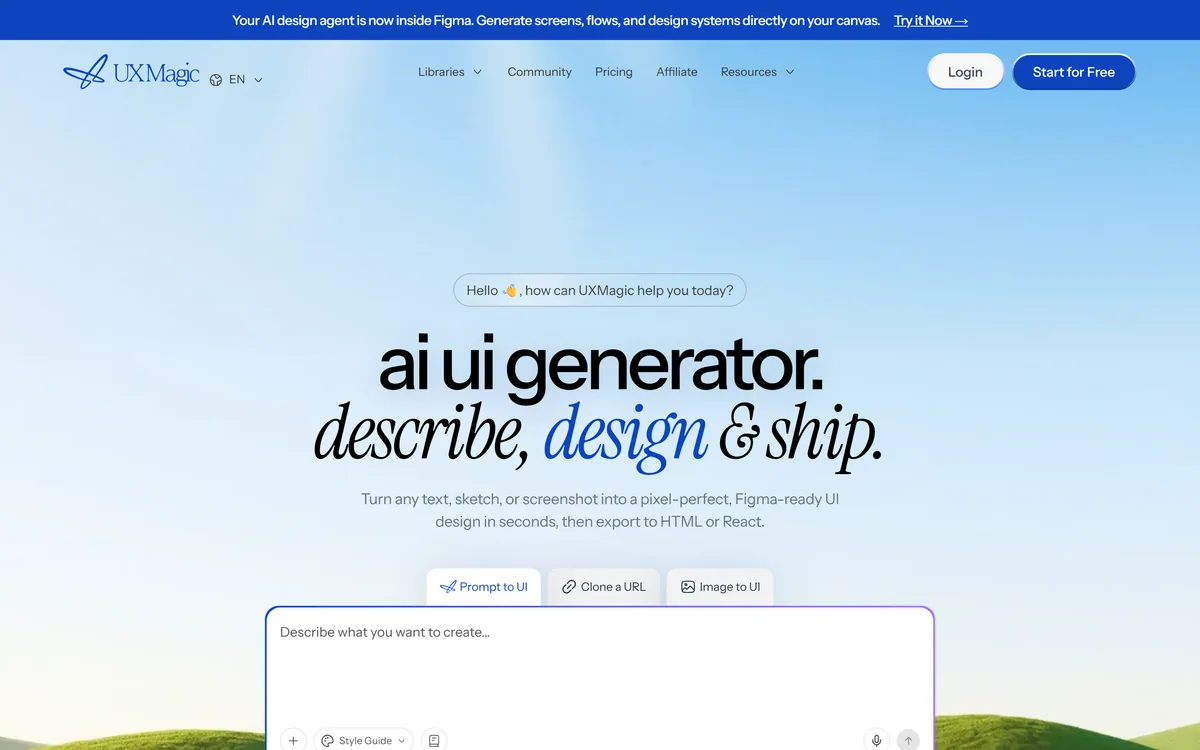
UXMagic turns text prompts, sketches or screenshots into Figma-ready UI designs, generating wireframes, sitemaps and multiple screens, importing your design system, and exporting to Figma, HTML, React or Webflow.
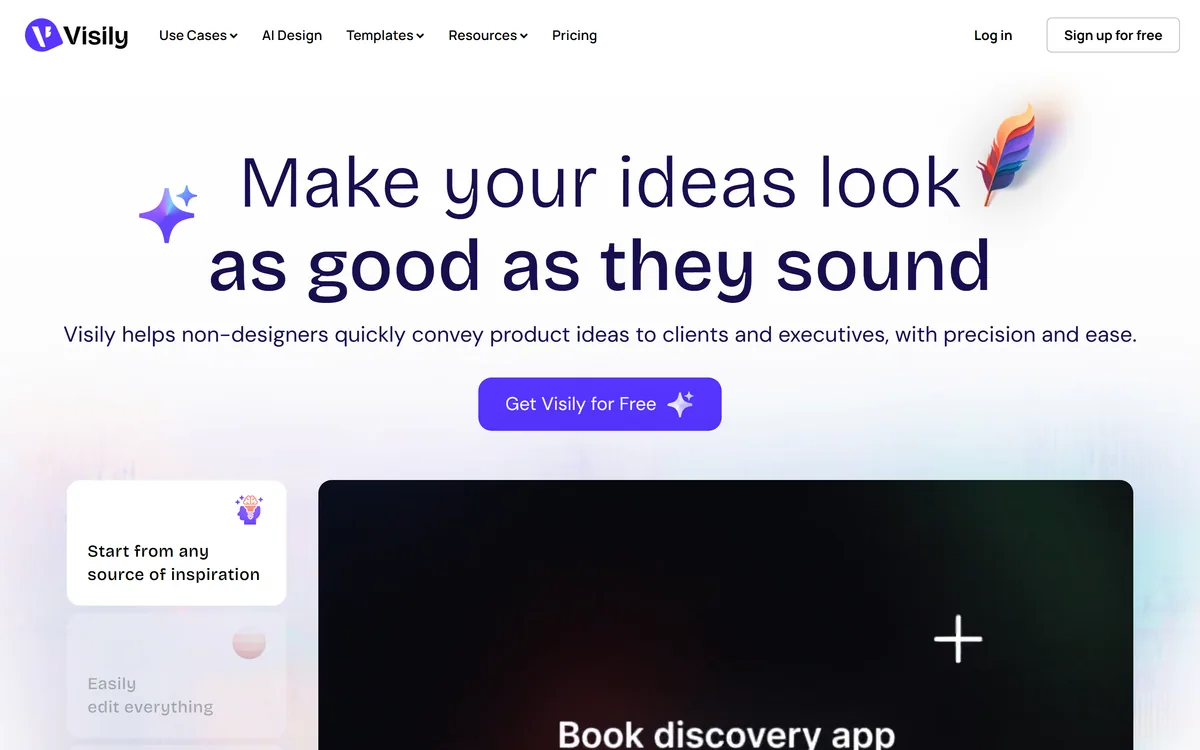
Visily generates editable UI designs from screenshots, text prompts, diagrams or templates, aimed explicitly at non-designers who need to convey product ideas, with smart components, auto-prototyping, on-canvas collaboration and a Figma plugin for handoff.
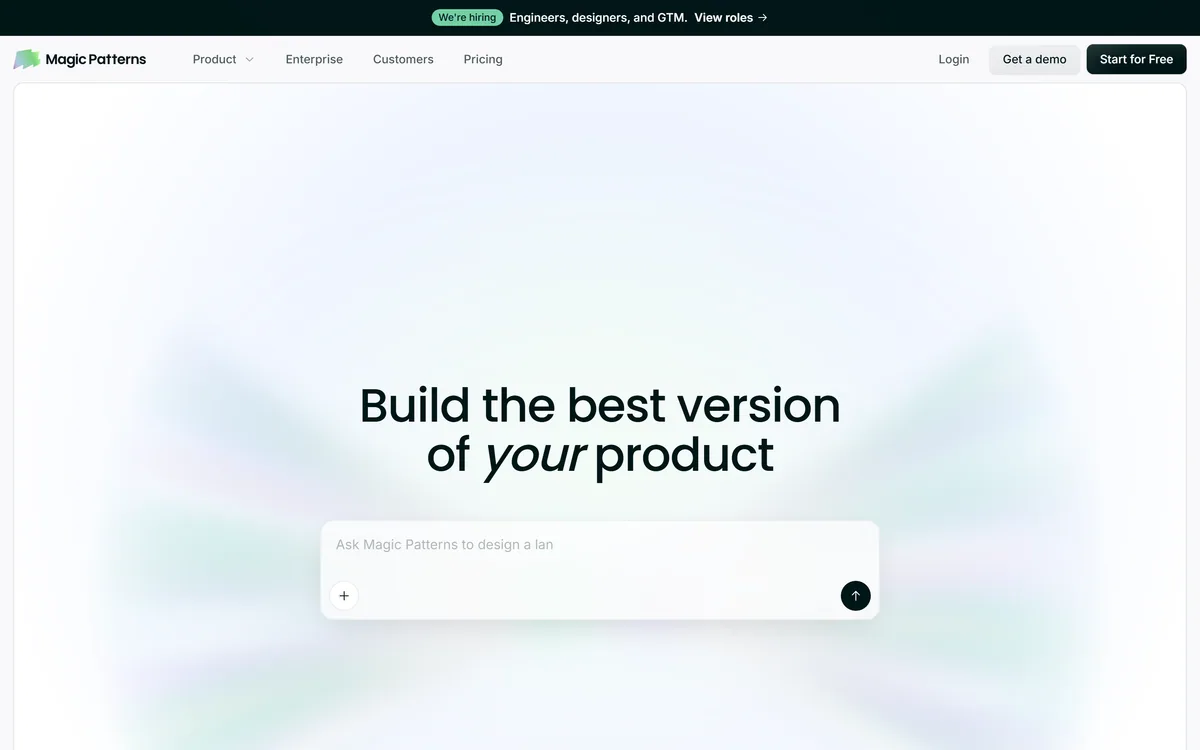
Magic Patterns is an AI design tool for product teams that turns prompts, requirements and ideas into high-fidelity UI, matching your existing design system so teams can prototype and test directions before committing engineering resources.
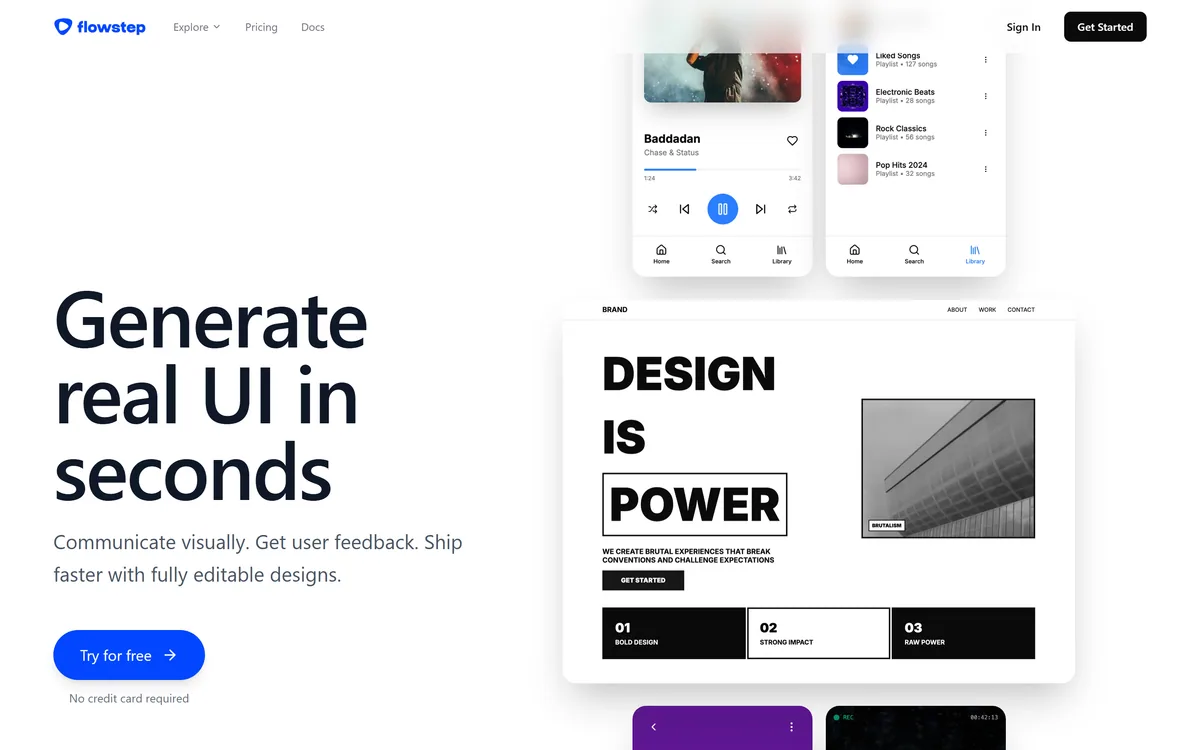
Flowstep generates editable user interface designs from a text description on an infinite canvas. It produces multiple screens in one pass, accepts PRDs and reference images as input, supports real-time collaboration, and exports both to Figma by ordinary copy-paste and to React, TypeScript and Tailwind code.
Related Pages