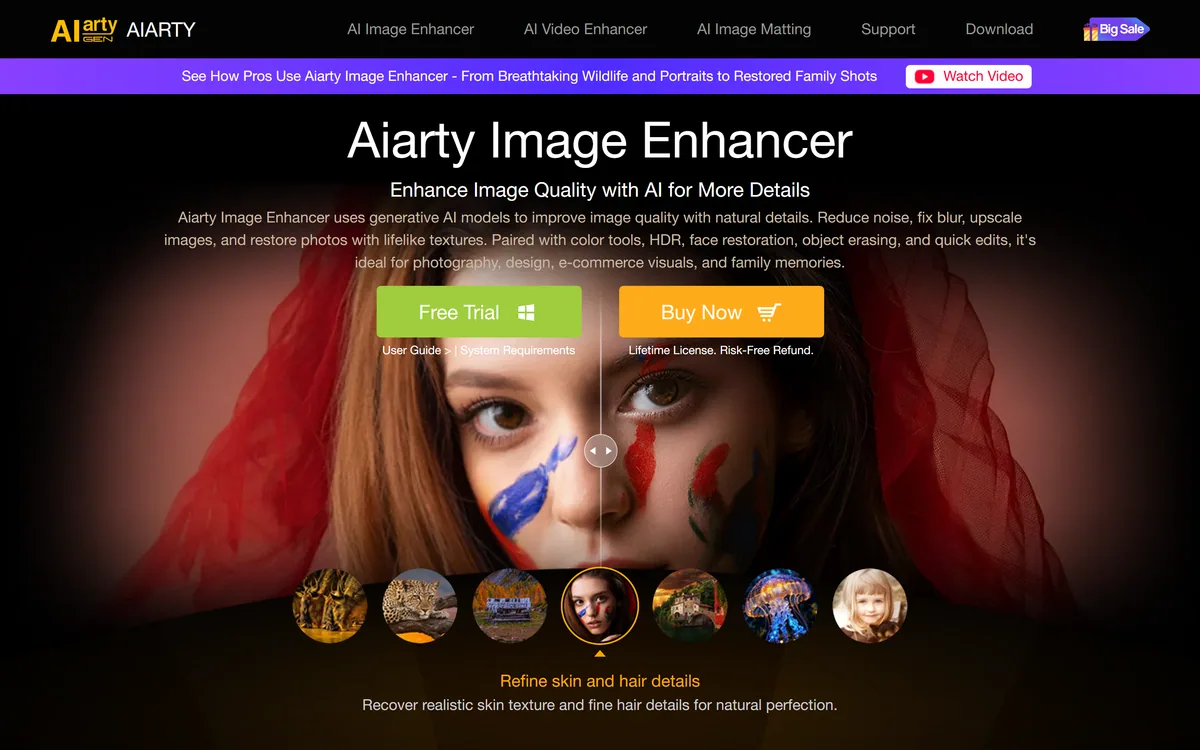
Almost every AI image tool you can name is a website with a credit balance. You upload, you wait in a queue, you spend a credit, you download. It works, and it quietly assumes three things: that your images can leave your machine, that you have connectivity, and that you will keep paying monthly.
Aiarty Image Enhancer refuses all three assumptions. It is desktop software from Digiarty, it processes locally on your own GPU, and it is sold as a licence you buy once.
That combination is now rare enough to be the story. This review covers what offline processing genuinely buys you, why having five separate models matters more than having one good one, what to expect from 8x enlargement in practice, and where a cloud service such as Magnific is still the better answer.
Local Upscaling, In Short
- Aiarty Image Enhancer is desktop software that enlarges and repairs images using AI models running on your own computer, with no upload and no cloud queue.
- Five named models do different jobs: More-Detail GAN v3, AIGCsmooth v3 for AI-generated imagery, Real-Photo for photographic restoration, Face Restoration, and AI Erase for object removal.
- Scaling runs 1x to 8x plus custom sizes, reaching 32K output on Windows and 16K on Mac.
- Batch throughput is the practical draw — the vendor states 3,000 images an hour offline, which is a different kind of tool from a per-image web service.
- It sells as a one-time licence, not a subscription, with a free trial first — increasingly unusual, and the main reason people choose it.
What Running Locally Actually Gets You
Four concrete advantages, and none of them are about output quality.
The images never leave. For medical imagery, legal evidence, unreleased product photography, client work under NDA, or anything involving identifiable people, upload is frequently the blocker regardless of how good a service is. Local processing removes the question entirely rather than answering it with a policy page.
Volume stops costing money. A cloud upscaler charges per image, so a 4,000-image archive is a budget decision. Locally it is a decision about how long you are prepared to leave the machine running.
No queue, no outage, no rate limit. Your throughput is your hardware, which is at least a variable you control.
It keeps working. Software installed on your machine does not get repriced, deprecated or sunset. Anyone who has had a cloud tool change its plans mid-project knows why that matters.
The costs are equally real. Your GPU sets the ceiling, a laptop on battery will be slow, and the models only improve when you install an update rather than silently overnight. Cloud services genuinely do get better while you sleep.
Cloud upscalers charge you per image. Local software charges you per purchase. On a four-thousand-image archive that stops being a preference and becomes arithmetic.
Five Models, Because One Model Cannot Do This
The model list looks like feature-page padding and is actually the most important thing on the page.
Upscaling is not one problem. Enlarging a sharp modern photograph, rescuing a noisy phone shot from a dark restaurant, restoring a scanned print from 1974, and cleaning up an AI-generated image with diffusion artefacts are four different tasks that want four different behaviours.
Free local tools such as Upscayl ship one model and stop there. A single general model handles all four adequately and none well, because the right answer for one is wrong for another. Aggressive detail invention rescues a soft scan and ruins a sharp product shot by hallucinating texture that was never there.
AIGCsmooth v3 is the most interesting inclusion. It targets AI-generated images specifically, which have their own failure signature — over-smooth skin, mangled hands, the particular mush diffusion models leave in fine detail. A model trained on photographs treats those artefacts as real detail and enlarges them faithfully.
Face Restoration exists separately for the same reason. Human faces are the one subject where viewers detect error instantly, and a face-specific pass is standard practice across this category.
The practical implication is that you should not pick a model once and forget it. Run the same problem image through two or three and compare, because the wrong model is a bigger quality difference than the wrong software.
What 8x And 32K Really Mean
The headline numbers are true and they are easy to misread, so it is worth being precise.
Upscaling does not recover detail. The information is not in the file. What these models do is invent plausible detail consistent with what is there — which is genuinely useful and is not the same as enhancement in the television sense.
At 2x the invention is mostly conservative and the result usually looks like a better version of your image. At 8x, most of what you are looking at was generated, and the model's guesses about texture, hair and small text become the picture.
That is fine for some purposes and disqualifying for others. A rescued family photograph enlarged for a frame is a good use, and it is a different job from what Topaz Gigapixel users call creative enlargement. Enlarging a photograph that will be used as evidence, or a product shot where the customer will compare it against the physical item, is not.
The 32K ceiling on Windows against 16K on Mac is a real difference and worth knowing before you buy on the wrong platform. In practice most work never approaches either.
The vendor also states 6.78 million training images. That is a reasonable corpus figure, and the only meaningful test remains your own images at your own output size.
- Collect ten images that represent your actual worst cases, not your best ones.
- Run each through at least two different models and compare at 100%, not zoomed to fit.
- Check faces and any text in the frame first — those fail most visibly.
- Try 2x and 4x on the same source before assuming you need 8x.
- Time a batch of fifty on your own hardware, since throughput claims assume a machine that may not be yours.
Buying It Outright
This site does not publish plan prices. The structure is the durable part, and here it is unusual enough to be a reason to choose the product.
Aiarty sells a one-time lifetime licence rather than a subscription, with a free trial to test first and a refund guarantee stated on the page.
That inverts the economics of the whole category. A subscription upscaler costs you every month whether you process one image or a thousand; a perpetual licence costs once and then rewards volume. If your work is bursty — an archive project, a seasonal catalogue, an occasional restoration job — the difference over a couple of years is substantial.
The trade-off is equally clear. A perpetual licence usually buys a version, not a future. Confirm what a major new release costs existing owners, because upgrade pricing is where perpetual-licence software recovers its margin.
Two other things to check before buying: whether the licence covers the number of machines you actually use, and whether Windows and Mac are separate purchases. Cross-platform terms vary a lot in desktop software and are rarely on the front page.
The Honest Limits
Three, and they follow directly from the design rather than being flaws in it.
Your hardware is the product's speed. The stated 3,000 images an hour describes some machine somewhere. GPU support spans NVIDIA, AMD, Intel and CoreML with a CPU fallback, and that fallback is slow enough to change how you plan a batch.
Improvement arrives on a release cycle. Cloud tools in this category iterate quickly, and a hosted competitor may simply be running a newer model than the one you installed.
It enhances; it does not generate. This is a restoration and enlargement tool. If you want to reimagine an image rather than repair it, that is a different category entirely.
Digiarty has been publishing desktop media software for years, which is a reasonable signal of continuity — relevant when you are buying a licence rather than renting access.
- Throughput is bounded by your GPU, with a notably slower CPU fallback
- Model updates arrive when you install them, not continuously
- Windows reaches 32K output where Mac reaches 16K
- Restoration and enlargement only — no generative reimagining
- Perpetual licences typically buy a version, so check upgrade terms
| Publisher | Digiarty Software, Inc. |
|---|
| Category | AI image upscaling, denoising and restoration |
|---|
| Processing location | Entirely offline on the local machine |
|---|
| Named models | More-Detail GAN v3, AIGCsmooth v3, Real-Photo, Face Restoration, AI Erase |
|---|
| Scaling factors | 1x, 2x, 4x, 8x, plus custom resolutions |
|---|
| Maximum output | 32K on Windows, 16K on Mac |
|---|
| Stated batch throughput | 3,000 images per hour offline, per the vendor |
|---|
| Stated training data | 6.78 million images |
|---|
| Other operations | Noise reduction, deblurring, face restoration, colour adjustment, HDR conversion, AI object removal |
|---|
| Desktop platforms | Windows and macOS |
|---|
| Mobile | Available as a separate download |
|---|
| GPU support | NVIDIA, AMD, Intel and CoreML, with a CPU fallback |
|---|
| Charging model | Free trial, then a one-time lifetime licence with a stated refund guarantee; no prices published here |
|---|
Terms Upscaler Marketing Leans On
Three phrases carry most of the weight in this category and are worth pinning down before comparing anything.
- Upscaling
- Enlarging an image by generating plausible new pixels. It invents detail consistent with the source; it does not recover detail that was never captured.
- GAN vs diffusion
- Two model families. GAN-based upscalers tend to be fast and sharp; diffusion-based ones tend to be slower and more photorealistic. Aiarty ships both kinds for different jobs.
- Face restoration
- A separate pass dedicated to faces, used because viewers detect facial error instantly and general models reconstruct faces poorly.