Almost everyone has the same photograph somewhere. A grandparent, taken decades ago, printed small and photographed badly, the face soft enough that you cannot quite see the person you remember.
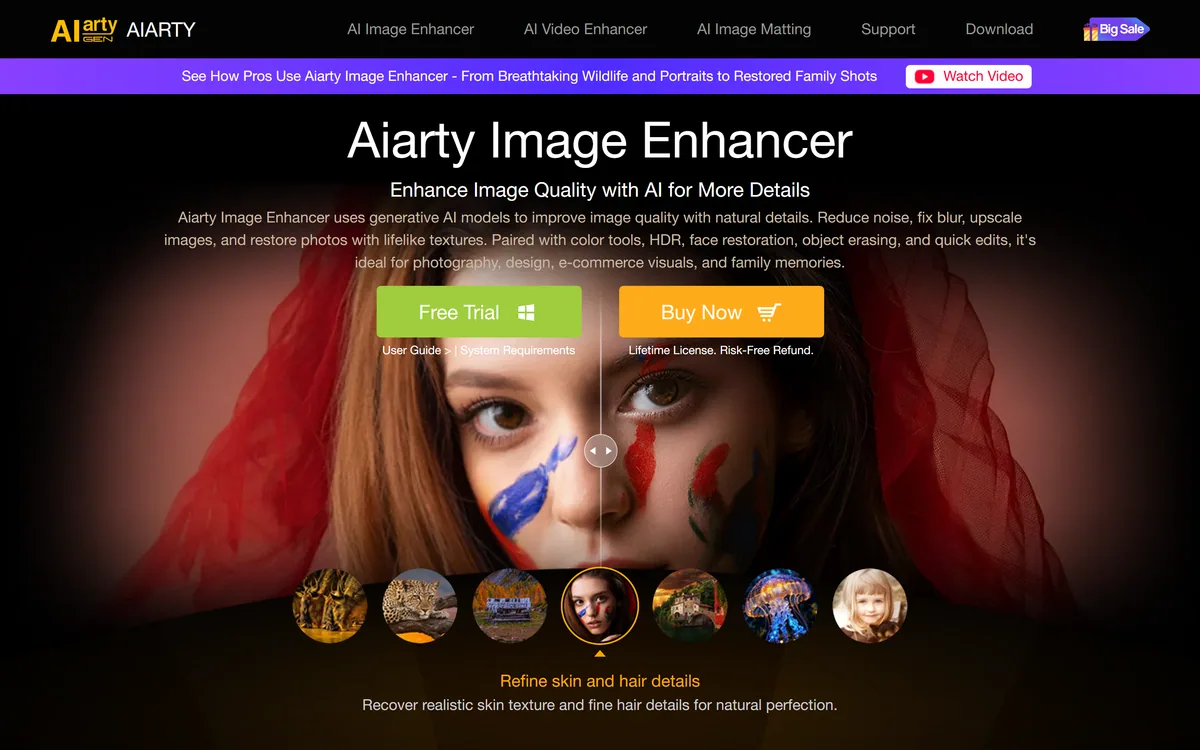
That picture is the reason this category exists, and why enhancement tools such as Aiarty Image Enhancer keep appearing, and it explains why an enhancement app reaches a hundred million people a month while a professional editing tool does not. The demand is not for better photographs; it is for photographs of people who are gone.
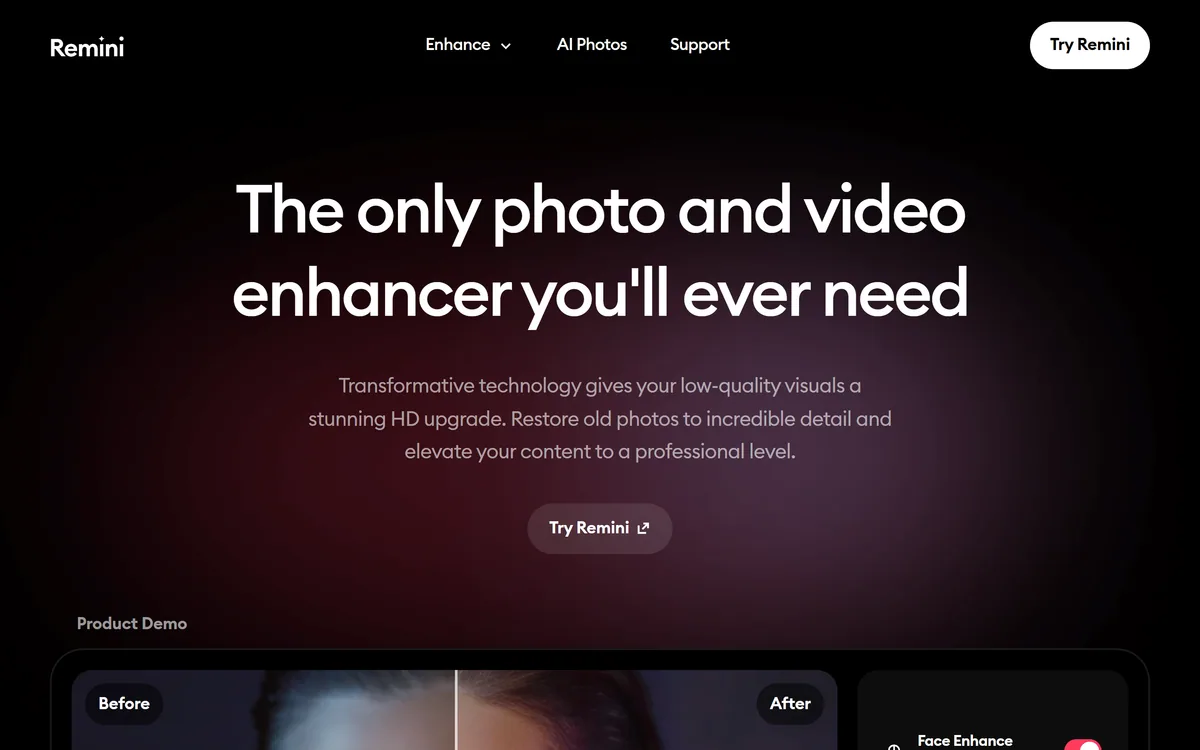
Remini is very good at exactly this, and there is a specific thing about how it works that anyone using it on a family photograph should understand first — because it changes what you are looking at afterwards.
What Is Remini Used For?
- Repairing photographs that are already damaged — blur, noise, age, fading and low resolution — rather than editing good ones.
- Face enhancement is the headline capability, and it is what makes an old family photograph suddenly look like a photograph of a person.
- Video enhancement runs alongside the photo tools, with upscaling stated at up to 2x.
- AI Photos generates professional headshots, putting it in the same territory as dedicated headshot tools.
- Very large scale: 100 million monthly active users, 15 million monthly downloads and 5 billion photos and videos enhanced, with Bending Spoons as the parent company.
Enhancement Invents Detail, It Does Not Recover It
This is the single most important fact about the whole category, and it is stated almost nowhere in the marketing.
When a photograph is blurred or low resolution, the detail is not hidden — it is gone. The pixels that would have shown someone's eyelashes were never captured. No amount of processing can retrieve information that the film or sensor did not record.
What an AI enhancer does instead is generate plausible detail. It has learned what faces look like from a vast number of them, and it produces a face consistent with the blurry evidence available. The result looks sharp because it genuinely is sharp — it is just not necessarily the same face.
For most uses this is fine and the distinction is academic. Restoring a faded holiday photograph to something you can print and hang is a good outcome whether the exact texture of a jumper was reconstructed or invented.
For a photograph of a person you loved, it is worth pausing over. The enhanced image may subtly change the shape of a nose, the set of a mouth, an expression — moving the face toward a statistical average of faces. People sometimes look at the result and feel something is wrong without being able to say what, and this is why.
The practical advice is simple and worth following: keep the original. Enhance a copy, compare the two side by side, and if the enhanced version does not look like the person you remember, trust your memory over the model.
A blurred photograph is not hiding detail. It never recorded it — so an enhancer is not recovering a face, it is proposing one.
Where Remini Is Genuinely Excellent
The caution above is not a reason to avoid the tool, and it is worth being clear about what it does very well.
Denoising is close to unambiguous good, and it is the capability general editors such as Pixelcut handle least well. Sensor noise in a dark photograph is genuine interference rather than missing information, and removing it recovers something that really was recorded.
Colour restoration on faded prints is similarly sound. Dye fading follows known physical patterns, so reversing it is closer to correction than invention.
Motion blur removal on a moderately blurred image, and modest upscaling — the site states up to 2x — sit in reasonable territory too: enough inference to help, not so much that the result is mostly generated.
The place to be careful is heavy enhancement of a very poor original, particularly of a face. That is where the proportion of invented detail rises sharply, and where the result deserves the side-by-side check.
The AI Headshot Product Is A Different Thing
Remini's AI Photos feature generates professional-quality headshots, which is a generative product sitting inside a restoration app.
It is worth separating in your mind, because the two do fundamentally different work. Restoration starts from a photograph of you and repairs it. Headshot generation starts from photographs of you and creates new images that did not happen.
The evaluation criteria differ accordingly. Restoration is judged on faithfulness — does it still look like the person. Generation is judged on plausibility and likeness together, and the failure modes are the familiar ones: glasses that do not sit right, ears that do not match, skin with an evenness real skin does not have.
Against a trained-model specialist such as Aragon AI, Remini's advantage in this second market is that it already has your photographs and an enormous user base, so the feature reaches people who would never seek out a dedicated headshot tool.
Whether it beats a specialist is worth testing rather than assuming. Dedicated tools that train a model on a set of your images generally produce a closer likeness than a general enhancer's generative feature, and that gap matters most for exactly the professional use a headshot is for.
- Restoration and generation are different products; judge them on different criteria.
- For a headshot that people who know you will see, test the likeness on someone who knows you.
- Check glasses, ears and hairline at full size — the three places generated portraits fail first.
- Compare against a dedicated headshot tool before assuming the bundled feature is equivalent.
- Keep the original photographs regardless; a generated image is not a substitute for one.
What Happens To The Photos You Upload?
Remini processes an extraordinary volume of images — 5 billion enhanced, by its own count — and a great many of them are photographs of family members, children and people who are no longer alive.
That makes data handling the question that matters most, and the site's homepage does not answer it in detail. There is a privacy and cookie notice and an app privacy notice available through the footer, and those are the documents that actually bind.
The specific questions worth answering before uploading anything irreplaceable: how long are uploaded images retained, are they used to improve the models, can you delete them, and what happens to images of people who did not consent to the upload — which includes essentially everyone in an old family photograph.
The parent company is a point in its favour on accountability. Bending Spoons S.p.A. is a substantial named business rather than an anonymous operator, which means there is a real entity subject to European data protection law.
The practical guidance is proportionate rather than alarmist. Read the privacy notice before uploading a photograph you could not replace, and remember that a scan you upload is a copy — keep the original file and the physical print, because those are the things that cannot be regenerated.
Restoring One Photograph Properly
The free tier makes this testable at no cost, and there is a right way to do it that takes five extra minutes and materially improves the result.
The bar is step five. If the enhanced face does not look like the person to someone who knew them, the enhancement has gone too far.
- Start from the best original you have. Rescan the print at high resolution if you can, rather than enhancing a photograph of a photograph — input quality sets the ceiling more than any setting.
- Keep the original file untouched and work on a copy. This is the step people skip and later regret.
- Apply one correction at a time — denoise first, then colour, then sharpening — rather than the maximum setting in one pass.
- Stop earlier than feels natural. The most common mistake is over-enhancement, which produces a plastic face that reads as processed.
- Show the result to someone who knew the person, without saying what you changed, and watch their reaction rather than asking their opinion.
- Archive both versions together. In twenty years the original is the historical record and the enhancement is an interpretation of it.
Free With Ads, Or Premium
The model is free with advertising, plus a premium membership; amounts are not disclosed on the pages we read. It is available on iOS, Android and the web.
Free-with-ads is the right structure for a product whose main use is occasional. Most people restore a handful of photographs when they find a box of them, not continuously — and a subscription for that pattern would be poor value.
The thing to watch, common across consumer apps of this shape, is the conversion from a trial into a recurring charge on a mobile app store, where cancellation is a different process from cancelling on the web. Check where you subscribed and how to cancel there.
For genuinely occasional restoration, the free tier plus patience with advertising is usually the sensible choice. For a large archive project, the premium tier makes sense — but plan the project in a burst rather than paying monthly for a year.
We do not publish amounts, since they change and differ by platform.
| Product type | AI photo and video enhancement, restoration and generation |
|---|
| Photo tools | Unblur and sharpen, denoise, old photo restoration, face enhancement, colour fixer, image enlarger, background enhancer, low quality enhancer, face glow, auto colour |
|---|
| Upscaling | Stated at up to 2x without quality loss |
|---|
| Video | Video enhancer for upscaling and enhancement |
|---|
| Generative | AI Photos for professional-quality headshots |
|---|
| Platforms | iOS, Android and web |
|---|
| Stated monthly active users | 100 million |
|---|
| Stated monthly downloads | 15 million |
|---|
| Stated volume processed | 5 billion photos and videos enhanced |
|---|
| Parent company | Bending Spoons S.p.A. |
|---|
| Pricing model | Free with advertising, plus a premium membership |
|---|
| Published links | Privacy and cookie notice, app privacy notice, help centres, contact form, careers |
|---|
When Remini Is The Right Choice
Restore with it when
- You have old family photographs that are faded, damaged or too small to see properly.
- The problem is genuine interference — sensor noise, dye fading, motion blur — rather than missing resolution.
- You want a usable result on a phone in a minute, without learning an editing application.
- You are restoring a handful of images occasionally, which suits the free tier well.
- You want to try AI headshots without committing to a dedicated tool.
Think twice when
- The photograph is a historical or evidential record, where an interpretation must not replace the original.
- The face matters more than the sharpness — heavy enhancement moves features toward an average, and people who knew the person often notice.
- You need professional headshots at their best, where a tool trained on your own images produces a closer likeness.
- You need editorial control over exactly what changed, which a one-tap enhancer does not give you.
- You are uploading irreplaceable images without having read the privacy notice first.