There is a specific moment that creates demand for this category. You need a photograph of yourself for a profile, a speaker page or a company site, the only recent one is from a wedding, and booking a photographer means a week and a real expense for something you will use at 400 pixels wide.
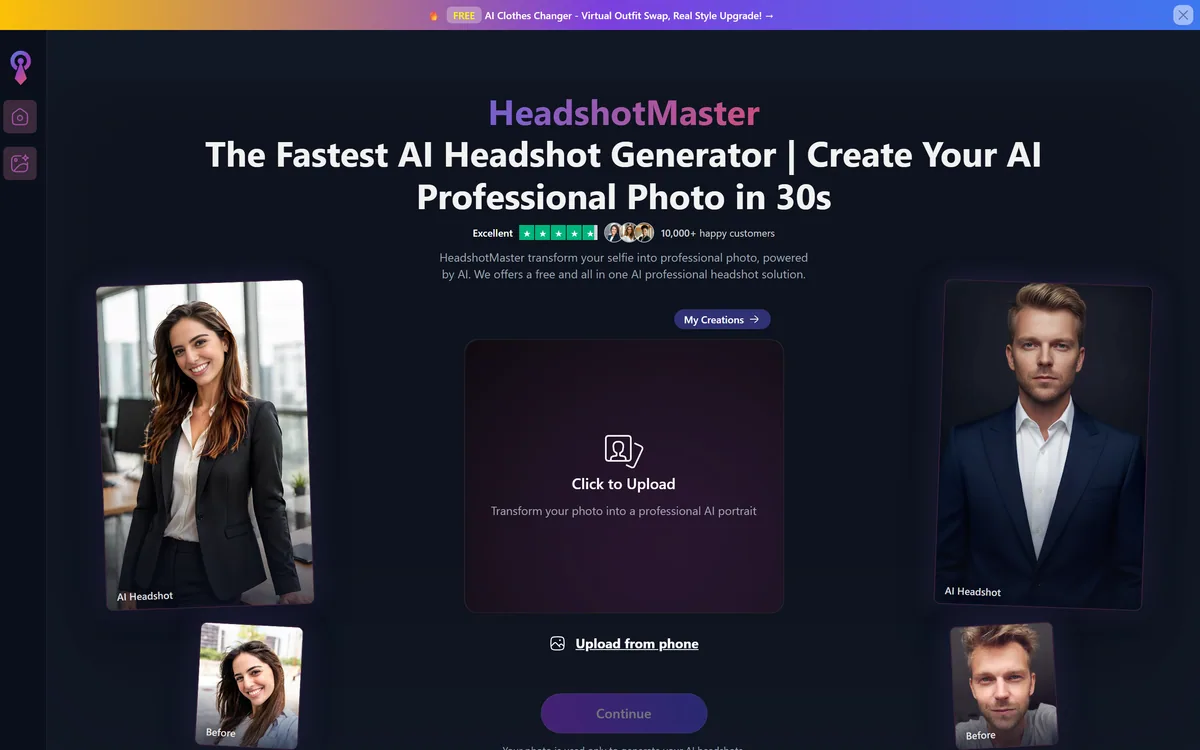
HeadshotMaster's answer is speed. Thirty seconds, a style from a catalogue, and a usable image. That is a genuinely different proposition from the studios that take hours to fine-tune a model on your likeness, and the difference in time is a clue to a difference in method that matters more than the marketing suggests.
This review covers what that speed implies about output quality, the one policy on the site that is better than its competitors', a category in the style catalogue that deserves comment, and how to judge the result before you put it on anything that matters.
Thirty Seconds, And What That Speed Implies
- Generation takes about thirty seconds, against hours or a full day at studios that fine-tune a model on your face — a difference in method, not just in speed.
- Uploads are deleted within two hours, stated explicitly on the site. For a tool that processes your face, this is the most valuable sentence on the page.
- Styles are grouped two ways: by profession (professional, doctor, realtor, outdoor) and by regional appearance categories.
- Two free generations without signing up, plus daily free credits on an account — enough to judge the output before paying anything.
- Works across iOS, Android, tablet and web, with refund, privacy and terms pages published.
HeadshotMaster: Stated Specifications
| Product type | AI headshot and portrait generation |
|---|
| Turnaround | About 30 seconds per generation |
|---|
| Style axes | Occupational (professional, doctor, realtor, outdoor) and regional appearance variants |
|---|
| Style regions offered | US, European, Asian, Arabian, African |
|---|
| Customisation | Background and wardrobe options |
|---|
| Platforms | iOS, Android, tablet and web |
|---|
| Free access | Two generations without signup, plus daily credits on a free account |
|---|
| Data retention | Uploads deleted after processing and permanently removed within 2 hours |
|---|
| Paid tiers | Higher quality output and faster processing |
|---|
| Published policies | Privacy Policy, Terms of Service, Refund Policy |
|---|
| Model disclosed | No underlying AI model is named on the site |
|---|
Thirty Seconds Means A Different Method
The AI headshot category splits into two technical approaches, and turnaround time gives away which one a product uses.
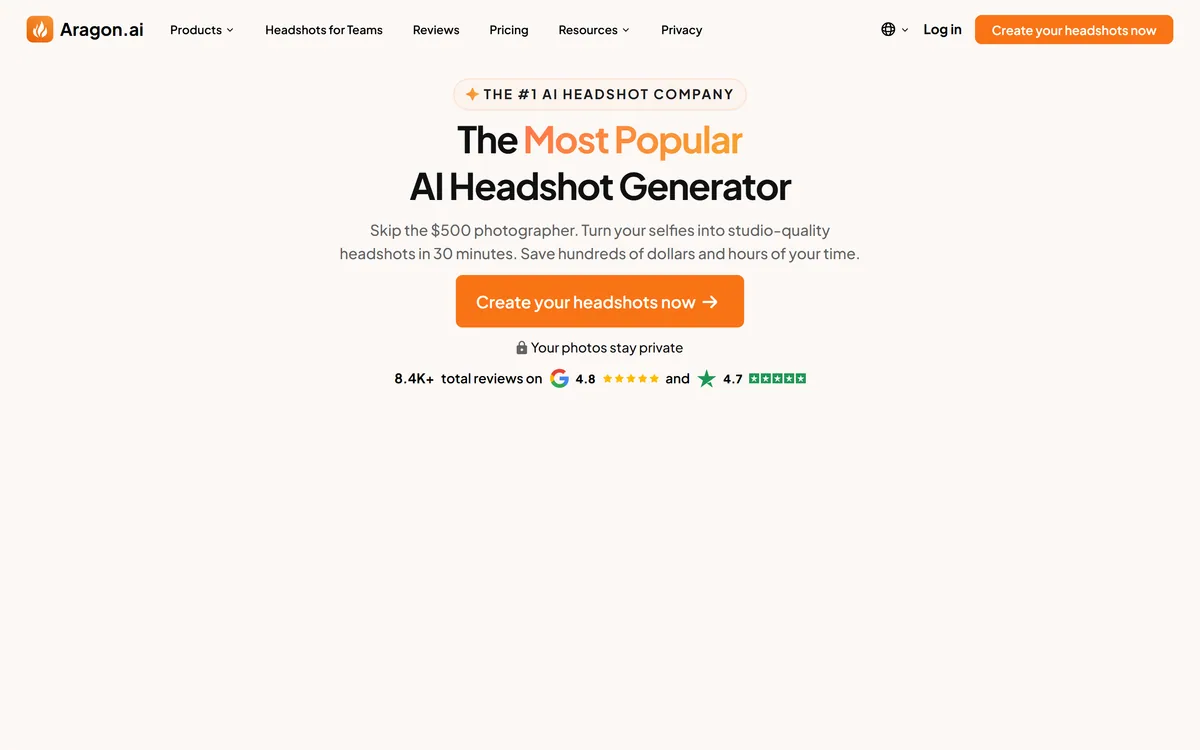
The slower approach, used by Aragon AI and HeadshotPro, trains a small personalised model on a set of your photographs — usually ten to twenty — learning your specific face before generating anything. That takes time and computation, which is why those services quote hours and ask for a substantial upload.
The faster approach conditions a general model on one or a few reference images at generation time, without a training step. It is dramatically quicker and cheaper, and it produces a person who resembles you rather than a person who is unmistakably you.
Thirty seconds is not enough time for the first approach. That is not a criticism — it is a trade, and for many uses it is the right one. But it sets a realistic expectation: expect a good likeness rather than a portrait a colleague would swear was taken of you.
The practical consequence is about use rather than quality. A generated image that reads as approximately you is fine on a profile where people already know your face. It is riskier as the only picture on a page where someone will later meet you and calibrate expectations from it.
Turnaround time is the most honest specification an AI headshot tool publishes. Thirty seconds and two hours describe two different products.
Where AI Headshots Still Give Themselves Away
Generated portraits have improved enormously and still fail in consistent places, whichever tool made them — InstaHeadshots and its rivals included. Knowing where to look saves you publishing something that quietly undermines you.
Hands and jewellery remain unreliable, which is why so many generated headshots are cropped tightly. Ears are frequently asymmetric in ways real ears are not. Glasses produce the most common tell of all — frames that do not sit consistently, or arms that fail to meet the ears correctly.
Then there is texture. Generated skin tends toward an evenness real skin does not have, and the effect reads as a heavy retouch even when nothing was retouched. In some professional contexts that is unremarkable; in others it signals immediately that the photograph is not one.
Backgrounds are the subtler failure. Studio lighting on the subject against a background with inconsistent depth of field is the combination that makes a viewer feel something is wrong before they can say what.
Two Hours To Deletion Is The Best Thing On The Site
The site states that uploaded photographs are used only to generate your headshots, are deleted automatically after processing, and are permanently removed from its servers within two hours.
That is a specific, time-bound, checkable commitment, and it is a meaningfully better answer than most of this category provides. A great many face-processing tools say nothing at all about retention, and a claim with a number attached is one a company can be held to in a way that vague reassurance is not.
It also matters more here than in most software categories. Your face is biometric data. Several jurisdictions regulate it specifically and separately from other personal information, and unlike a password it cannot be changed after a breach.
Two caveats belong alongside the praise. A stated policy is a promise rather than an audited control, and there is no third-party attestation on the site to support it. And the deletion covers uploads; check separately what happens to the generated outputs, which is a different question the policy does not obviously answer.
Even with those caveats, publishing a number is the right behaviour and worth crediting. If you are choosing between tools in this category on privacy grounds, a specific retention window beats an unquantified assurance every time, and GoStudio is worth comparing on exactly this point.
- Upload the minimum number of images the tool will accept, not the maximum it allows.
- Avoid images containing other identifiable people, since you cannot consent on their behalf.
- Strip location metadata before uploading — most phones embed it, and a headshot rarely needs it.
- Download what you want promptly, then check whether outputs persist in your account.
- Read the privacy policy as well as the marketing sentence, since the binding terms live in the former.
The Style Catalogue Is Doing Something Unusual
Styles are offered along two axes. One is occupational — professional, doctor, realtor, outdoor — which is ordinary and useful, since a headshot for a medical directory and one for a creative agency genuinely differ in wardrobe and setting.
The other axis groups styles by regional appearance, with US, European, Asian, Arabian and African variants. This is worth discussing rather than passing over.
There is a legitimate purpose behind it. Portrait conventions vary by market: expectations about formality, dress, background and framing on a professional profile are not identical in Riyadh, Berlin and Lagos, and a tool aiming at a global audience has a reason to offer variety.
The difficulty is that on a tool which regenerates your face, a control labelled by region sits uncomfortably close to a control that alters ethnicity — and altering someone's apparent ethnicity in a photograph meant to represent them is a different act from choosing a background. The site does not draw that distinction anywhere.
The practical guidance is simple. Use these as what they are best understood to be: regional conventions for wardrobe, setting and framing. Check the output against your own face and reject anything that has changed your features rather than your surroundings. That check takes seconds and it is the whole safeguard.
Try It Before You Trust It With Your Face
Two free generations without an account makes this one of the easier tools in the category to evaluate honestly, and there is no reason to pay before you have.
The bar to clear is step four. If someone who knows you flinches, the likeness is not good enough for a page where you will later be met in person.
- Use the two free generations first, before creating an account or entering payment details.
- Upload a photograph in flat, even light — a window, not overhead lighting. Input quality sets the ceiling here more than any setting does.
- Generate one image with glasses if you wear them, because that is where this technology most reliably fails and you need to know before you commit.
- Show the result to someone who knows your face, without saying it is generated, and watch their first reaction rather than asking their opinion.
- Zoom to 100 per cent and check ears, glasses frames, hairline and the boundary between subject and background — the four places tells cluster.
- Only then decide whether to pay, and generate the rest in the same session while your reference photograph is still the one you tested.
How HeadshotMaster Sells Credits
There is a free tier with daily credits, plus two generations available without signing up at all. Paid plans are described as offering higher quality output and faster processing.
The unusual and welcome part is that the free entry point is genuinely evaluative rather than decorative. Many tools in this category require payment before you see a single image of yourself, which means buying the output sight unseen — an unreasonable ask when the whole question is whether it looks like you.
What is less clear from the site is exactly what higher quality means at the paid tier: whether it is resolution, a different model, more generations, or fewer artefacts. That is worth establishing before purchase, and the free generations give you a baseline to compare against.
A refund policy is published, which for a one-off digital purchase is the term that matters most. Read it before buying rather than after, particularly the position on generated output you are unhappy with. We do not publish amounts here since they change.
Who Should Generate A Headshot Here
A sensible choice when
- You need a usable profile picture today and cannot wait for a photographer or a training run.
- The image is for a context where people already know your face — an internal directory, a team page, a familiar network.
- You want to test AI headshots at all before committing money to a studio product.
- Retention matters to you and you want a tool that publishes a specific deletion window rather than vague reassurance.
- You need several looks quickly and iterating in one sitting is worth more than maximum fidelity.
Do not use it when
- The photograph is the first impression for people who will later meet you, where an approximate likeness sets the wrong expectation.
- You wear glasses and need them rendered correctly — test the free generations first, because this is the most common failure.
- You need consistent portraits across a whole team, which per-user training handles far better.
- Your field has rules about representation of identity, such as regulated professional directories or legal contexts.
- You want a portrait with genuine character rather than a competent professional default; that remains a photographer's work.