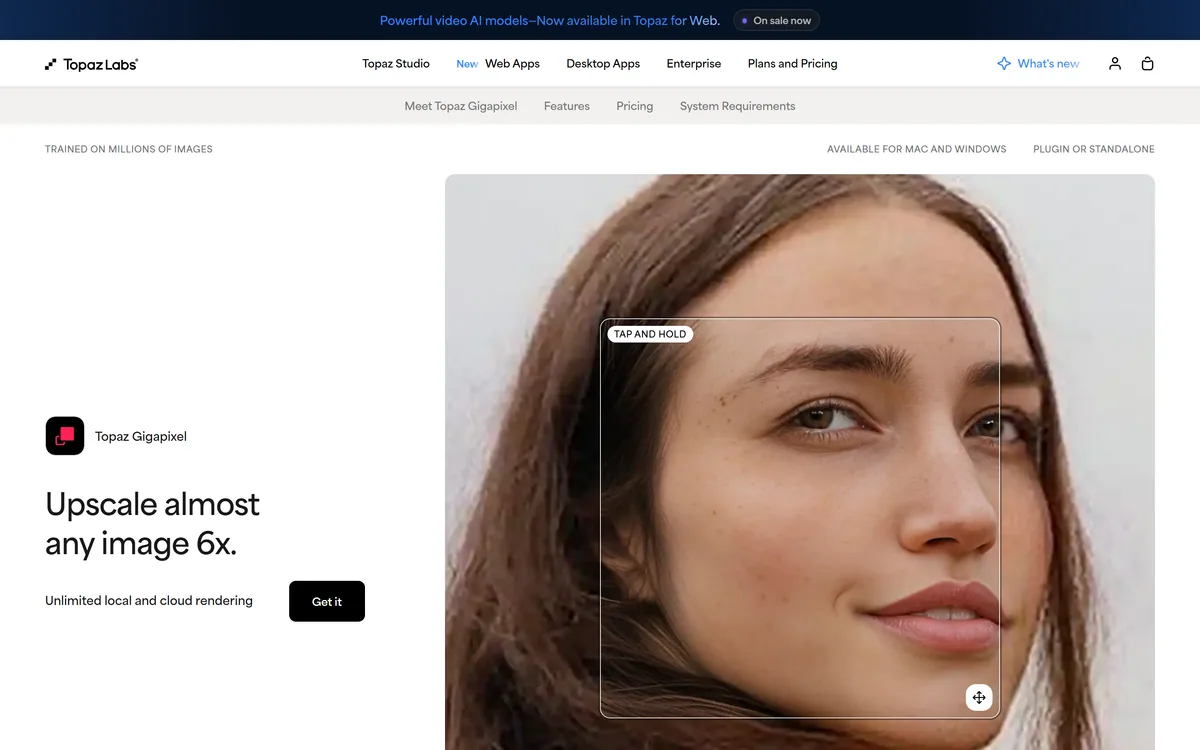
Upscaling is where AI quietly earns its keep, and Topaz Gigapixel is the app professionals most often name for it. It is the dedicated upscaler within the Topaz Labs family, focused on one job done to a high standard.
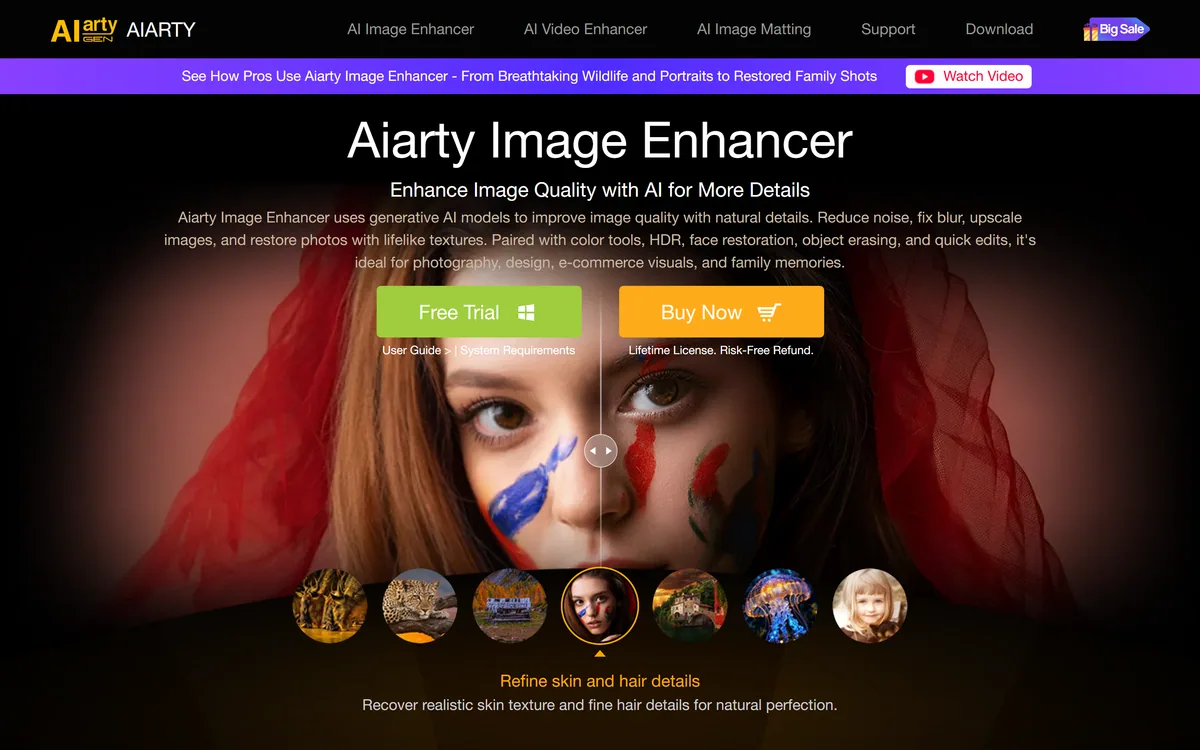
It enlarges images up to 6x using multiple enhancement models that aim to add accurate detail rather than guesswork, with restoration and face recovery, running locally or in the cloud on Mac and Windows. It sits alongside the broader suite reviewed under Topaz Labs and competes with focused enhancers like Aiarty Image Enhancer.
This review covers what Gigapixel adds to an image, who it serves best, how it is priced, and where a lighter tool is enough.
Topaz Gigapixel Facts
| What it is | A dedicated AI image upscaler |
|---|
| Family | Part of Topaz Labs |
|---|
| Upscale | Up to 6x, with detail-accurate models |
|---|
| Models | Nine enhancement models (vendor) |
|---|
| Also | Restore and recover faces |
|---|
| Runs | Local or cloud, Mac and Windows |
|---|
| Form | Plugin or standalone |
|---|
| Pricing | App purchase, web subscription, cloud credits |
|---|
Topaz Gigapixel, The Upscaler Brief
- Topaz Gigapixel is a dedicated image upscaler: it enlarges photos up to 6x while adding accurate, not invented, detail.
- It is part of Topaz Labs: the specialised upscaling app within the broader Topaz family.
- Accuracy is the pitch: nine enhancement models aim to add the right pixels, with restore and face recovery.
- It runs local or cloud: on Mac and Windows, as a plugin or standalone, keeping files on your machine if you want.
An Image Upscaler Built For Accuracy, Not Just Size
Gigapixel's defining claim is accuracy: 'don't just add pixels, add the right pixels'. Any tool can make an image bigger; the hard part is adding detail that is faithful to the original rather than hallucinated, and that fidelity is what Gigapixel is built around.
It is a single-purpose app, upscaling, done deeply, with nine enhancement models for different kinds of content and nearby jobs like restoration and face recovery. That focus is why it holds a reputation as the standard upscaler among photographers and finishers.
It is important to place it correctly: Gigapixel is the dedicated upscaler within Topaz Labs, which also makes broader photo and video apps. If you want the whole suite, the Topaz Labs listing covers it; Gigapixel is the upscaling specialist.
Any tool can make an image bigger; the hard part is adding detail faithful to the original rather than hallucinated. That fidelity is what Gigapixel is built around.
What Does Topaz Gigapixel Add To An Image?
The value is in the quality of the enlargement and the choice of where to run it.
Upscale, Restore And Recover Faces
Beyond straight upscaling up to 6x, Gigapixel restores old or degraded images and recovers facial detail, using models tuned for the kind of content, so a soft portrait, a low-res product shot and a fine-art scan each get appropriate treatment.
Face recovery operates on images of real people, which is fine for your own or licensed photos but a likeness consideration to keep in mind. For a broader image kit a tool like VanceAI covers more jobs; Gigapixel goes deeper on the one.
Local Or Cloud Rendering, Plugin Or Standalone
Gigapixel runs locally, so your files never leave your computer, ideal for confidential or proprietary material, or in the cloud for convenience and scale, and works as a Photoshop/Lightroom-style plugin or a standalone app on Mac and Windows.
That local option is a genuine advantage for professionals handling sensitive images. A lighter enhancer such as Aiarty Image Enhancer suits simpler needs; Gigapixel's local, plugin-ready workflow is aimed at serious, quality-critical use.
Who Topaz Gigapixel Serves Best
Gigapixel serves photographers enlarging for print or large displays, e-commerce and product shooters rescuing low-res images, archivists and publishers restoring old photos, and AI creators upscaling generated output to usable resolution.
It suits anyone for whom the quality of the enlargement is the point, where a soft or blocky result is not acceptable, and who values keeping files local. The single-purpose focus means it does upscaling better than a general tool that treats it as one feature among many.
It is more than a casual user needs for enlarging the odd phone photo, where a free or built-in upscaler suffices, and if you want video or a full enhancement suite, the broader Topaz Labs products are the better fit than this single app.
How Topaz Gigapixel Charges For Upscaling
Gigapixel is sold as part of the Topaz model: a desktop app purchase, a web-tools subscription, and cloud credits for cloud rendering, with a Topaz Studio bundle if you want everything. We do not publish prices, which change; check the site.
For a photographer, the desktop app bought outright can be the most economical route for heavy local use; for occasional or cloud use, the web subscription and credits may fit better.
The value test is quality on your own hardest images versus a cheaper tool; for work where the enlargement has to hold up at print or display size, Gigapixel's output usually justifies its cost, and for casual use it does not.
A Fast Way To Put Topaz Gigapixel To Work
Because it is all about the quality of the enlargement, trial Gigapixel on your own toughest, most quality-critical images.
- Pick your hardest real images: a soft portrait, a low-res product shot, an old scan, a shot for print.
- Upscale each and inspect the result at full resolution for faithful, not invented, detail.
- Try the restore and face-recovery models on degraded images where relevant.
- Decide local versus cloud based on file sensitivity and volume.
- If you use Photoshop or Lightroom, test it as a plugin in your actual workflow.
- Pass/fail: Gigapixel is worth it if its enlargements clearly beat a cheaper tool on the quality you need.
- Use face recovery on images of real people only with the appropriate rights.