Image enhancement is one of the clearest wins for AI, and the market is crowded with single-trick tools. VanceAI's answer is breadth: a whole fix-it kit for photos and video in one place.
It covers upscaling, sharpening, denoising, restoration, colorizing, cartoonizing and background removal, built on proprietary deep convolutional networks, and it runs both online and as desktop apps that batch-process locally. It sits squarely among dedicated enhancers like Aiarty Image Enhancer, competing on range and on the option to work offline.
This review covers what VanceAI actually repairs, who it suits across image work, how its credit pricing functions, and which of its confident claims to treat as claims.
| What it is | An AI photo and video enhancement suite |
|---|
| Image tools | Upscale, sharpen, denoise, restore, colorize |
|---|
| Also | Cartoonize, background removal, retouch |
|---|
| Video tools | Upscale, SDR-to-HDR, colorize, denoise |
|---|
| Runs | Online and as Windows/Mac desktop apps |
|---|
| Models | Proprietary deep convolutional networks |
|---|
| For developers | API, Agent Skill and a ComfyUI node |
|---|
| Privacy | Uploads deleted within 24 hours, per vendor |
|---|
VanceAI, The Rundown
- VanceAI is a photo and video enhancement suite: upscale, sharpen, denoise, restore, colorize, cartoonize and remove backgrounds.
- It runs online and on your PC: a desktop app does local batch processing with every model included.
- It is built on proprietary DCNN models: analysing each pixel's material rather than blanketing one filter over everything.
- Its superlatives are claims: '40x' upscaling and 'fastest in the world' are the vendor's, worth testing on your own images.
A Photo And Video Fix-It Kit In One Place
VanceAI's strength is that it is not one tool but a kit. Where many products do only upscaling or only background removal, VanceAI gathers the whole repair-and-enhance workflow, so a single subscription covers most of what you throw at an image.
The models are proprietary deep convolutional networks, and the company makes a point that they analyse each pixel for what it actually is, skin, fabric, foliage, metal, and apply targeted correction rather than one blanket filter. Whether that edge is decisive is for your own eyes to judge.
It also spans video, upscaling, SDR-to-HDR, colorizing, denoising, which is less common in this category and useful if you work across both stills and footage.
The breadth has a practical upside beyond convenience: a consistent look. When the same models handle your upscaling, denoising and colour, a batch of images or a set of clips comes out looking coherent rather than stitched together from a handful of different tools, which matters for a product catalogue or a brand feed where consistency is the point.
VanceAI's strength is that it is not one tool but a kit: a single subscription covers most of what you throw at an image, from upscaling to restoration.
What Does VanceAI Actually Repair?
The practical value is in the specific repairs, and in the fact that you can do them where you want.
Upscale, Sharpen, Denoise And Restore
The core tools handle the common jobs well: upscaling (the vendor cites up to 40x), sharpening motion blur and soft focus, denoising high-ISO shots, and restoring old photos with scratches and faded colour. For e-commerce, prints and archives, that covers most needs.
These are the same jobs a focused enhancer like Deep-Image.ai targets, so the sensible way to choose is to run your own hardest image through each and compare, rather than trusting any headline multiplier.
Online, Desktop And For Developers
VanceAI runs online, but its desktop app is the differentiator: it batch-processes locally with every model included, which is faster for volume and keeps images on your machine. For developers there is an API, an Agent Skill and a ComfyUI node.
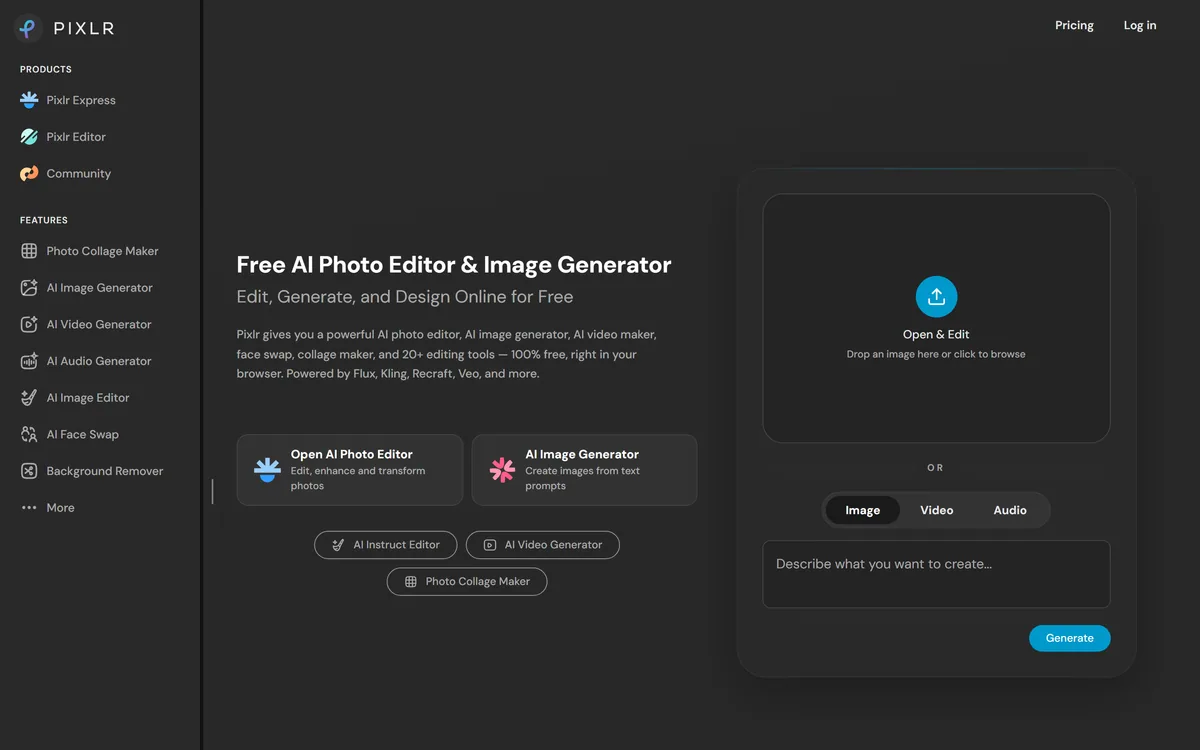
That local, offline option is a genuine privacy and workflow advantage over purely cloud tools. For lighter, browser-based editing a general editor like Pixlr is handier; VanceAI's niche is heavier, batch enhancement done your way.
Who VanceAI Suits Across Image Work
VanceAI suits people with a steady volume of images to fix: e-commerce sellers preparing product shots, photographers rescuing or upscaling archives, print shops needing DPI, and marketers who want consistent, clean visuals.
The desktop batch processing makes it especially good for anyone doing the same enhancement across hundreds of images, where a per-image cloud tool would be slow and expensive. The developer options extend it to teams automating enhancement in a pipeline.
It is less necessary for someone who enhances the odd photo occasionally, where a free or browser tool suffices, or for creative generation from scratch, which is a different job than repair and enhancement.
How VanceAI Prices Its Credits
VanceAI uses a credit-based subscription, with promotions that add credits on payment, and a free desktop download alongside a buy option. We do not publish prices, which change; check the site.
A credit model rewards predictable volume: if you process images in batches, you can size a plan to your workload. The desktop app's included models mean heavy local use does not keep drawing down cloud credits in the same way.
The value test is simple, run a realistic batch and see how far the credits go, because the right plan depends entirely on how many images you actually process and at what settings.
A Quick Way To Put VanceAI To Work
Because the output quality is what matters and claims are easy to make, test VanceAI on your own difficult images.
- Pick your hardest real images, a noisy low-light shot, a soft photo, an old scan.
- Run upscale, sharpen, denoise and restore on them and judge the results at full size.
- Try the same batch in the desktop app to compare speed and the local workflow.
- If you process volume, test how far a batch draws down your credits.
- If you automate, trial the API or ComfyUI node on a sample.
- Pass/fail: VanceAI is worth it if its output beats your current tool on your own images.
- Treat the 40x and 'fastest' claims as things to verify, not assume.