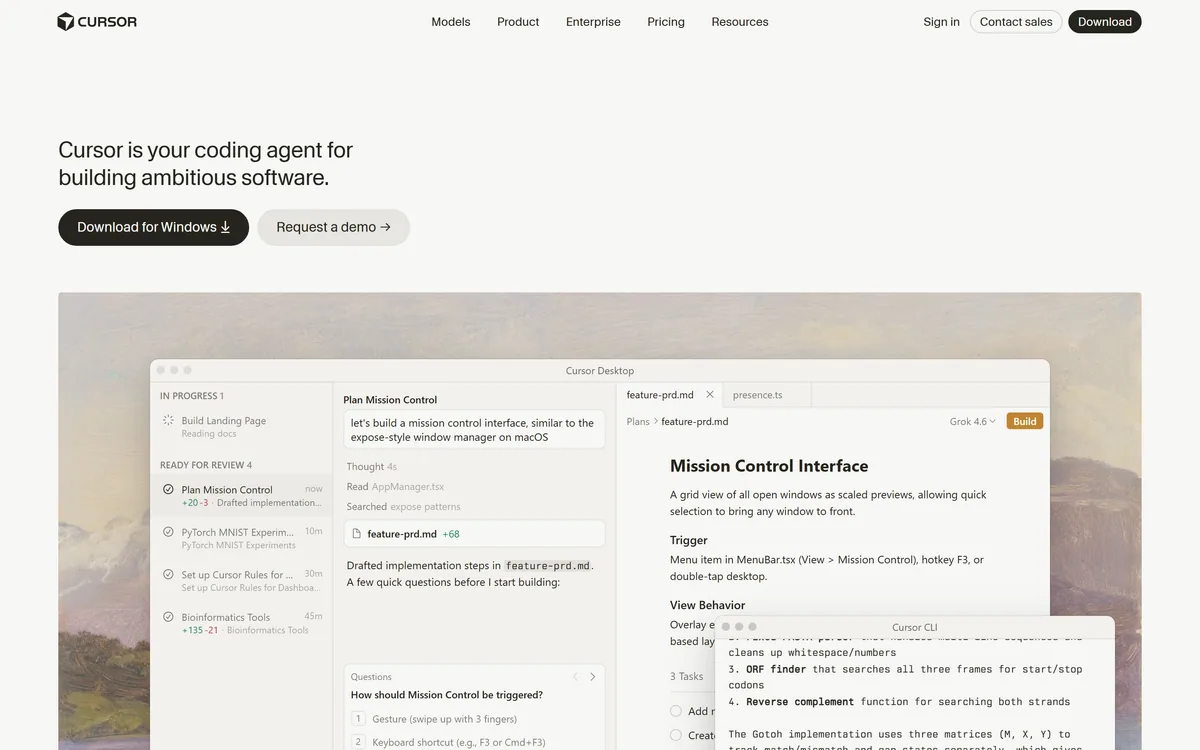

Cursor is an AI-first code editor and agent platform from Anysphere — now a SpaceX subsidiary — that plans, writes, tests, and reviews code across your repository from the desktop editor, a CLI, the web, and Slack.
Coding & Development Review
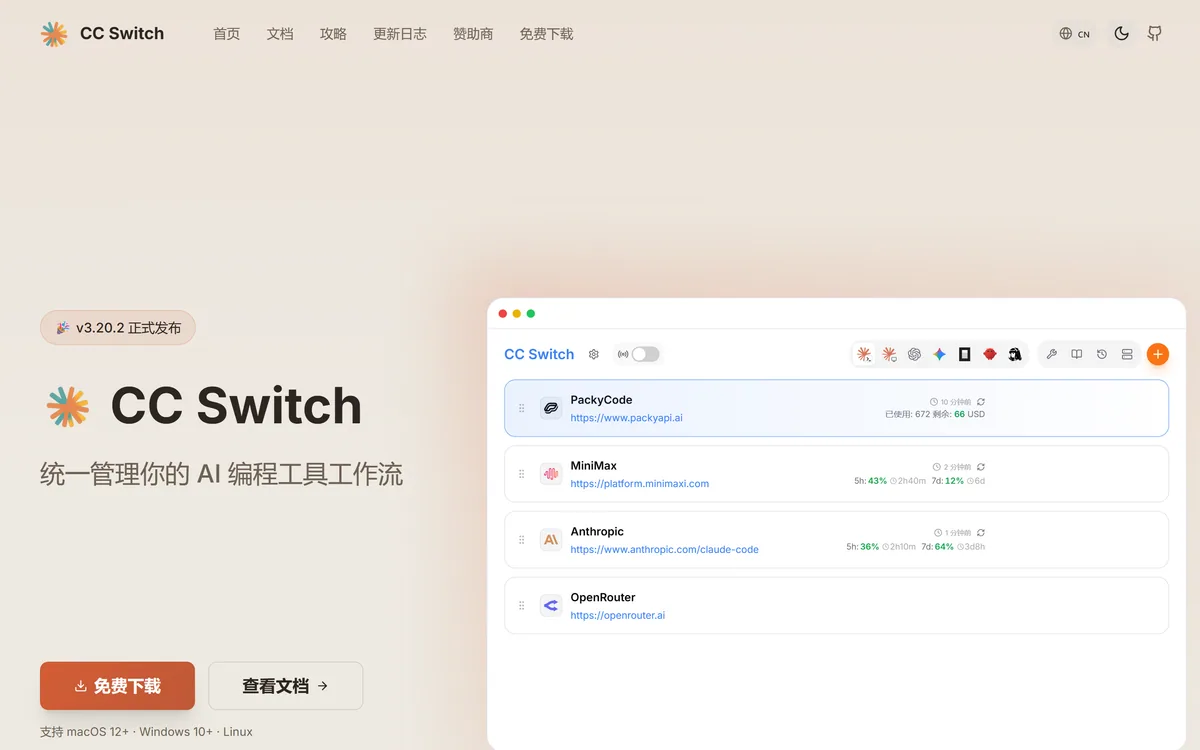
CC Switch is an open-source desktop application that manages provider configuration, local routing, usage tracking and MCP settings across seven AI coding tools including Claude Code, Claude Desktop, Codex, Gemini CLI, OpenCode, OpenClaw and Hermes Agent. Built with Tauri, Rust and React.
Very good
CC Switch solves a problem that only exists because the tooling landscape moved faster than anyone's configuration habits. A developer now runs several AI coding tools, each with its own config file, its own provider settings and its own idea of where an API key lives — and switching provider means editing JSON in four places. Consolidating that, with local routing, failover and usage tracking, is genuinely useful infrastructure. MIT licensing and local SQLite storage are the right decisions for something holding API keys. The site is primarily in Chinese, which is worth knowing before adopting. AInexfinder Editor Score: 4.2/5.
Best for: Developers running three or more AI coding tools; Anyone who has switched providers and missed a config file
The visit link goes to ccswitch.io, the official site. Paid placements on AInexfinder are always labelled. How we make money
A developer using AI tooling in 2026 is not using one tool. They are using a terminal agent, a desktop app, a CLI from a different vendor, and something experimental someone recommended last week.
Each of those has its own configuration file, its own way of specifying a provider, and its own place to put an API key. Switching from one provider to another — because of a rate limit, an outage, or a cost decision — means editing JSON in four separate places and remembering which you missed.
CC Switch exists for exactly that, and it is the kind of tool that only makes sense once the problem is familiar. If you have never edited a settings file to change a base URL at eleven at night, it will look like a solution to nothing.
CC Switch manages provider configuration for Claude Code, Claude Desktop, Codex, Gemini CLI, OpenCode, OpenClaw and Hermes Agent from a single interface.
The problem is fragmentation rather than complexity. Any one of those tools is straightforward to configure; seven of them, each with a different file format, a different environment variable and a different location, is a genuine maintenance burden that grows every time a new tool appears.
The specific pain is switching. Moving from one provider to another means finding every configuration that references the old one, and the failure mode is partial — three tools switched, one still hitting a rate-limited endpoint, and no obvious symptom until something behaves oddly.
Consolidation also makes comparison possible. Running the same task through two providers to see which handles your codebase better is an experiment nobody performs when it requires reconfiguring four applications.
The honest limit is that this is infrastructure for a specific person. A developer using one AI coding tool with one provider has nothing to consolidate, and the value scales directly with how fragmented your setup already is.
The equivalent problem inside an application rather than a developer's own tooling is what a gateway solves — Helicone sits in the request path for software you ship rather than for the tools you use.
The failure mode is partial. Three tools switched, one still pointing at a rate-limited endpoint, and no symptom until something behaves oddly.
CC Switch includes a local router with a circuit breaker, health monitoring and an automatic failover queue that switches to a backup provider when the primary has a problem.
That is a meaningfully more ambitious feature than configuration management, and it is the one that turns a convenience into infrastructure. Configuration switching is something you do; routing with failover is something that happens without you.
The problem it addresses is real and increasingly common. AI providers rate-limit, have outages, and degrade under load, and a developer mid-task discovers this as a stalled request rather than as an alert. Failing over automatically means the work continues.
The circuit breaker pattern is the right one to borrow. Rather than retrying a failing endpoint until it succeeds, a circuit breaker stops sending traffic to something that is clearly unwell and periodically tests whether it has recovered — which avoids making an overloaded provider worse.
It also runs locally, on 127.0.0.1, which is the correct place for it. A router handling your requests is a router seeing your prompts and your code, and putting that on someone else's infrastructure would undo the point entirely.
CC Switch is MIT licensed and stores all configuration and API keys in a local SQLite database with schema migration support.
Those two properties matter more together than separately, because of what the application holds. API keys are credentials with a spending limit attached, and a tool managing several providers' keys is holding the ability to run up a bill in your name.
Local storage means those keys never leave your machine. There is no account, no server-side copy, and no vendor whose breach becomes your problem — which is the correct architecture for this category and not one every tool in it chooses.
MIT licensing means the claim is checkable. Anyone can read the source and confirm that keys are stored locally rather than trusting a privacy policy, and that verifiability is the entire argument for open source in a tool like this.
Schema migration support is a small detail that signals maturity. A local database that cannot migrate its schema is a local database that eventually forces you to start over, and thinking about that in advance is not something hobby projects usually do.
The same licensing argument runs through this category. Langfuse makes it about observability data; here it is about credentials, where the stakes are more immediate.
CC Switch also manages MCP servers, Skills, Prompts, Hermes Memory and cross-application session recovery from one place, without editing configuration files by hand.
MCP configuration is the most valuable of these, because MCP servers are exactly the sort of thing that gets configured once per tool and then diverges. A server added to one agent and not another produces inconsistent capability that is confusing to debug.
Skills and prompts have the same shape of problem. Anything reusable that lives in a per-application config file will exist in one application and not the others, and the person maintaining it will not remember which.
Cross-application session recovery is the most interesting claim and the hardest to assess from outside. Resuming a session started in one tool inside another implies a shared representation of conversation state, which is not something these tools were designed to share.
The general pattern is worth naming: as AI tooling proliferates, the configuration surface grows faster than anyone's discipline, and consolidation tools appear. Whether this specific one is the right answer depends mostly on whether you already use several of the seven applications it manages.
The tools being configured are the interesting part of the ecosystem — Aider is one of them, and none of them were designed to share configuration with each other.
A tool holding several API keys and routing your requests deserves a careful first hour rather than a quick install.
The order below establishes trust before it establishes dependency.
| Product type | Desktop application for managing AI coding tool configuration |
|---|---|
| Applications managed | Claude Code, Claude Desktop, Codex, Gemini CLI, OpenCode, OpenClaw, Hermes Agent |
| Local routing | Built-in circuit breaker, health monitoring and automatic failover queue |
| Usage tracking | Requests, tokens, cache hits, cost and subscription quota, with date filtering and custom model pricing |
| Storage | Local SQLite database with full schema migration support |
| Configuration managed | Providers, MCP servers, Skills, Prompts, Hermes Memory, cross-application session recovery |
| Licence | MIT, free and open source |
| Built with | Tauri 2.x, Rust backend, React frontend |
| Platforms | macOS 12+, Windows 10+, Linux |
| Proxy address | Local router at 127.0.0.1, configured via ANTHROPIC_BASE_URL |
| Site language | Primarily Chinese, with a language selector |
| Site sections | Home, Documentation, Guides, Changelog, Sponsors, Download |
Unified provider configuration across seven AI coding applications
Local routing with a circuit breaker, health monitoring and failover
Usage tracking across requests, tokens, cache hits, cost and subscription quota
Custom model pricing for accurate cost attribution
Local SQLite storage for all configuration and API keys
Unified MCP, Skills, Prompts and Hermes Memory management
Cross-application session recovery
MIT-licensed, free, with builds for macOS, Windows and Linux
Developer tooling divides between things that write code and things that manage the tools that write code.
| Tool | What it manages | Where it runs | Best for |
|---|---|---|---|
| CC Switch | Provider config, routing and usage across seven tools | Your desktop, with local storage | Developers running several AI coding tools |
| Aider | Code changes, git-native | Your terminal | Writing code rather than managing tools |
| Helicone | LLM request logging and routing | A gateway, self-hosted or cloud | Applications rather than a developer's own tooling |
| Langfuse | Traces, evals and prompts | Self-hosted or cloud | Building LLM applications |
| Tempo | The whole team's development workflow | A desktop IDE | Designers, PMs and engineers together |
Last checked . Read from ccswitch.io in a browser session. The site served its Chinese-language version, which is what the details below are taken from.
What we could not confirm: the maintainer or operating entity behind the project; a star count is displayed on the site but we did not verify it against the repository, so it is not repeated here as fact; how cross-application session recovery works technically; whether the seven supported applications are all at the same level of support; what the sponsorship relationship involves; and how the router handles authentication for each provider. The site is primarily in Chinese. We did not install the application, so nothing here reflects tested behaviour.
AInexfinder does not list plan prices or billing details. For current pricing, plans, and trials, visit the official CC Switch website.
Visit official website for pricingVendor pricing, credits, and billing policies change over time. Always confirm on the official site before you buy.
CC Switch earns an AInexfinder Editor Score of 4.2/5 (very good). Best for: Developers running three or more AI coding tools; Anyone who has switched providers and missed a config file; Teams hitting rate limits often enough to want automatic failover.
Visit CC SwitchLog in to write a review.
No reviews yet. Be the first to share your experience with CC Switch.
Assigned reviewer
Daniel ReedSenior AI Tools Reviewer
Daniel leads AInexfinder's tool reviews. He researches each tool from its own pricing, documentation and policies, checks its claims against independent sources, and writes up what it does well, where it falls short and who it genuinely suits.
Daniel and the AInexfinder editorial team research CC Switch from its own website, pricing, documentation and policies, checked against independent sources. This review is research-based: unless its method note says otherwise, we have not bought a plan or run hands-on tests. The Editor Score is our editorial judgement, and payment never changes it.
Similar Tools
Cursor is an AI-first code editor and agent platform from Anysphere — now a SpaceX subsidiary — that plans, writes, tests, and reviews code across your repository from the desktop editor, a CLI, the web, and Slack.
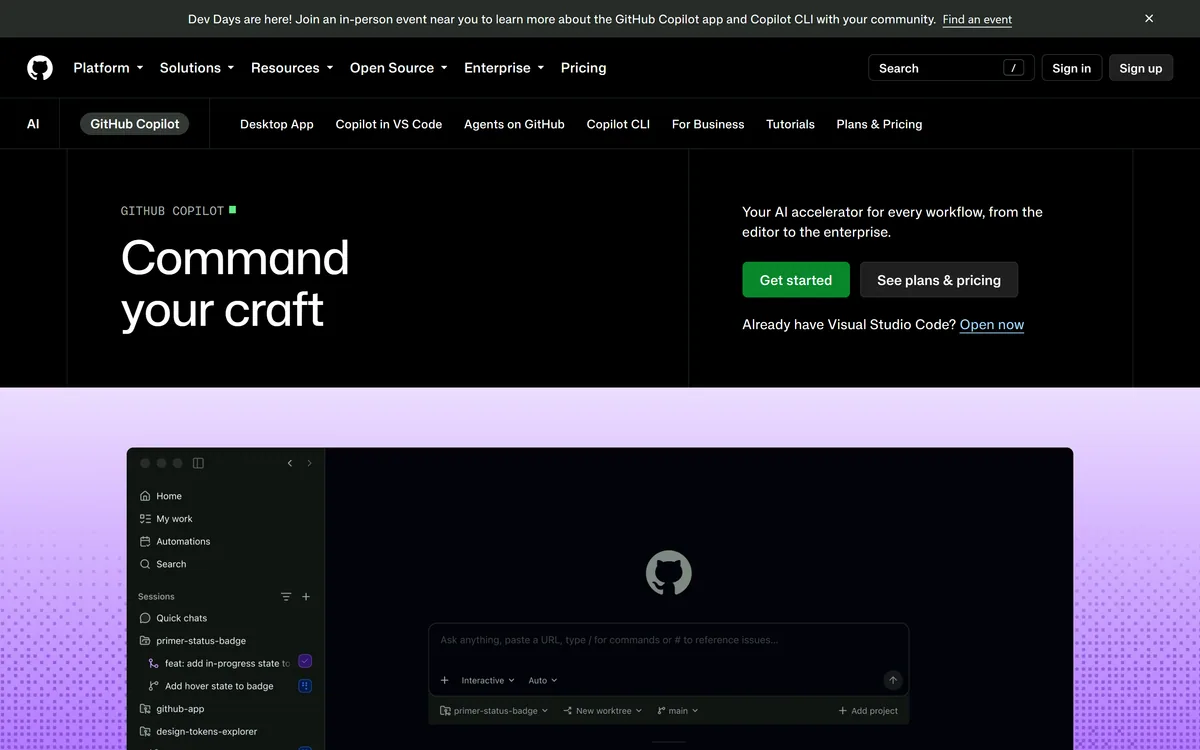

GitHub Copilot is an AI coding assistant that spans completion, chat, agent mode, automated code review, and a cloud agent that opens pull requests, working across VS Code, Visual Studio, JetBrains, Xcode, Neovim, Eclipse, the CLI, and github.com.
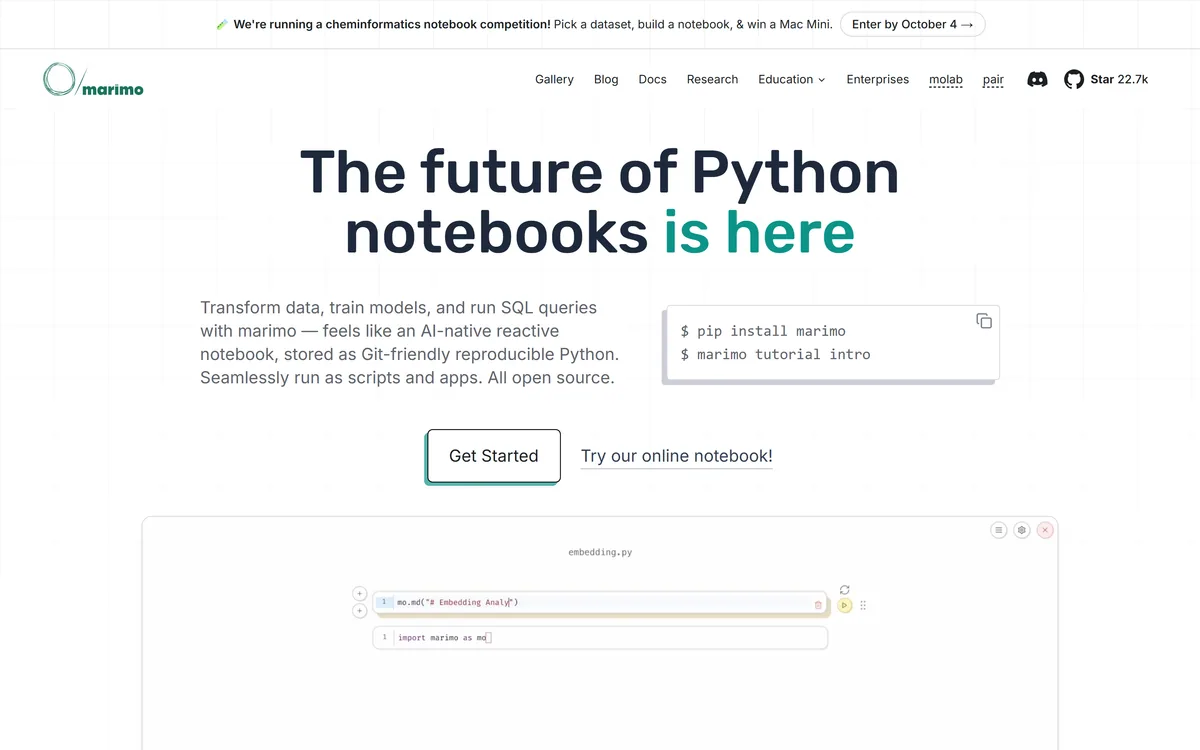
marimo is an open-source reactive Python notebook. Cells re-run automatically when their dependencies change, notebooks are stored as ordinary Python files that diff cleanly in git, and the same file runs as a script or serves as a web app. SQL cells, WASM export and AI agent pairing are built in.
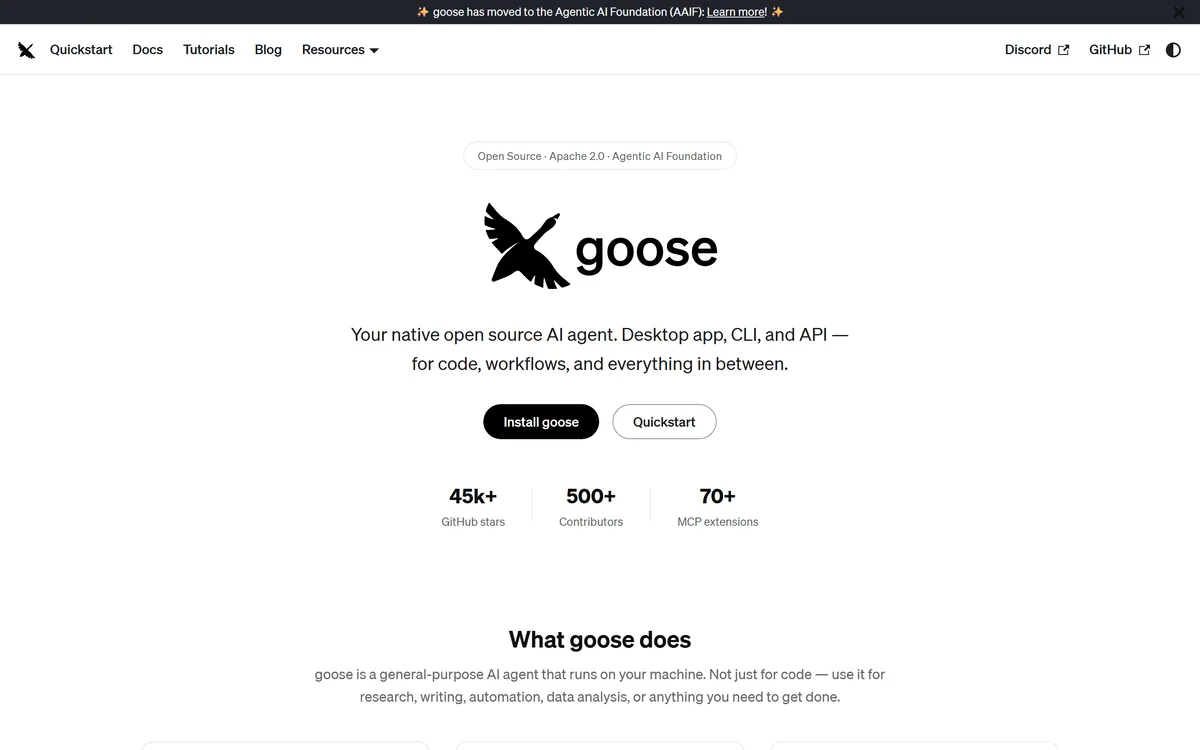
Goose review on AInexfinder — free AI tool for Coding & Development. Features, pricing notes, and alternatives.
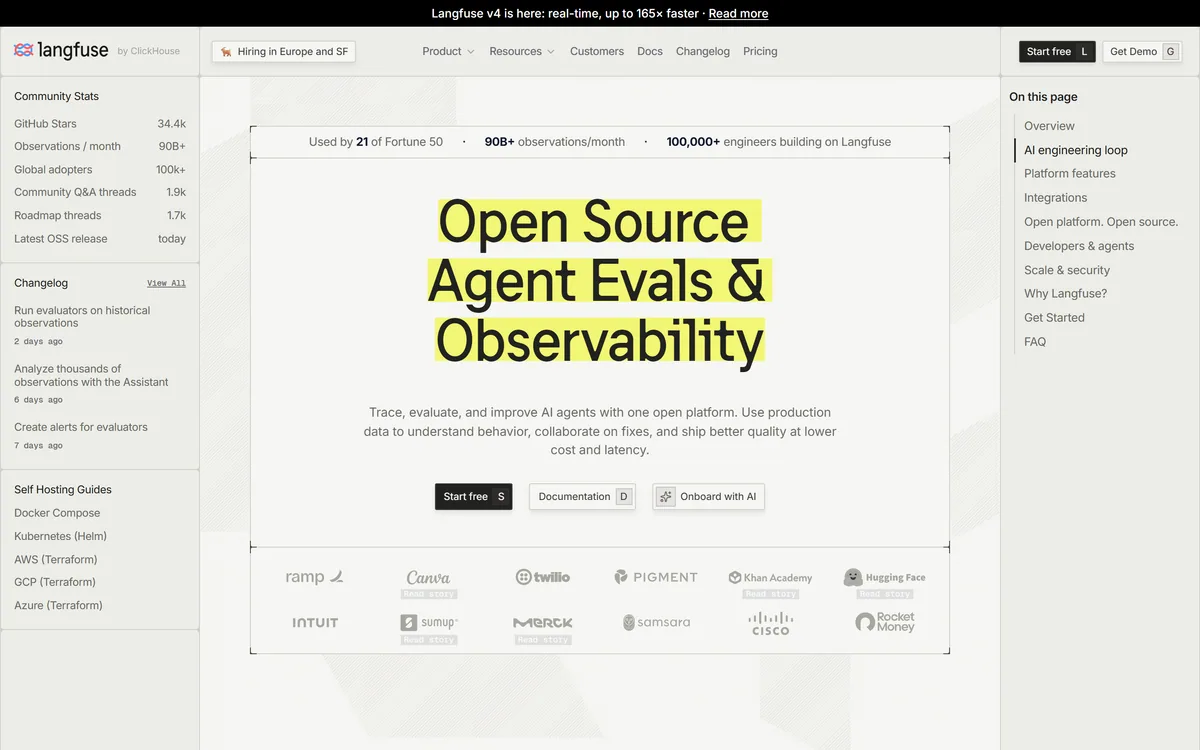
Langfuse is an open-source LLM engineering platform covering tracing, evaluation, prompt management, experiments and human annotation. Every product feature is MIT licensed, with self-hosting via Docker Compose, Kubernetes or Terraform alongside a managed cloud in US and EU regions.
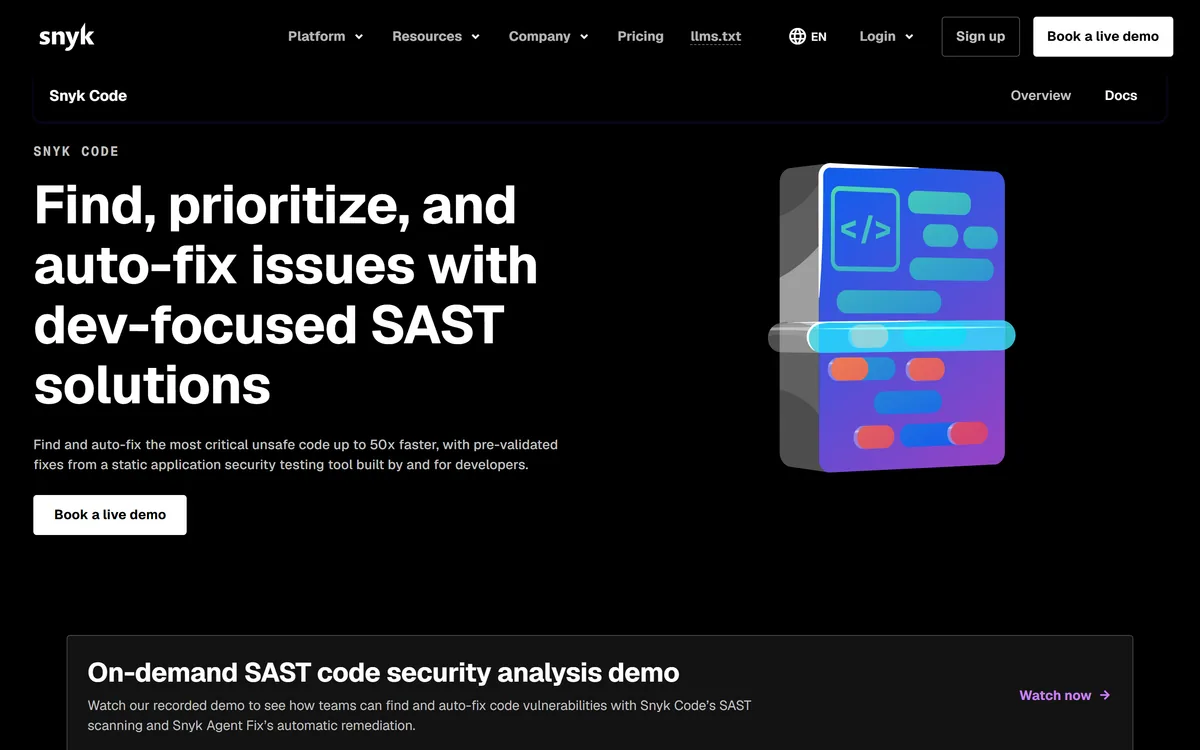
Snyk Code is a static application security testing tool built for developers, using DeepCode AI to find vulnerabilities in the IDE in real time and Snyk Agent Fix to propose pre-validated fixes, including coverage for AI-generated code.
Related Pages