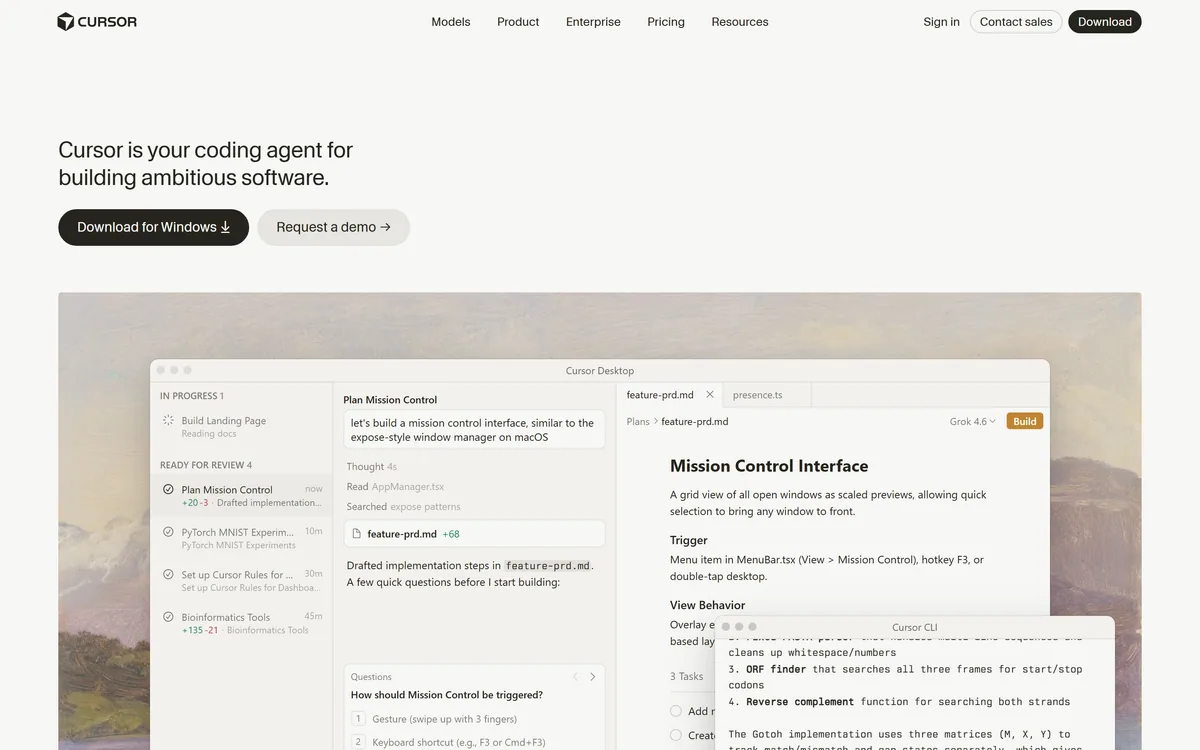

Cursor is an AI-first code editor and agent platform from Anysphere — now a SpaceX subsidiary — that plans, writes, tests, and reviews code across your repository from the desktop editor, a CLI, the web, and Slack.
Coding & Development Review
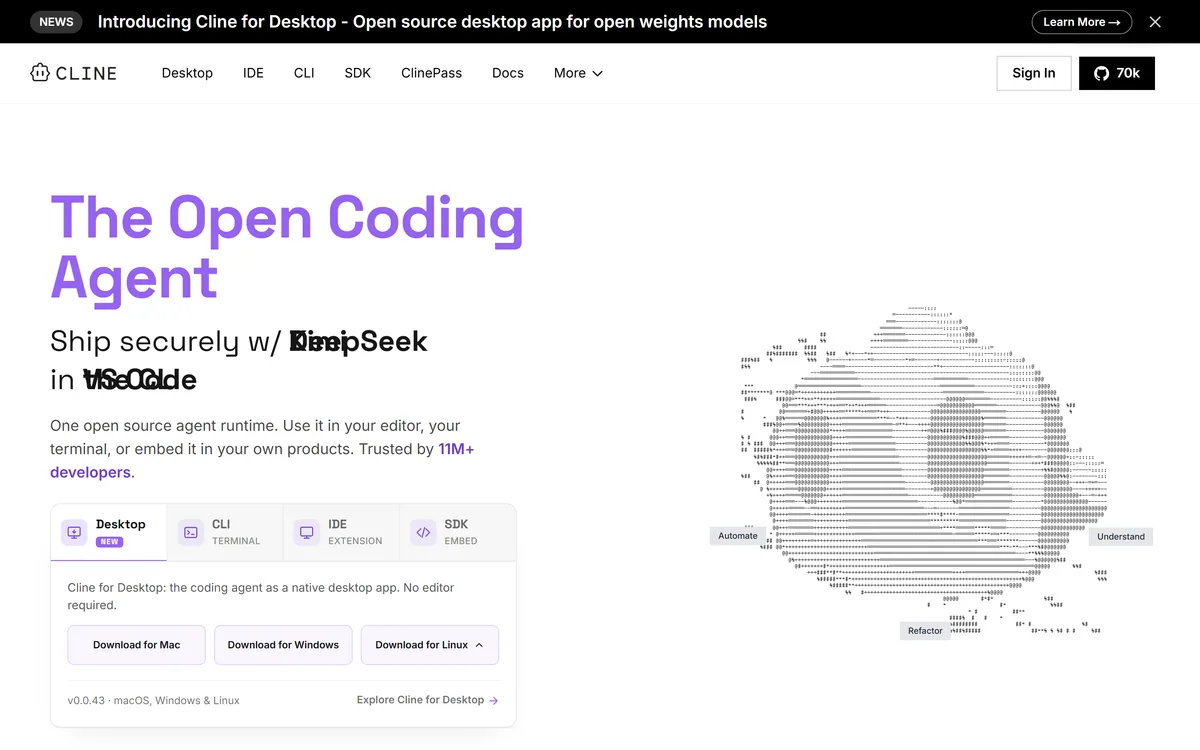
Cline is an open-source AI coding agent that works in your editor as a VS Code extension, in the terminal as a CLI, as a desktop app and through an SDK, using any model including open-weight ones, with a plan-and-act workflow where you approve its actions.
Very good
Cline earns 4.3 as one of the best open-source coding agents available: it plans and acts on real coding tasks with your approval, runs as a VS Code extension, CLI, desktop app and SDK, and works with any model, including open-weight ones, giving developers unusual control over cost and data. Its approval-based workflow is a strength. Model costs can climb on big tasks, agents still make mistakes, and running commands on your machine needs care, so use version control, tests and sensible model policies. AInexfinder Editor Score: 4.3/5.
Best for: Open-source coding agents; VS Code workflows
The visit link goes to cline.bot, the official site. Paid placements on AInexfinder are always labelled. How we make money
Coding agents have become one of the most practical uses of AI, and Cline is one of the most popular open-source options. It works inside your project, reading files, editing code and running commands, with you approving each step.
Cline runs as a VS Code extension, a terminal CLI, a native desktop app and an embeddable SDK, and it lets you choose any model, from leading APIs to open-weight models. It sits alongside agents like Aider, with a strong emphasis on openness and choice.
This review covers how Cline works through a coding task, where it fits a developer's workflow, how it is free and where model costs come in, and when it needs closer supervision.
| What it is | An open-source AI coding agent |
|---|---|
| Surfaces | VS Code extension, CLI, desktop app, SDK |
| Models | Any model, including open-weight models |
| Workflow | Plans, then acts, with your approval |
| Desktop | New desktop app aimed at open-weight models |
| Community | Large open-source following (70K GitHub stars shown) |
| Reach claim | 11M+ developers (vendor-stated) |
| Cost | Open source; you pay model costs |
Cline is designed to be an agent you can trust because you stay in control. It takes a task, explores your codebase, proposes what it will do and then reads files, writes code and runs commands, asking for your approval along the way.
Its openness is the defining feature. Cline is open source, and it works with whichever model you choose, from frontier APIs to open-weight models you can host yourself, so you are not tied to one provider's pricing, data policy or capabilities.
It also meets developers wherever they work: as a VS Code extension in the editor, as a CLI in the terminal, as a native desktop app that needs no editor, and as an SDK for embedding the agent runtime in your own products.
That flexibility makes it popular with individual developers and teams that want an agent they can inspect, configure and run on their own terms.
The honest framing is that Cline is a powerful, transparent agent, but agents still make mistakes, and running commands on your machine carries risk. Approving actions thoughtfully, using version control and watching model costs are part of using it well.
Cline is a powerful, transparent coding agent, but approving its actions thoughtfully is part of using it well.
Cline works through tasks step by step and lets you choose the model behind it.
You can connect leading model APIs or use open-weight models, and Cline's new desktop app is aimed at running open-weight models without an editor. That choice lets you balance capability, cost and data control for each project.
For a spec-driven IDE workflow, Kiro structures work around specifications, while Aider is a lean terminal pair-programmer; Cline spans editor, terminal and desktop.
Cline fits developers who want an open, configurable coding agent in VS Code or the terminal, and who like seeing and approving what the agent does rather than handing over control.
It fits teams with data or cost constraints, since bring-your-own-model and open-weight support let them choose cheaper or self-hosted models for sensitive code.
It also fits builders who want to embed an agent runtime in their own tools through the SDK, and developers exploring open-weight models locally via the desktop app.
It fits less well people who want a fully managed product with predictable flat pricing, since costs depend on the model you use, and anyone uncomfortable letting an agent run commands on their machine.
On large or production codebases, keep changes small, review diffs and run tests, because an agent can produce changes that look right but break edge cases.
Cline itself is open source and free to use; your main cost is whatever model you connect, billed by that provider or by your own infrastructure. Cline also offers paid options such as a ClinePass. We do not publish prices, which change; check the site.
Model costs can climb quickly on large tasks with frontier models, so track token usage per task and consider cheaper or open-weight models for routine work.
Teams should agree which models are approved for which code, since sending proprietary code to a third-party API is a policy decision, not just a technical one.
The sensible approach is to try Cline on a small, real task with a model you are allowed to use, note the cost and quality, and then decide which models fit which kinds of work.
Because Cline acts on your machine, give it one real ticket with version control and approvals in place.
Open-source coding agent
VS Code extension
Terminal CLI
Desktop app
Agent SDK
Any-model support
Plan and act workflow
Approval-based actions
The useful comparison is with other coding agents and assistants.
| Tool | Tool | Approach | Best for |
|---|---|---|---|
| Cline | Open-source agent, any model | Editor, terminal, desktop, SDK | Developers wanting control |
| Aider | Terminal pair-programmer | LLM edits in your git repo | Terminal-first developers |
| Kiro | Spec-driven AI IDE | Structured, spec-first builds | Engineers in an IDE |
| Tabnine | Enterprise coding assistant | Private, governed help | Regulated teams |
Last checked . Read from cline.bot during this check, with the screenshot above captured at the same time.
Cline runs commands and edits code on your machine; use version control, approve actions carefully and run tests. Model costs depend on the provider you choose. Popularity figures are vendor-stated or community metrics, not proof of fit.
A terminal pair-programmer, an agentic coding assistant and a spec-driven IDE to weigh alongside Cline.
AInexfinder does not list plan prices or billing details. For current pricing, plans, and trials, visit the official Cline website.
Visit official website for pricingVendor pricing, credits, and billing policies change over time. Always confirm on the official site before you buy.
Cline earns an AInexfinder Editor Score of 4.3/5 (very good). Best for: Open-source coding agents; VS Code workflows; Terminal workflows.
Visit ClineLog in to write a review.
No reviews yet. Be the first to share your experience with Cline.
Assigned reviewer
Daniel ReedSenior AI Tools Reviewer
Daniel leads AInexfinder's tool reviews. He researches each tool from its own pricing, documentation and policies, checks its claims against independent sources, and writes up what it does well, where it falls short and who it genuinely suits.
Daniel and the AInexfinder editorial team research Cline from its own website, pricing, documentation and policies, checked against independent sources. This review is research-based: unless its method note says otherwise, we have not bought a plan or run hands-on tests. The Editor Score is our editorial judgement, and payment never changes it.
Similar Tools
Cursor is an AI-first code editor and agent platform from Anysphere — now a SpaceX subsidiary — that plans, writes, tests, and reviews code across your repository from the desktop editor, a CLI, the web, and Slack.
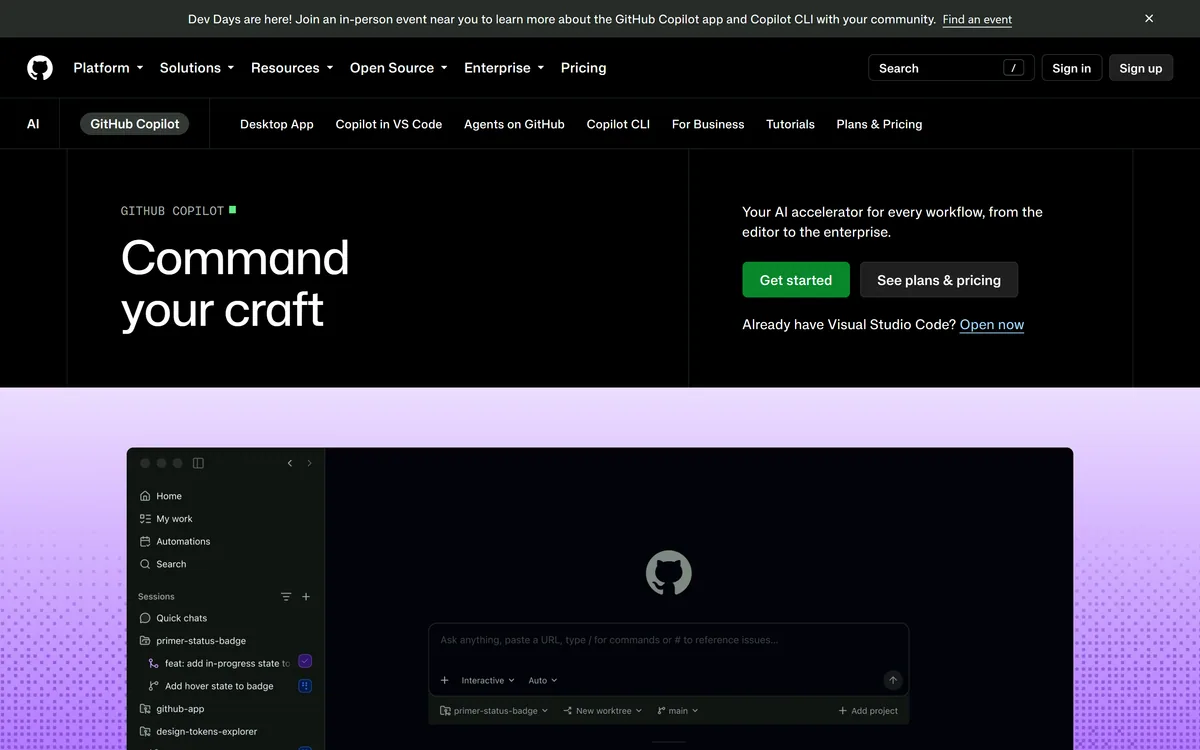

GitHub Copilot is an AI coding assistant that spans completion, chat, agent mode, automated code review, and a cloud agent that opens pull requests, working across VS Code, Visual Studio, JetBrains, Xcode, Neovim, Eclipse, the CLI, and github.com.
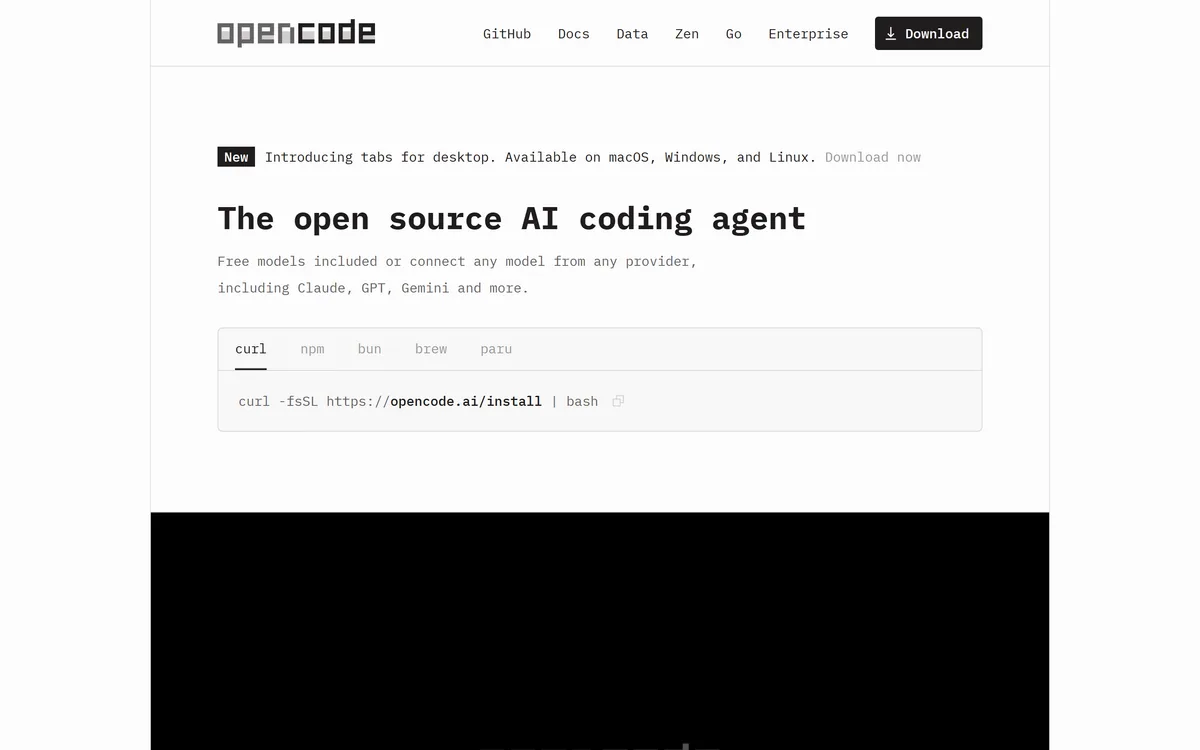
OpenCode is an open source AI coding agent built for the terminal, with desktop and IDE clients alongside. It connects to 75+ model providers, configures language servers automatically, runs parallel agent sessions, keeps conversations locally in SQLite, and is built by the team behind SST.
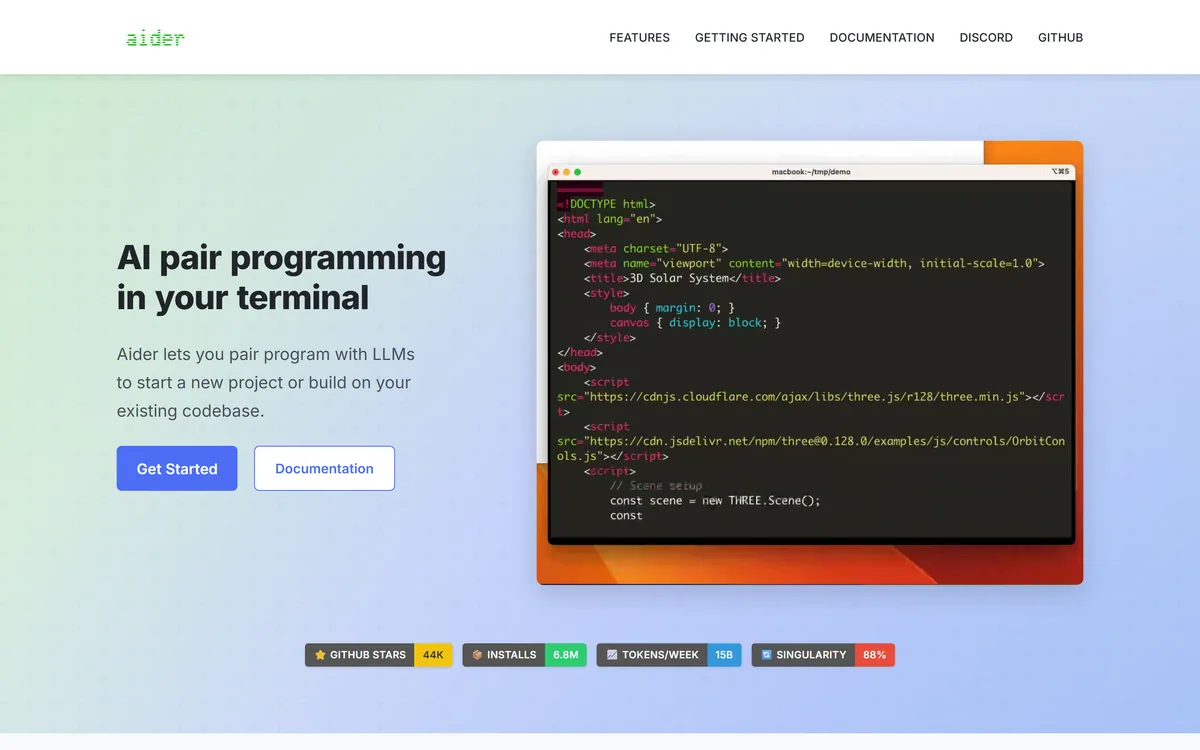
Aider is an open-source AI pair programming tool that runs in your terminal, builds a map of your whole repository for context, works with almost any LLM including local models, and commits each change to git with a written message so every edit can be diffed and undone.
Traycer review on AInexfinder — freemium AI tool for Coding & Development. Features, pricing notes, and alternatives.
Generate native iOS, Android and web apps from prompts Category: Coding & Development.
Related Pages